Document Generation - Requisition Widget
Documents in a Requisition Widget are usually generated by Recruiters and Hiring Managers. The documents in a requisition document are usually (but not limited to) job requisition letters and forms.
Follow these steps to generate a document from the Requisition widget:
- Select a Requisition widget.
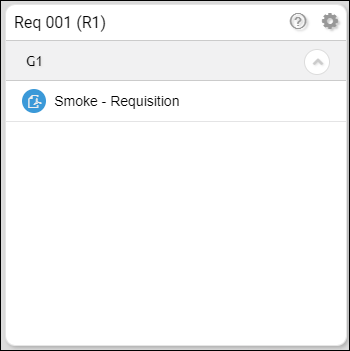
- Select and click a document. A Selection box will appear.
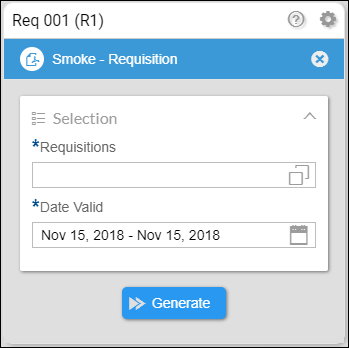
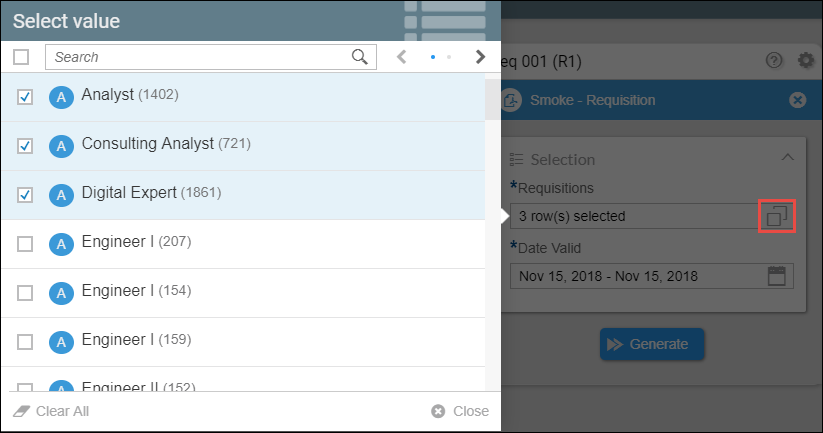
- Click the Requisition button, you will then see a list of job titles. Select the Job title/s that you will use for your document. You can search for the job title and use the previous and next buttons to help you find your job titles. There is a Clear All button to undo your selections. When you are done click Close.
- Set a date valid range and click Generate.
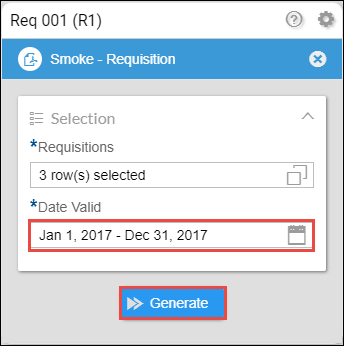
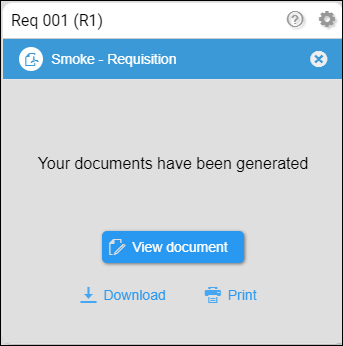
- When the documents have been successfully generated, the widget should look like this.
- View document - the document will appear in a new tab.
- Download - this will download the document in a PDF file format.
- Print - this will launch the print setup in your browser.