Document Generation - Generating Easy Reporter Catalog Documents
Documents created using the Easy Reporter catalog can be only be generated if the widget type is Employee, My Team, or My Records while having the 'Use for Easy Reporter?' box ticked.
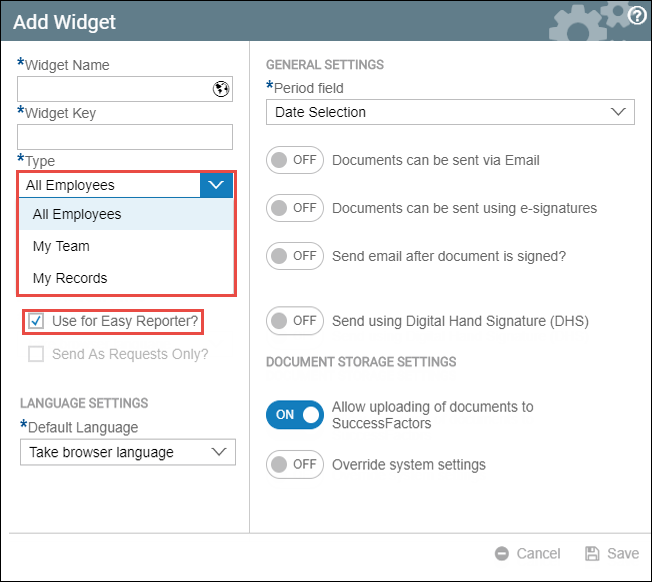
Follow these steps to generate and Easy Reporter Catalog Document in an Employee / My Team / My Records Widget:
- Select your widget.
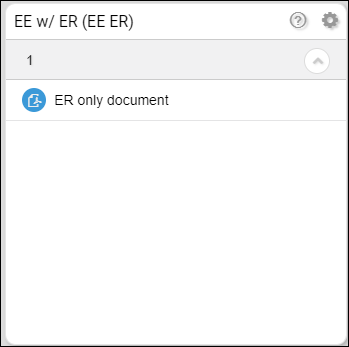
- Select and click your document. The period box will vary depending on your widget settings (it can be date selection or period selection). In this case, it will ask you for a date range.
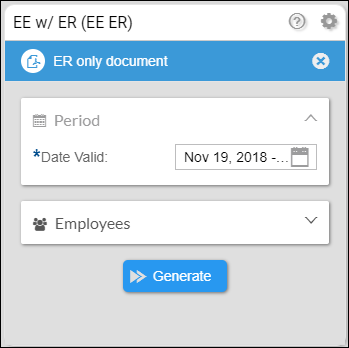
Expand the Employees box to see the selection options that you can use. Fill all the necessary boxes and then click generate.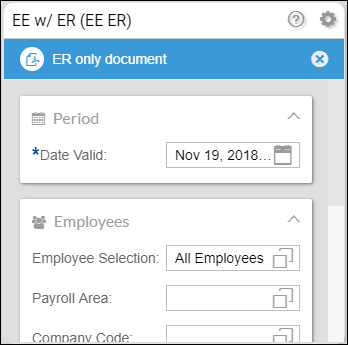
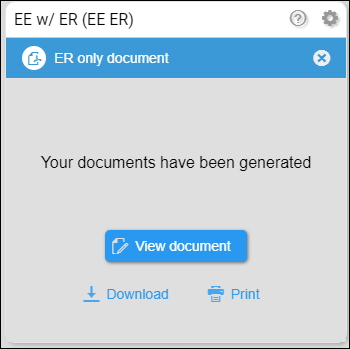
- Once the document/s has/have been generated, you can view, print, or download the document/s.
- View document - the document will appear in a new tab.
- Download - this will download the document in a PDF file format.
- Print - this will launch the print setup in your browser.