Adding Disclaimer Message in your Document Preview
A disclaimer message can be added to your document preview. This disclaimer message is based on a condition that is set on a widget, group, or template level. This is used if you want to inform employees the actions that they need to do after document generation. Follow the steps below to find out how to add disclaimer messages.
Widget level
- Create or edit a widget.
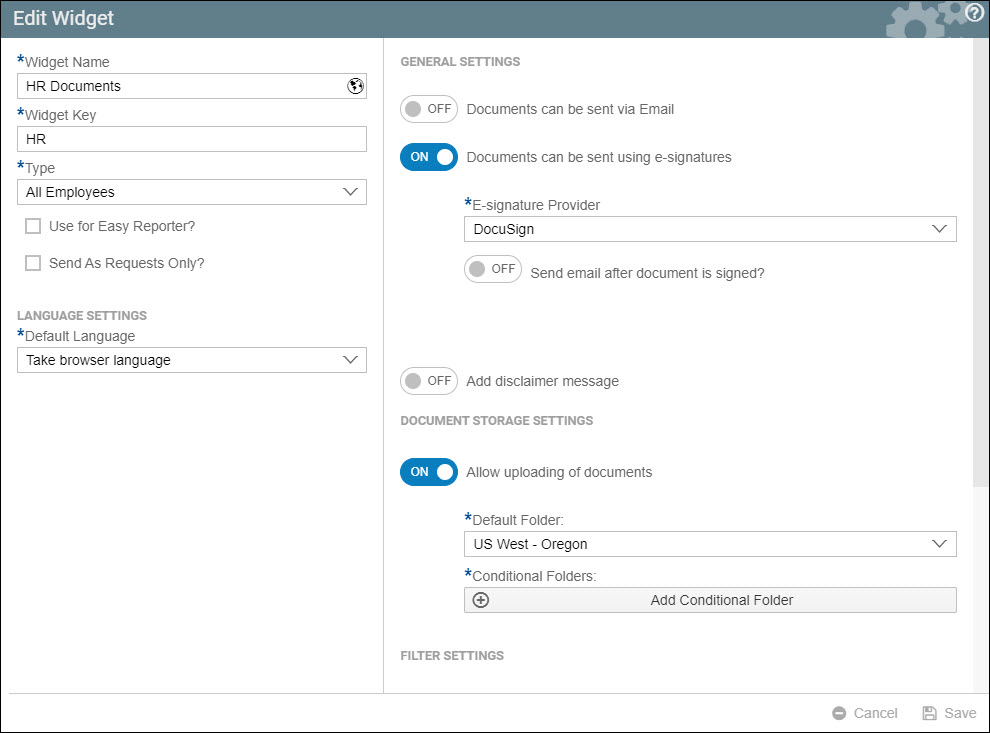
- On the right side of the window, enable Add disclaimer message.

- Click Add conditional message.

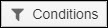
- Click the Conditions button.
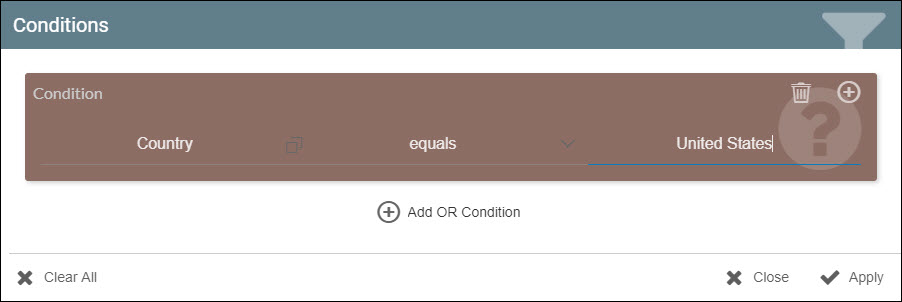
- Set a condition as you normally would. In this example, Country equals United States is set.
- In the box provided, enter a message that would be displayed if the condition is satisfied.

- Generate your document.
- Preview your document.
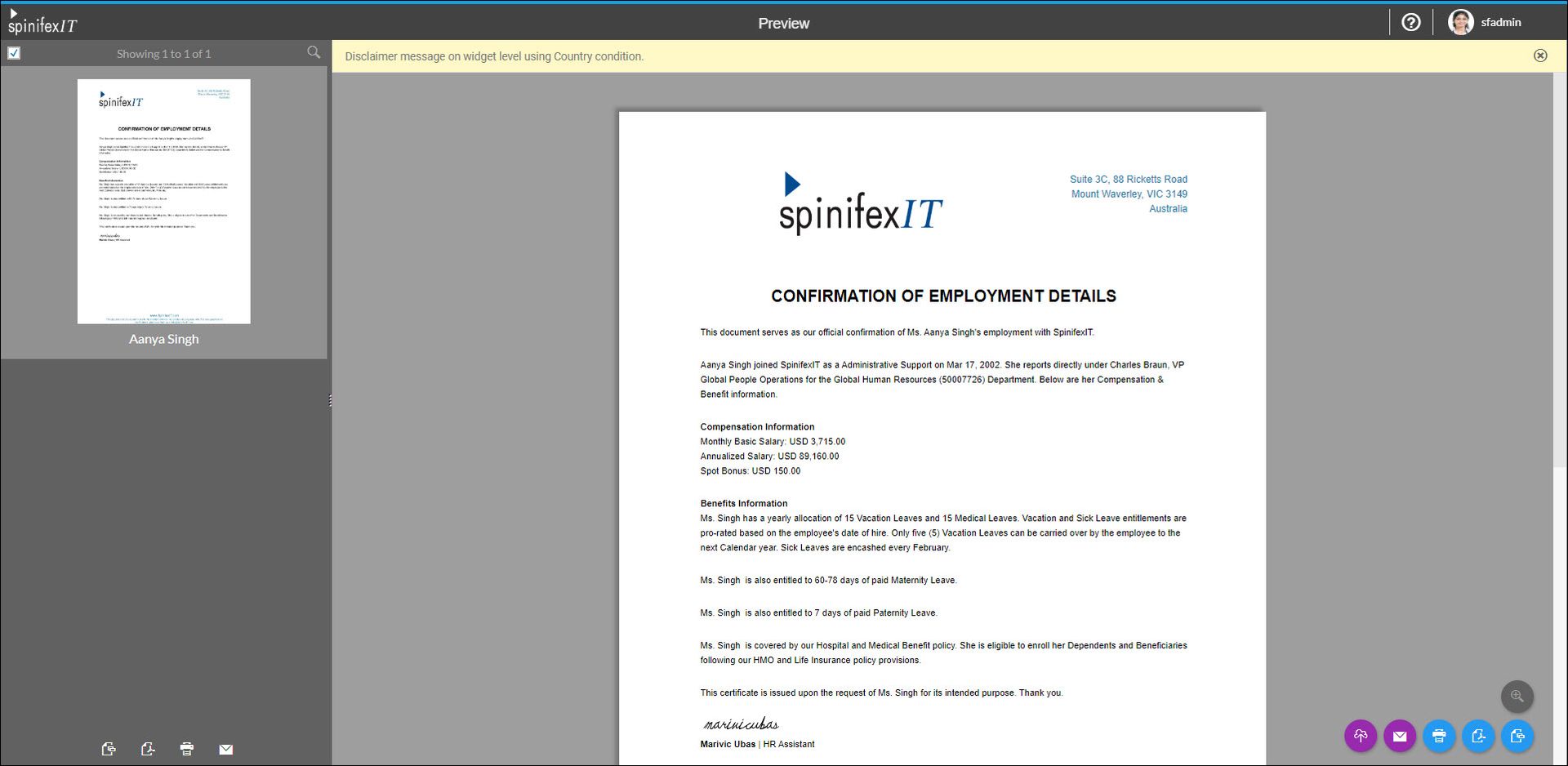
- If the condition is satisfied, the message will be displayed on top of the screen in the preview.
Group level
- Edit your group.
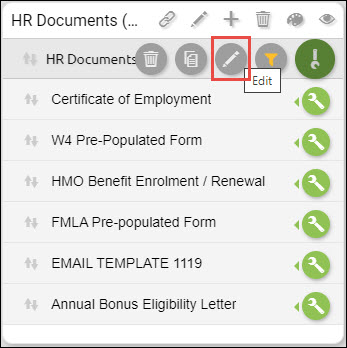
- Enable Add disclaimer message.
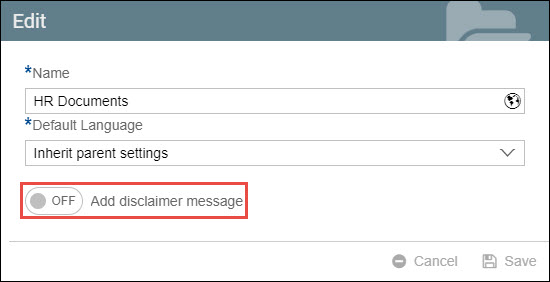
- Perform steps 3 to 9 from the previous section above.
Document level
- Edit your document.

- Enable Add disclaimer message.
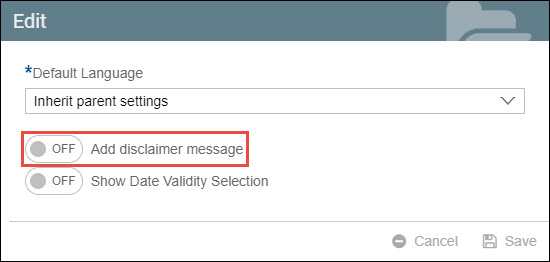
- Perform steps 3 to 9 from the Widget level section above.