Saving and Reusing Selections in Widget Settings (All Employees Widget)
Starting version 1.11, your selection options - filters, employees, dates, template parameters, etc. can be saved for future use. This is useful for generating documents for certain employees over a period of time.
Follow the steps below to find out how:
Saving Selections
- Go to Widget Settings.
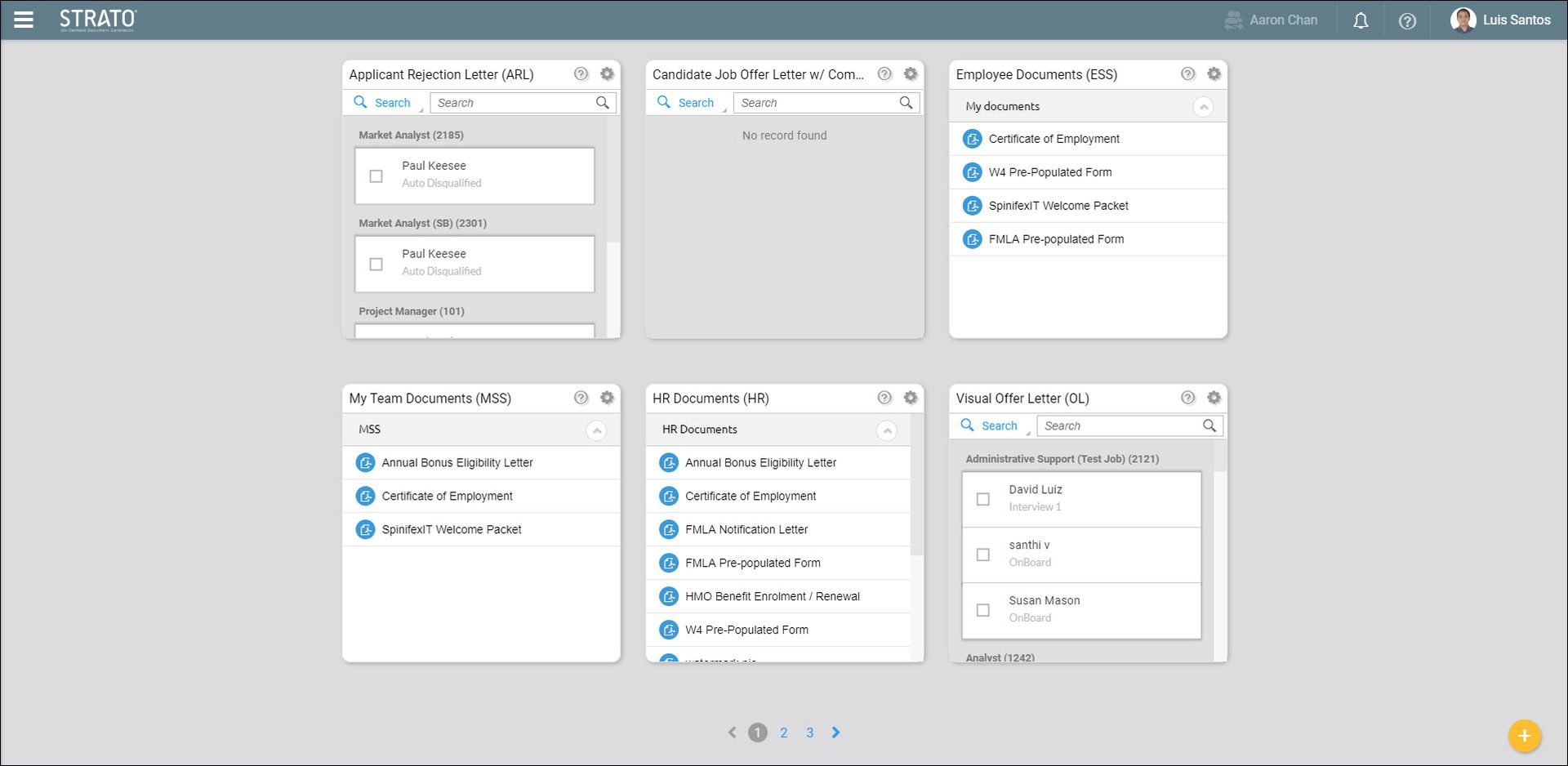
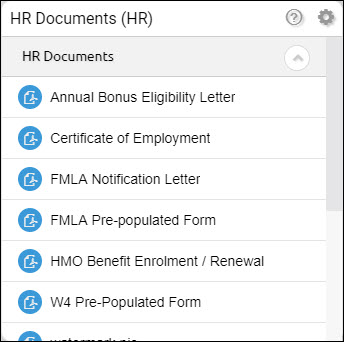
- Select a document from an all employees widget. Here, the Certificate of Employment document was used from the HR Documents Widget.
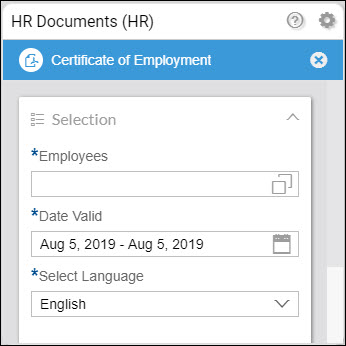
- Click the Employees box. A Select Value window will appear.
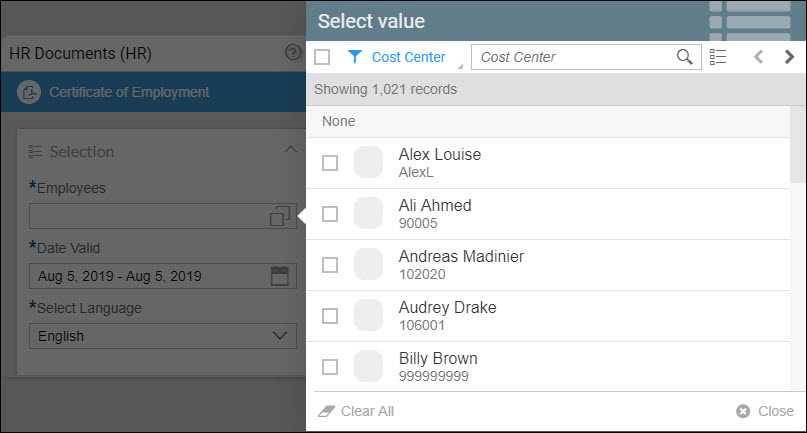
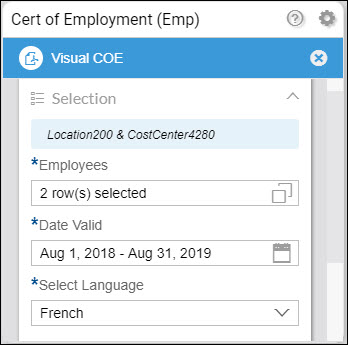
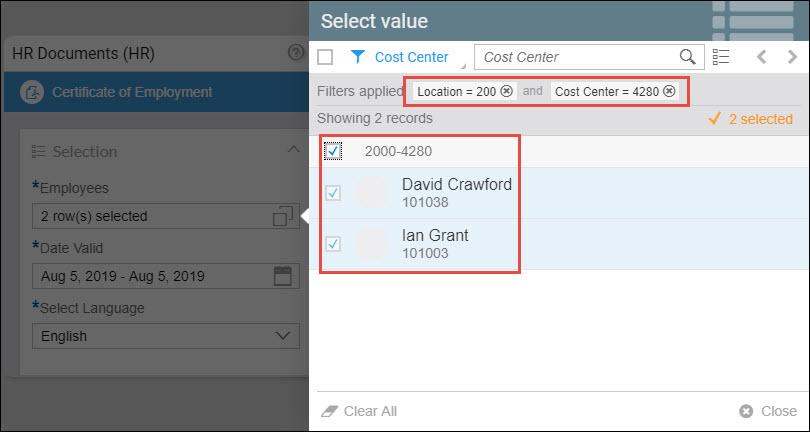
- Apply Filters and then click Close. The filters applied here are Location = 200 and Cost Center = 4280. You can also see in the example that there are 2 employees selected.
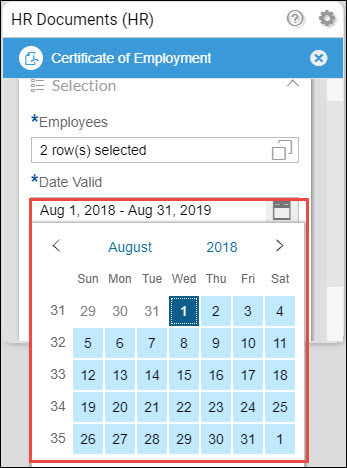
- Set a Date Range.
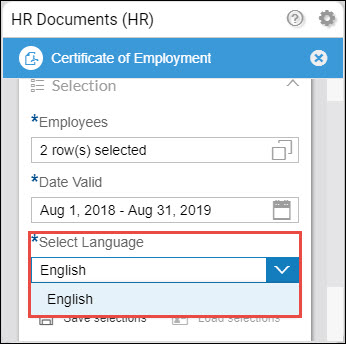
- Set a Language.
- Set or fill the Template Parameters (if any).
- Click Save Selections.
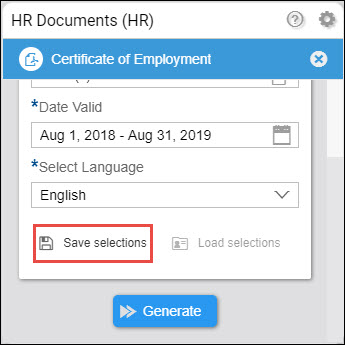
- Enter a Name for your Selection and then click Save.
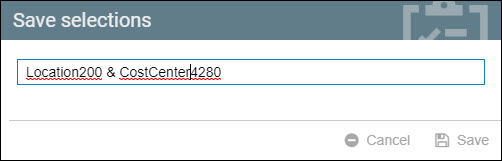
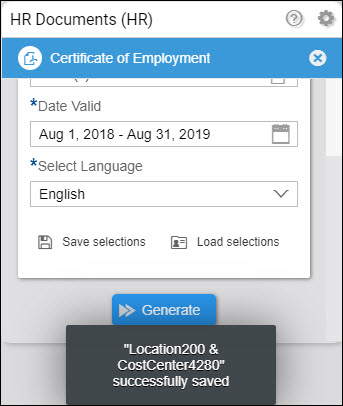
Your selection is now saved and can be loaded and reused in a different widget and document.
Reuse Selections
Once you already have Saved Selections, you can now use these in a different widget and a document.
- In Widget Settings, select a widget and document where you will reuse your saved selection. Here, the Cert of Employment widget was used together with the Visual COE document.
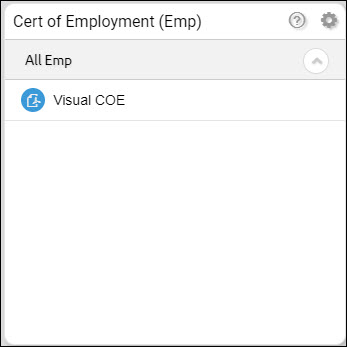
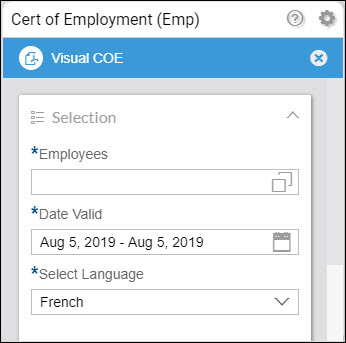
- Scroll down and click Load selections.
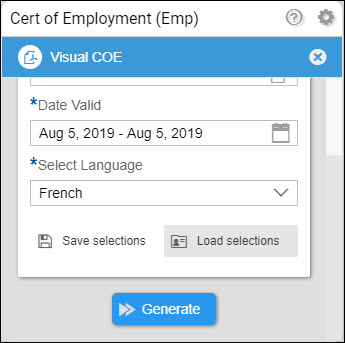
- Choose the selection that you will use.
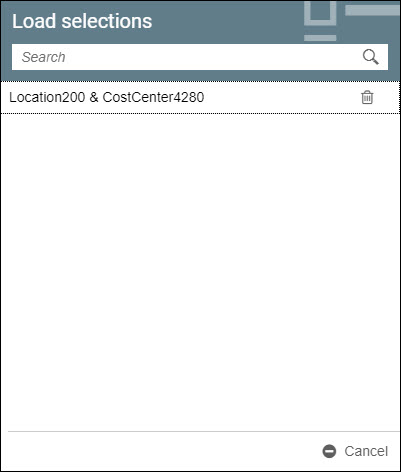
- The chosen selection will be loaded.