Library
The Strato Library provides a centralized location for storing all Strato components used in creating documents, including images, sections, documents, and reports. By default, the library opens in list view and displays all available files.
Access
You can access the Library from the Strato Dashboard in two ways:
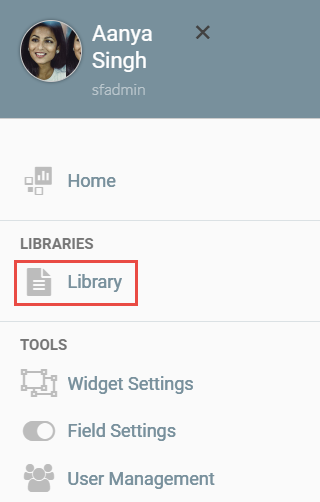
- Via Strato Menu: Select the Library option.
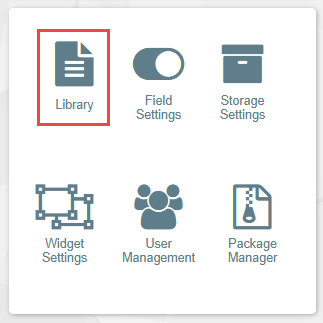
- Via Tools Widget: Select the Library icon.
The Strato Library interface is divided into three main sections:
- Left Panel
- Main Screen
- Right Panel
Left Panel
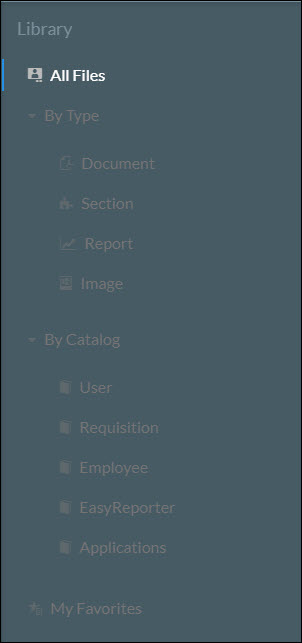
The left panel displays filter options to limit the items displayed on your screen.
- By Type: Filter components by Document, Section, Report, or Image.
- By Catalog: Filter by catalog categories such as User, Requisition, Employee, EasyReporter, Applications, or External Datasource.
- My Favorites: Displays all documents marked as favorites.
Main Screen
The main screen displays items based on your selected filters. You can create a new folder to store objects, documents, and reports by clicking the New Folder button.

You can toggle between two views using the icons on the top right corner:

List View displays items in a list format with the following columns:
- Name: The file name and file type icon.
- Type: The specific file type of the object.
- Permission: Displays the object's permission level (Private, User Specific, or Public).
- Created by: The icon of the user who created the object.
- Last Changed By: The icon of the user who last modified the document.
- Last Changed On:The date the document was last modified.
- Actions: Quick access icon for Favorite, Move to Folder, Delete, Edit, and Duplicate.
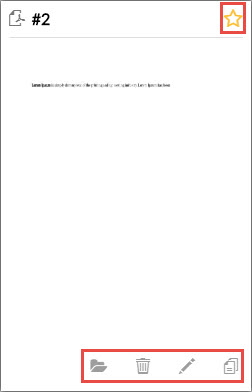
- Tile View displays content as file tiles. Hover a tile to reveal possible actions:
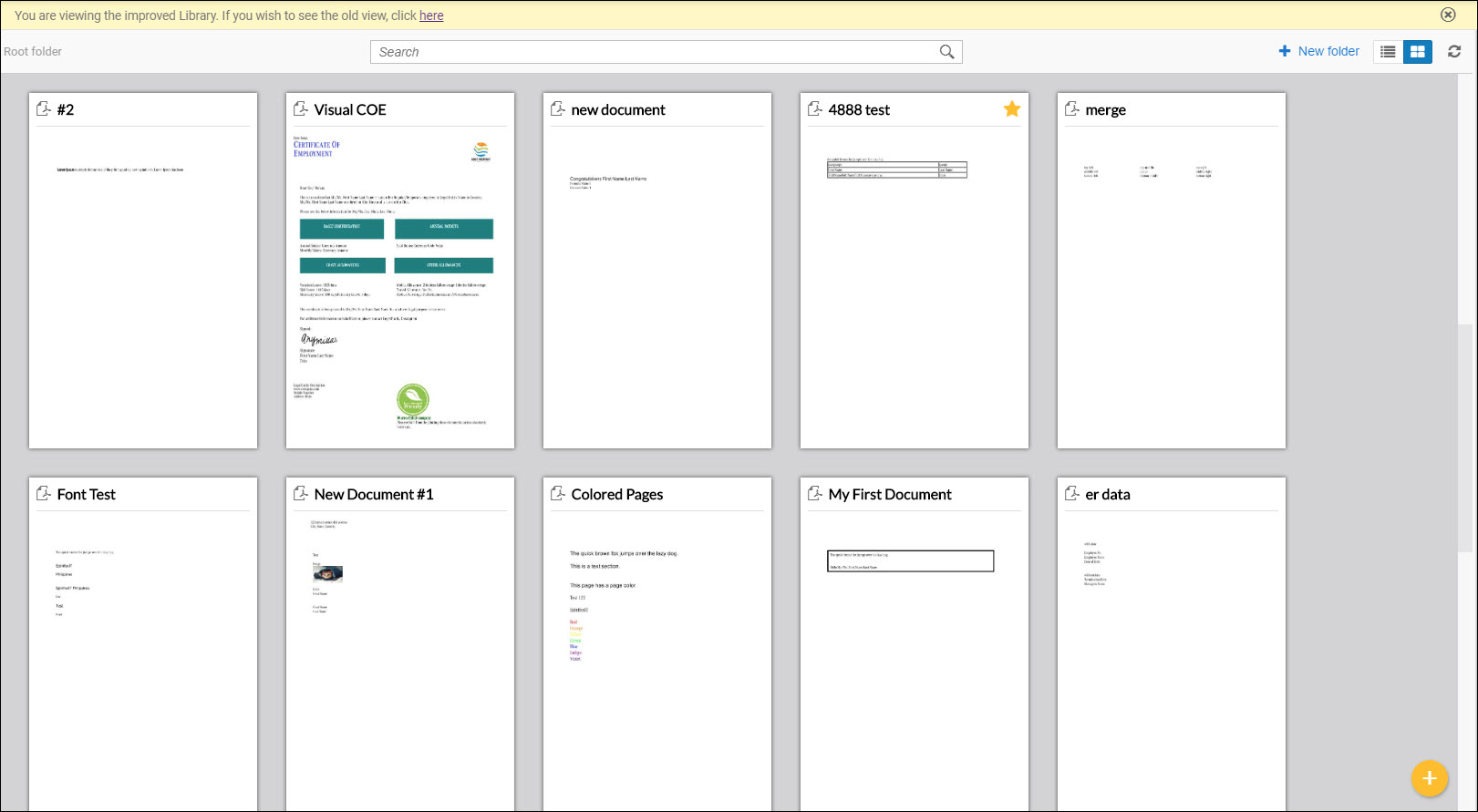
If a created document or report does not appear in the Library immediately, use the Refresh button within the interface rather than the browser's button.
You can also switch back to the old library by clicking the link at the top of the Main Screen.

Right Panel
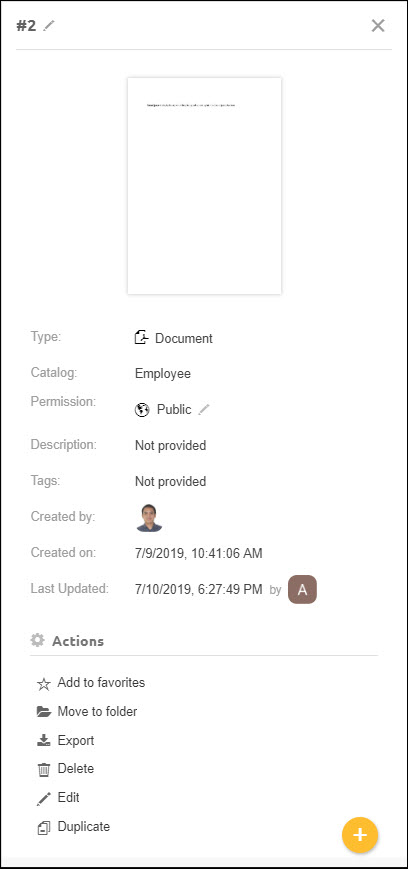
The right panel appears when you click on an object in the main screen. It displays object details and available actions:
- Add to Favorites: Marks the document as a favorite (viewable in the Left Panel under "My Favorites").
- Move to Folder: Moves the selected object to a specific folder within the library.
- Export: Downloads the selected document as a .strato file (available for documents only).
- Delete: Removes the selected object.
- Edit: Launches the Strato Document Template Editor (available for sections, reusable documents, and documents).
- Duplicate: Creates a copy of the selected document. You will be prompted to rename the duplicate