Create User Role
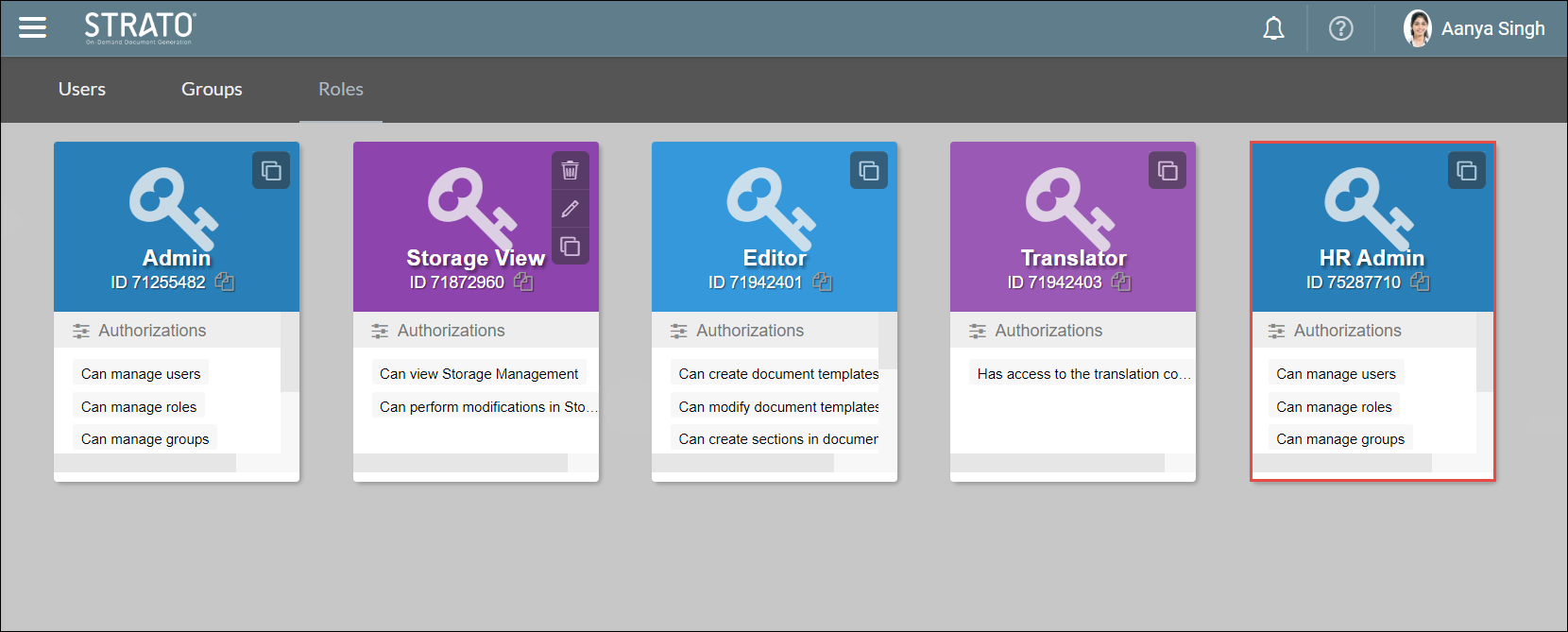
User Administrators can create custom roles by using the authorizations in the Strato system. They can create custom Roles in the Roles page under User Management.
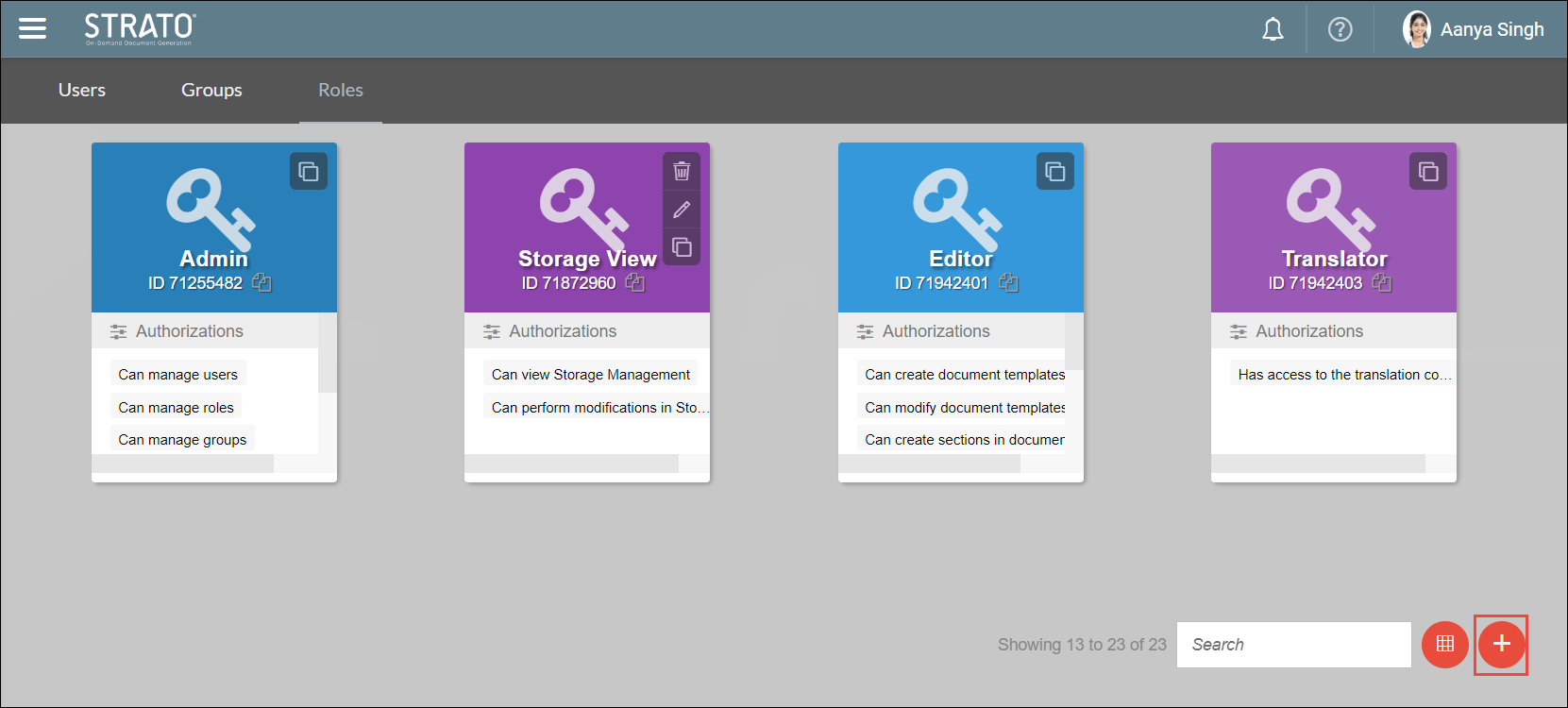
Click the Add Role icon from the bottom left side of your screen.
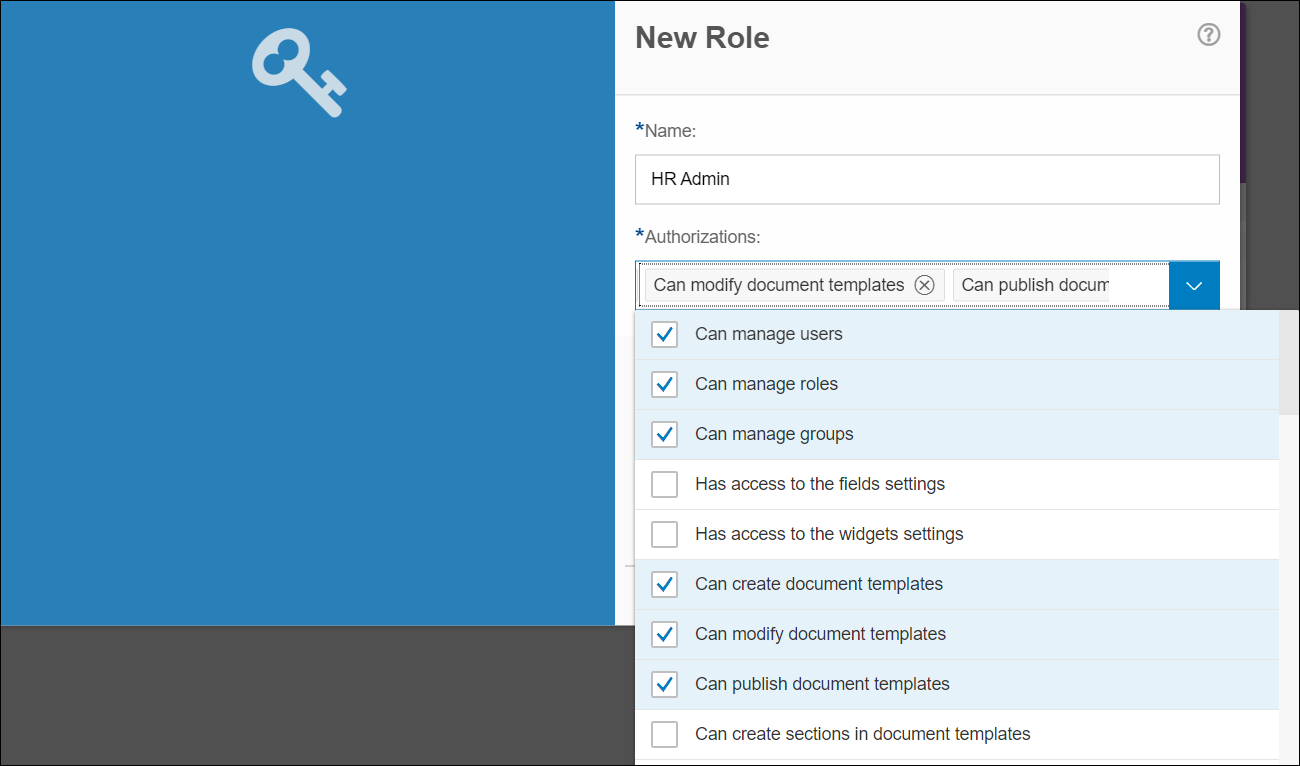
Name your role and then select the authorisations by clicking the boxes next to them.
Click save to finish creating your new role.
Your new role will be displayed in your User Management panel.