Add and Delete Widgets in your Homepage
This article will show you how to add and remove widgets in your Strato Homepage.
Add a Widget
- On the lower right corner of your Strato Homepage, click the Add button.
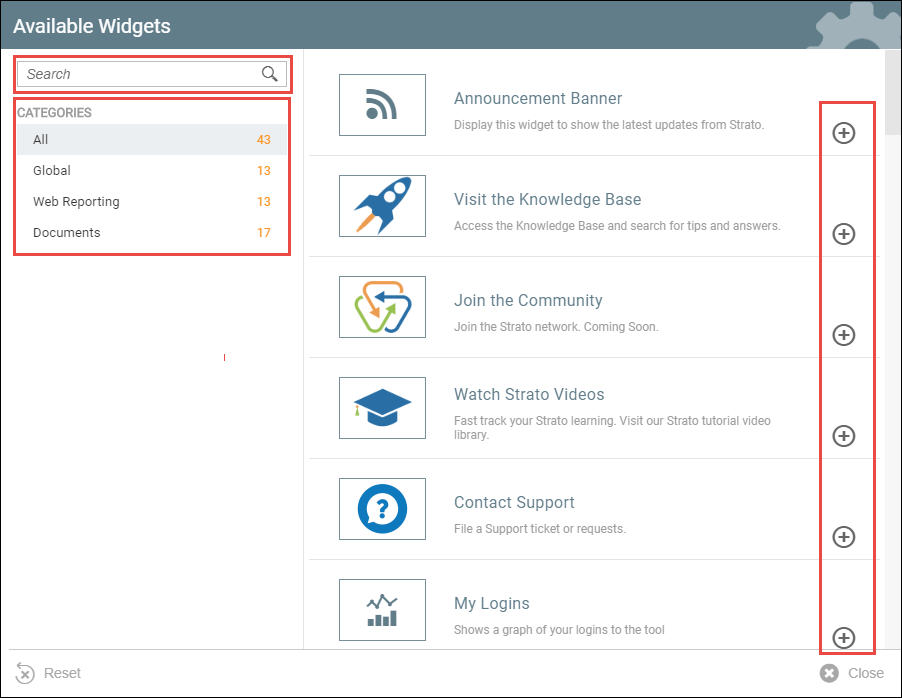
- An Available Widget window will appear. You can search for a widget by using the search button on the upper left corner. You can also use the categories to easily find your widget. To add your selected widget to your dashboard, click the add button on the right of the widget.
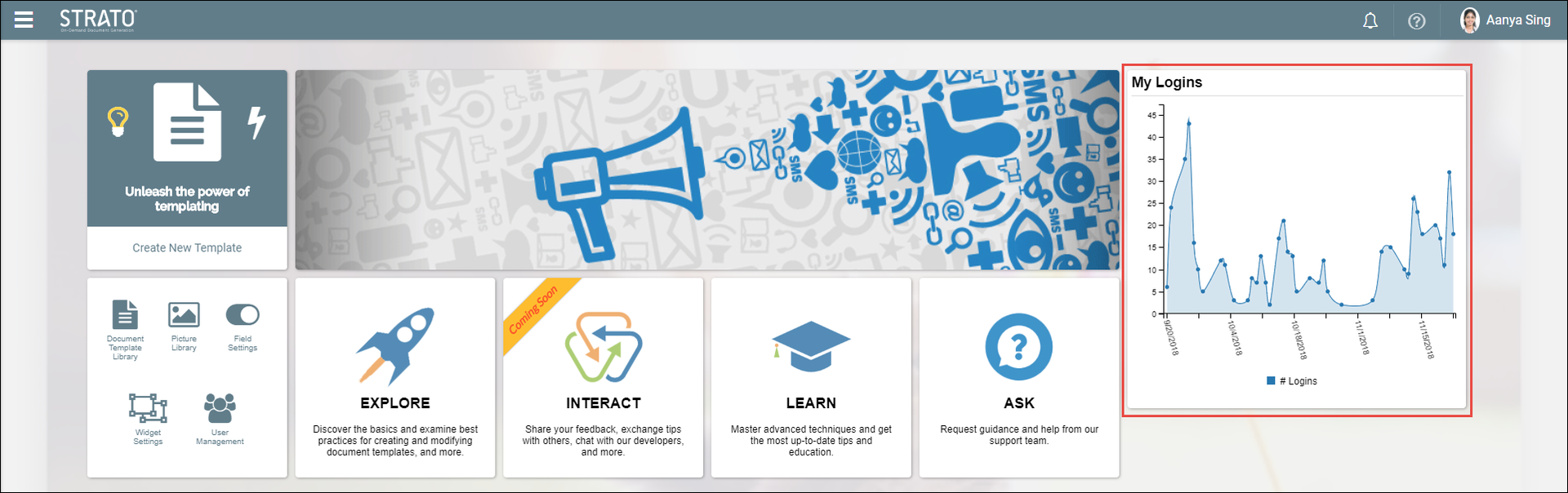
- The added widget will be displayed in your Homepage.
Remove a Widget
- In your Strato Homepage, hover over the widget that you want to remove.

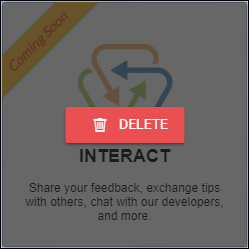
- Click the delete button on the upper right corner of the widget. Then, click the Delete button in the prompt to confirm the deletion.

- The widget is now removed from your Homepage.