Move and Remove the Widget Boxes in Strato Homepage [V1]
Strato's widget boxes or dashboard tools can be moved around or deleted based on your personalisation needs.
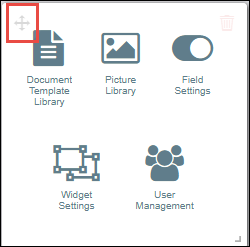
To move each box, hover your mouse pointer over your widget of choice until the move cursor appears in the upper left corner. Click and drag the widget around any part of your screen. Your widget will be placed within a set grid once you let go of the left mouse button.
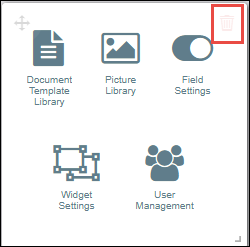
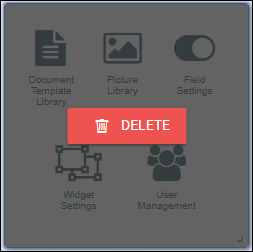
You can also delete these widgets by clicking the delete icon.