Creating a Dashboard Widget
This article will show you how to create a Dashboard Widget in Strato's Widget Settings:
- Launch Strato.
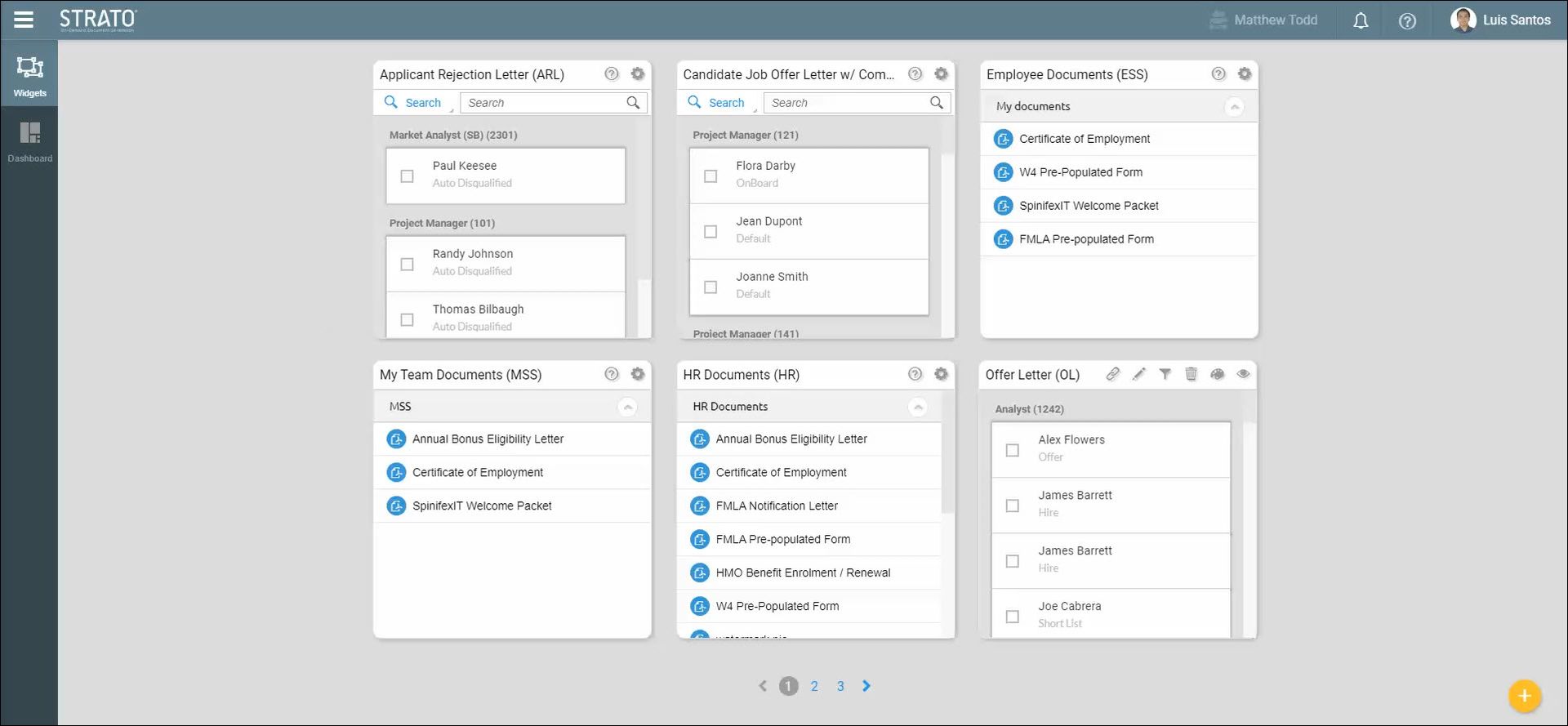
- Go to Widget Settings.
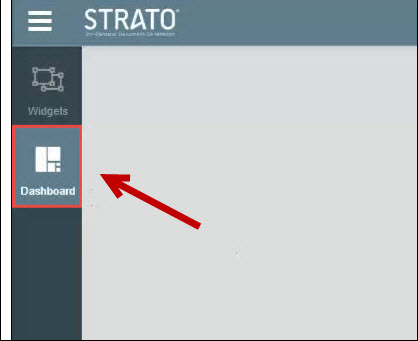
- From the left side of the screen, click the Dashboard tab.
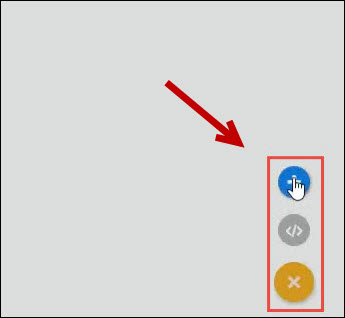
- On the bottom right corner, click Action and then click Add.
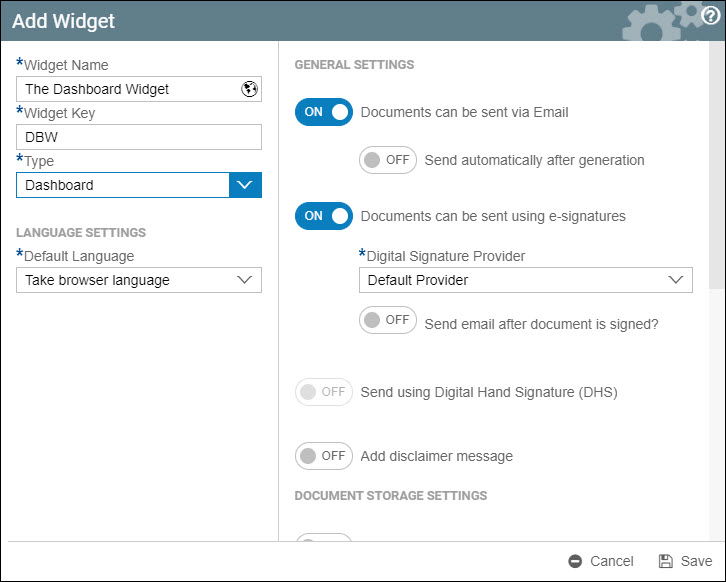
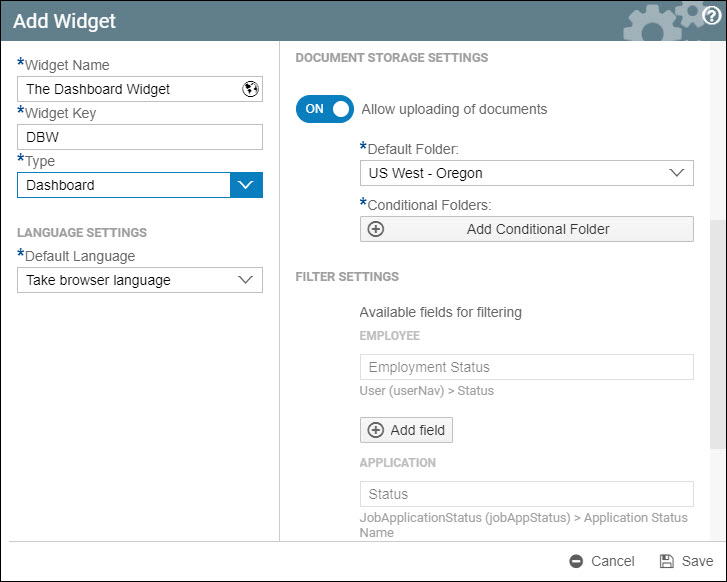
- Fill in the settings as needed. (Settings/fields in this screen are all described here: Add Widget - Widget Settings)
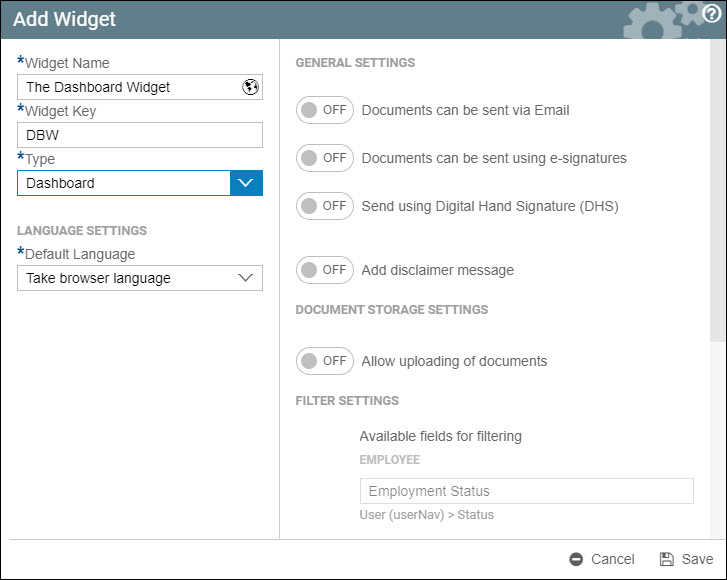
- Here is a sample configuration of a Dashboard Widget.
- Click Save.
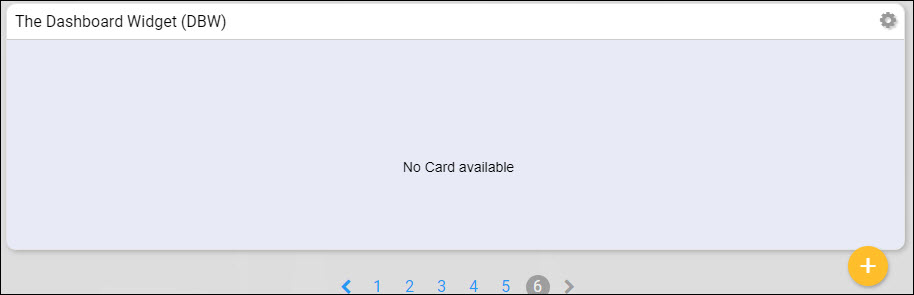
- The Dashboard Widget should now be displayed. Initially, it would display an empty dashboard widget without any contents.