Filter Settings for Widgets
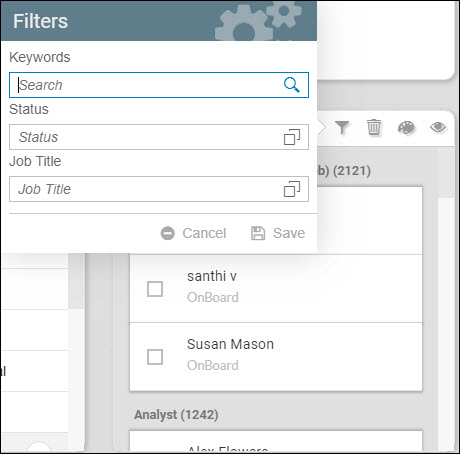
Application and Employee widgets have filtering capability in order for you to filter employees prior to document generation.
This is set via the Widget Settings. See the following sections specific to the Widget Type:
Filter Settings in Employee Widgets
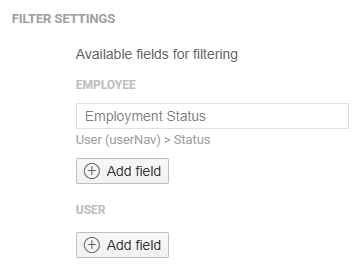
In the widget settings of an Employee widget, you can add field filters under the Employee and User. These 2 groupings represent the catalog of the document to be generated.
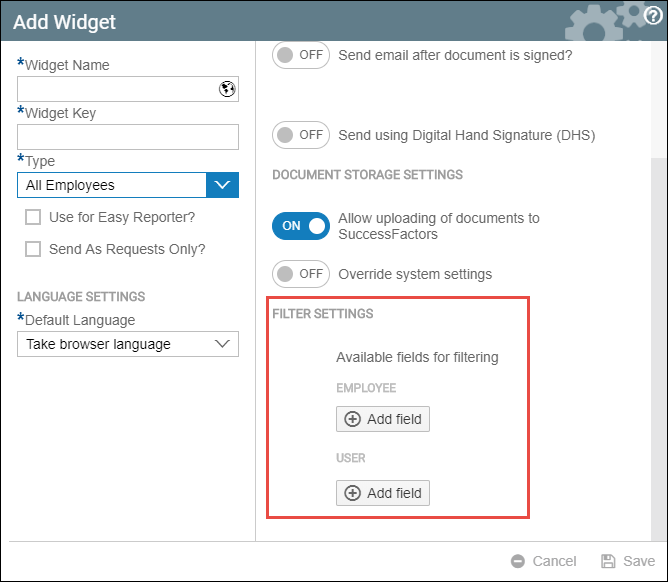
If the document is from the Employee Catalog, you must add fields under the employee grouping. The same applies if the document is from the Talent (User) Catalog.
Example:
Filter Settings
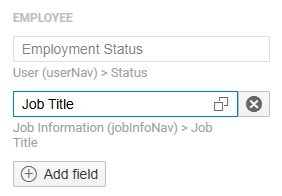
Job Title field applied as a filter in Employee Catalog Document:
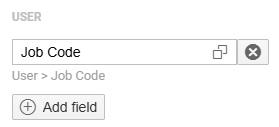
Job Code field applied as a filter in Talent (User) Catalog Document:
Starting version 1.11, the filters that you search will be displayed under the search bar., as well as the number of employees selected.
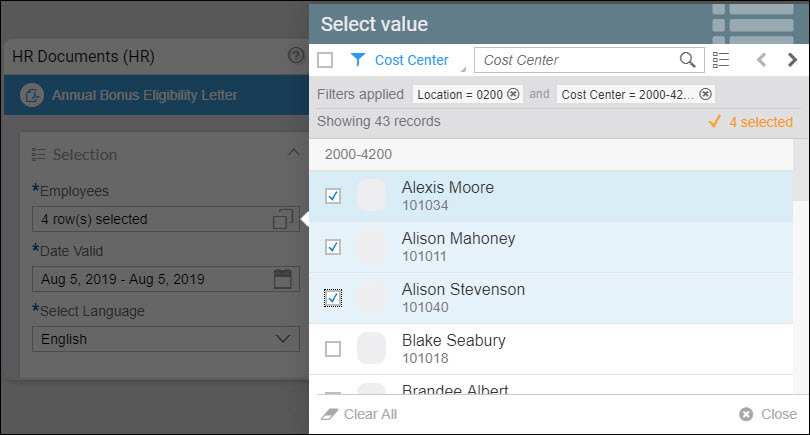
These filters and the employees you have selected can also be saved as a selection. This includes the dates, language/s, and the template parameters.
For more information, read Saving and Reusing Selections in Widget Settings
Filter Settings in Application Widgets
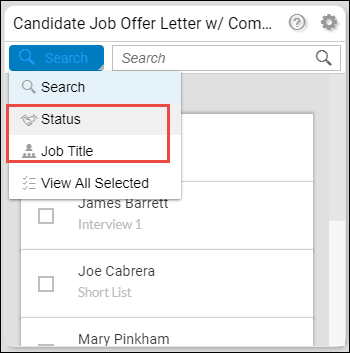
You can add fields that you can use as a filter when selecting employees before generating a document. The Status and Job Title fields are set as filters by default.
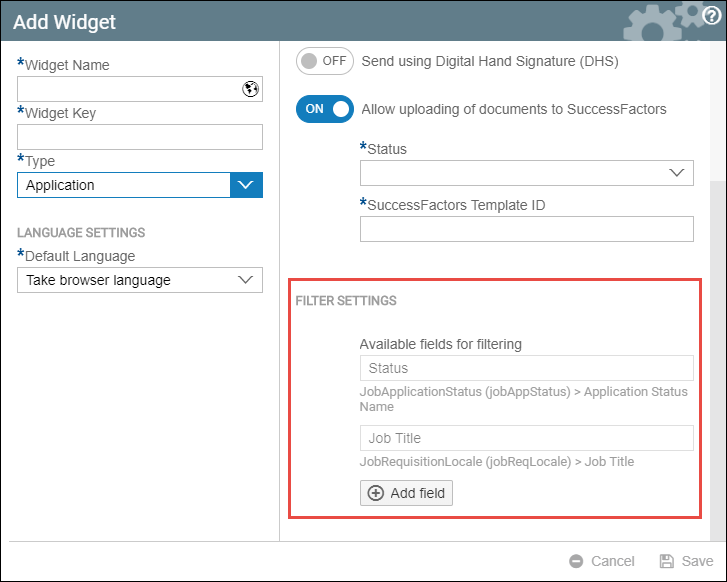
Example:
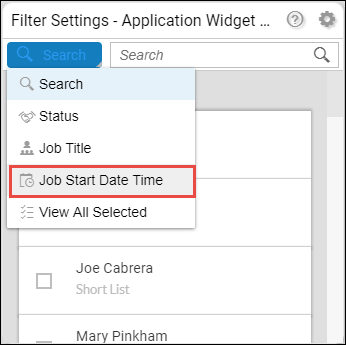
Job Start Date Time was added.
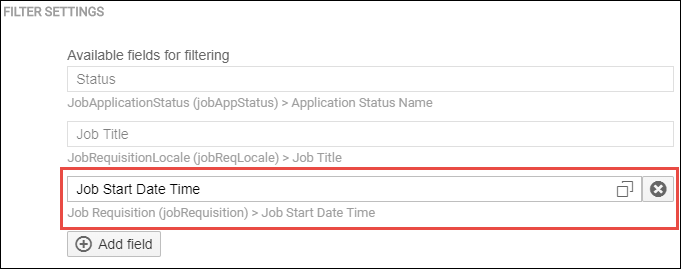
Job Start Date Time as a filter: