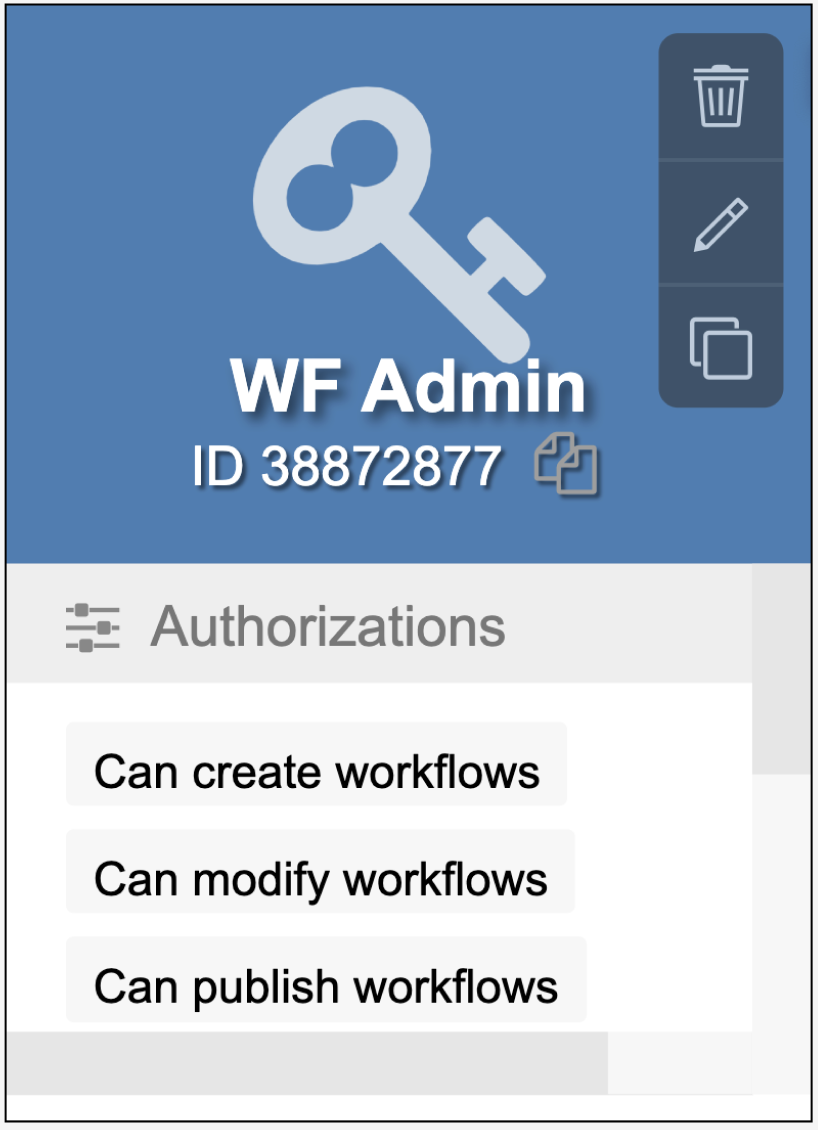
Create User Role for Workflow Administrators [V1]
In line with the Strato Workflow feature, specific users must be able to manage workflows in their systems. These users in Strato must first be assigned to a user role that have workflow administrative authorisations.
Follow the steps below to create a role for Workflow Administrators.
- Launch Strato.
- Go to User Management.
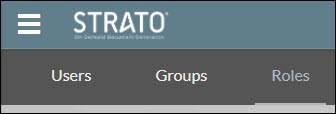
- Click the Roles tab.
- On the bottom right corner, click the Add button to create a new role.

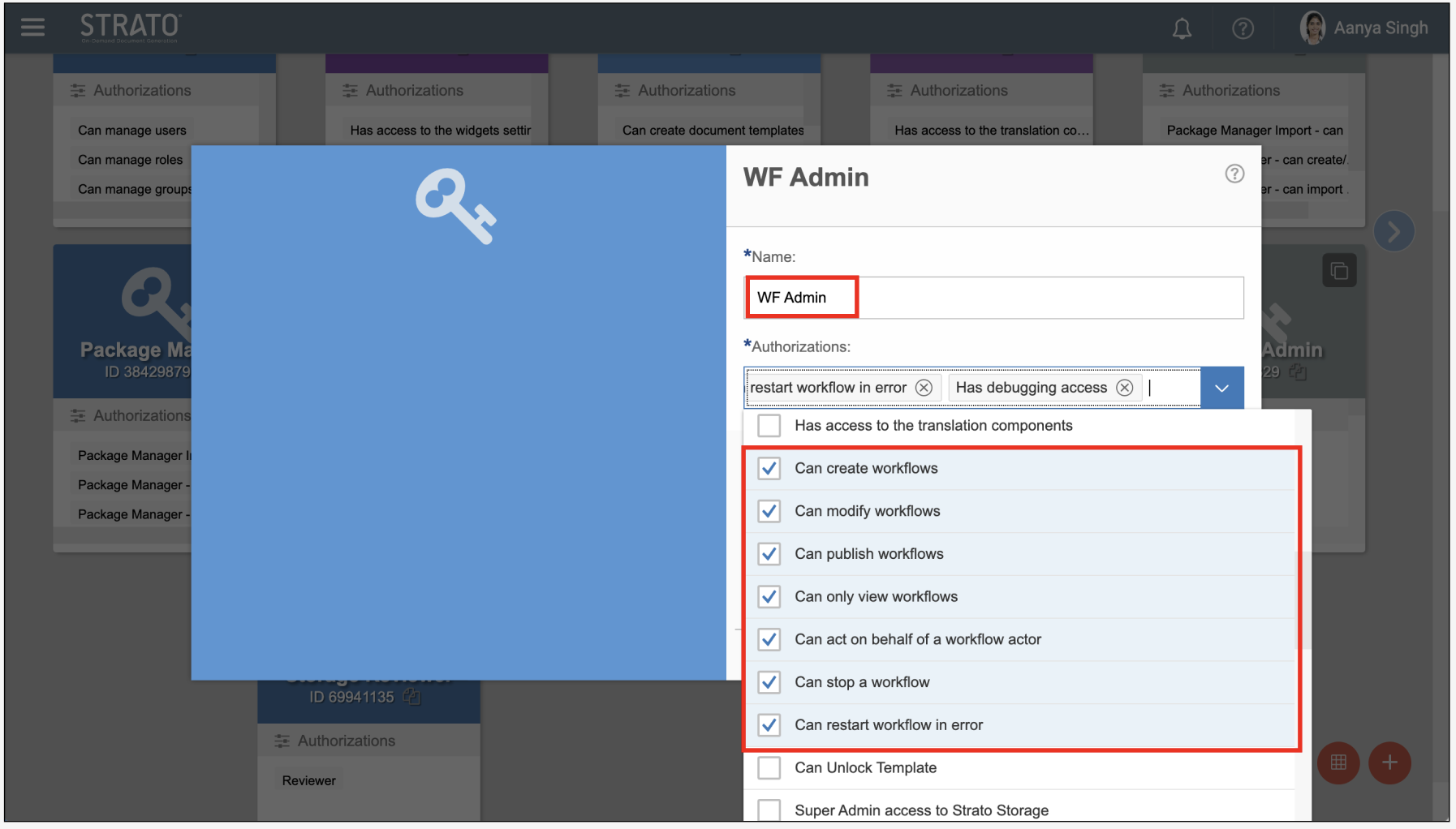
- Enter a name and select the authorisations needed. You can use the sample image below as a guide.
After creating the Workflow Administrator role, employees can now be assigned to this role.