Workflows
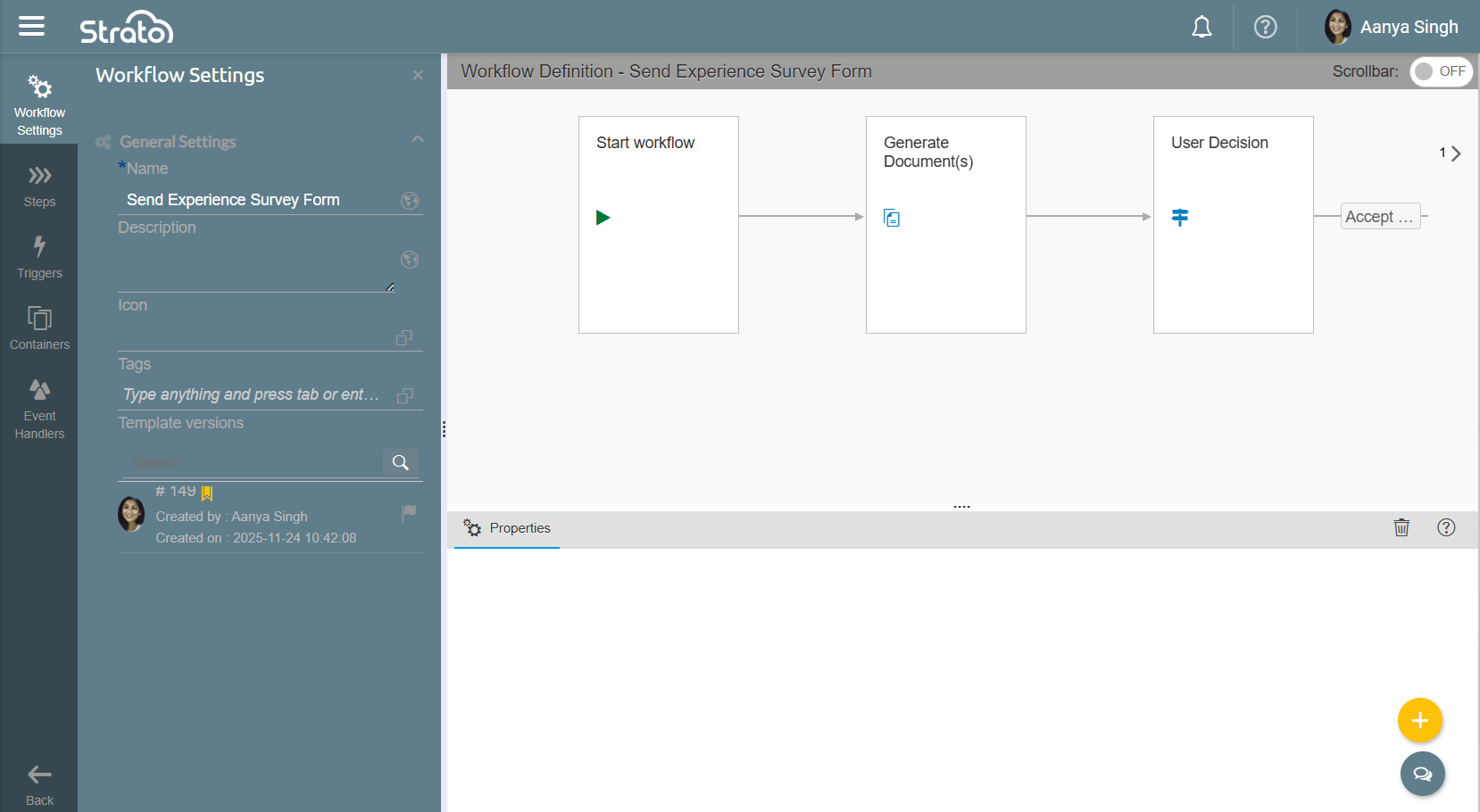
Workflows are designed to automate HR and Recruiting activities to ensure a more optimized end-to-end HR process. Workflows eliminate or, at least, reduce the human touchpoints that delay processes and make them prone to errors.
Access
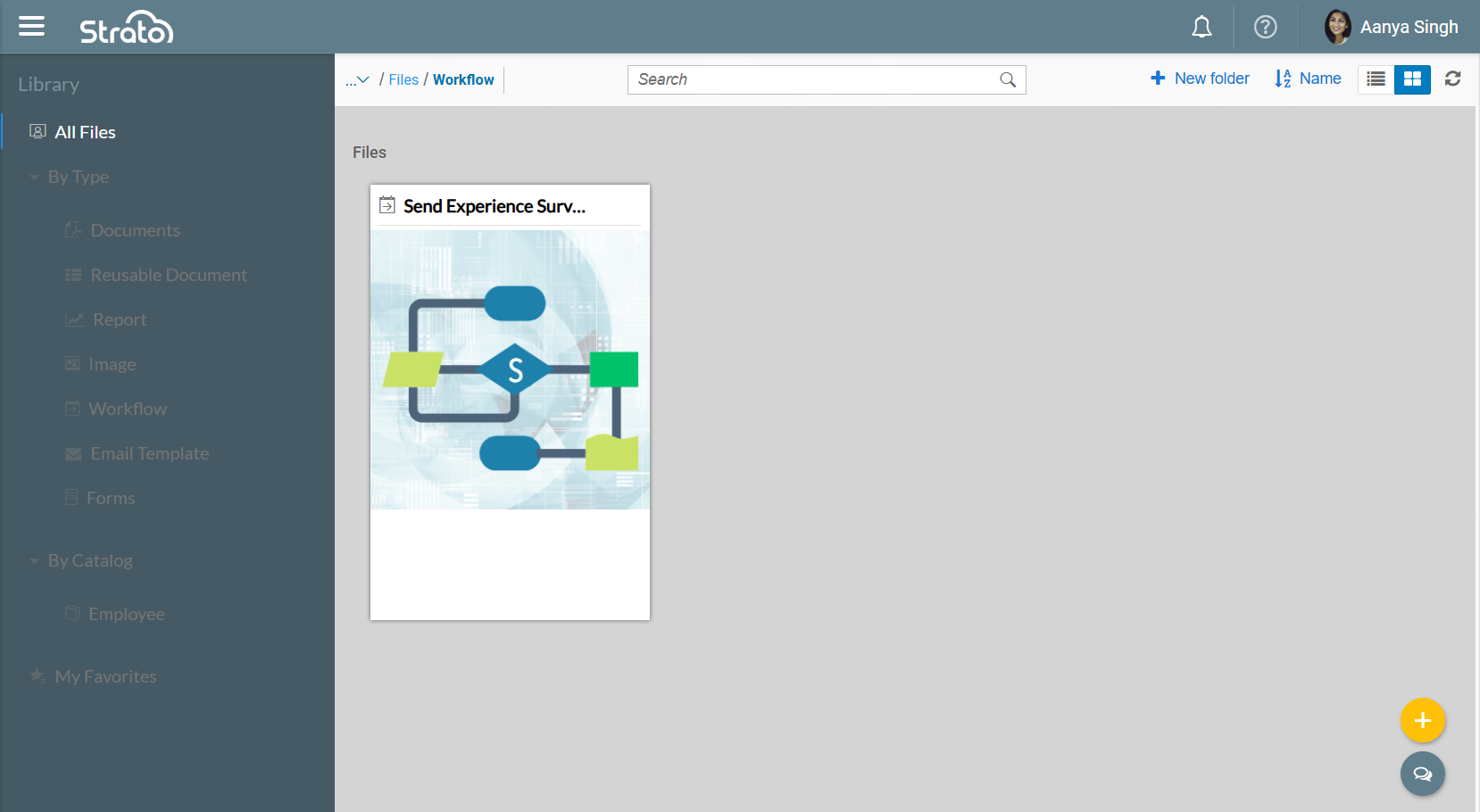
Like Documents, Forms, and Emails, Workflow Templates can be accessed via the Library.
Features
Steps
Steps are specific actions that a Workflow can do. There are 13 Steps available to choose from when building a Workflow:
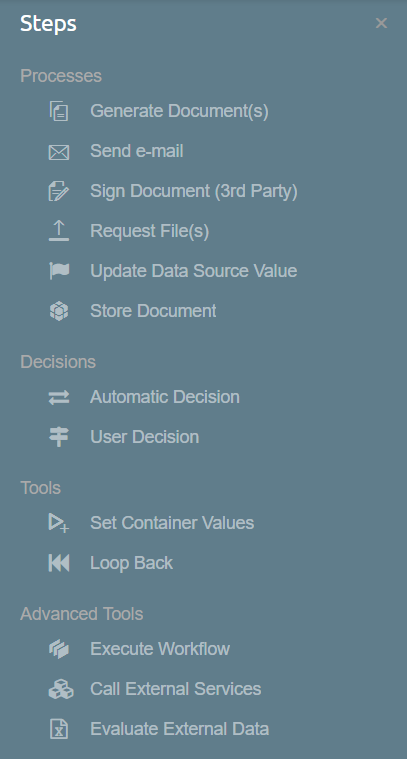
- Generate Document(s): Allows you to select one or multiple Document Templates from the same Catalog defined in the Workflow.
- Send e-mail: Allows you to select and send an Email Template from the same Catalog defined in the Workflow.
- Sign Document (3rd Party): Allows one or multiple approvers to sign the documents being routed.
- Request File(s): Allows the recipient to upload PDF files that may be requested to be submitted.
- Update Data Source Value: Updates the values of a SuccessFactors field.
- Store Document: Allows the Workflow to store documents to the Storage or a SF Metadata Framework object.
- Automatic Decision: Automatically determines the next branch of steps in the Workflow based on the defined conditions.
- User Decision: Asks the recipient or end-user to choose the next branch of steps in the Workflow.
- Set Container Values: Sets or modifies the value of one or multiple Containers.
- Loop Back: Goes back to a previous step and re-executes that step and all succeeding steps after.
- Execute Workflow: Executes another Workflow.
- Call External Services: Calls a third-party application by sending an API request.
- Evaluate External Data: Evaluates external data coming from either a CSV file or an external datasource.
Triggers
Triggers define the start of the Workflow and when the Workflow should be executed. There are three Triggers available to choose from when building a Workflow:
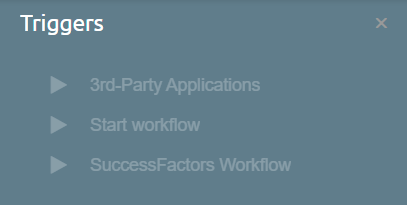
- 3rd-Party Applications: Executes the Workflow after receiving an input from an integrated third-party application.
- Start workflow: Executes the Workflow after being manually triggered through the Strato Dashboard.
- SuccessFactors Workflow: Executes the Workflow upon reaching a specific status on the selected SF Workflow.
Containers
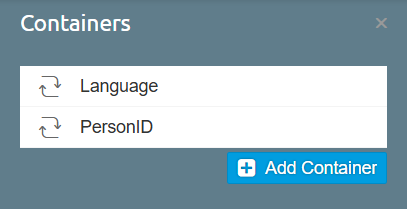
Containers are variables that store values, which can be used in other Steps.
Event Handlers
Event Handlers dictate what happens next if an error is encountered while the Workflow is running. There are two Event Handlers that can be toggled on or off:
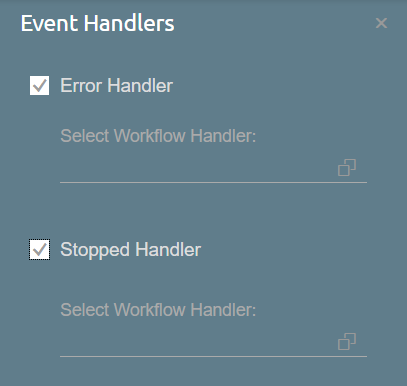
- Error Handler: When a Step encounters an error, another Workflow can be executed if the Step is configured to execute the handler.
- Stopped Handler: When the Workflow is stopped manually, another Workflow is executed.
Schedulers
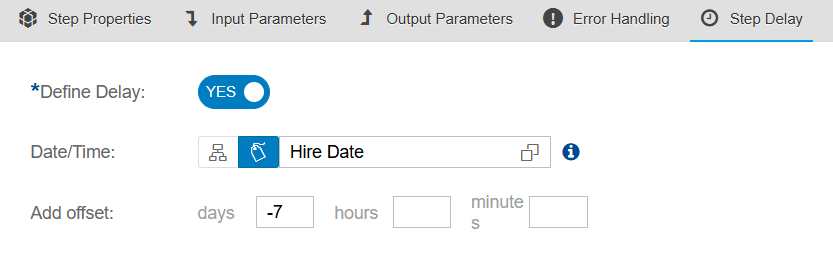
A Step can be set to trigger after a certain date and time has passed through the Step Delay tab.
Step Validity
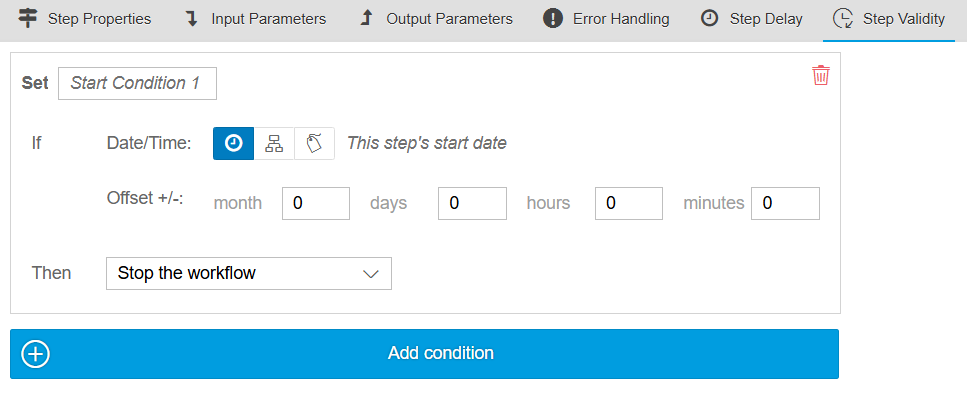
A Step can be set to only be active until a certain date and time has passed through the Step Validity tab.