Forms
Forms are similar to Documents, but allow for Form Fields to be added. These Form Fields can help to create surveys, performance reviews, and any kind of document that requires inputting values and ratings.

Access
Like Documents, Emails, and Workflows, Form Templates can be accessed via the Library.

Features
Form Fields
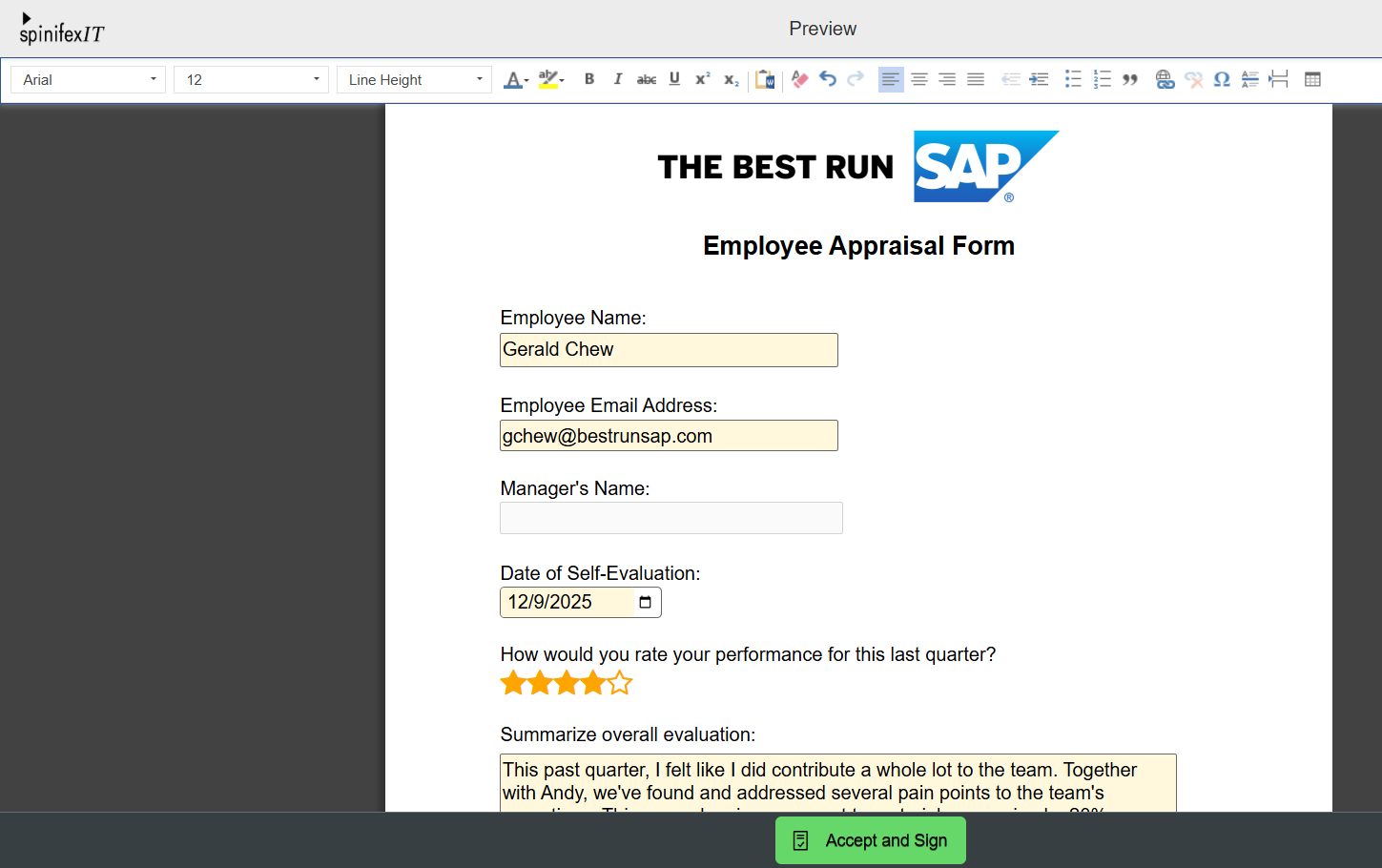
Form Fields serve as inputs for users filling out the form.

There are seven types of Form Fields:
- Text: An input field that accepts string values.
- Numeric: An input field that accepts numeric values
- Date: An input field that accepts date values
- Rating: An input field that accepts whole number values from 1-5 in the form of stars.
- Email: An input field that accepts and verifies valid email addresses.
- Upload File: An input field that accepts PDF files up to 50MB.
- Dropdown List: An input field that allows you to select from a list of predefined values.
Fill Out Forms
Forms can be sent to recipients via Workflows. This allows users to answer and submit the Form as part of the routing process.

Form Fields can also be restricted to specific actors. For example, some fields are designated for employees to answer, while others are reserved for managers only.
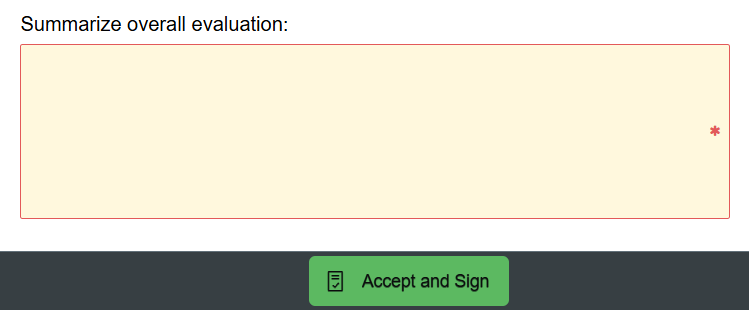
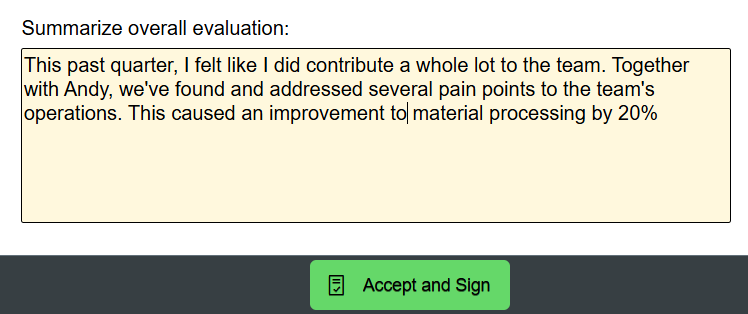
Before submitting, the Form also validates the inputs in each Form Field, and will disable the action buttons if there are unanswered required fields. Inactive action buttons look darker than active ones.