Emails
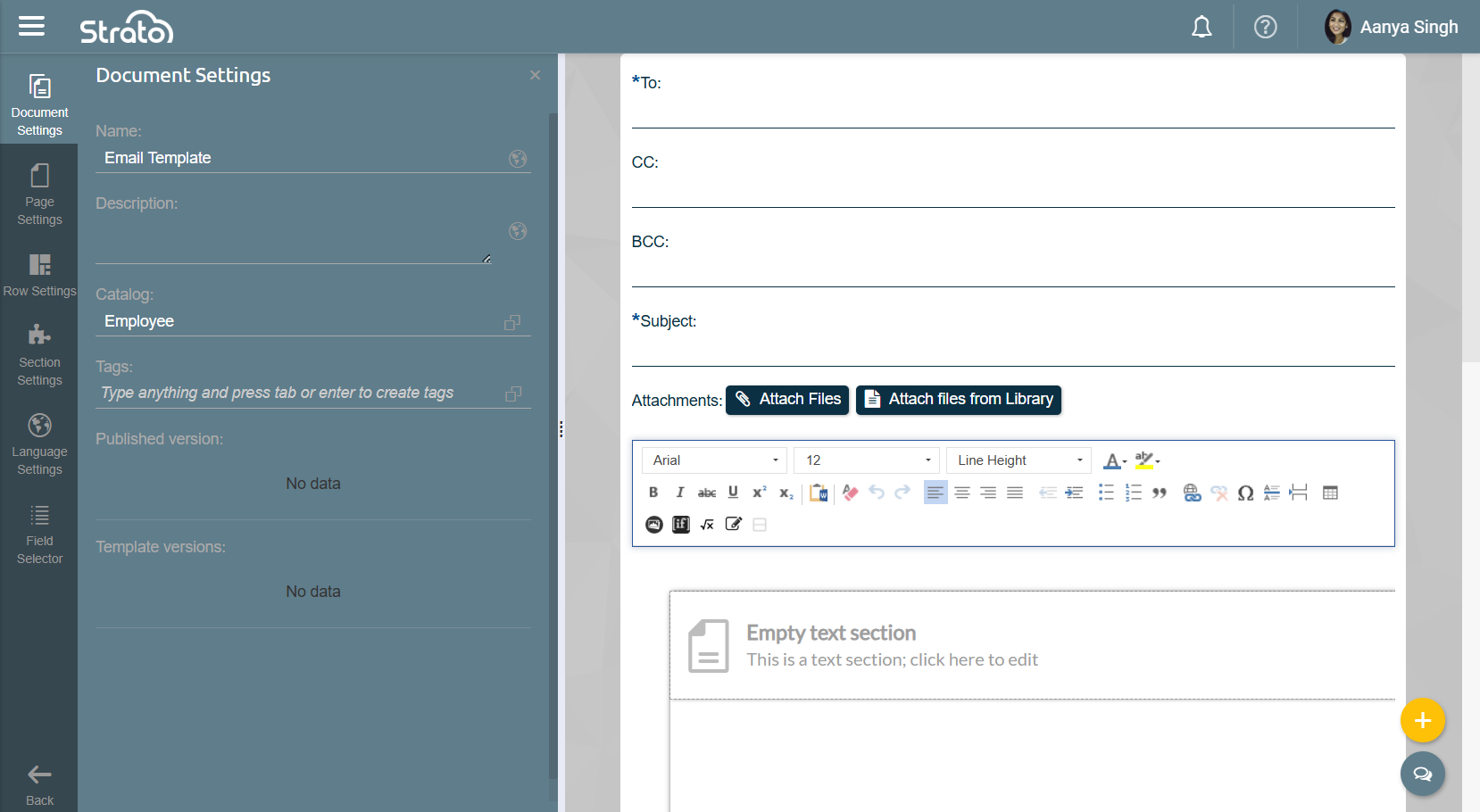
Emails are similar to Documents, but purpose-built for sending emails. You can set the recipients, subject, email body, and attachments in an Email Template.
Access
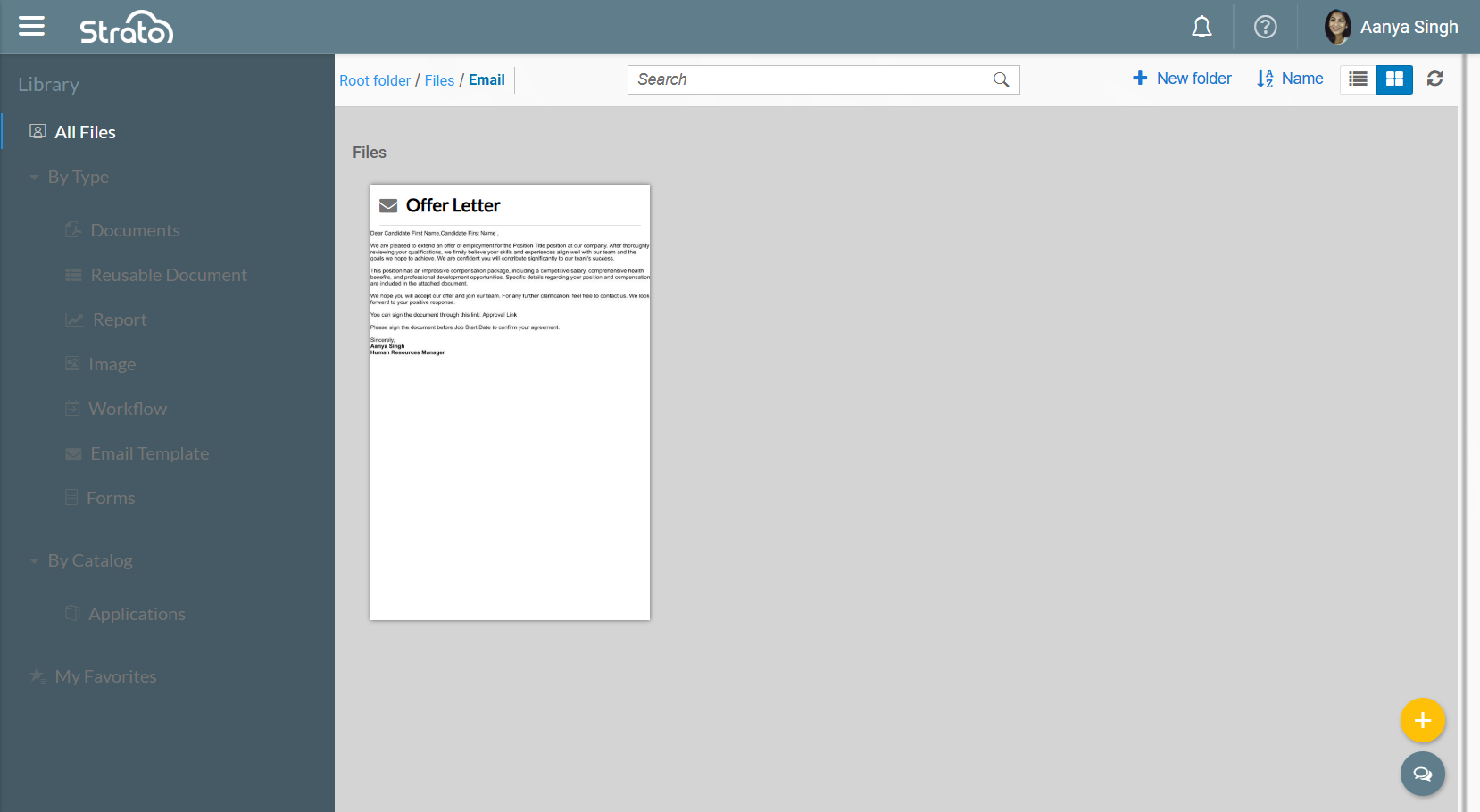
Like Documents, Forms, and Workflows, Email Templates can be accessed via the Library.
Features
Email Components
The following fields can be set in the Email Template:
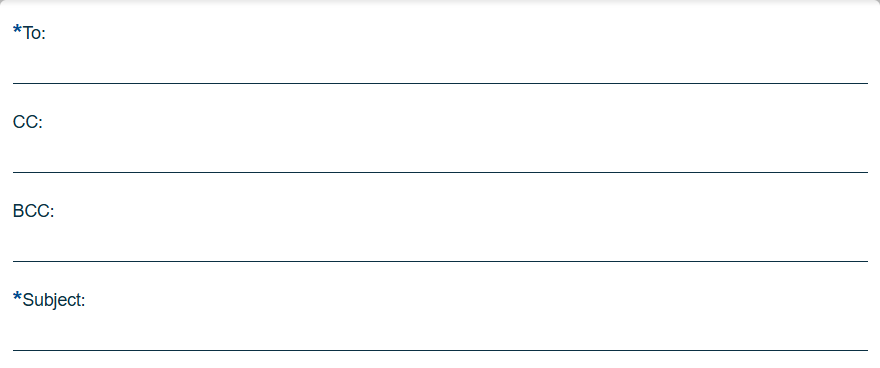
- To: The main recipients of the email. This field is required.
- CC: Stands for "carbon copy", and are other recipients kept in the loop. The email addresses listed here are shown in the sent email.
- BCC: Stands for "blind carbon copy", and are other recipients kept in the loop. Unlike CC, the email addresses listed here are not shown in the sent email.
- Subject: A brief title summarizing the email body. This field is required.
You can use Fields from the chosen Catalog to populate these areas. However, note that the To, CC, and BCC fields only accept Fields that produce a valid email address. The Subject field can include both plain text and fields.
Conditions can also be applied to Fields.
Attachments
The following can be attached to an Email Template:

- A PDF or a DOCX file
- Document Templates from the Library
Conditions can be applied for each attachment to include or exclude them from being sent. If the attachment is a Document Template, it has to come from the same Catalog.