Create User in Strato [V1]
User Administrators can add new users in Strato. New users can be assigned to different Groups and can be given multiple roles depending on their functions.
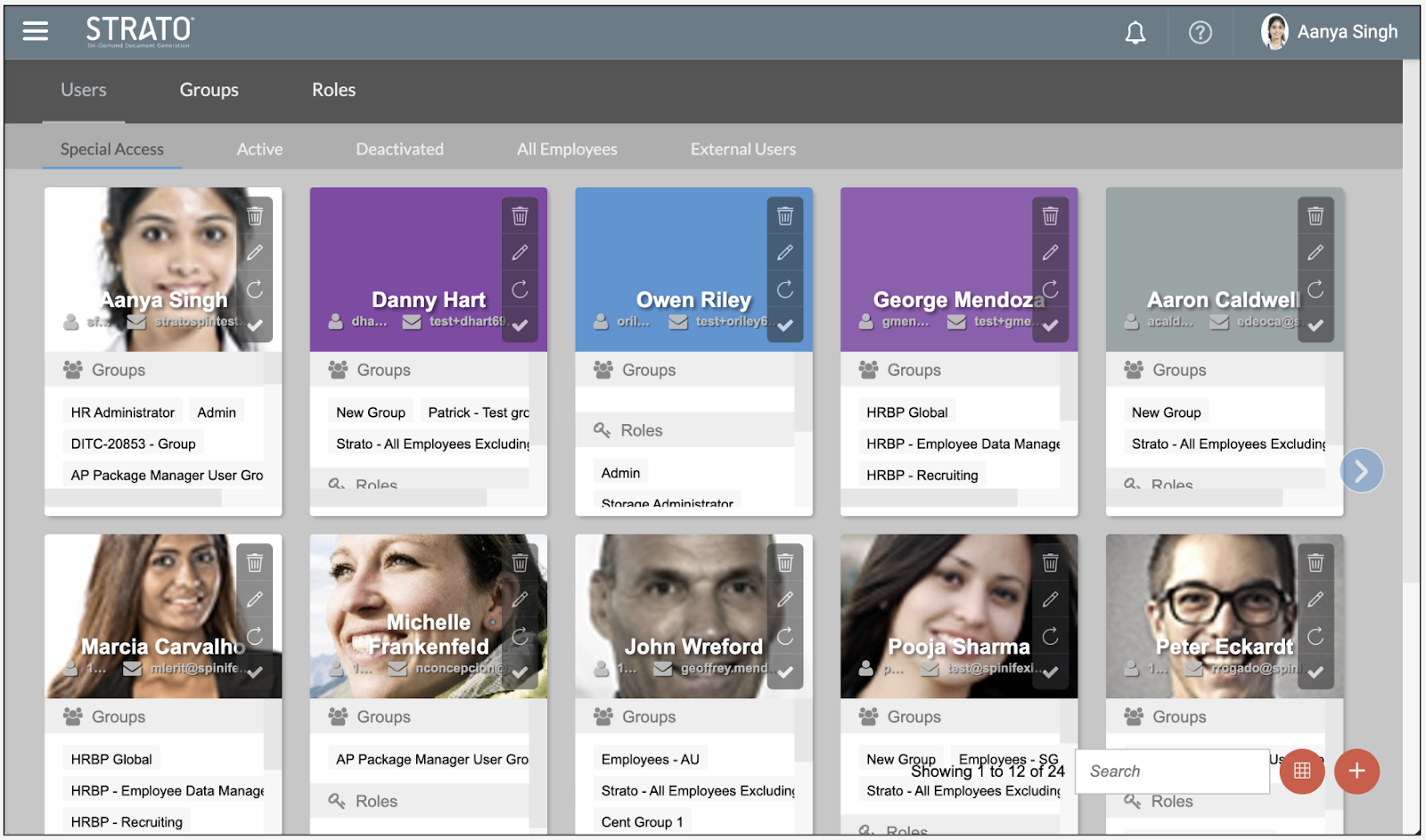
There are 4 user types:
- Special Access - users who have administrative authorisations
- Active - users who are active and currently using Strato.
- Deactivated - users who no longer have access to Strato.
- All Employees - displays all the users from all 3 previously mentioned tabs.
- External Users - are users who are not from SuccessFactors and utilises Strato through a dedicated login system.
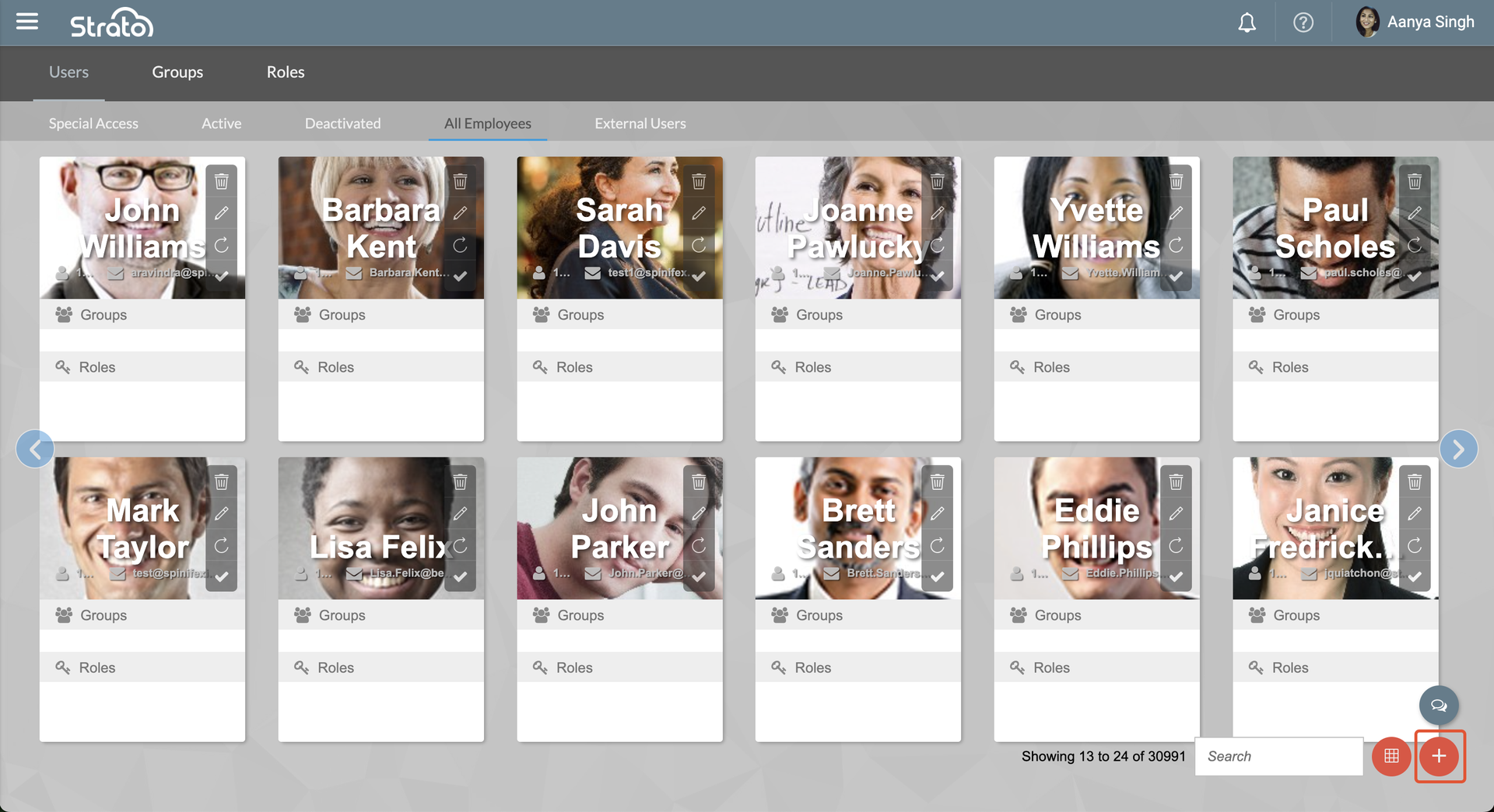
To add a new user, go to the Users tab, and follow the steps below:
- On the lower right corner of User Management, click Add User.
- A New User window will appear. Select an employee from the picklist and then select the group where the employee should belong and/or the role/s the employee should have. Once done, click Save.
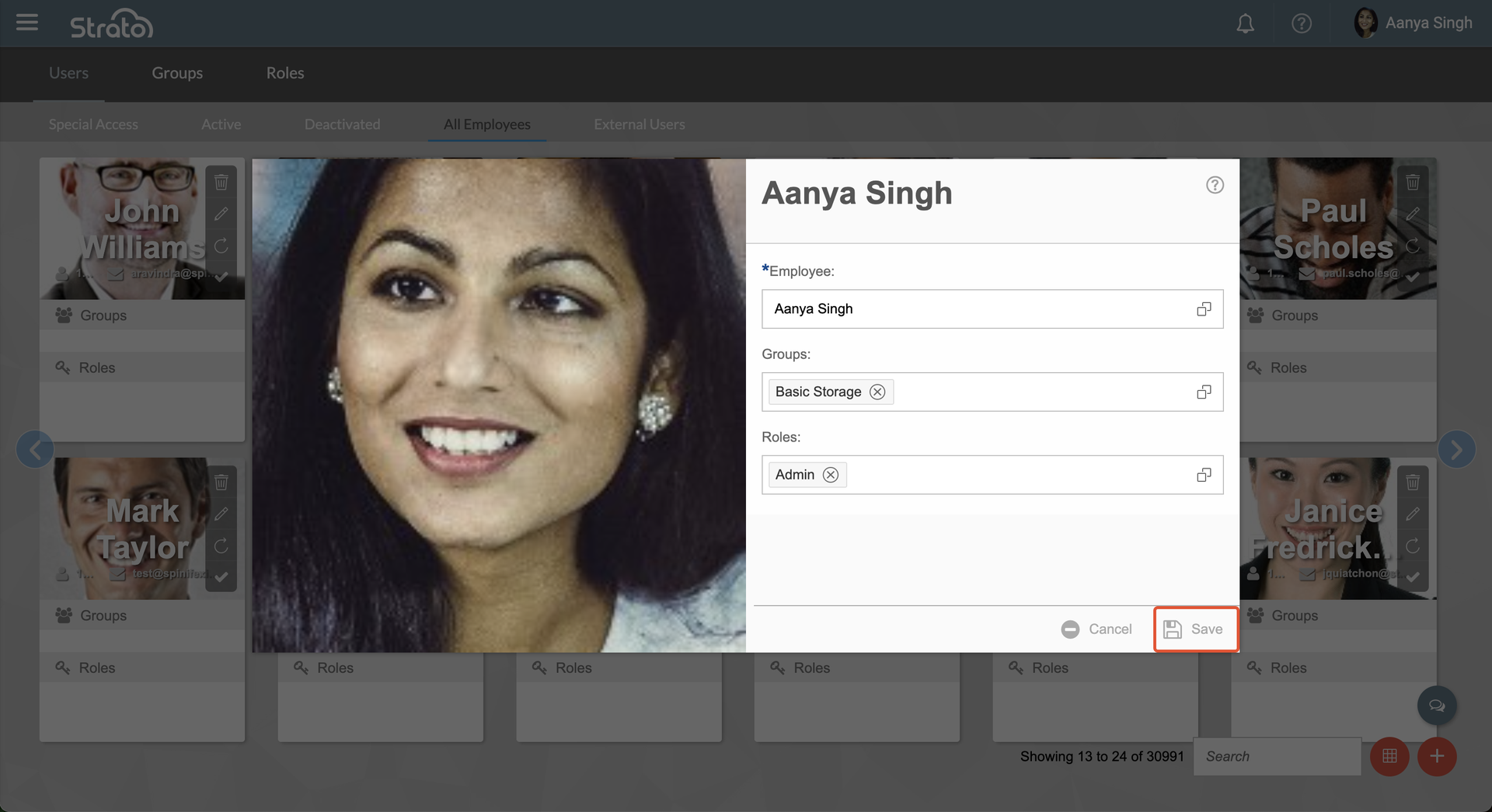
- The user will now be added.