External User Management (Swagger)
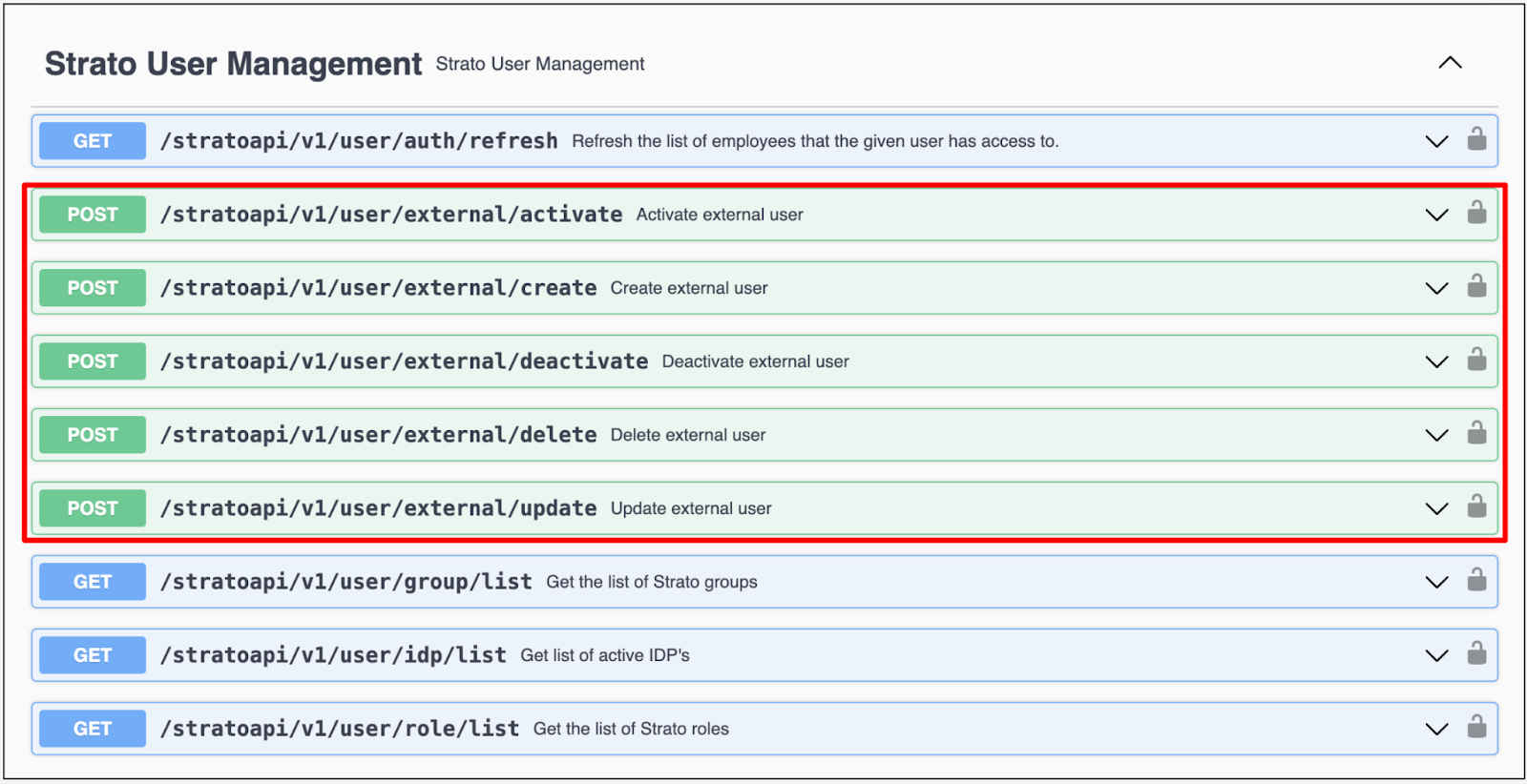
External users are created using the Swagger tool. This tool also allows for external user activation, deactivation, deletion, and update. The dropdown icon will reveal the required parameters for the selected action, while the lock icon is for authentication.
💡
- Deactivation, activation, and update of roles and groups of an external user is also available in the External Users tab in User Management.
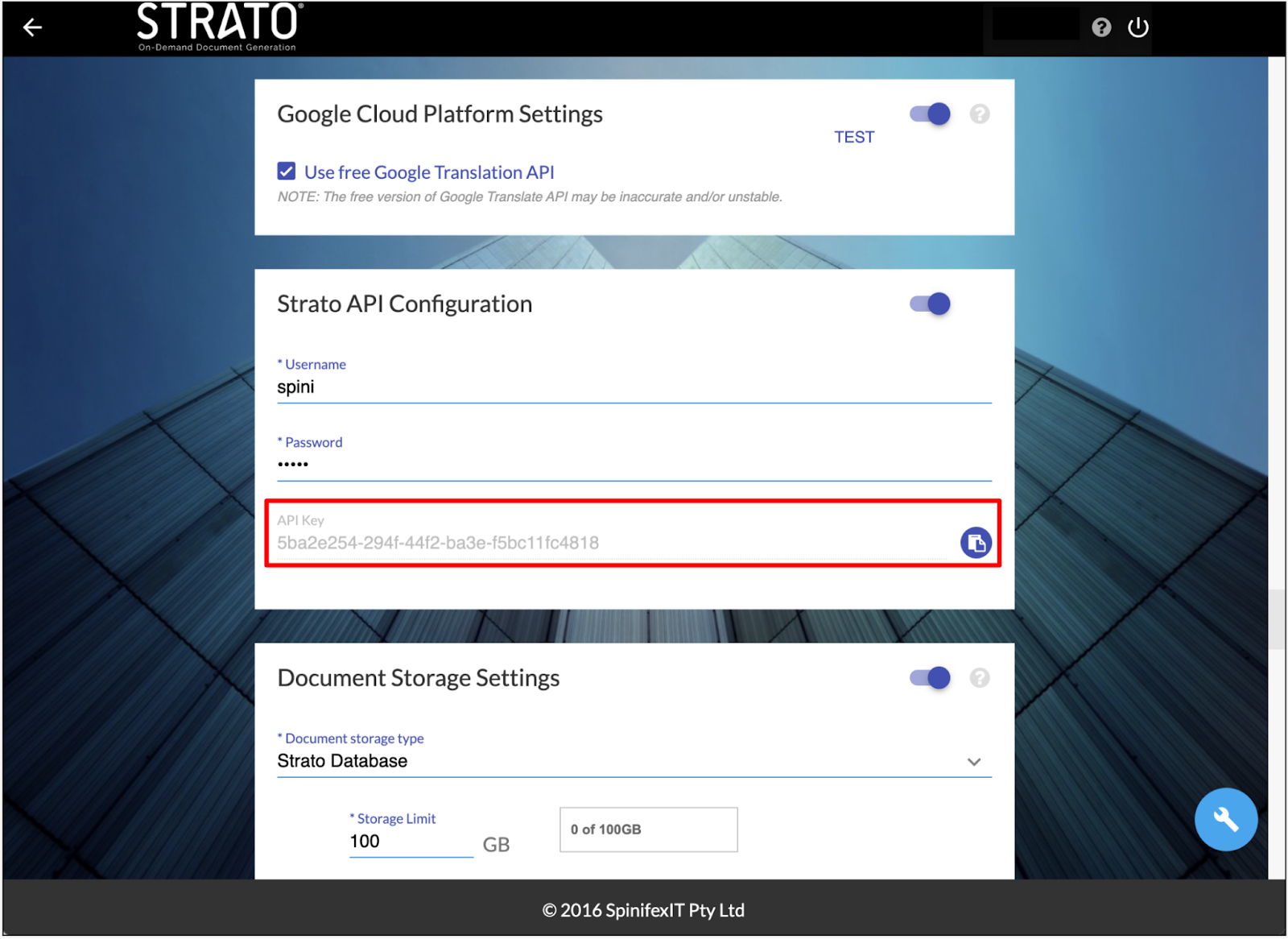
- The username and password for basic authentication (basicAuth) are both spinifex. While the apiKey value can be retrieved from the target system's Strato API Configuration within the Admin Tool.
External User Creation
To create an external user, click on the dropdown icon and select 'Try it out' to enter the necessary parameters.
Note the following parameters for external user creation:
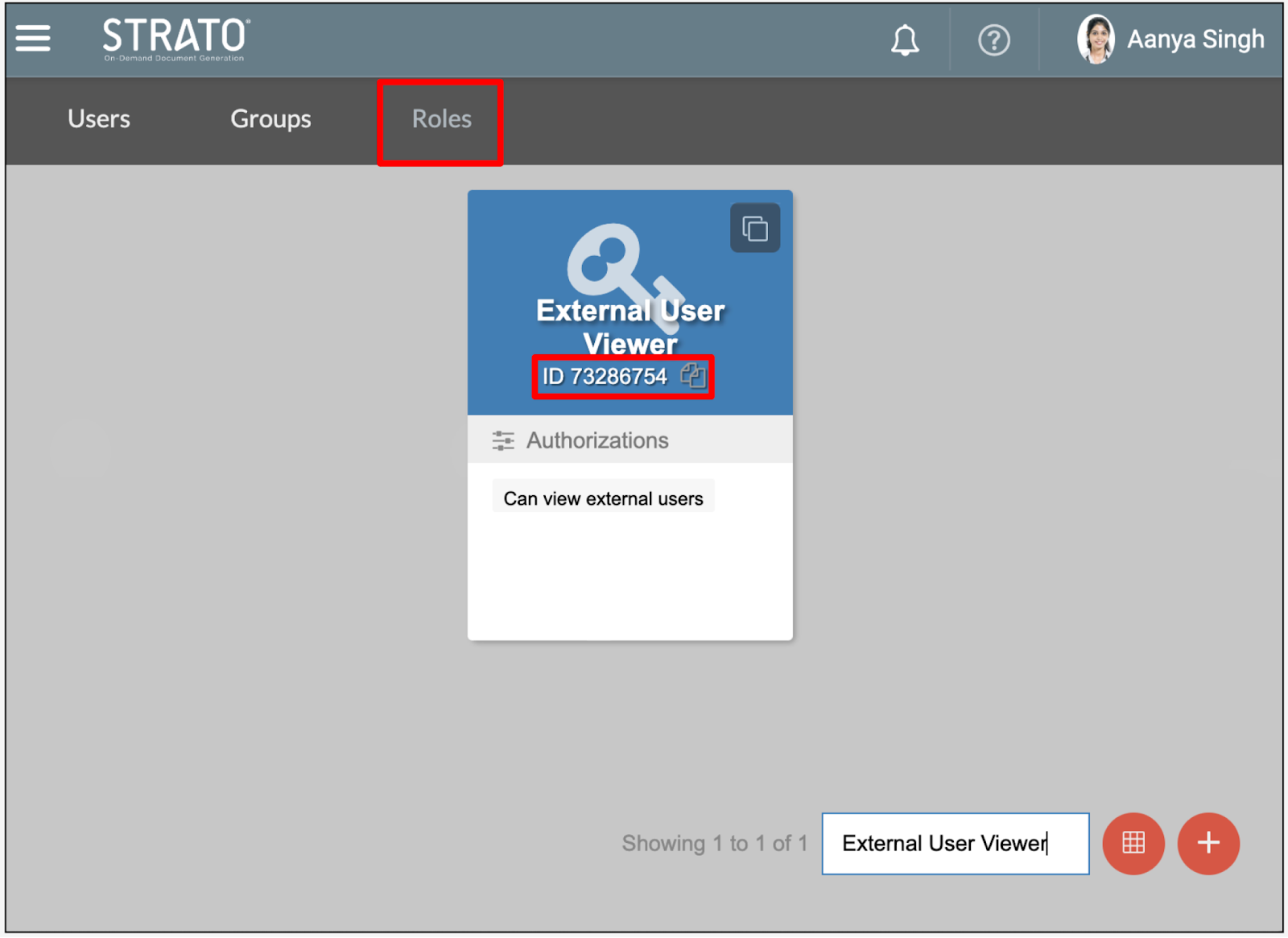
- roleId: This is for assigning the external user a specific role within Strato. The role ID is found in the Roles tab of User Management.
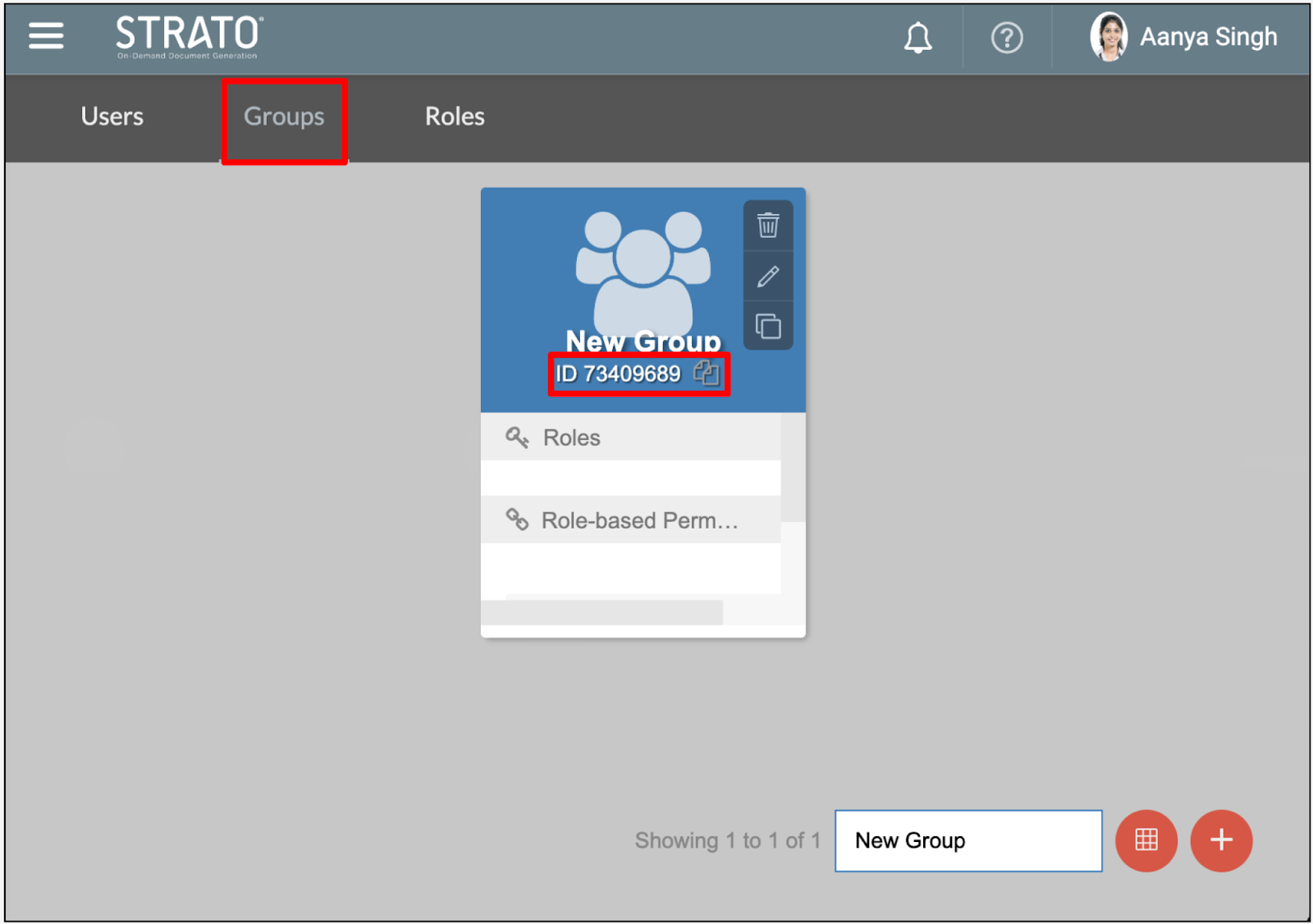
- groupId: This is for assigning the external user to a specific group within Strato. The group ID is found in the Groups tab of User Management.