Configure Web Service Client Settings
Strato has the capability to communicate to any 3rd-party application via Strato Workflow using the Call External Services workflow step. This allows for Strato Workflow to do an API call to either GET data from the 3rd-party or POST (update or insert) new data to the 3rd-party application.
As a prerequisite, the Web Service Client Settings should be configured first from the Strato Admin tool, as shown in the screen below.
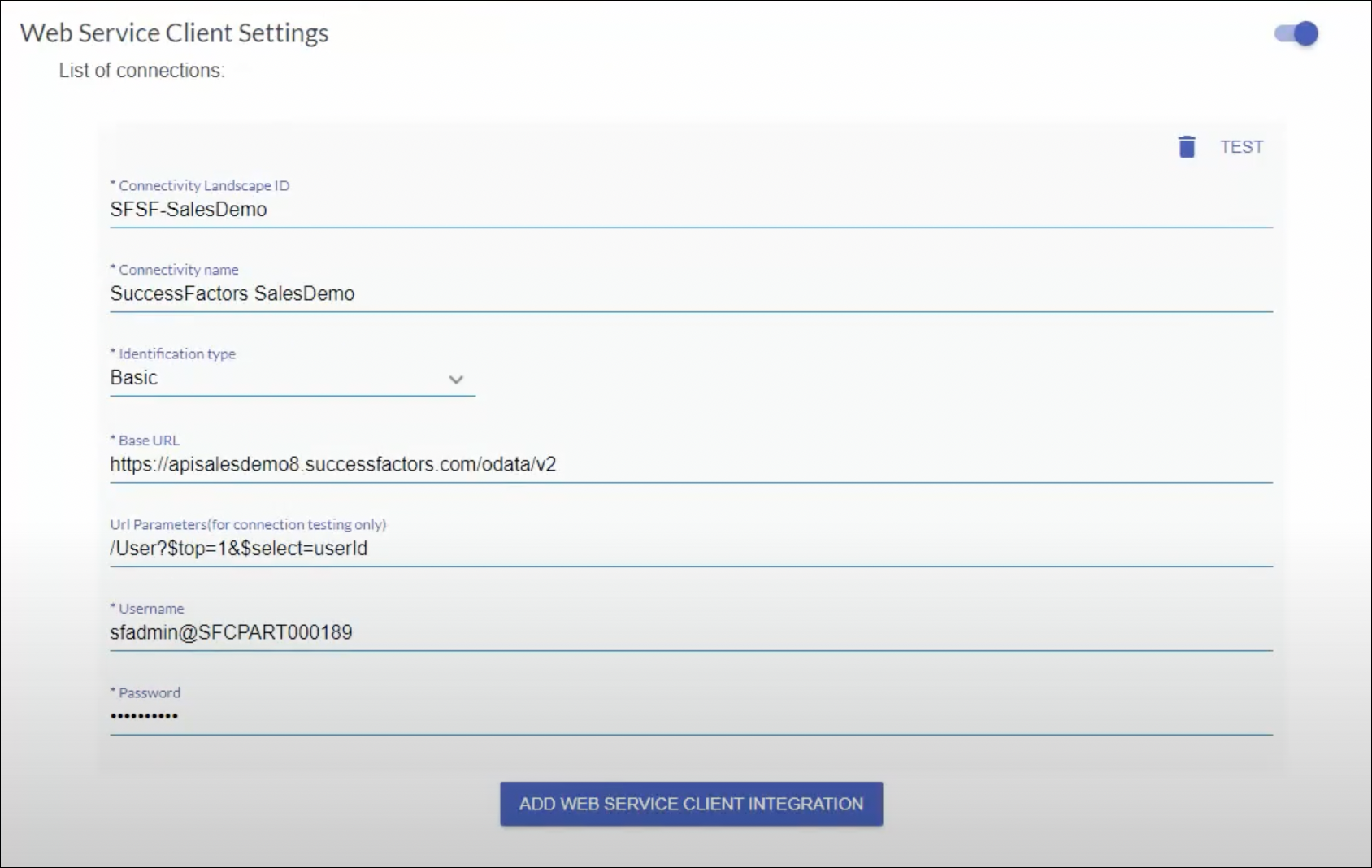
- Connectivity Landscape ID - Define the connectivity landscape ID
- Connectivity name - Descriptive name of the connectivity. This will be the name to display in the 3rd-party Application field selection in the Call External Services workflow step.
Identification type - Define how you can connect to the 3rd-party:
Basic
oAuth
Use SuccessFactors Authentication
- Base URL - Provided by the 3rd-party to know how to make the API call
- Url parameters (for connection testing only) - You can provide the parameters for testing purposes
- Username (should come from the 3rd-party)
- Password (should come from the 3rd-party)
Once configured, you can test this connection setup by clicking the TEST button from the upper-right side of the screen. This will test and will make a connection to the 3rd-party application using the query from the Url parameters (for connection testing only).
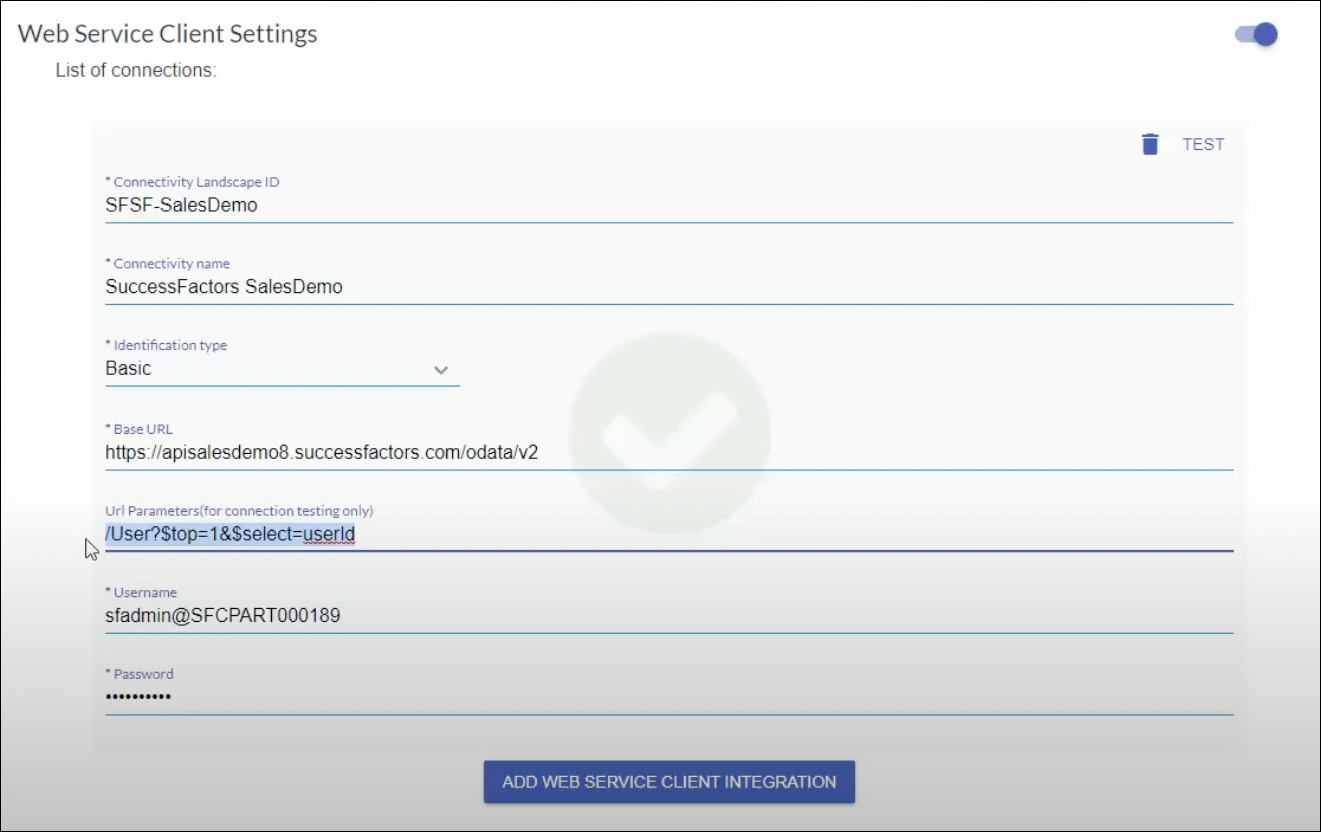
To add more web service client integration, click Add Web Service Client Integration and set it up as required.
All the web service integration set up here will be the available options from the 3rd-Party Applications selection in the Call External Services workflow step.