SMTP Customized Settings
The SMTP Customized Settings box contains options that allows you to change the way an email is sent.
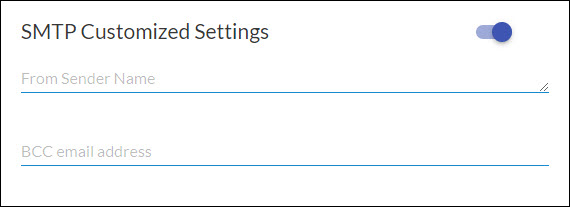
There are 2 options in this box:
- From Sender Name (optional) - You can enter here the name to appear as the sender of the email. For example, if John Smith is entered, the email will display
John Smith [email protected] as the sender.
If this is left blank, emails sent via Strato will normally display "Strato on behalf of_Sender_Sender's email" as the sender.
(Ex.: Strato on behalf John Smith [email protected]) - BCC email address - You can enter an email address here to be able to track and monitor what Strato sends to your candidates and employees since emails are not stored in the SMTP sent box.
For the SMTP Server settings, read here: SMTP Server Settings