Create Custom List for Dropdown List Form Fields
This article explains how to create your own list of values to use for Dropdown List Form Fields.
Requirements
Basic knowledge of Forms is required.
Instructions
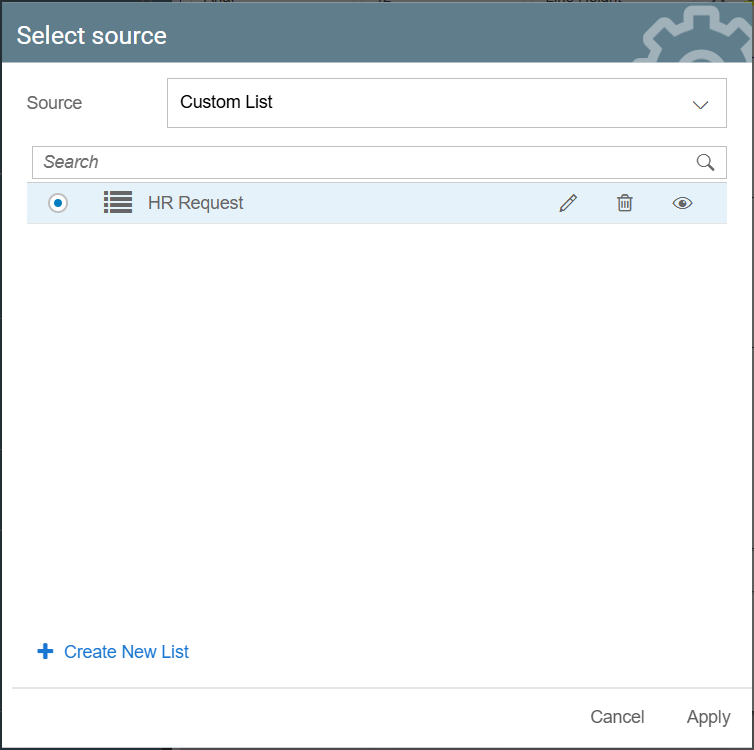
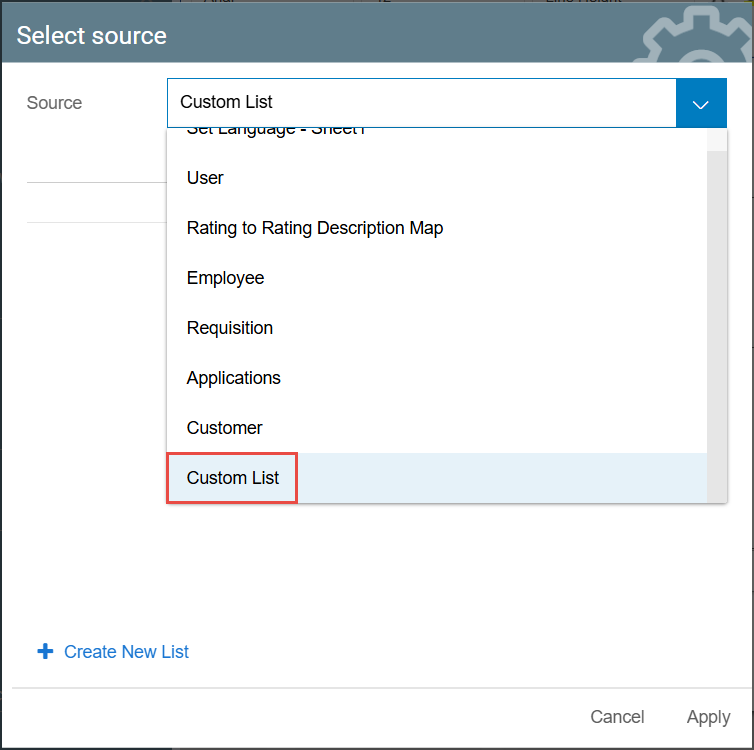
- From the Select source window that opens when selecting Dropdown List Options, select Custom List.
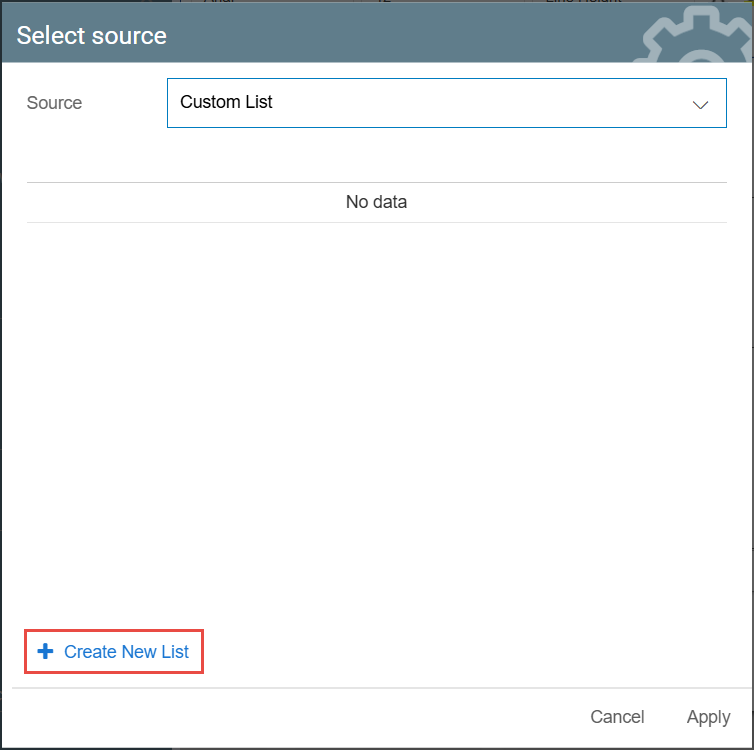
- Click Create New List.
- The New List window will appear. Fill in the List Name, as well as the Key and Value of each option in the list. You can add more options through the Add Option button, or delete an option through the Delete button.
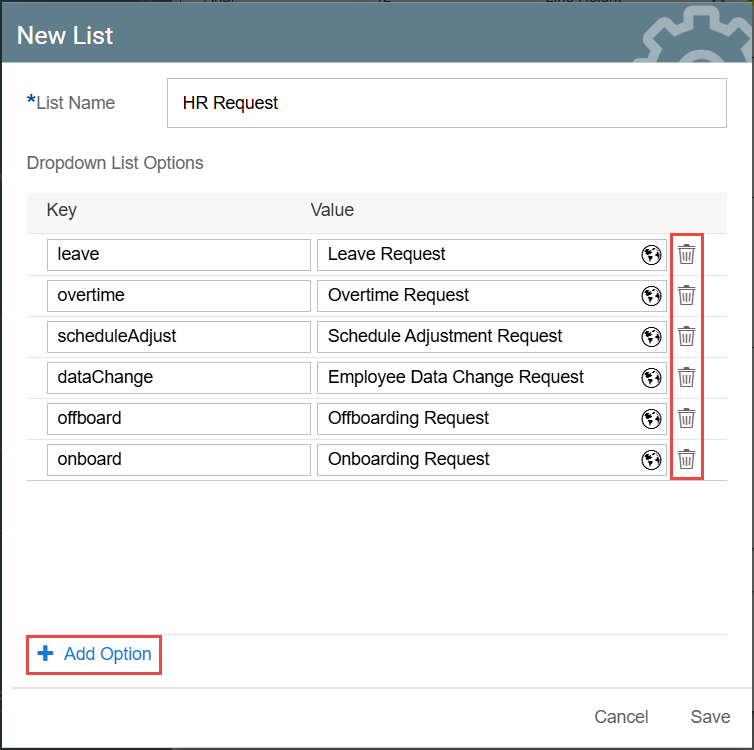
- Click Save. Your new list should now be available as an option for your Dropdown List Form Fields.