Create a Form Template
This article explains how to create a Form Template in Strato Document Generation.
Requirements
Basic knowledge of Documents and Forms in Strato Document Generation are required.
Instructions
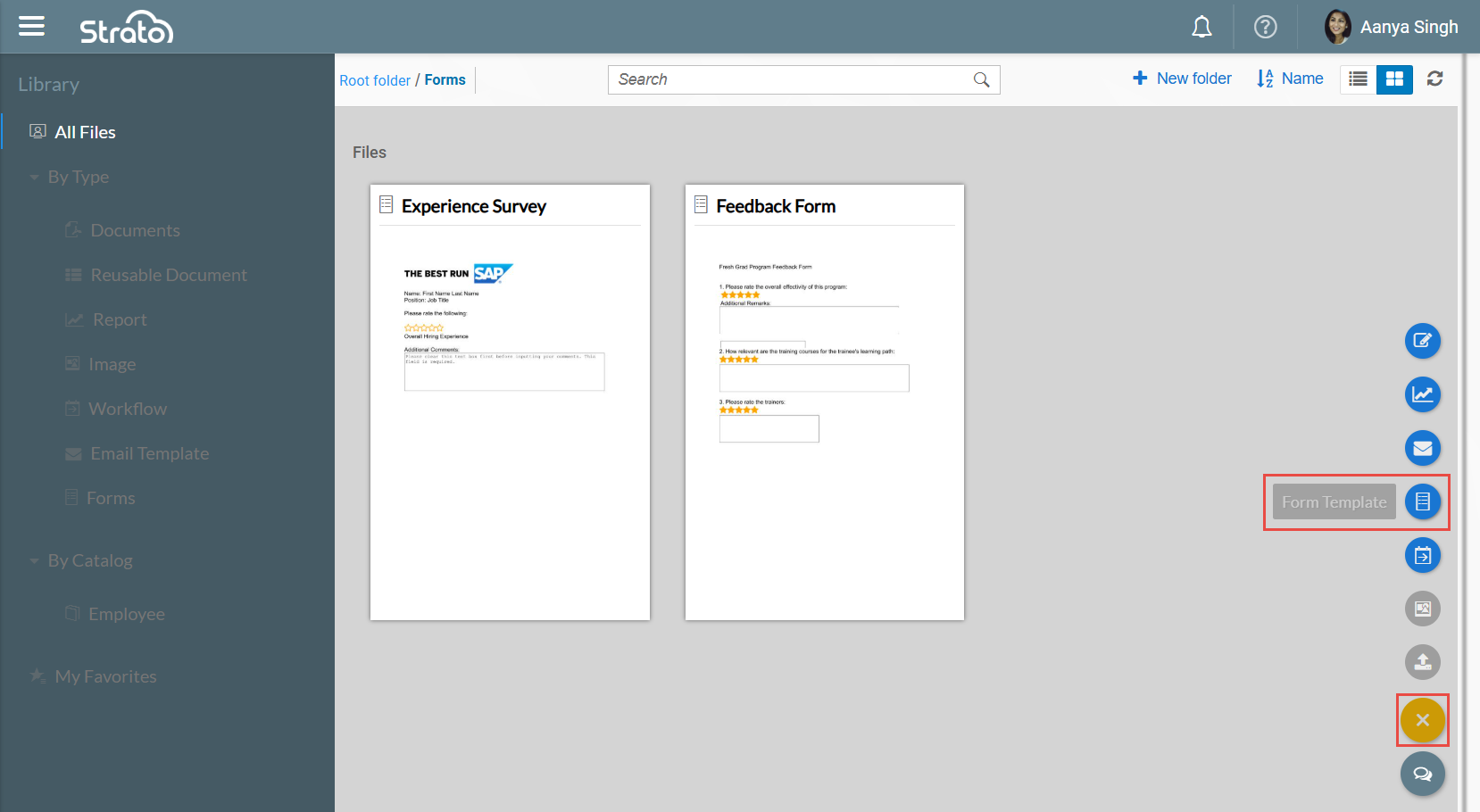
In the Library, create a Form Template by clicking the Form Template icon from the action button on the lower right of the screen.
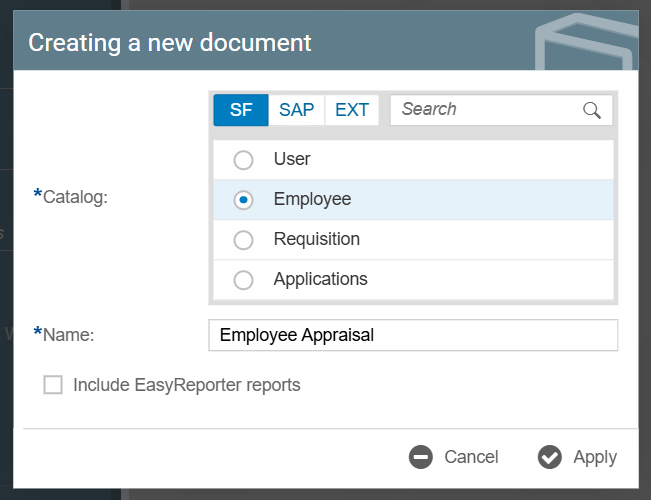
This will prompt a Creating a new document dialog box, where you can set which Catalog the Form Template will reference and the name of the Form Template. Click Apply once done configuring.
A blank Form Template would then be created. You can edit this template like you would edit a Document Template.
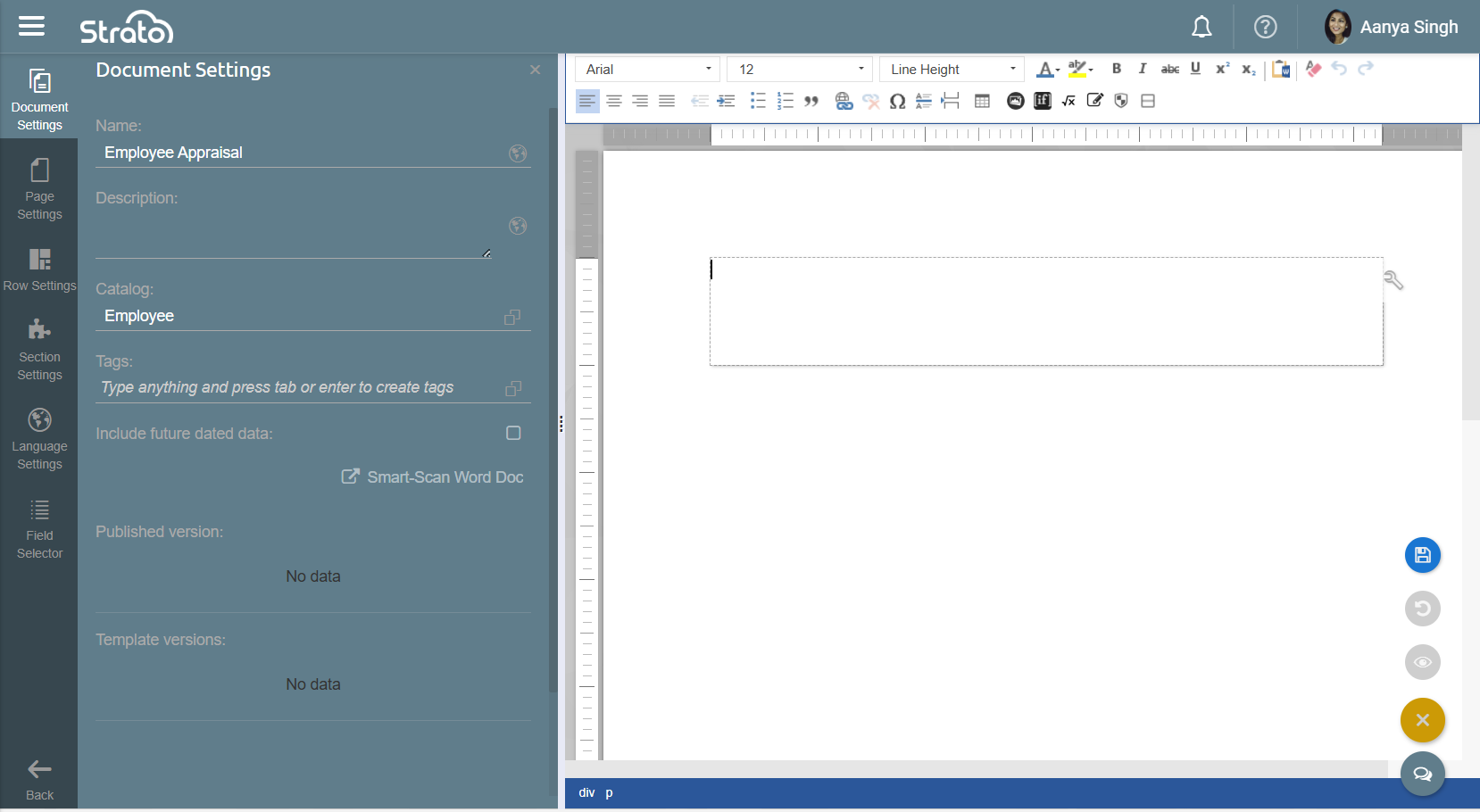
To add Form Fields to the Form Template, position your cursor where you want the Form Field to be placed and go to the Field Selector > Form Fields, then select from the list of Form Fields.
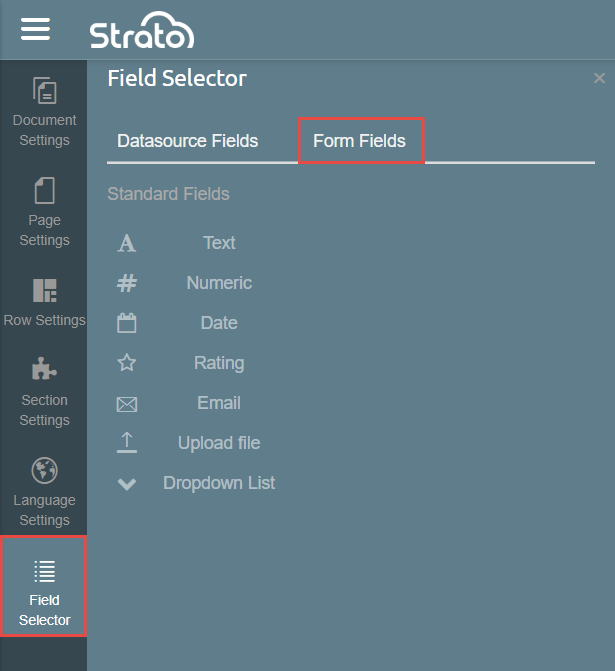
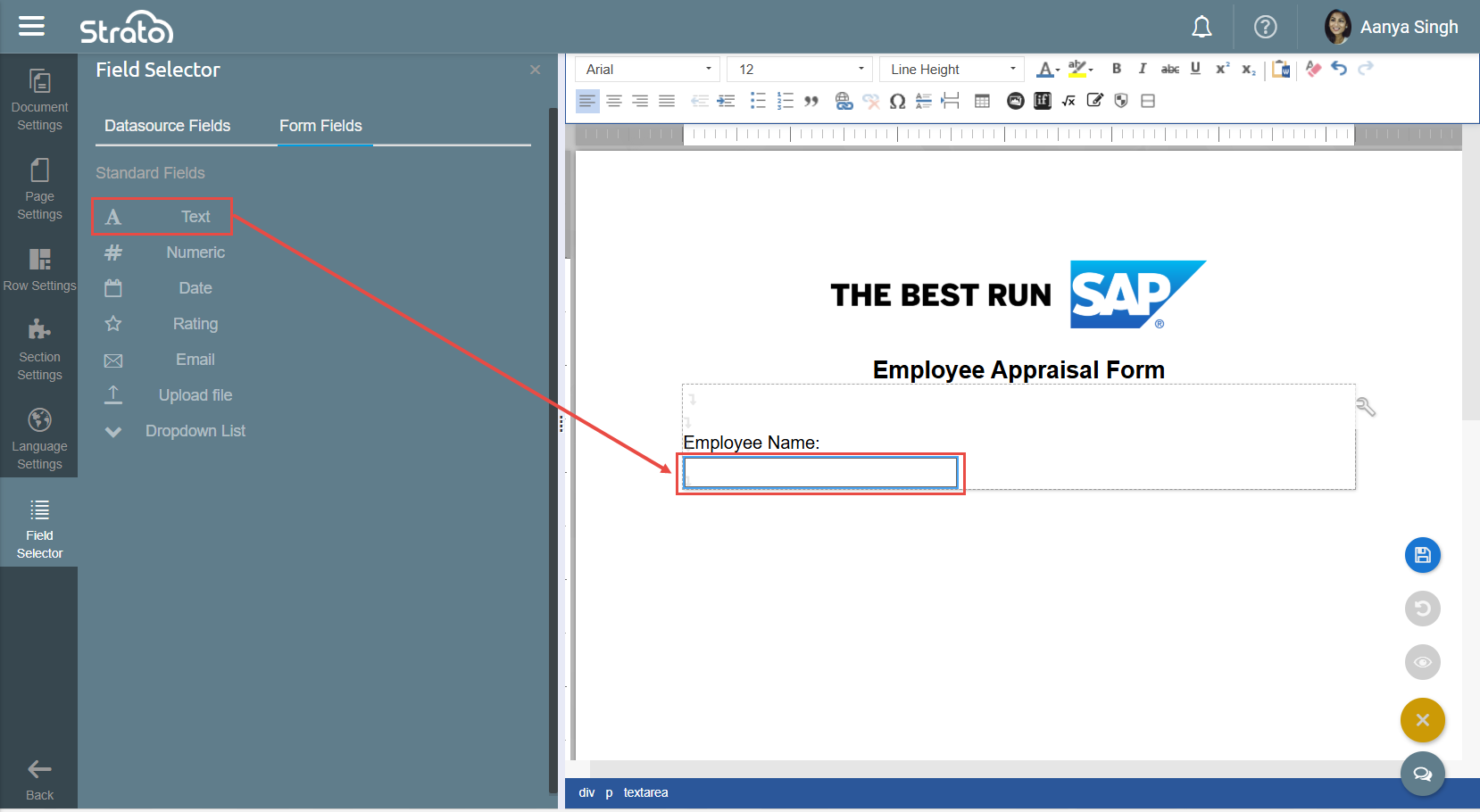
For example, clicking Text adds an input field that accepts string values into the Form Template.
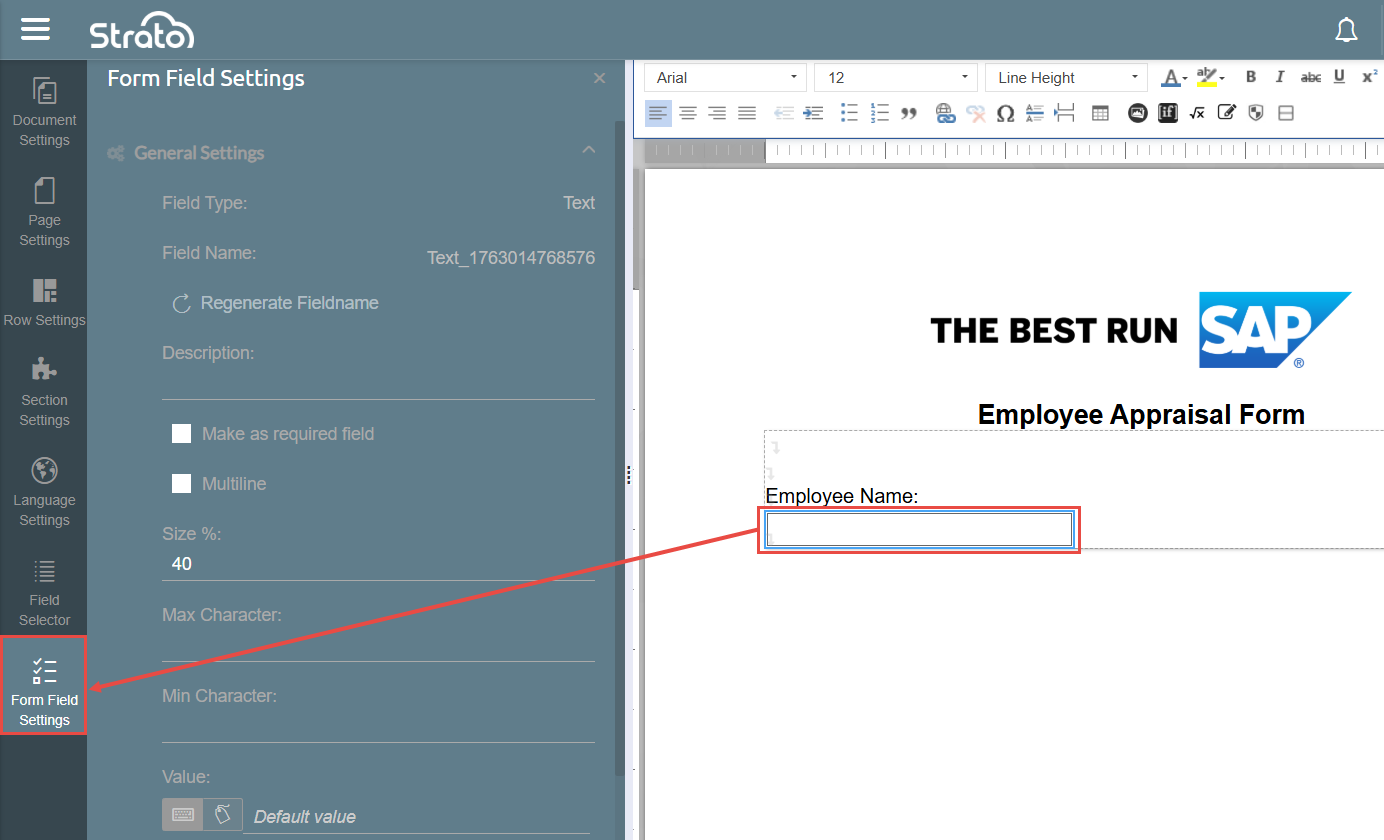
To edit the properties of Form Fields, click the Form Field on the template and then click on Form Field Settings that appears in the leftmost side bar. You can adjust properties like width, character limits, and default values in the Form Field Settings.
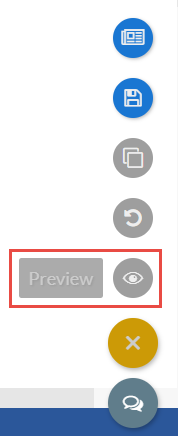
After building your Form Template, click Save and then Publish from the action button on the lower right of the screen. You can also preview the Form Template to see how it would look when answered by recipients by clicking Preview.