Navigate Upgrade Centre
The Upgrade Centre allows users to access and install the Alpha and Beta versions of the enhancements during their ongoing development. This article explains how to navigate the Upgrade Centre page.
Requirements
Basic knowledge of Upgrade Centre is required.
Your permissions from User Management determine if you can manage Alpha and Beta features in the Upgrade Centre. Contact your Strato administrator if you need assistance with these permissions.
Features
Feature List
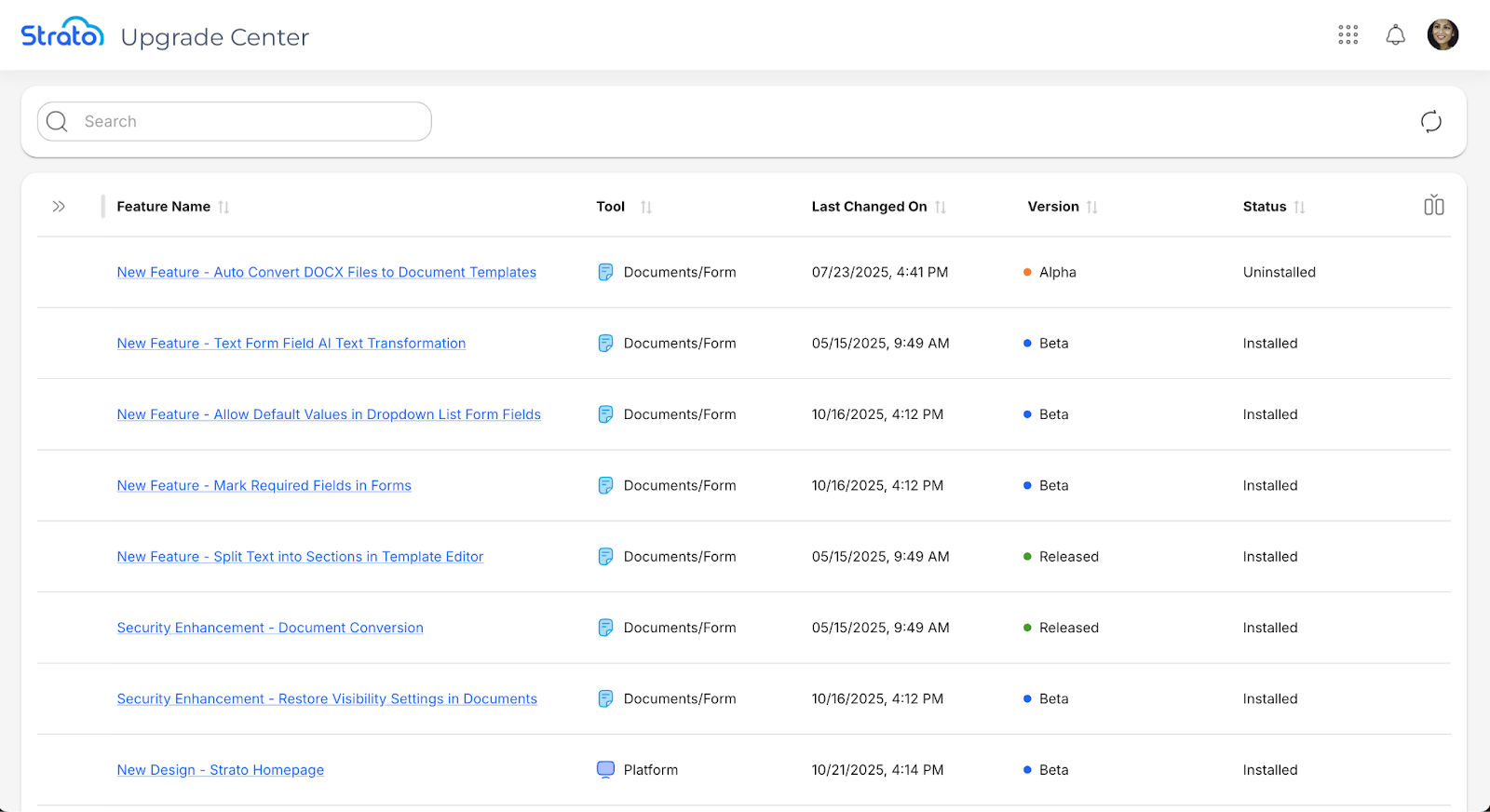
When you open the Upgrade Centre, you will see the list of features and their details.
Actions
 | The Refresh button refreshes the Feature List. |
 | The Show/Hide columns button allows you to toggle additional details on and off. Note that the Feature Name column is enabled by default and cannot be toggled off. 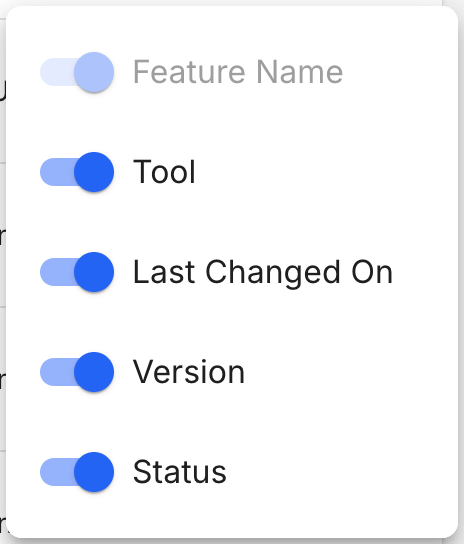 |
 | The Sort button allows you to sort by the selected column in ascending or descending order. |
 | The Move Column handle allows you to drag and drop columns to easily reorder them. |
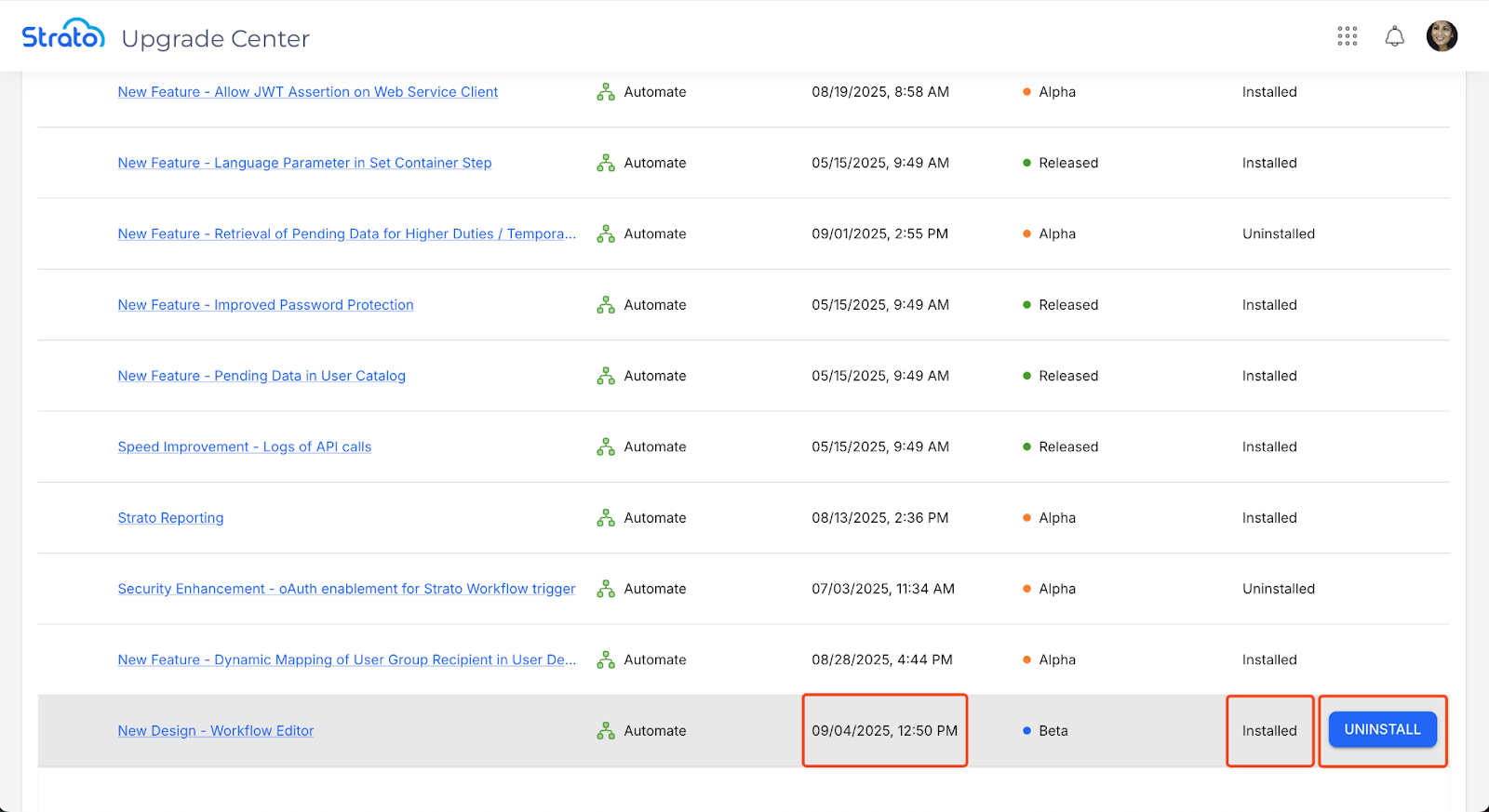
The Upgrade Centre allows users to install and uninstall the Alpha and Beta features by hovering over a feature and clicking the corresponding button.
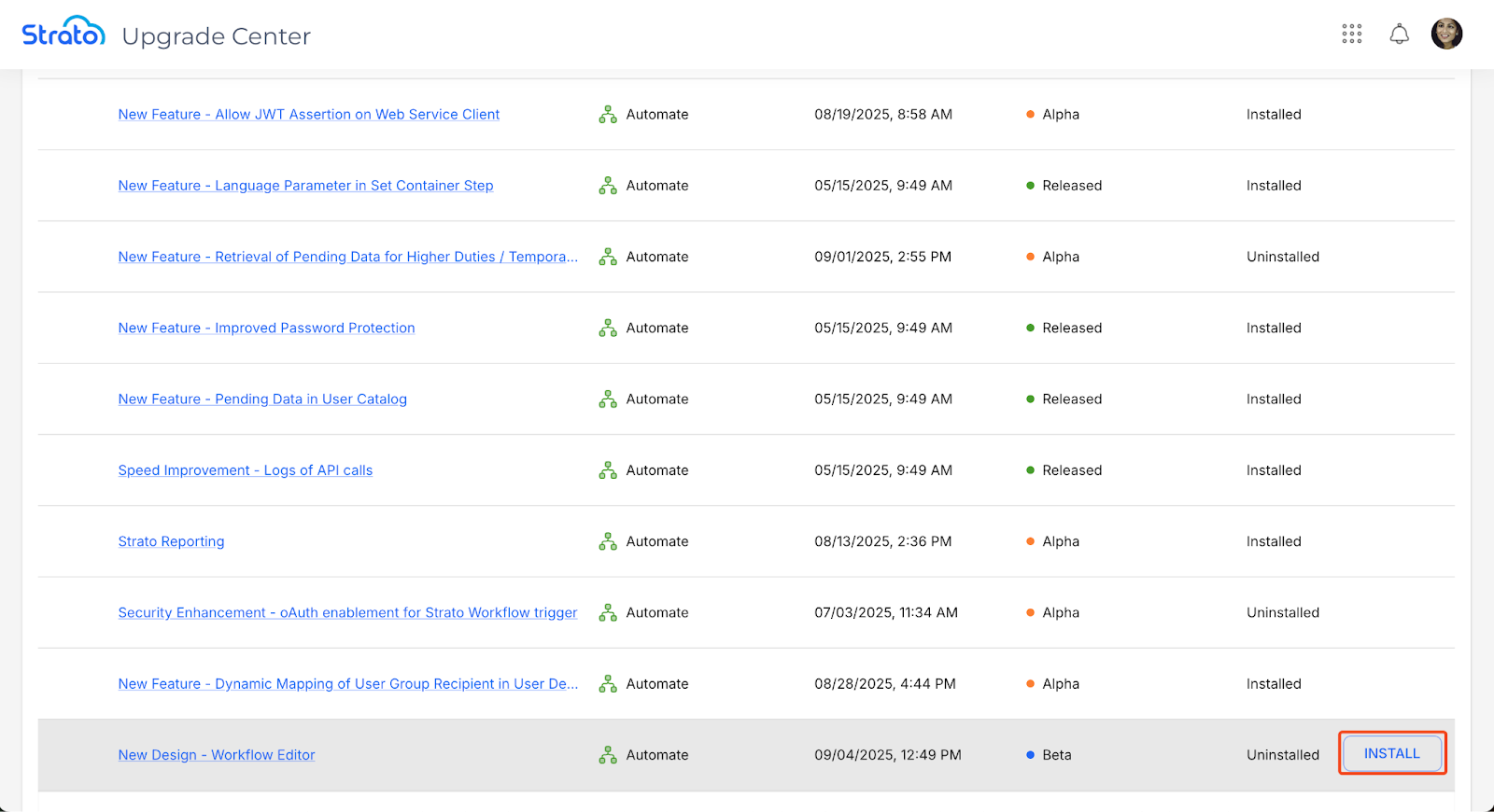
Installing a feature will display Installed as its Status, and reflect the Last Changed On date and time. Users can uninstall the feature by hovering over it and clicking Uninstall.
Column Actions
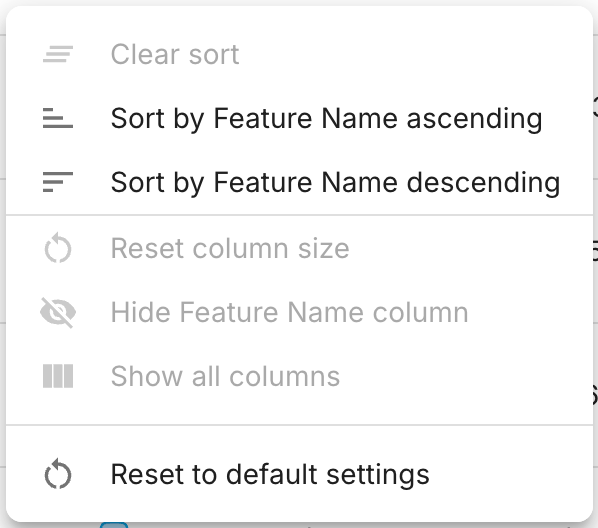
The Column Actions button appears on the right side when hovering over a column.

When clicked, the button shows you a list of actions you can do to the selected column.