Add Metadata Framework Objects to Strato
This article is a guide in Adding MDF objects from SuccessFactors to Strato.
To create MDF objects, read Set Up Metadata Framework Objects in SuccessFactors.
There are 2 ways to add MDF Objects to Strato:
- Create a new instance of Strato
- Add a new system in Strato Provisioning and then initiate the system
- After initializing and updating fields, the MDF objects should be available in the dropdown under Document Storage Settings.
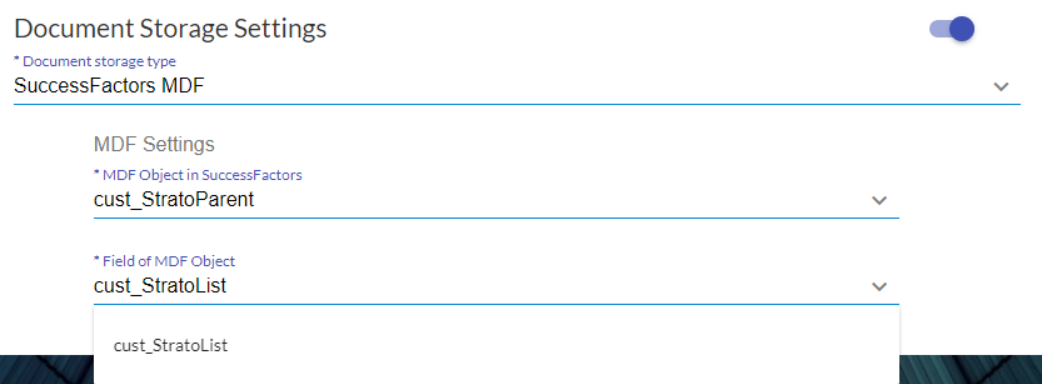
- Update an existing instance of Strato
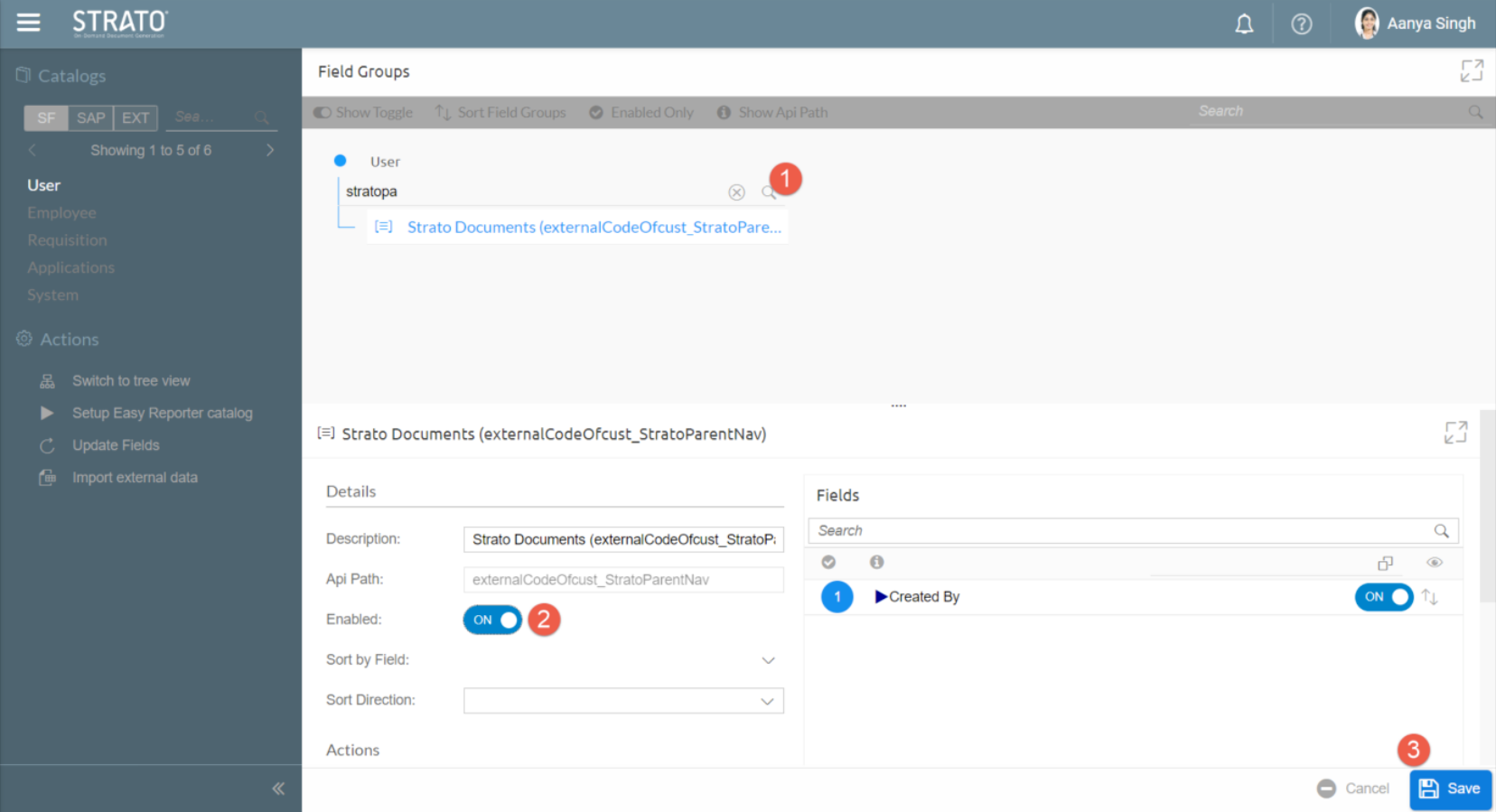
- In your Strato instance, go to Field Settings and then click Update Fields.
- Once the Update Fields job is finished, search for StratoParent and click the Enable toggle to ON to enable the Strato MDF. Click Save.
- After performing the fields update and enabling the MDF object, go to the Strato provisioning of your Strato instance. The MDF objects should be available in the dropdown under Document Storage Settings.
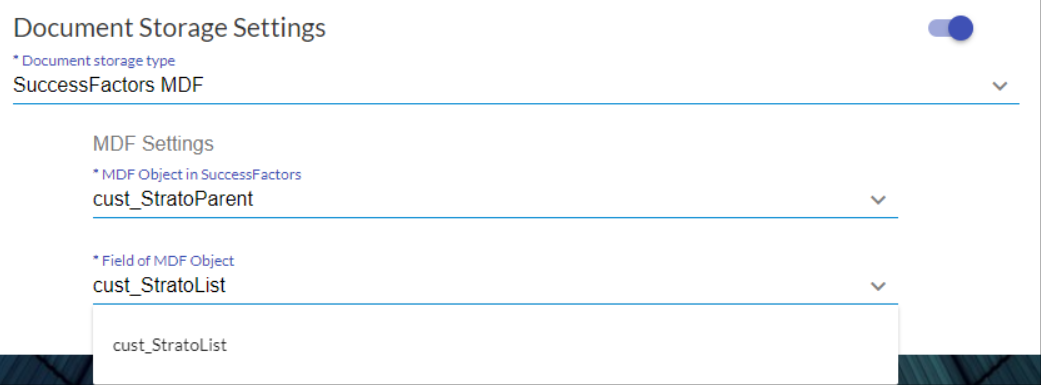
Your MDF objects are now added to your Strato instance. To access the uploaded documents in SuccessFactors, read Uploaded Documents in SuccessFactors.