Manage Strato Tools
In addition to generating documents, other tools/applications can be also enabled in Strato.
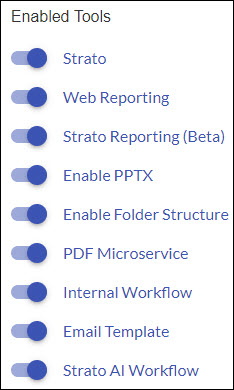
Strato
This is the document generation tool and includes all document creation and generation features.
Web Reporting
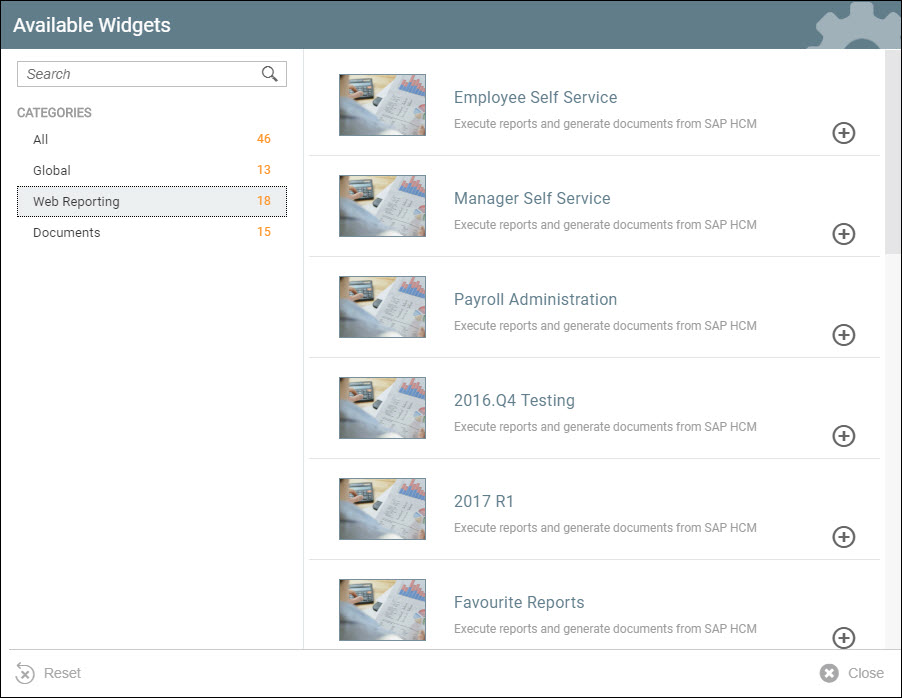
Enabling Web Reporting will allow you to add Web Reporting tiles as widgets in your Strato Dashboard.
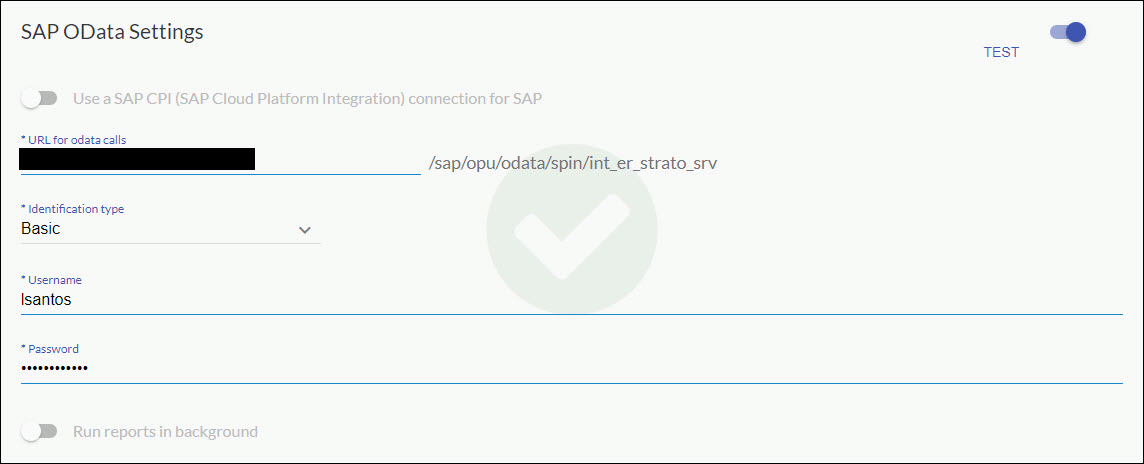
After enabling Web Reporting, make sure to fill the SAP OData Settings box.
Strato Reporting (Beta)
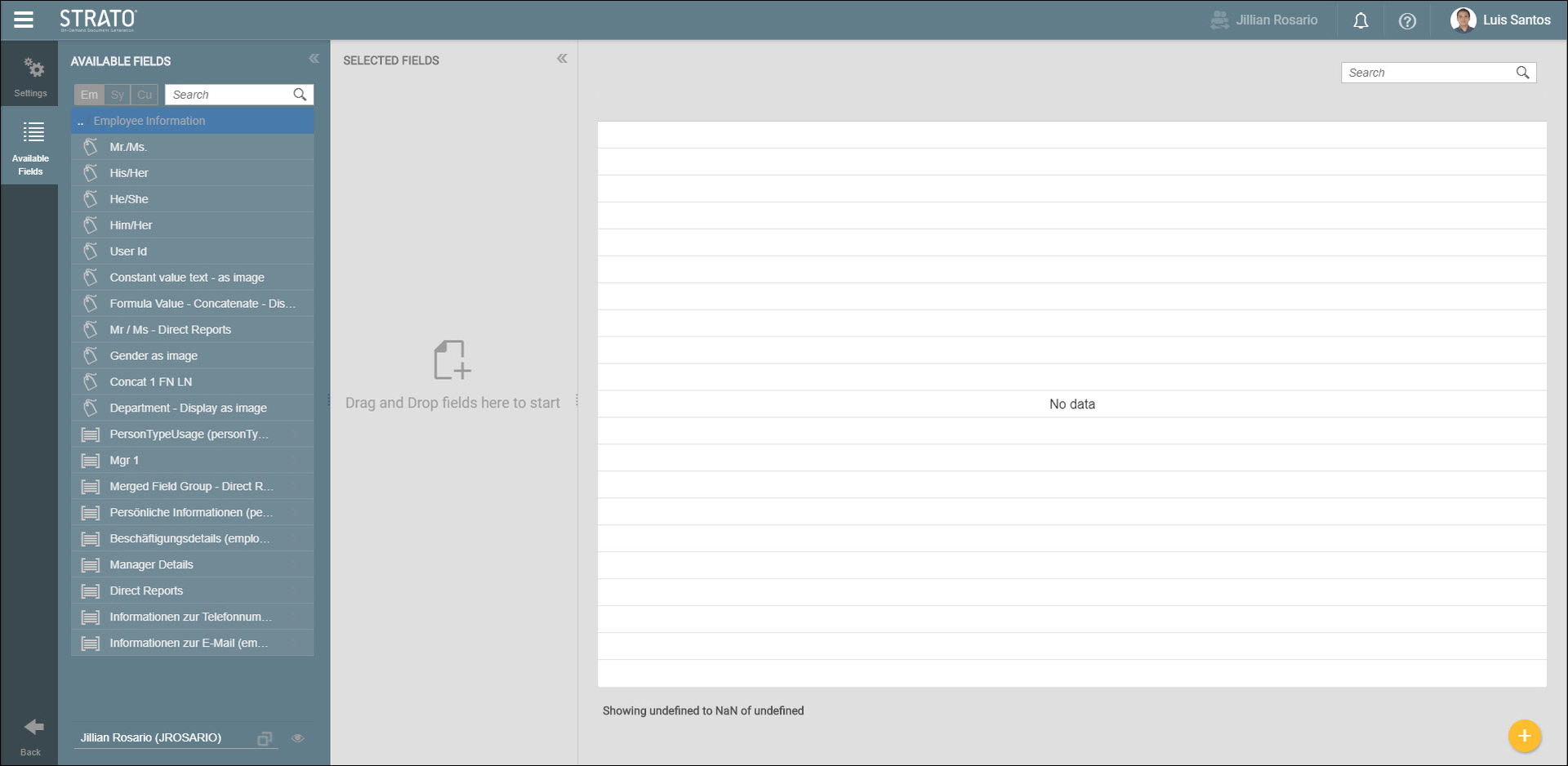
Once enabled, this will allow the creation of simple reports using fields from SuccessFactors.
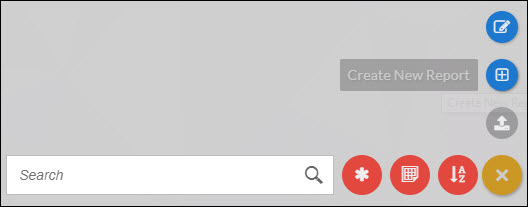
Here's what the report builder looks like.
Enable Folder Structure
Enabling this feature lets you have the capability to sort your Strato components such as images, template and sections in proper folder structure within the Strato Library. Read more about this feature here: New Strato Library.
PDF Microservice
Enabling this should not have any effect in the front end. The purpose of this enhancement is for future releases of Strato that will include graphs and charts.
Internal Workflow
Instead of following a DocuSign or AdobeSign workflow, an internal workflow can also be enabled which allows following a workflow to sign documents without leaving Strato, while still sending email notifications. For more details about this feature, read: Signing Documents Using Internal Workflow.
Email Template
The email template feature allows you to create an email template that will then be used as the content of an email body. Local PC files as well as Strato Documents can be attached to an email template.
Strato AI Workflow
The Strato AI Workflow is used by SpinifexIT Partners and Consultants to create and modify workflows in Strato that resemble that of a customer's.