Access and Navigate Properties Manager
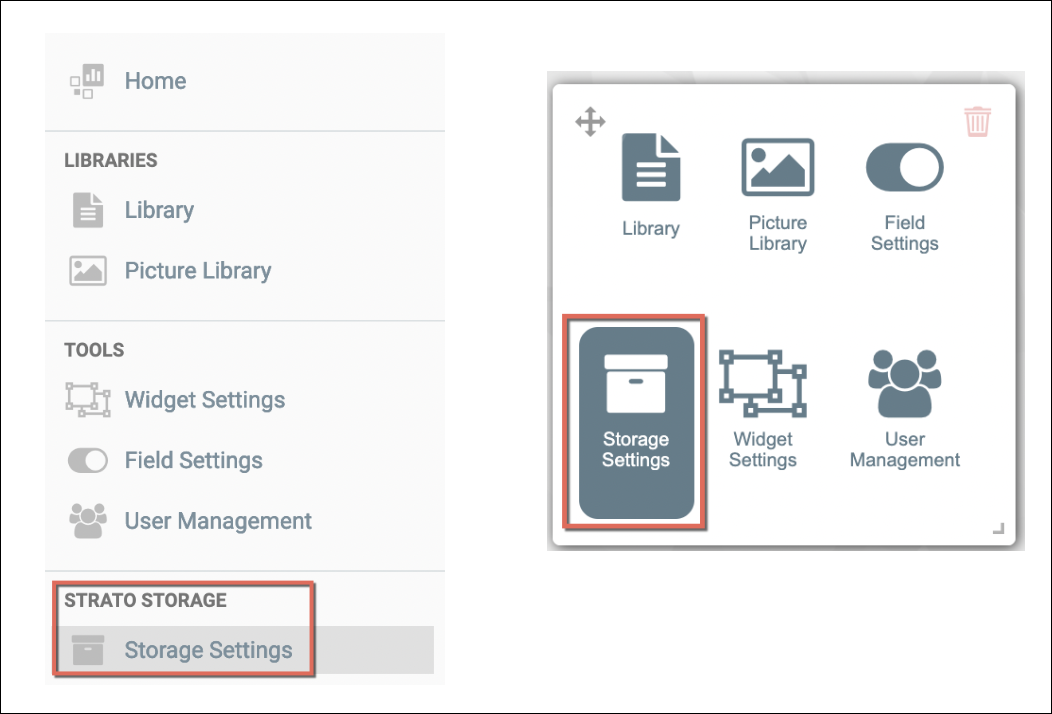
To access the Properties Manager tool, access the Storage Settings either from the left menu panel or from the tools widget from the main screen/dashboard of Strato, as shown in the screen below. Then click on the Properties menu. (Access here will depend on the organization's users' authorization settings.)
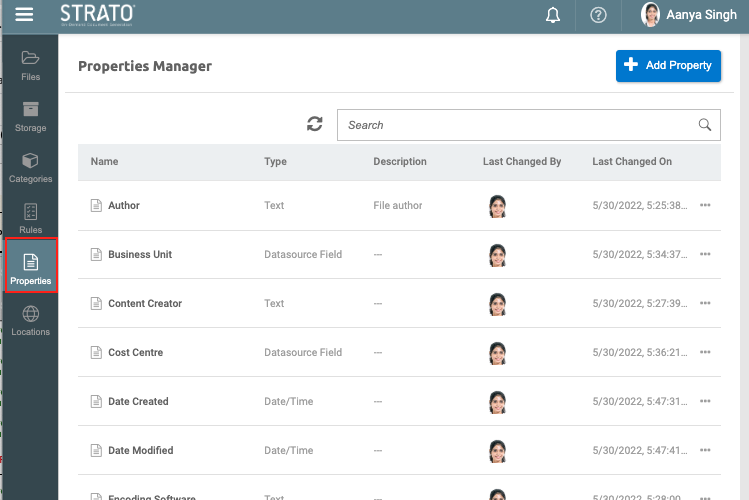
From the Properties Manager, given the proper authorization, the Storage Admin can create properties to use as metadata in Storage. Also from this screen, if Properties are already created, the following details are displayed to the screen:
- Name of the Properties
- Property type
- Description
- Last Changed By
- Last Changed On
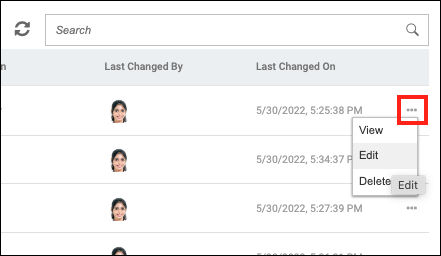
- Action button on the right to be able to View, Edit and Delete properties :