Navigate the Strato Knowledge Base
This article explains how to navigate the Strato Knowledge Base, powered by Odoo.
This article has the following sections:
Access
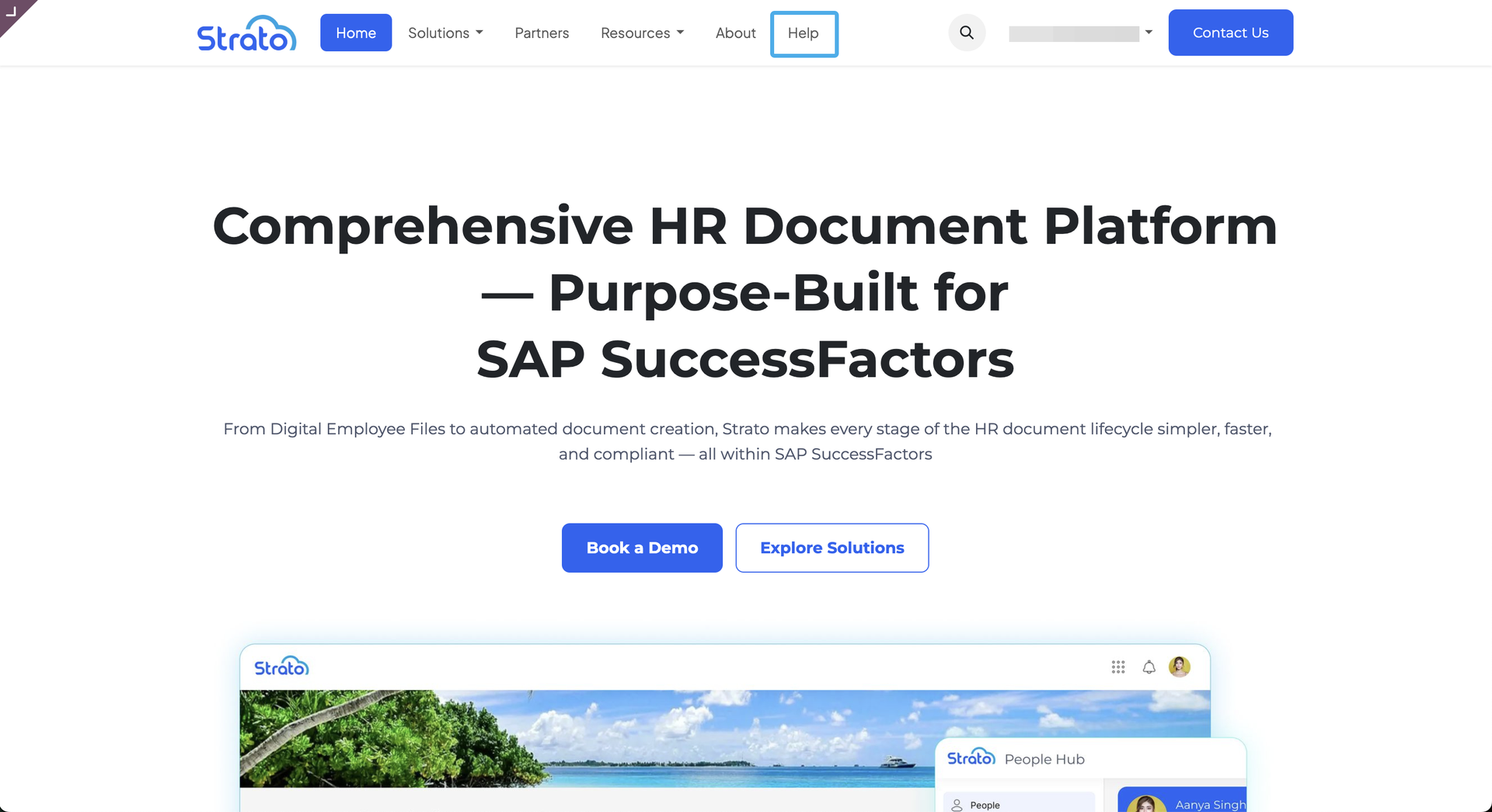
To access the Strato Helpdesk, click Help in the navigation bar.
Strato Helpdesk
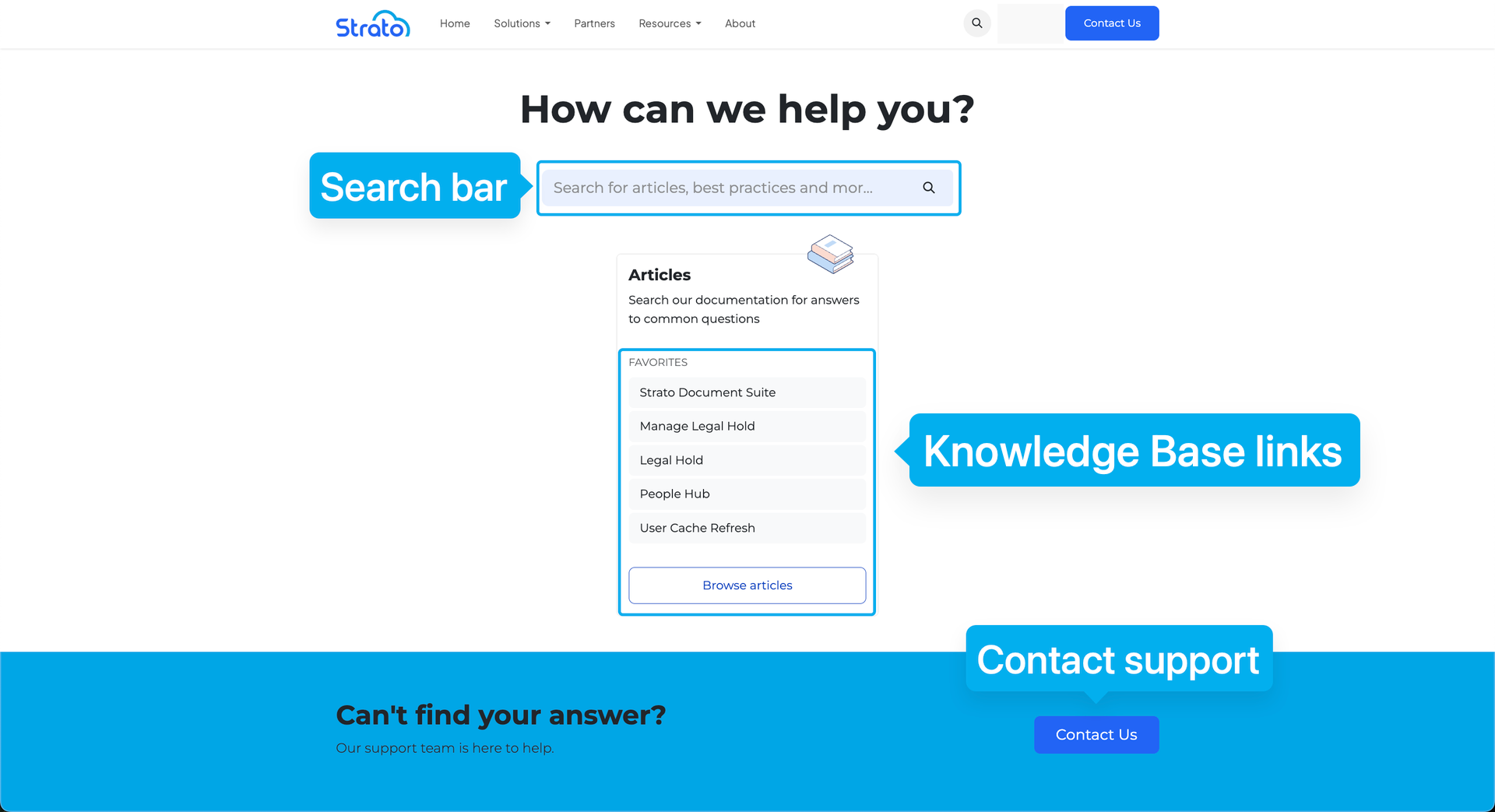
Item | Description |
|---|---|
Search bar | Allows you to enter keywords to search for articles in the Strato Knowledge Base.
|
Knowledge Base links | Shows links to favorite articles. You can also click Browse articles to be directed to the Strato Knowledge Base. |
Contact support | Redirects to the Submit a Ticket page, where you can provide further details so that our support team can assist you. 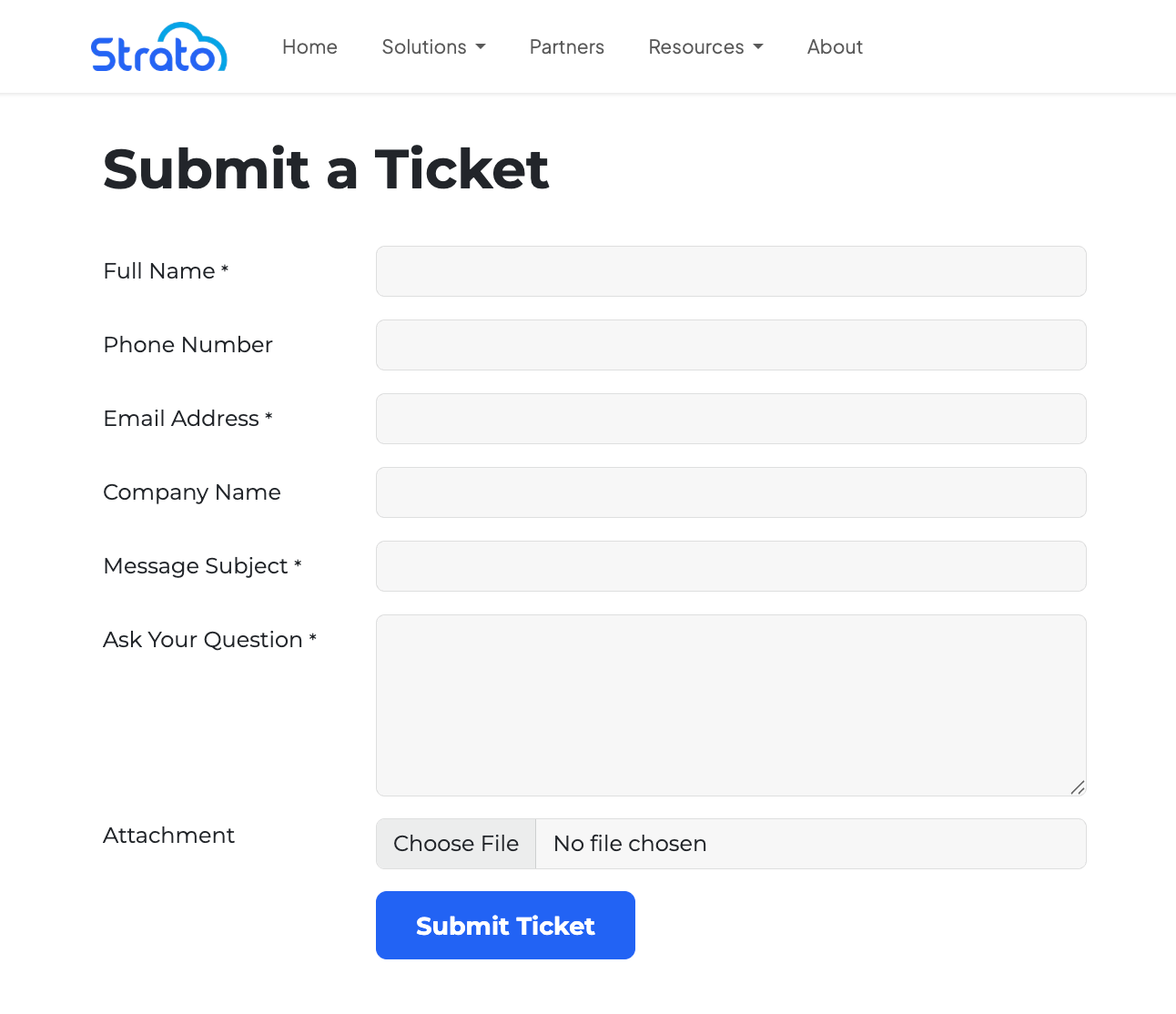 |
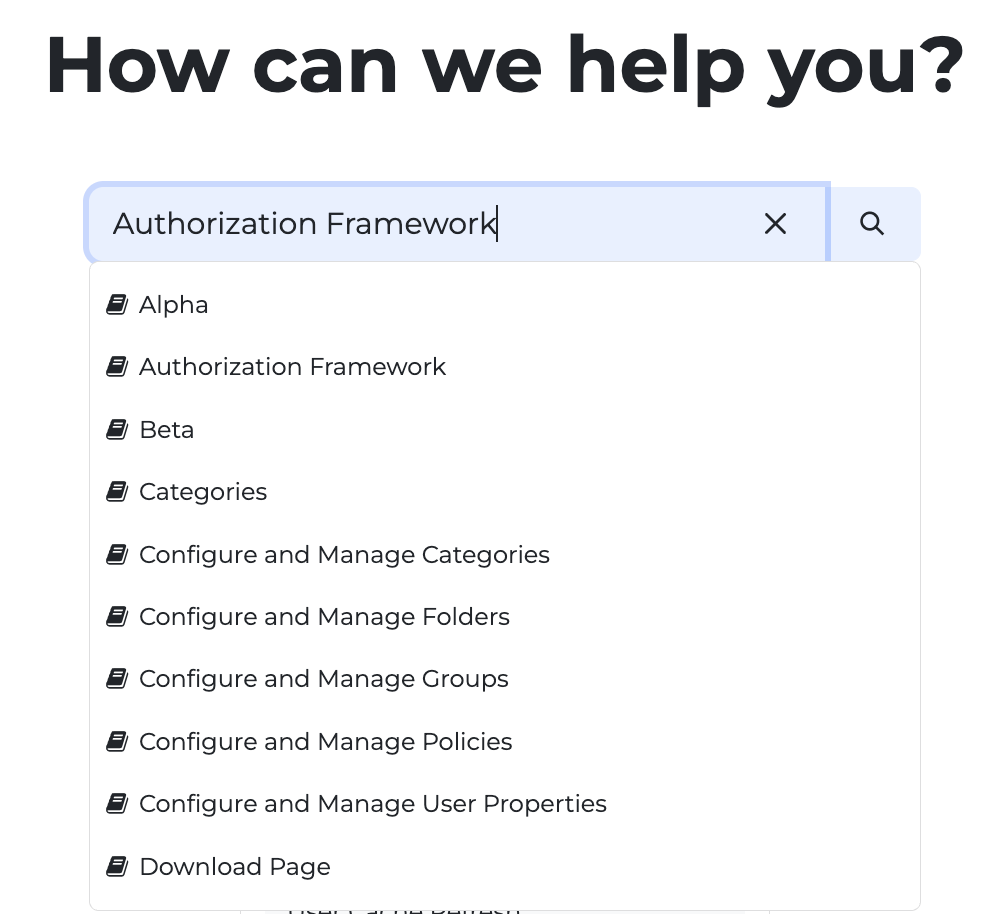
Strato Knowledge Base
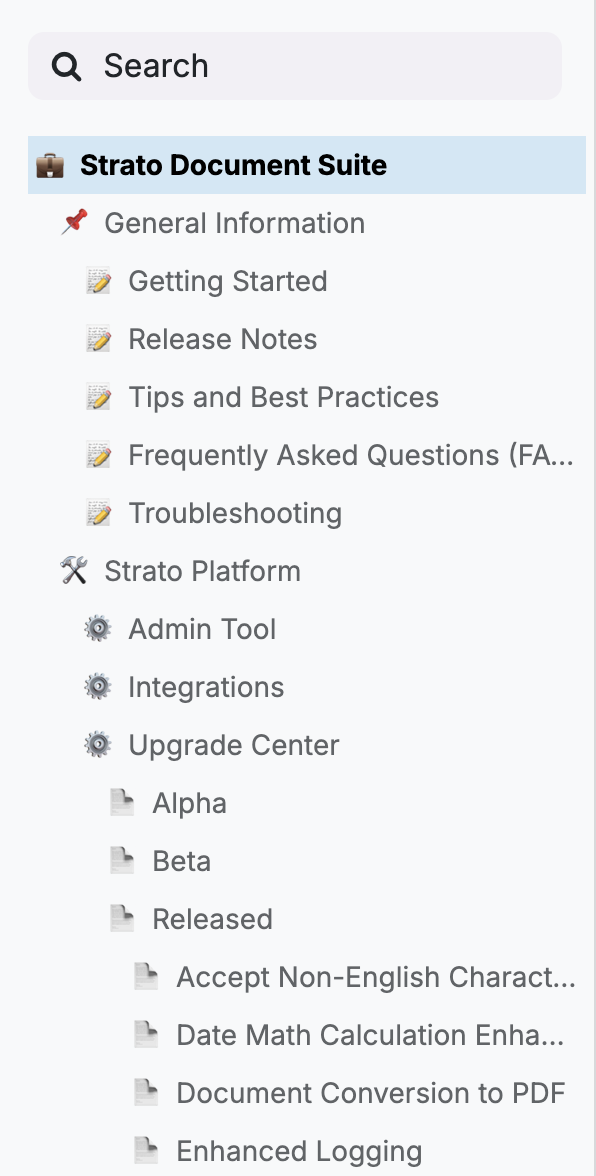
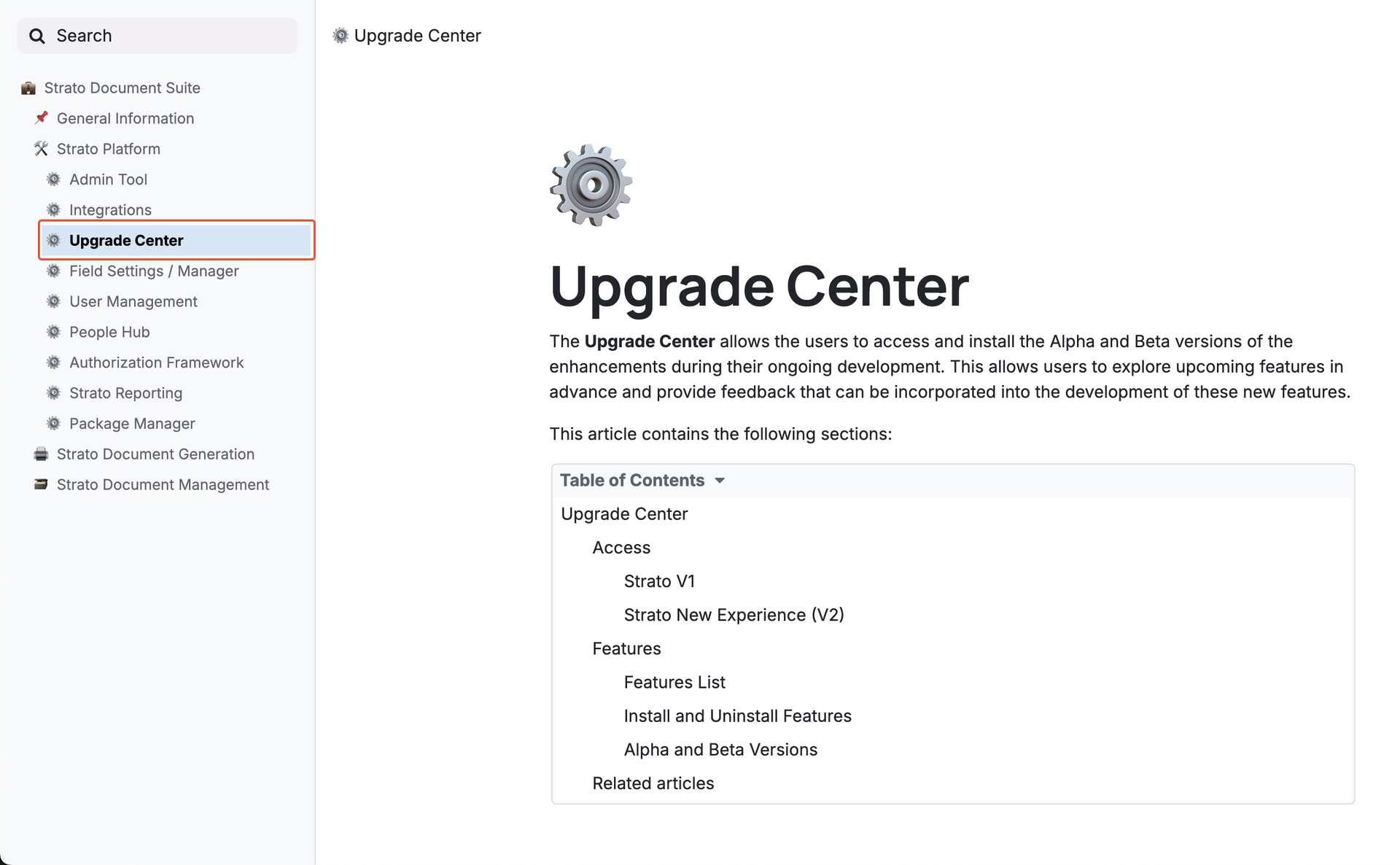
In the Strato Knowledge Base, you will see the homepage, which divides articles into categories that cover each Strato component, and the sidebar, which structures articles in a tree-list view.
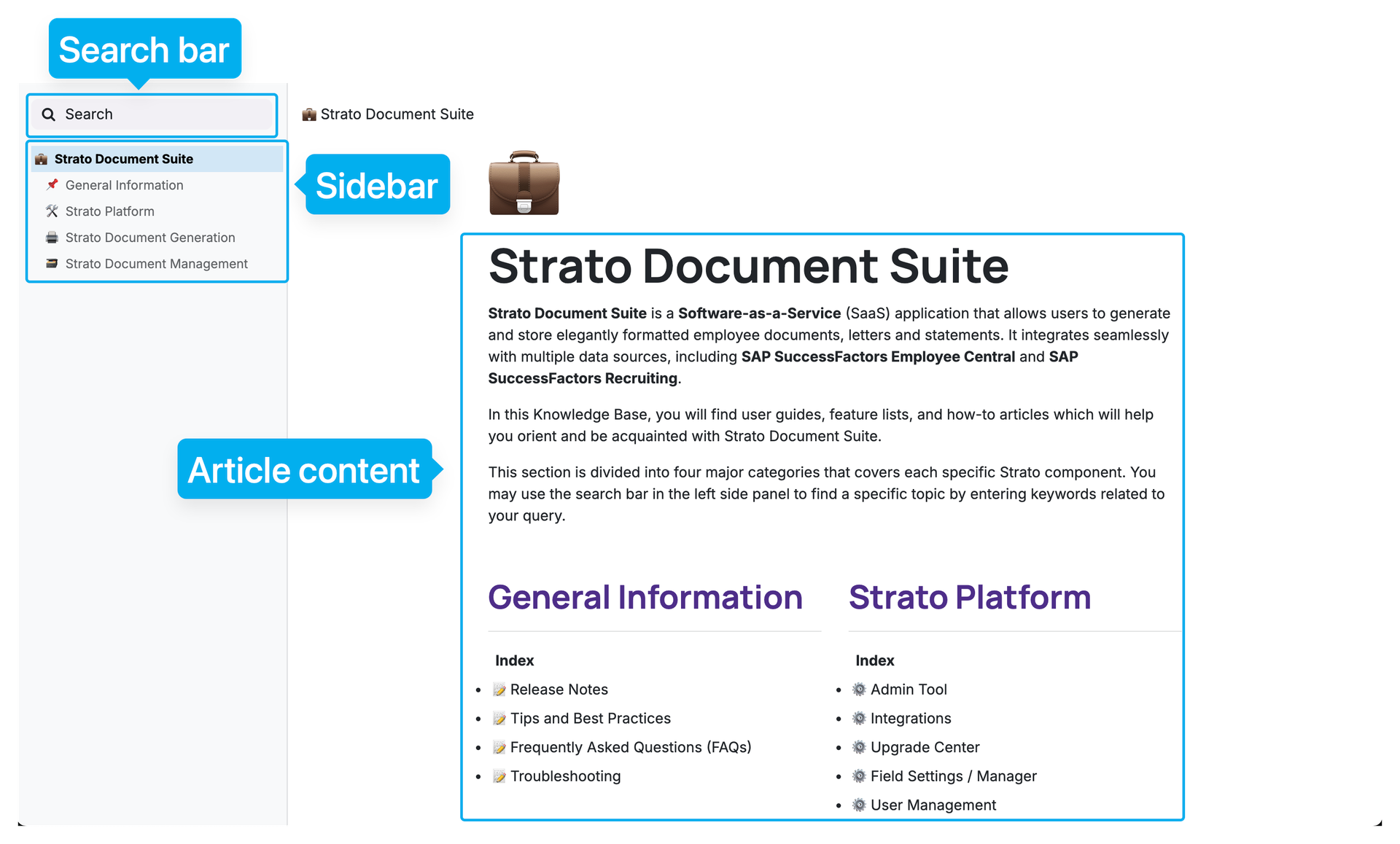
Item | Description |
|---|---|
Search bar | Opens the search panel, where you can enter keywords to search for articles in the Strato Knowledge Base. 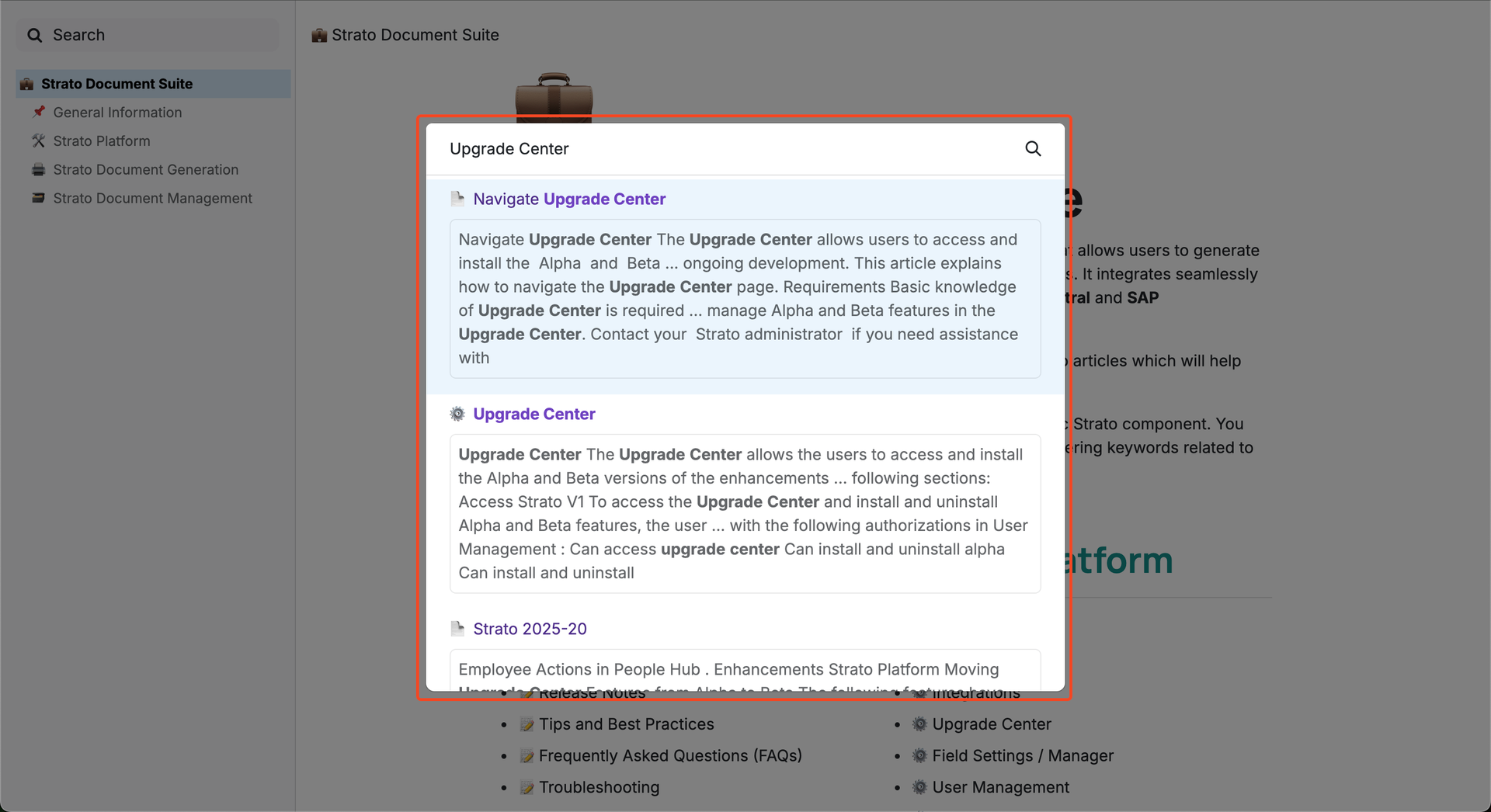 |
Sidebar | Allows you to explore the Strato Knowledge Base using a tree-list view.
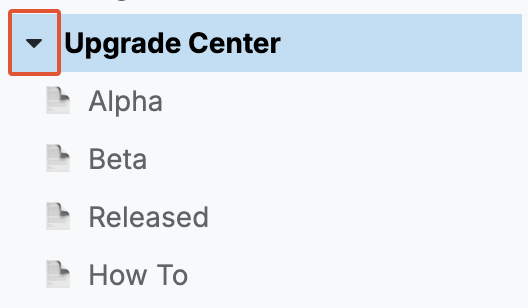
Each article acts as both an article and a folder. To view the contents of the article, click the article title.
To view the articles inside, click the arrow next to the article title.
Some articles may not have any further articles inside. Opening these will display a "No Articles here" message.  |