Delete Folders and Files in File Management
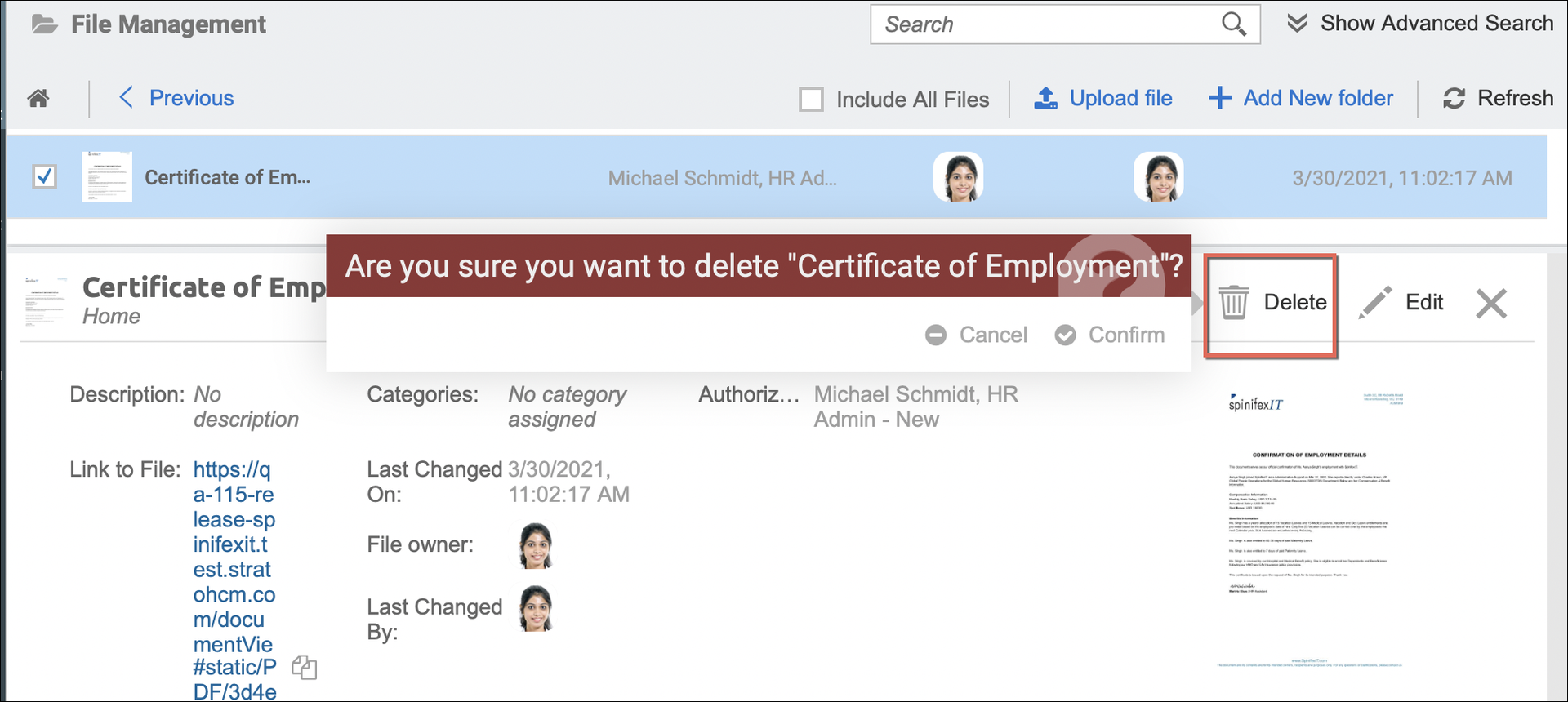
Delete a folder or a file (or multiple files) within the File Management by simply ticking the checkbox of the file or folder (or multiple files and folders), and clicking the Delete option.
For deleting a single item, you can also do this action within the Edit mode of the folder or file.
Deletion is only possible for super admin users. (check the users' authorization settings)
There will be a prompt at the bottom of the screen if the item has been successfully deleted.