Personalise the Strato Homepage
You can personalise your Strato Homepage by adding or removing widgets, modifying their arrangement, and changing the background image and theme.
Instructions
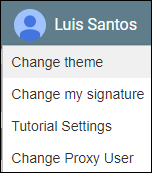
You can change the background image and theme of your Strato Homepage by clicking Change Theme from your user name.
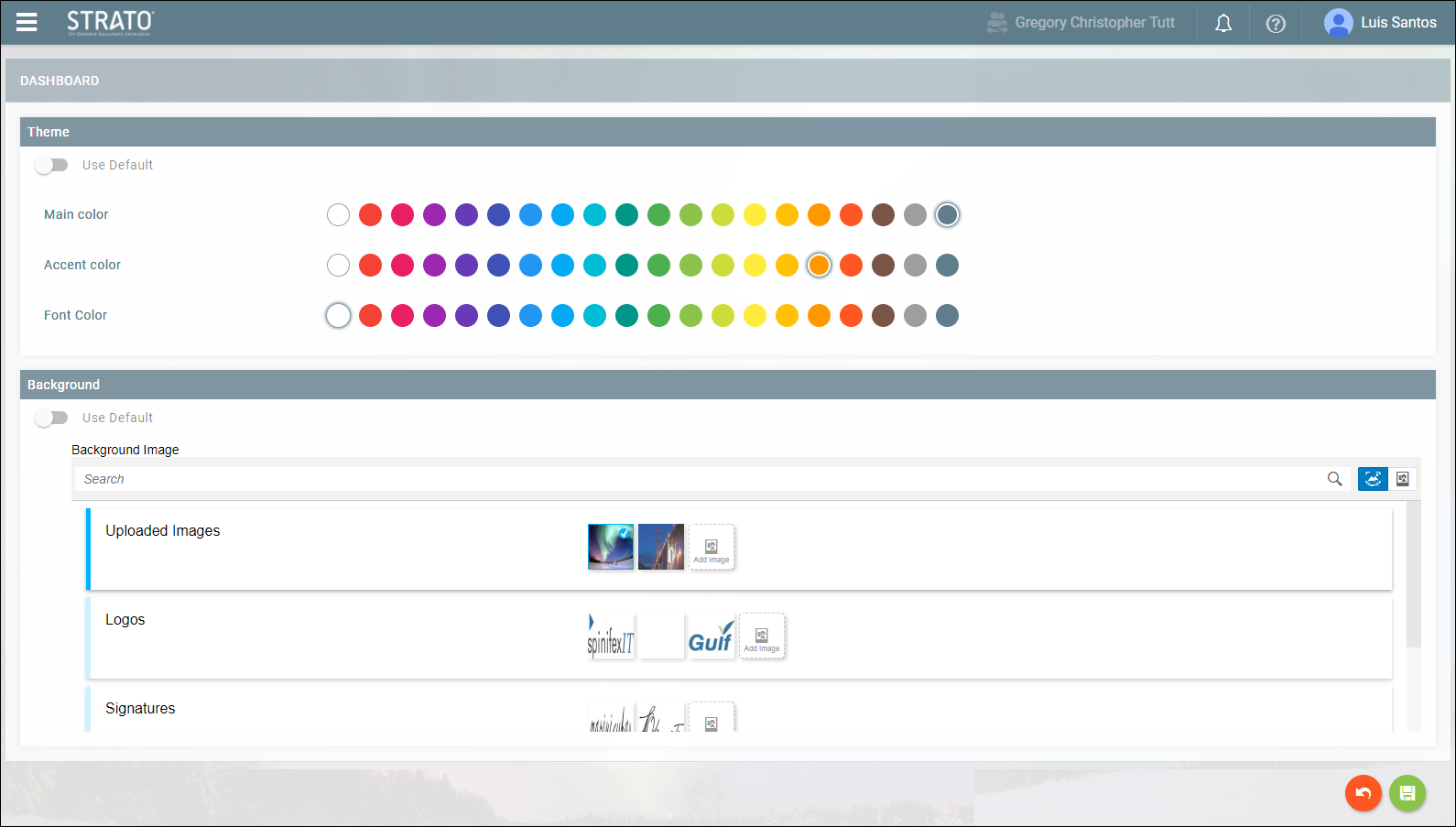
The following settings can be seen:
Use Default | This toggle appears both on the theme tab and the background tab. When enabled, this will use the default background image or theme. |
Main Color | This affects the color of the title bar. The default main color is bluish-gray. |
Accent Color | This affects the color of the loading bar when performing actions. The default accent color is orange. |
Font Color | This affects the color of the fonts in the title bar. The default font color is white. |
Search | Allows you to search for images. |
Add image | Allows you to upload your image. When this is clicked, the file browser will pop-up. |
When you are done modifying the settings, click Save in the lower right corner of the screen.
