Compliance Tracker
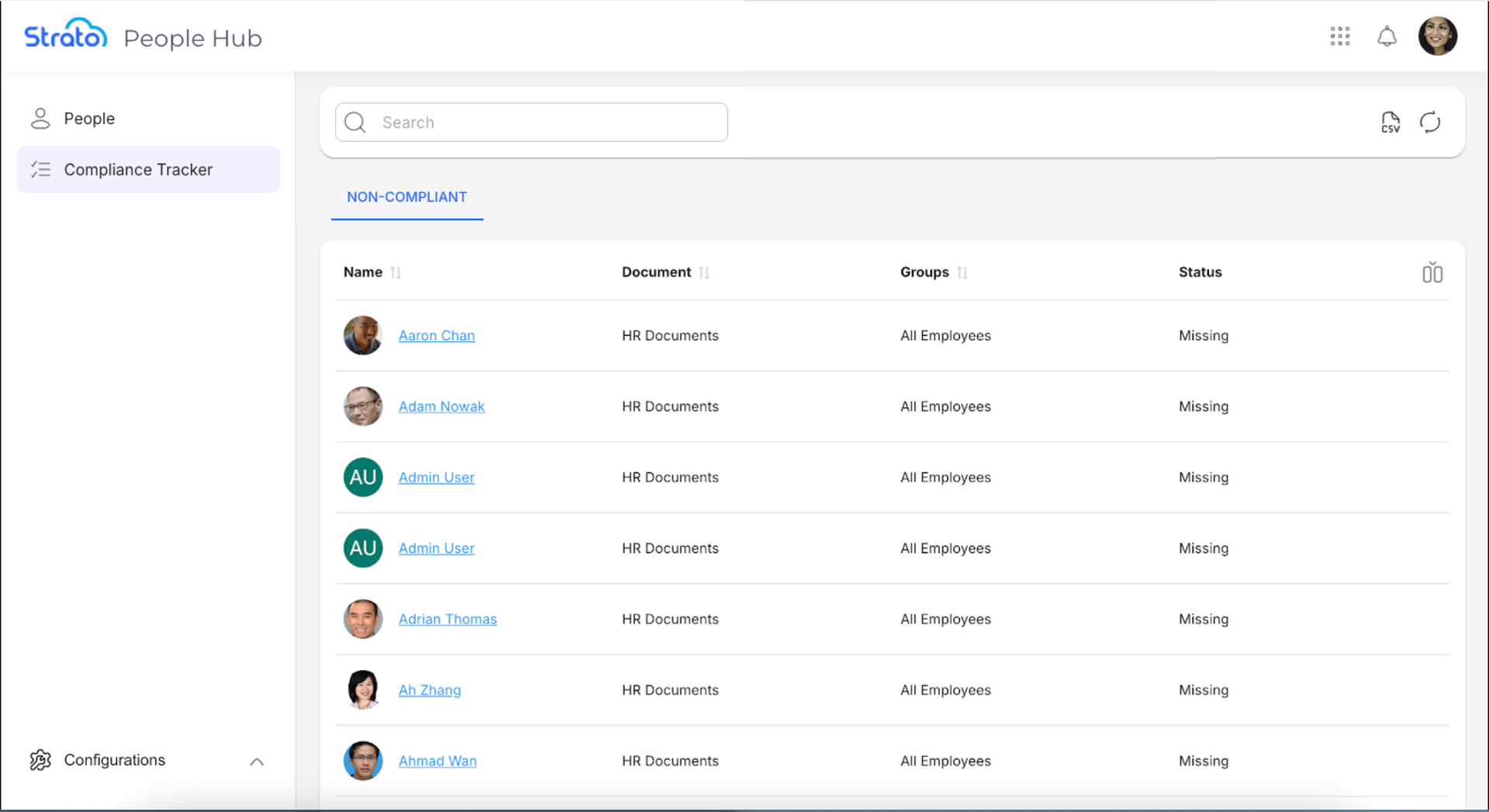
Compliance Tracker enables admins to efficiently manage and monitor all employees with missing compliance documents. It provides a comprehensive view for HR and admin personnel to track and address employee non-compliance.
To use the Compliance Tracker, admins assign documents with the appropriate Categories as compliance requirements, and assign Groups responsible for these requirements. Compliance Tracker then assigns these requirements to the appropriate people and tracks their statuses.
Access
Admins can access the Compliance Tracker via the Strato App Menu Bar.

Admins can also access the Compliance Tracker in People Hub.

Features
Compliance Tracker enables admins to:
- View the list of all employees with missing compliance documents, and search within the list of users, documents, and Groups.
- View the details of a missing compliance document of an employee.
- Export the list of employees' compliance status as a CSV file.
Non-Compliant List
Compliance Tracker provides admins with a list of all employees with missing compliance documents. Admins can search using keywords, and show or hide columns based on their needs.
Export
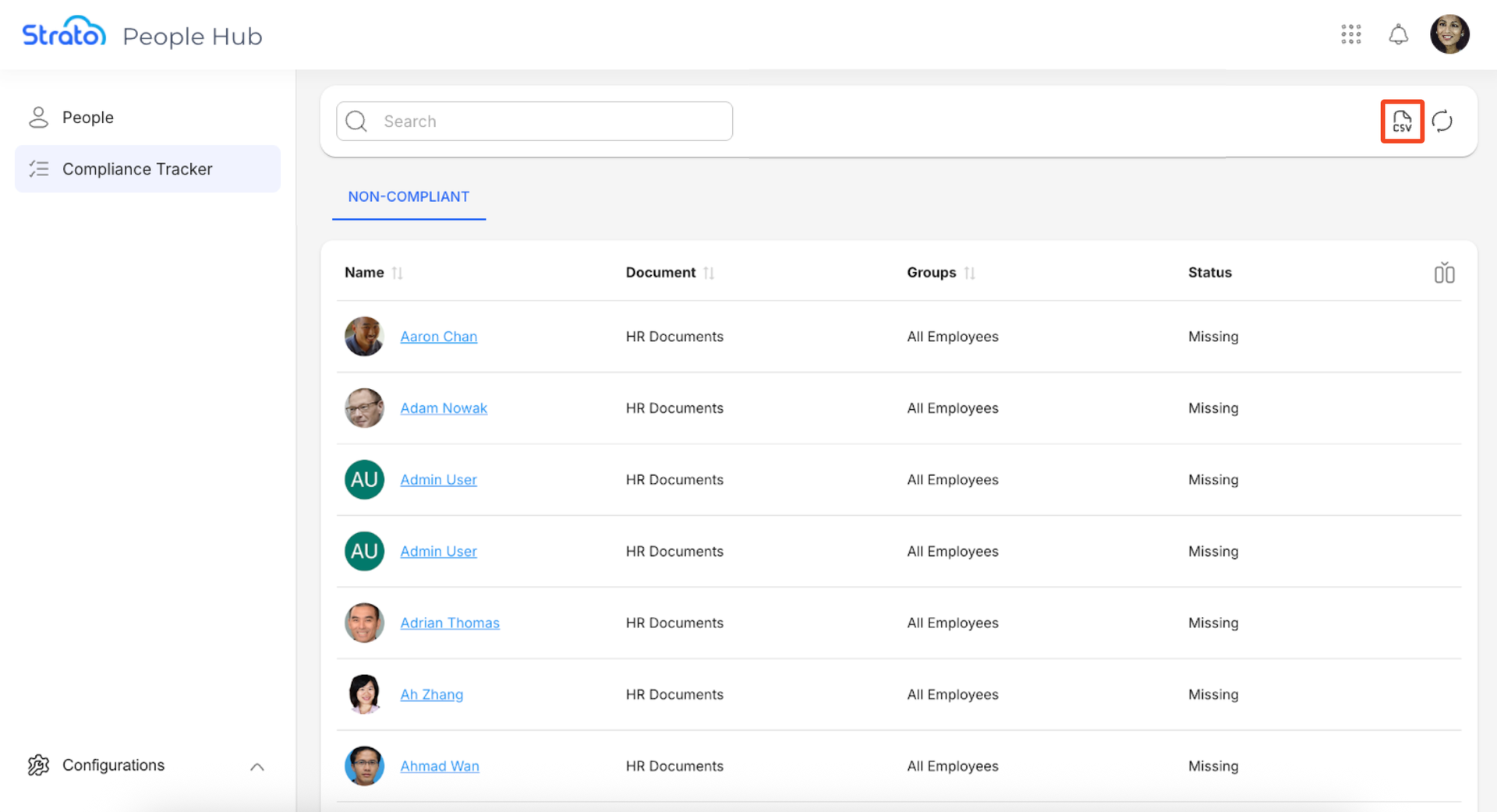
Admins can export the list of the employees' compliance status as a CSV file, for use in reporting and data analysis. To export the list, click the Export button.
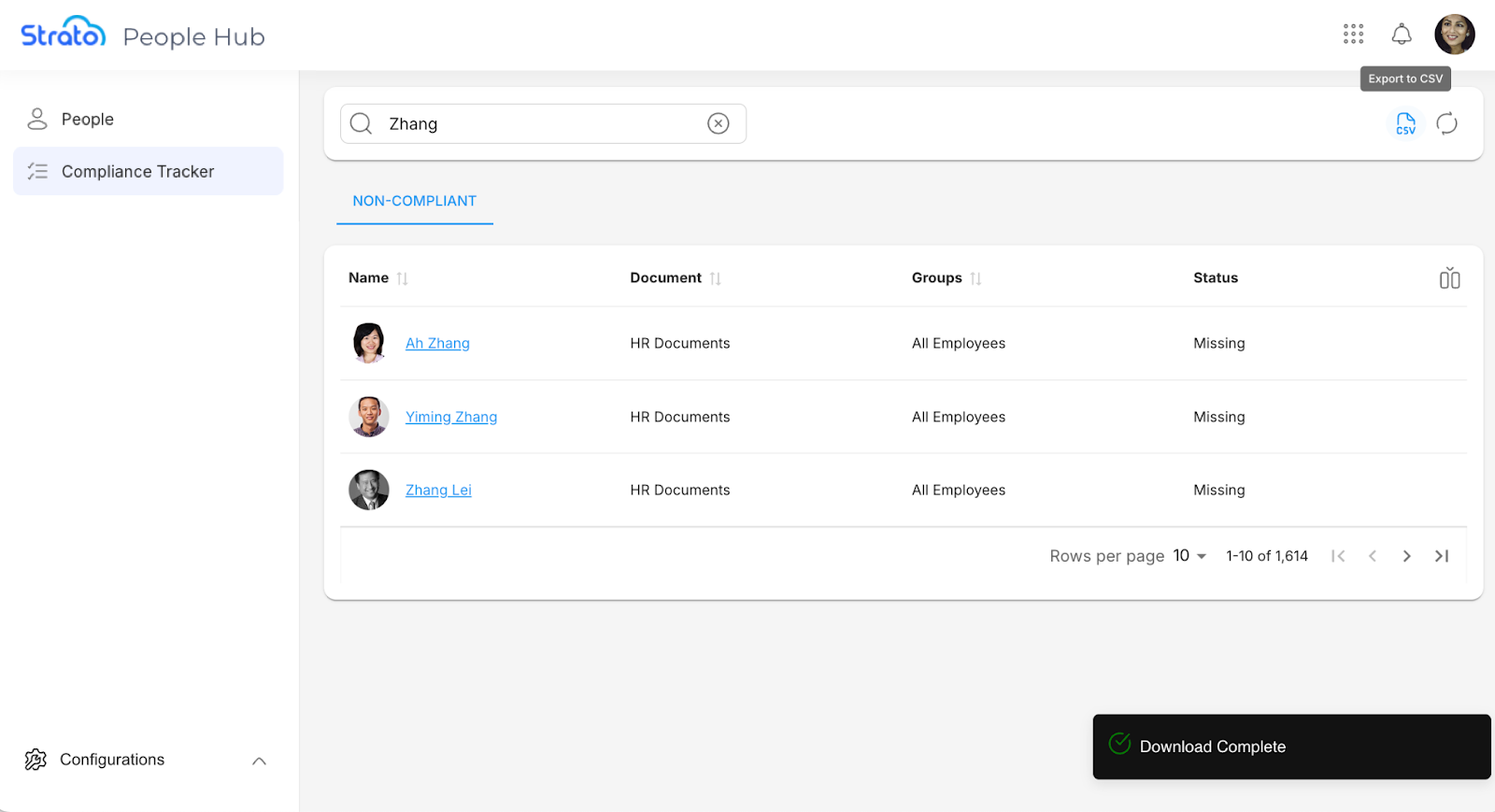
A confirmation message will appear when the export is done and the CSV file is downloaded.
Continue Setting Up
After you install New Feature - Compliance Tracker, it is recommended that you learn how to set up Compliance Tracker to assign Categories to documents that will serve as your compliance requirements.