Configure Compliance Tracker via API
This article explains how to configure Compliance Tracker via an API request.
This article contains the following sections:
Requirements
Make sure that New Feature - Compliance Tracker is installed in the Upgrade Center.
A foundational knowledge and experience with APIs and API client applications like Postman are required.
Instructions
Create or Update a Configuration
- Type the URL in the format
<System URL>/people/compliance/configand set the method to POST. 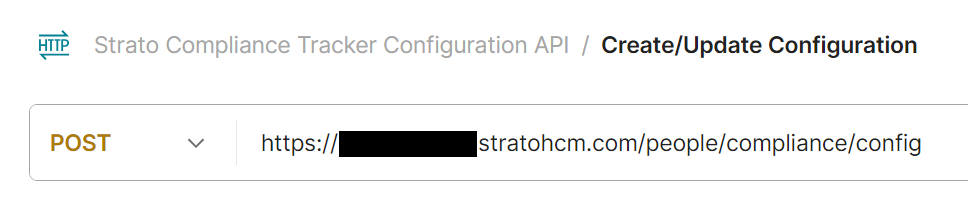
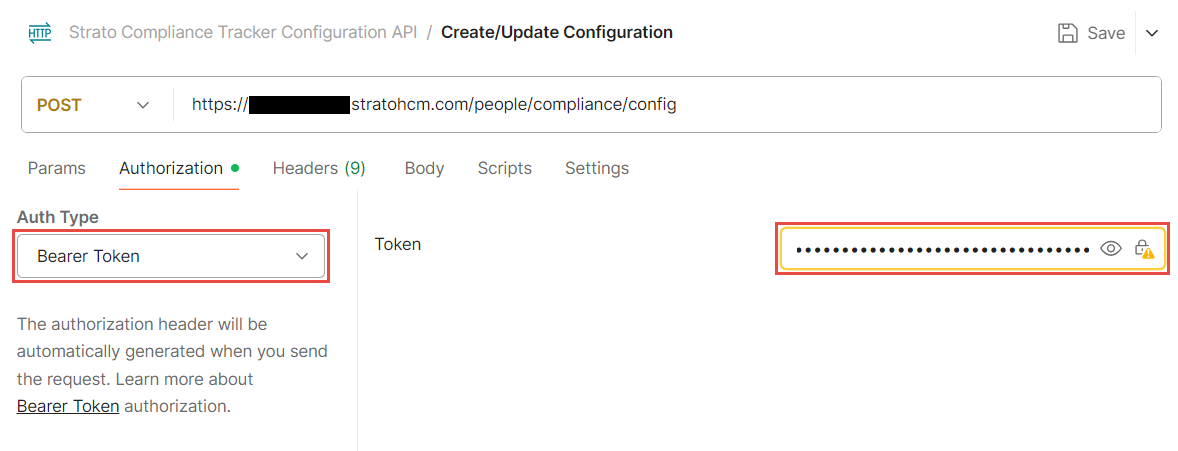
- Go to the Authorization tab and set the Auth Type to Bearer Token. Fill in the Token field with your Bearer Token.
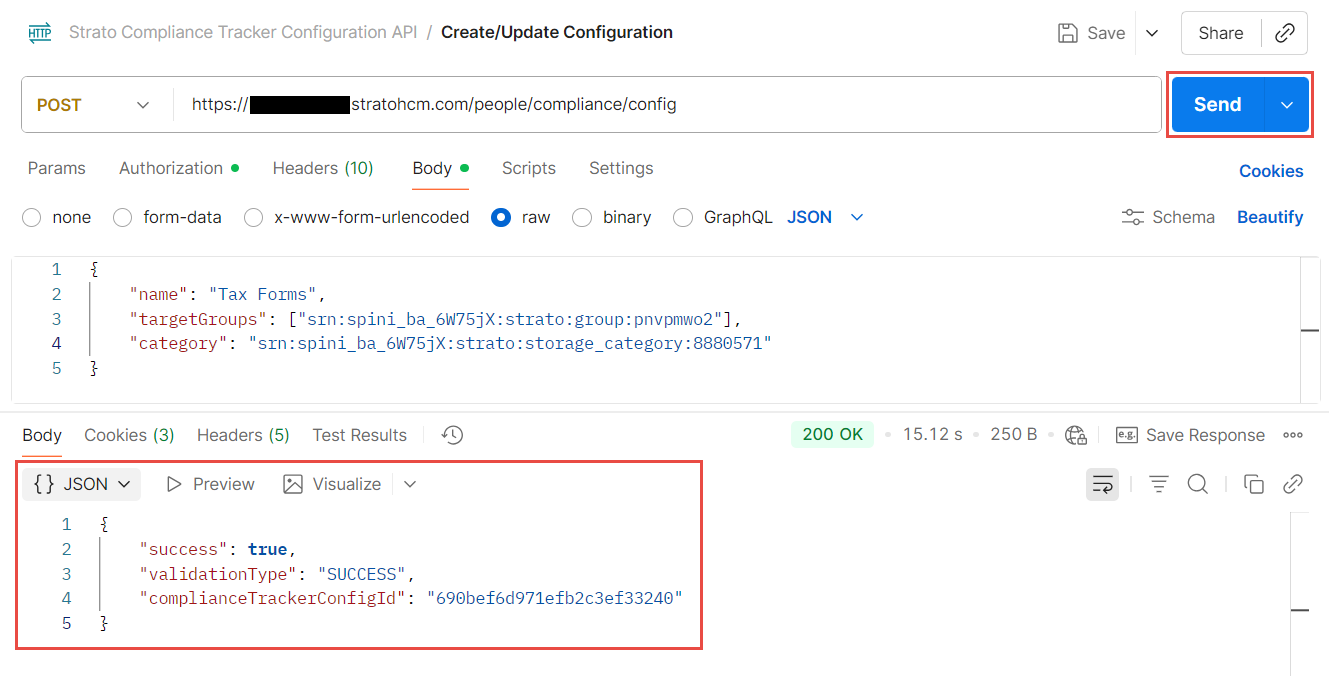
- Go to the Body tab. Set the request body to raw and add the following JSON request:
{
    "complianceTrackerConfigId": "<optional, string>",
    "name": "<required, string>",
    "description": "<optional, string>",
    "targetGroups": [<required, string array of groupSRNs>],
    "category": "<required, categorySRN string>",
    "type": "<optional, string>"
}- The table below provides an explanation for each of the keys and expected values:
Key Required / Optional Explanation complianceTrackerConfigIdOptional The unique ID for the configuration.
If you are updating an existing Compliance Tracker configuration, add its ID here.
If no value is added, a new configuration will be created.nameRequired The name of the configuration.descriptionOptional The description of the configuration.targetGroupsRequired The Groups which the compliance requirement applies to.
This should be in string array format, where each value should be enclosed in double quotes (“ “) and separated by commas (,).categoryRequired The Category of the compliance requirement.typeOptional The name of the tab for this configuration, which will show in the Compliance Tracker page.
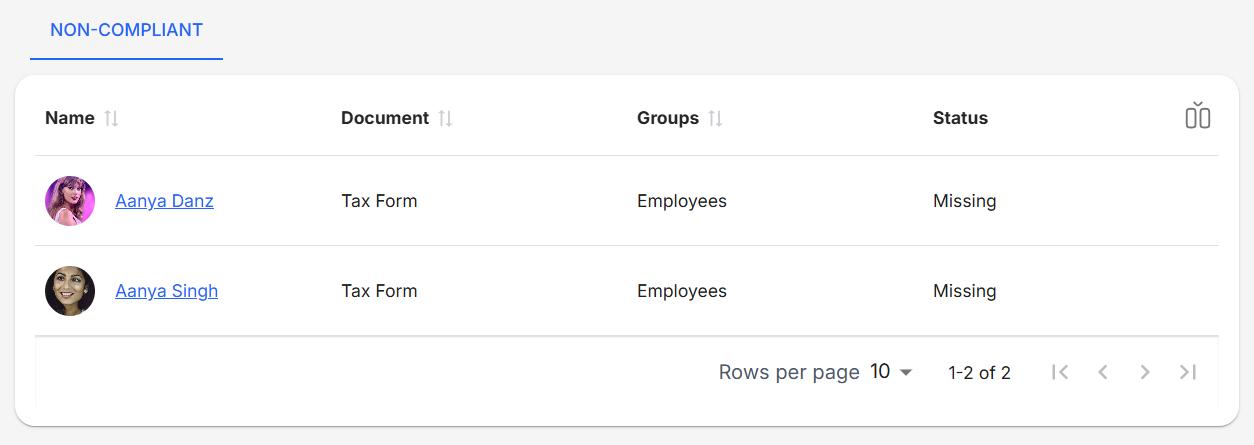
If no value is added, the default value set will be “NON-COMPLIANT”.- Click Send. If done correctly, the API should return a success message and should be viewable in the Compliance Tracker.
View Configurations
- Type the URL in the format
<System URL>/people/compliance/configand set the method to GET. 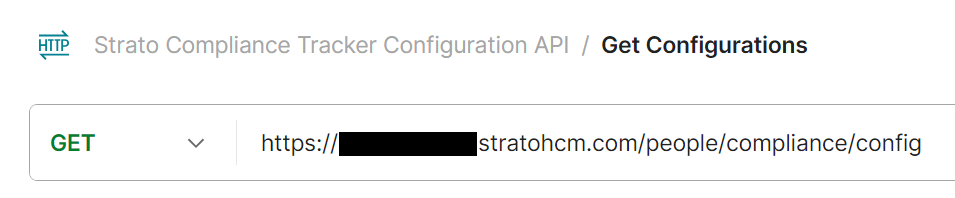
- Go to the Authorization tab and set the Auth Type to Bearer Token. Fill in the Token field with your Bearer Token.
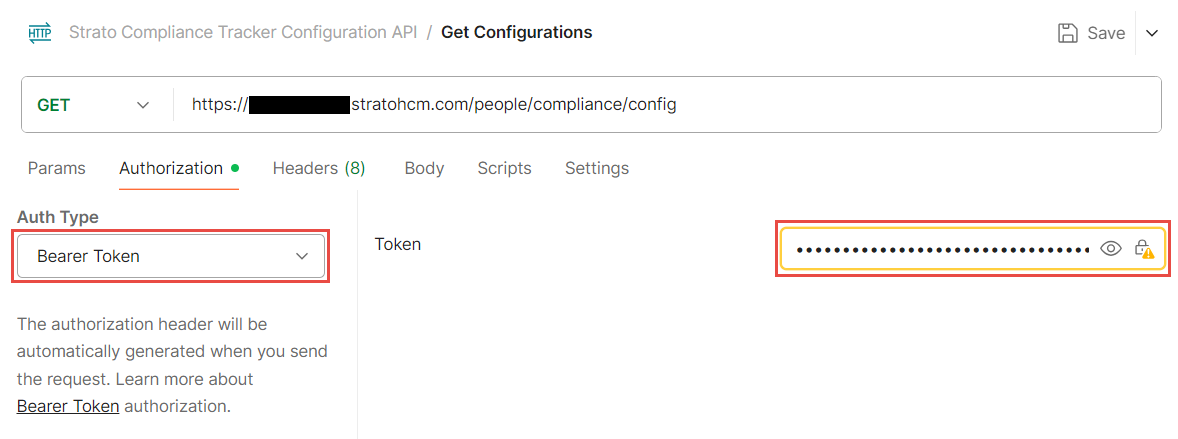
- Optionally, update the request parameters
offsetandlimit. If no values are provided, the API will get the first 20 configurations. 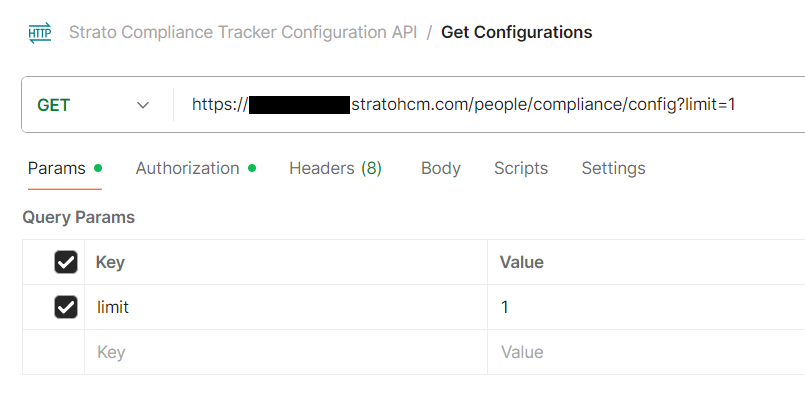
- Click Send. If done correctly, the API should return a success message, together with the list of configurations and their details.
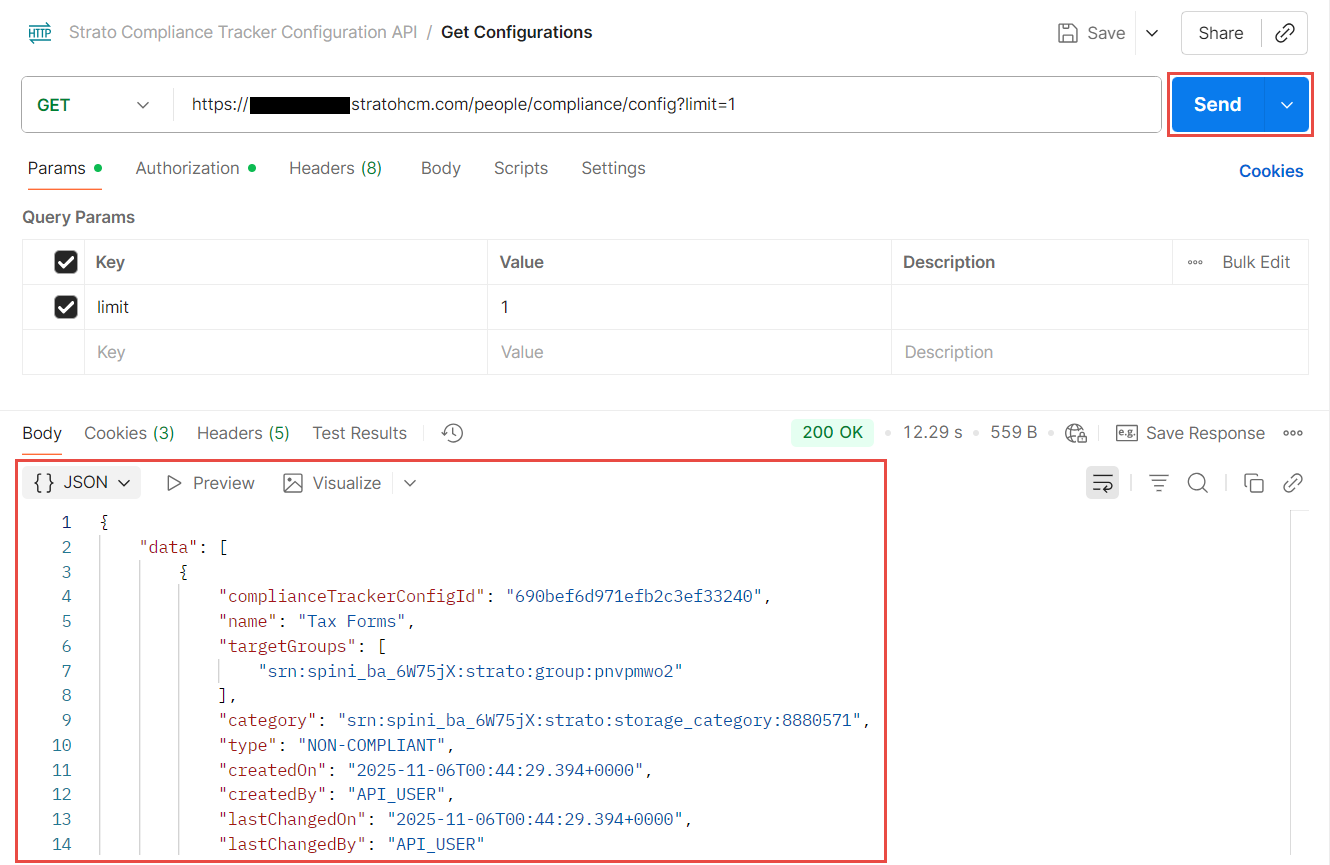
Delete a Configuration
- Type the URL in the format
<System URL>/people/compliance/configand set the method to DELETE. 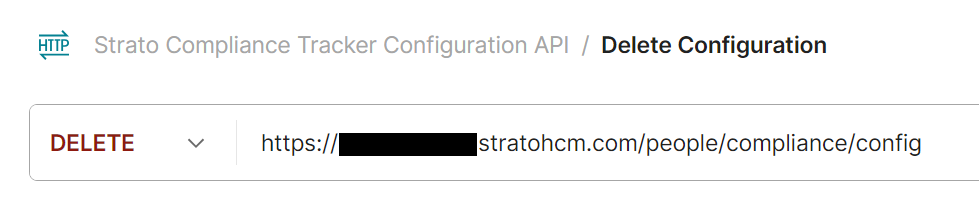
- Go to the Authorization tab and set the Auth Type to Bearer Token. Fill in the Token field with your Bearer Token.
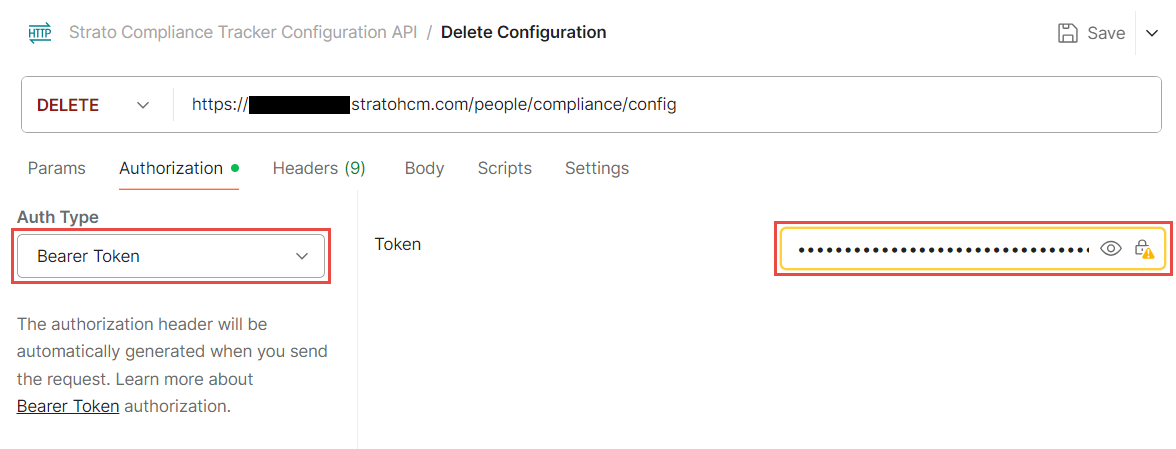
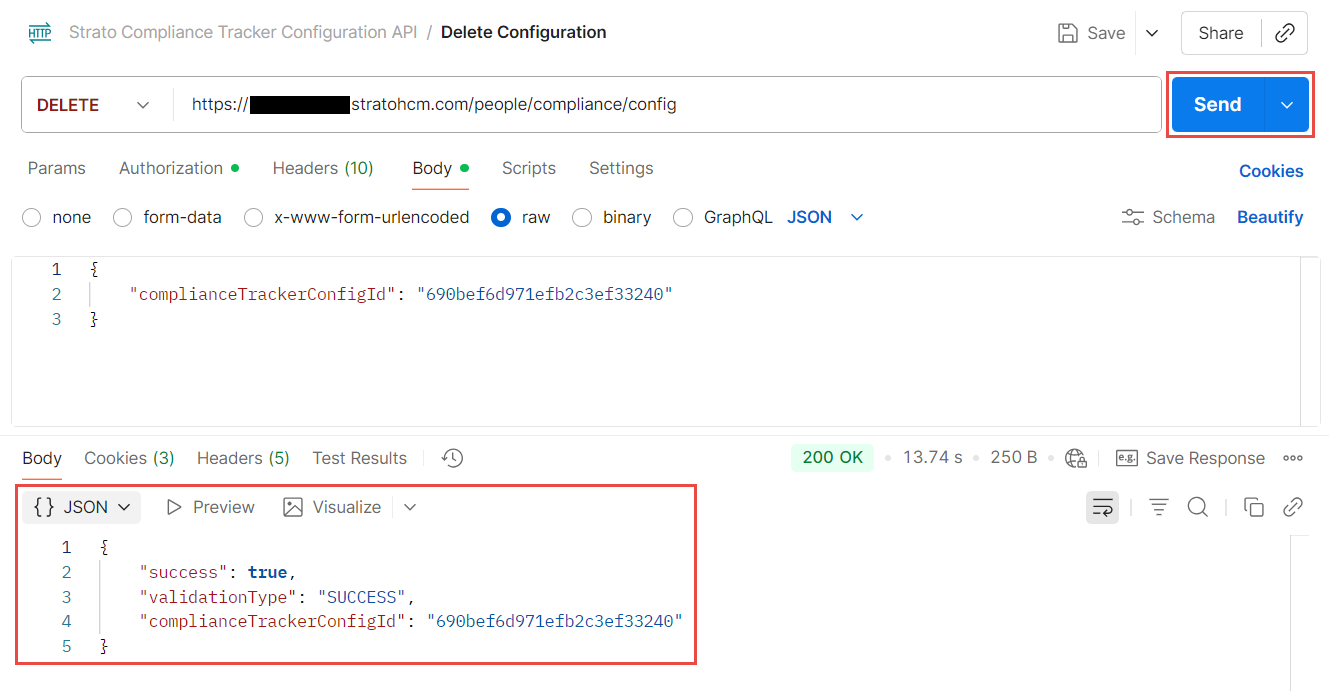
- Go to the Body tab. Set the request body to raw and add the following JSON request:
{
    "complianceTrackerConfigId": "<required, string>"
}- Update the value for
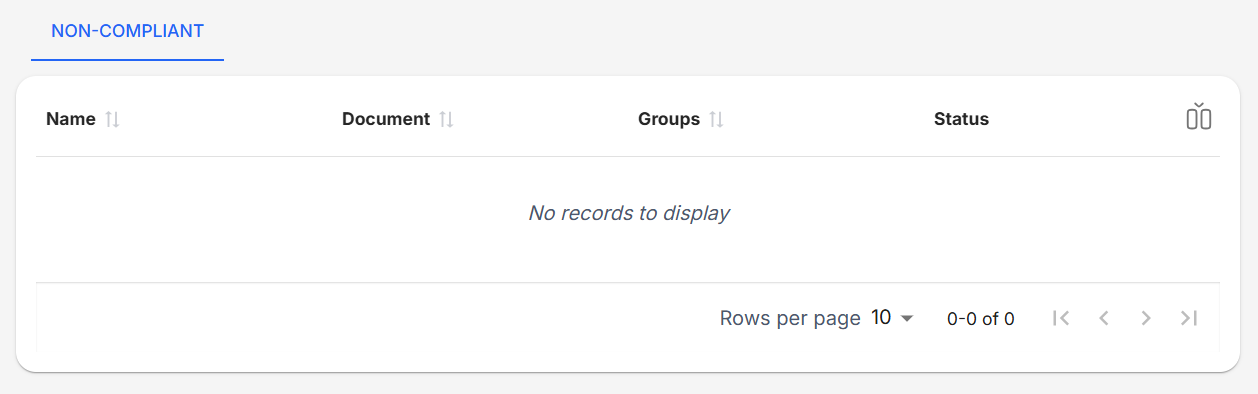
complianceTrackerConfigIdto the ID of the existing configuration you want to delete. - Click Send. If done correctly, the API should return a success message and the configuration should be gone from the Compliance Tracker.
Related articles