Configure Regular Expression Formula Fields
Regular Expression (Regex) Formula Fields output text values that match the defined regular expression pattern.
This article explains how to configure Regex Formula Fields.
Requirements
Basic knowledge of how to create Formula Fields in the Field Settings / Manager and write regular expressions are required.
Instructions
- After selecting RegEx (Regular Expression) as the function for your Formula Field, select the Datasource Field to be searched and queried using regex.


- Enter the regular expression to be applied to the Datasource Field. For this example, the regex will only get the text outside of the parentheses.

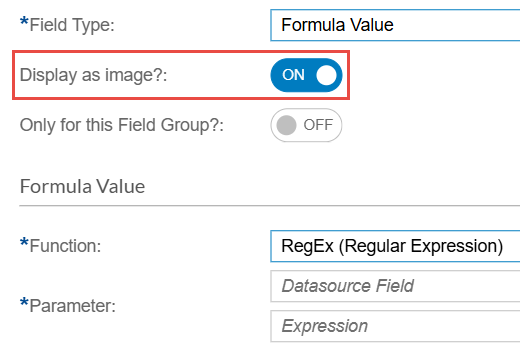
- To display image link outputs from your regex pattern as actual images instead of text, enable the Display as image? toggle.
- After configuring your Formula Field, click Save.
