Configure Condition Formula Fields
Condition Formula Fields output values based on whether the configured condition is evaluated as true or false.
This article explains how to configure Condition Formula Fields.
Requirements
Basic knowledge of how to create Formula Fields in the Field Settings / Manager and conditions are required.
Instructions
- After selecting Condition as the function for your Formula Field, click the Set Condition button. This will open the editor, where you can define the condition to be evaluated.


- After defining the condition, click Apply.

- Provide the values to be displayed when the condition is true or false. You can manually enter string or text values or use a Datasource Field for outputs.

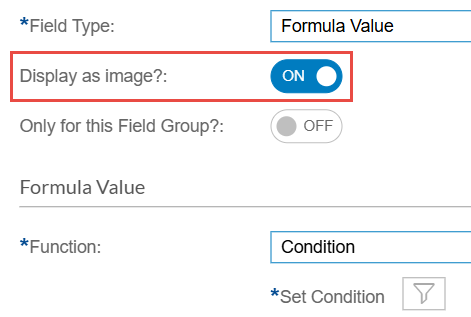
- To display image links as actual images instead of text, enable the Display as image? toggle.
- After configuring your Formula Field, click Save.
