Enable and Sync Easy Reporter
This article explains how to enable and sync Easy Reporter to your Strato system.
Requirements
An administrator or a user with admin authorisations is needed to perform these steps.
Contact your Regional Consultants if you need help accessing your Strato Administration page.
Instructions
- Go to your Strato Administration page.
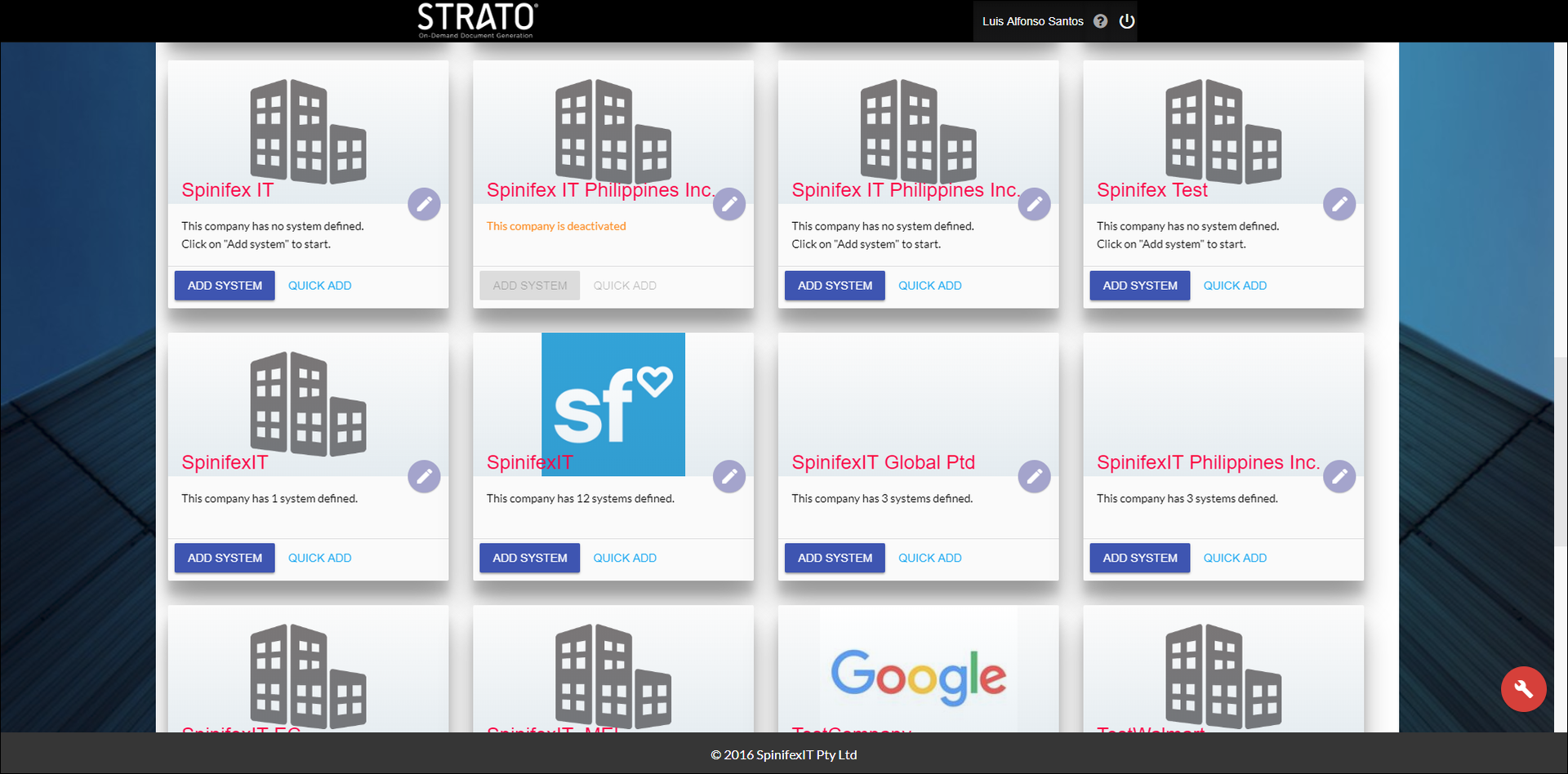
- Choose a company and then click on it.
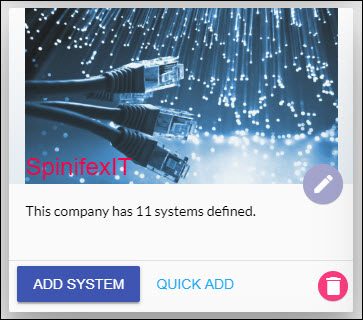
- You will see the list of systems in that company. Select a company and then click the Edit button.
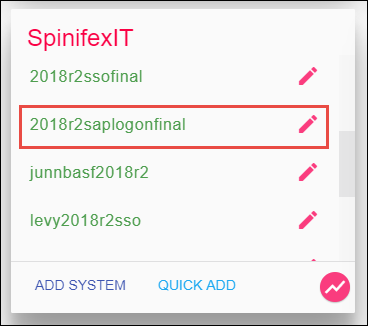
- Set your SSO Settings type to SAP Logon.

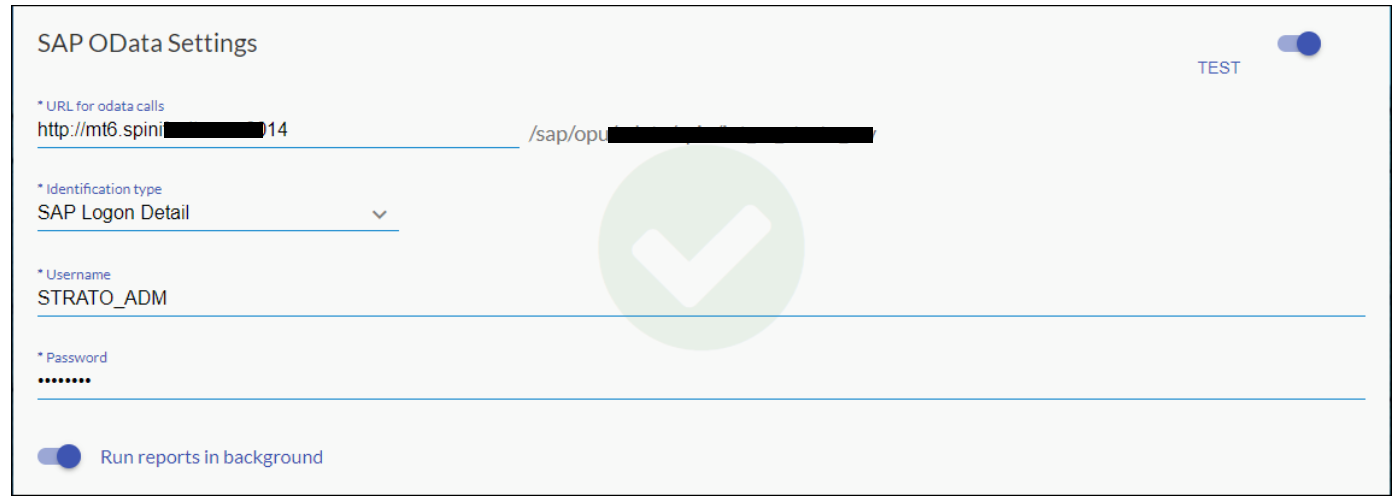
- Fill the SAP OData Settings box. For more information, read SAP OData Settings.
- You can test your settings by clicking on the Test button on the top right corner of the SAP OData Settings box.
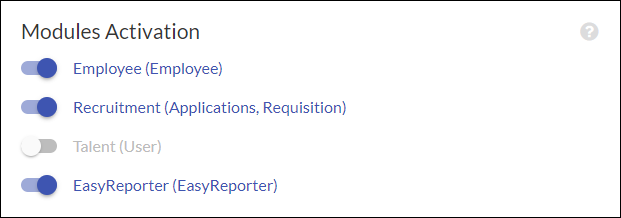
- Go to Modules Activation and turn on Easy Reporter.