User Properties
With User Properties, admins can create and manage custom User Properties for users in Strato. These User Properties can be used to target and filter specific users, which will be relevant when setting up Groups and Policies.
Requirements
Make sure that New Feature - Authorisation Framework is installed in the Upgrade Centre.
Access
You can access the User Properties page under People Settings in the Configurations page.

Features
User Property List
When you open the User Properties page, you will see the list of User Properties and their details, including the Property Code, Type, Status, and the date and time it was last Updated.
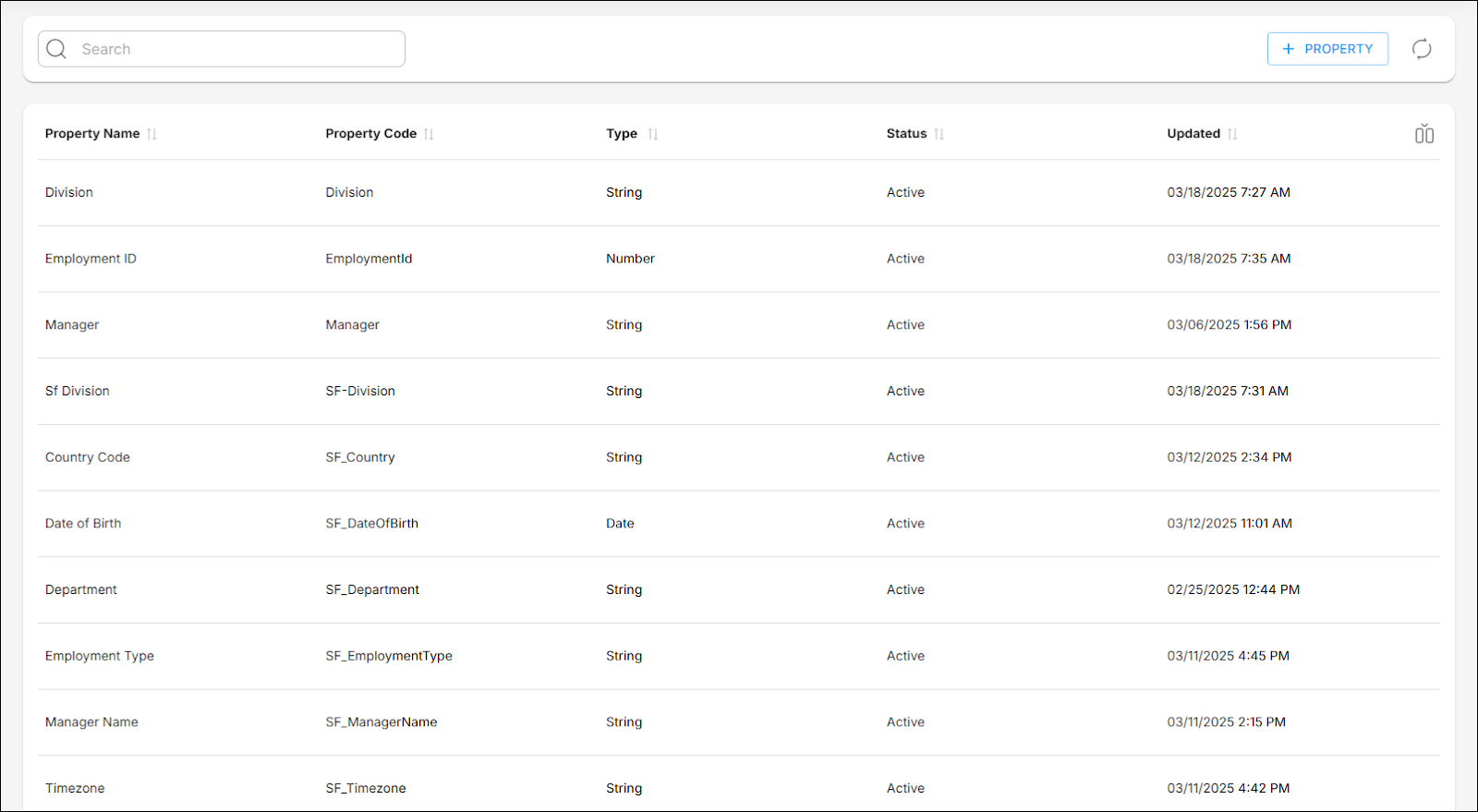
By default, five columns are shown:
- Property Name: Labels used to describe the User Properties.
- Property Code: Unique identifiers for each User Property.
- Type: The kind of data a User Property can hold.
- Status: The current state of a User Property, that is, either Active or Inactive.
- Updated: The most recent date and time when the User Property has been modified.
The following additional columns can be toggled via the Show/Hide columns button:
- Updated By: The most recent user who modified the User Property.
- Created: The date and time when the User Property has been made.
- Created By: The user who made the User Property.
Create User Property
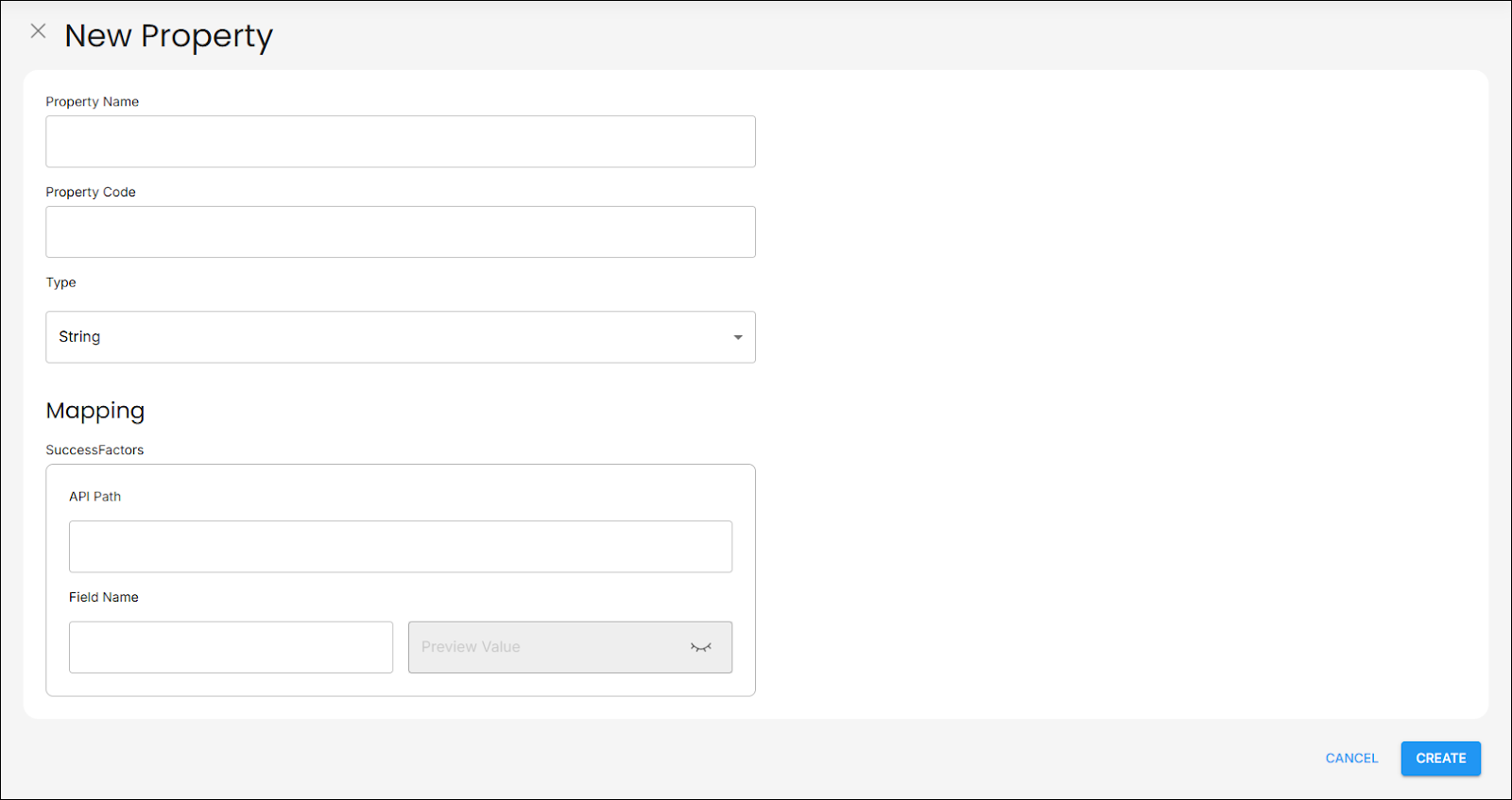
The New Property page allows you to fill out the details for the new User Property, such as the Property Name, Property Code, the Type of data it can hold, and Mapping.
Edit User Property
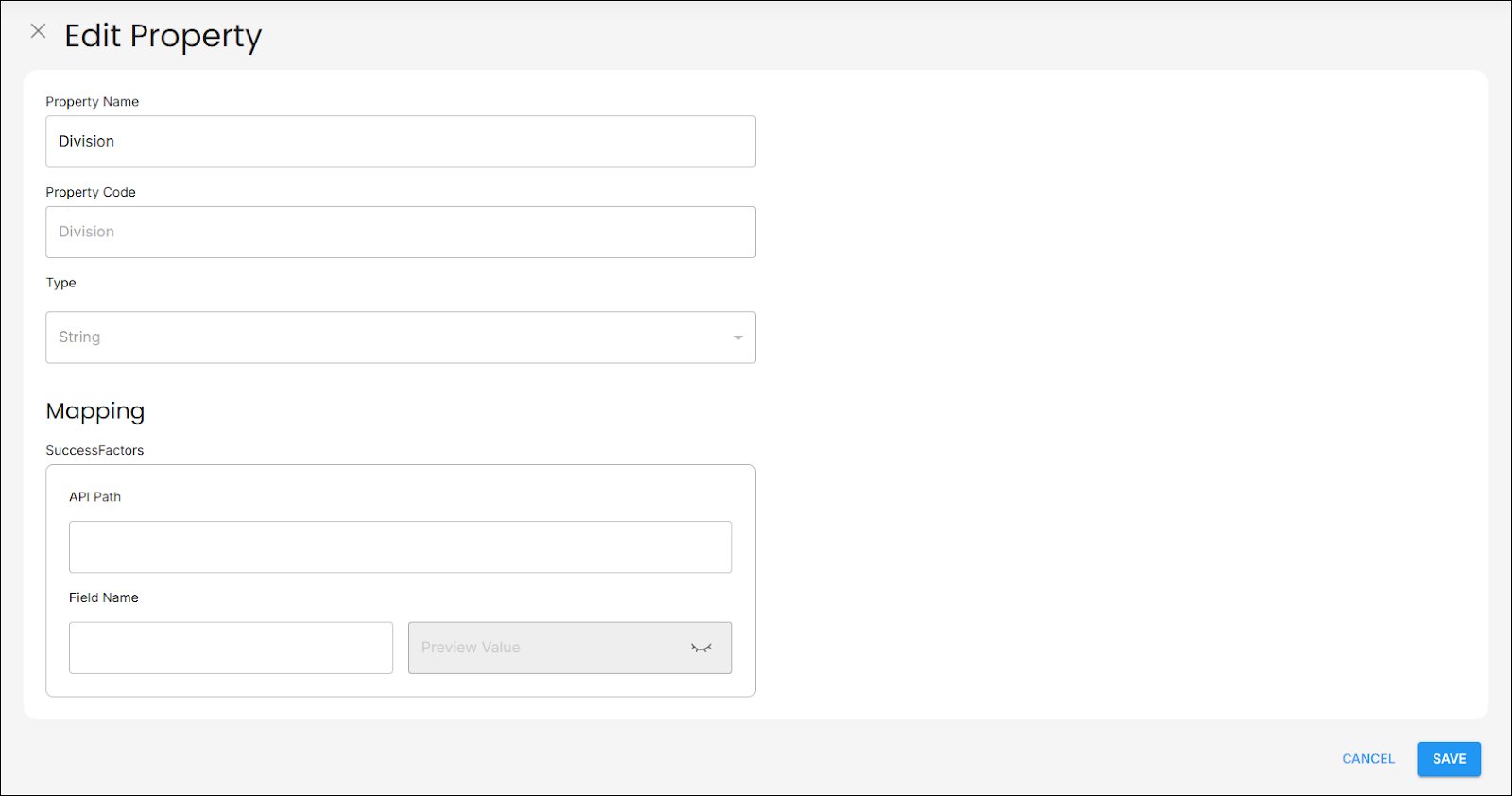
The Edit Property page allows you to modify the details of a selected User Property. You can change the Property Name and Mapping details of the User Property.
View User Property Details
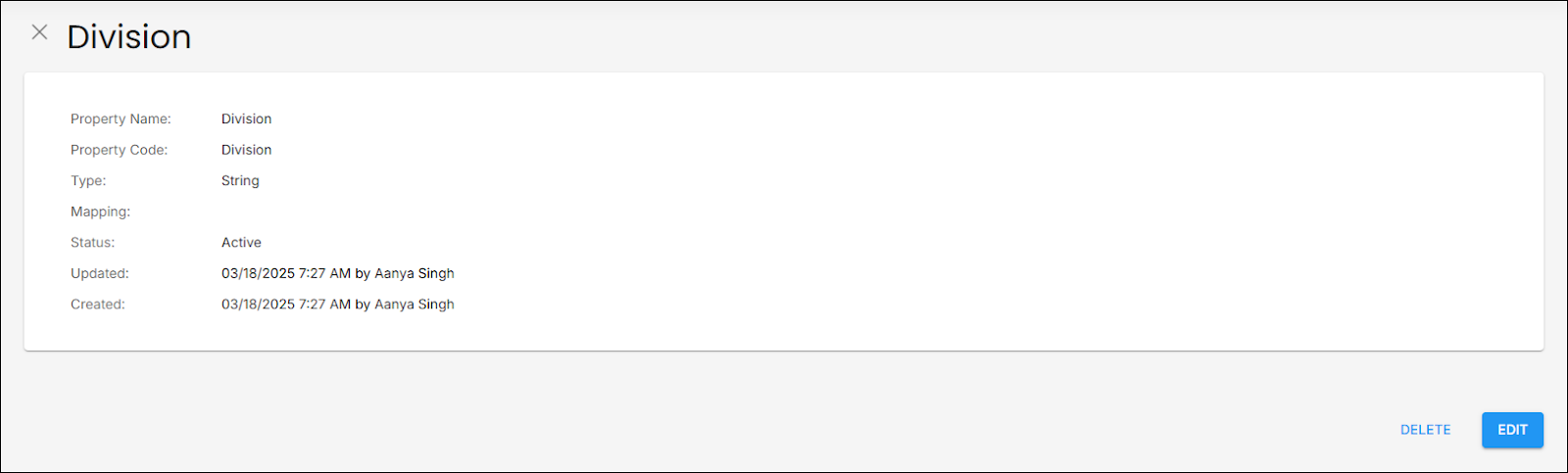
The Property Details page shows you information about a selected User Property. From here, you can delete or edit the User Property.
Continue Setting Up
Before you create Policies and Groups, it is recommended that you create and manage custom User Properties.
Related articles
- New Feature - Authorisation Framework
- Groups
- Policies
- Navigate User Properties
- Configure and Manage User Properties