Groups
With Groups, admins can create and manage a collection of related users in Strato. These Groups can have Policies attached to them that grants the Policies to all users in it.
Requirements
Make sure that New Feature - Authorisation Framework is installed in the Upgrade Center.
Access
You can access the Groups page under People Settings in the Configurations page.

Features
Group List
When you open the Groups page, you will see the list of Groups and their details, including the Name, Description, and attached Policies.

By default, four columns are shown:
- Name: Unique name for each Group.
- Policy: The Policies attached to the Group.
- Description: A short description of what the Group is.
- Status: The current status of the Group. This can either be Valid or Invalid based on the attached Policies.
View Group
The View Group page shows you the details of the Group, such as group members, SuccessFactors RBPs, conditions, and Policies applied to the Group. From here, you have the option to Edit or Delete the Group.

Create Group
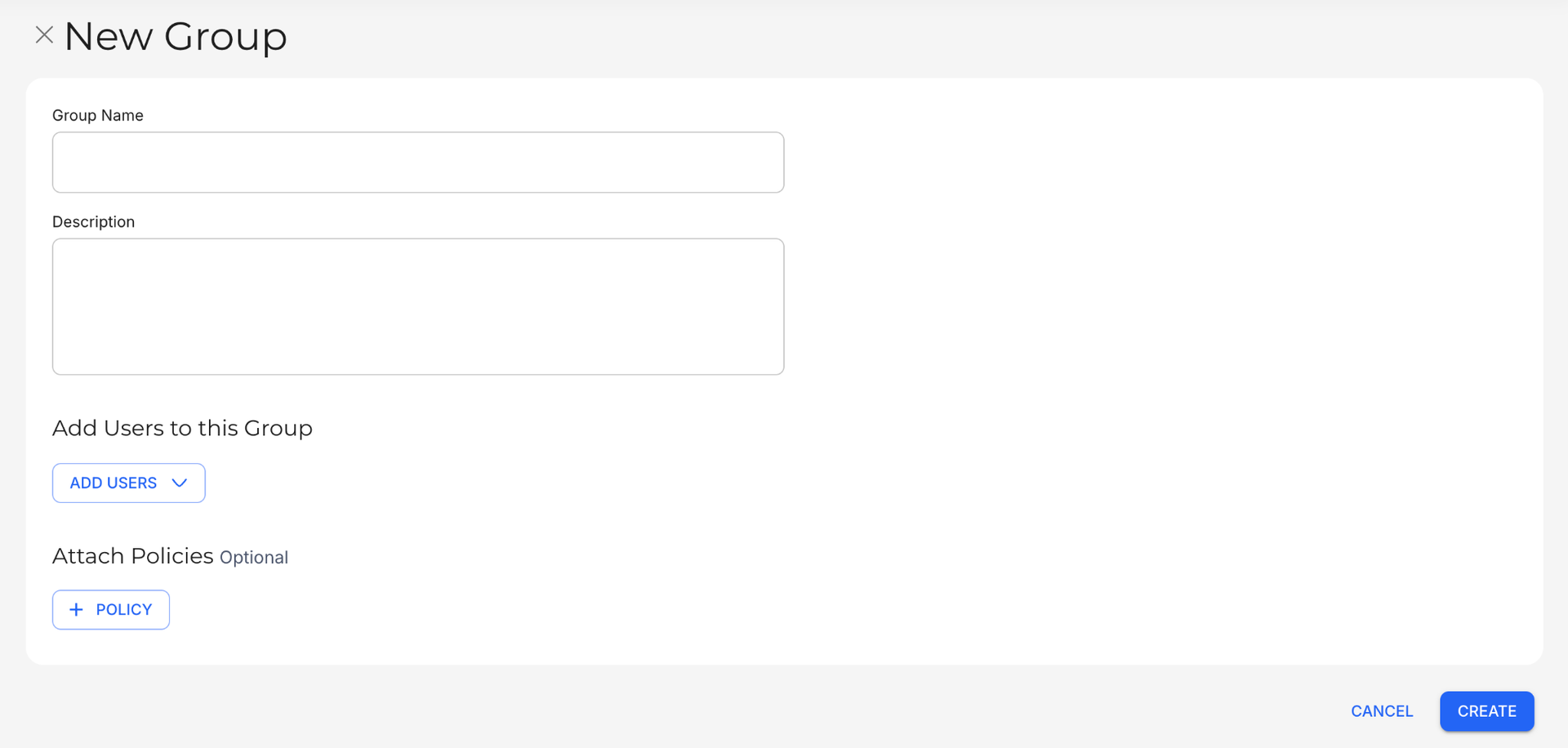
The New Group page allows you to fill out the details for the new Group, such as the Group Name, Description, Users who belong to the Group, and attached Policies.
Edit Group
The Edit Group page allows you to modify the details of a selected Group. You can change the Group Name and Description, as well as add or remove Users and Policies from the Group.

Clone Group
The Clone Group page allows you to create a copy of a selected Group. The new Group inherits all the details of the original.

Continue Setting Up
If you have already created User Properties and Policies, it is recommended that you create and manage Groups to assign those Policies to the relevant users.
Related articles
- New Feature - Authorisation Framework
- User Properties
- Policies
- Navigate Groups
- Configure and Manage Groups