Authorisation Framework
The new Authorisation Framework allows the admins to create granular authorisations using three key aspects: User Properties, Groups, and Policies. These three interact with each other to provide a level of control that was previously missing from Strato V1.
This framework is designed to work in conjunction with existing permission systems. For example, authorisations for users are evaluated alongside their SuccessFactors Role-Based Permissions (RBP) to determine final access rights.
This article contains the following sections:
Access
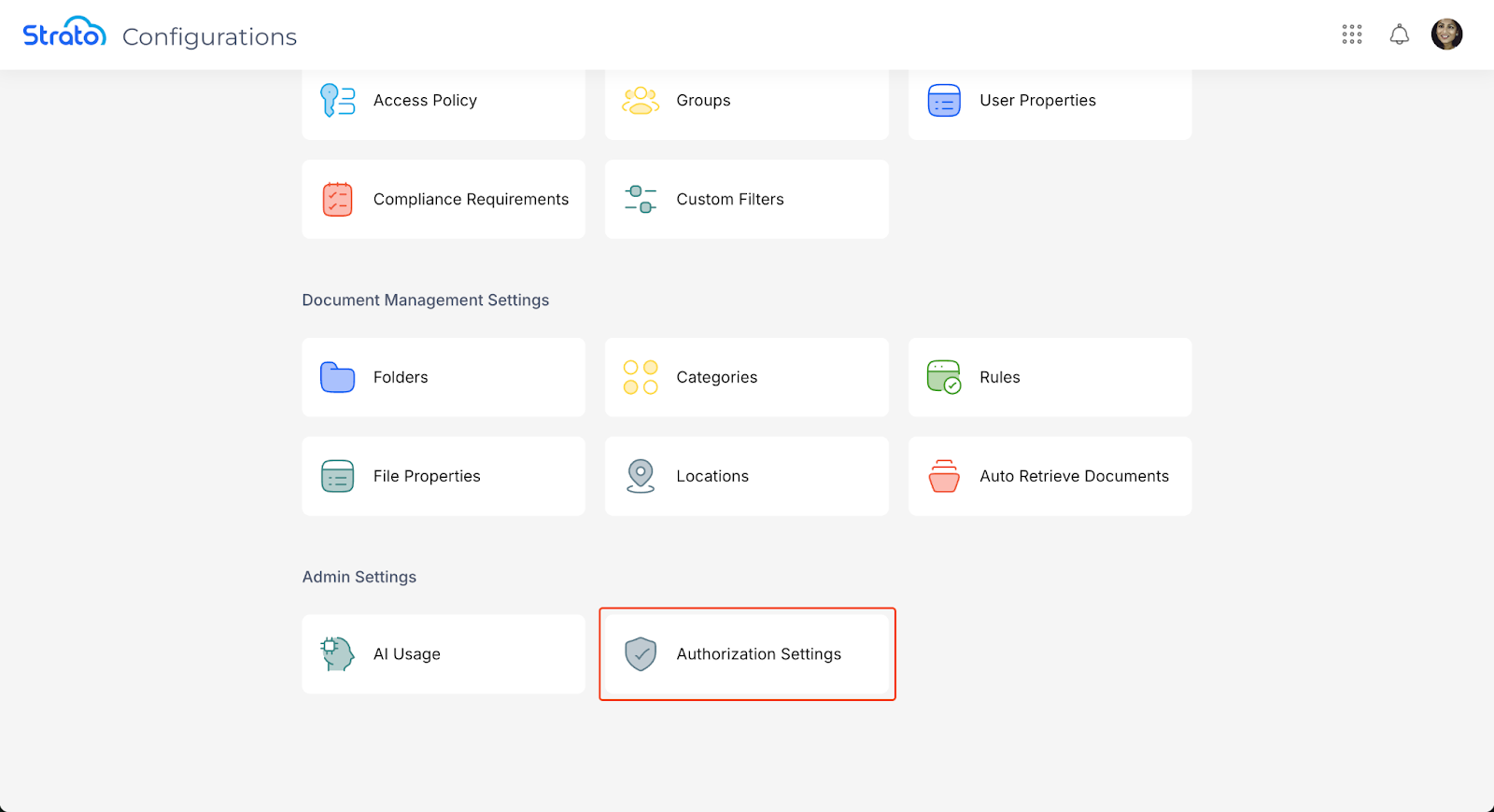
Users can access User Properties, Groups, and Policies under People Settings in the Configurations page.

Authorisation Settings
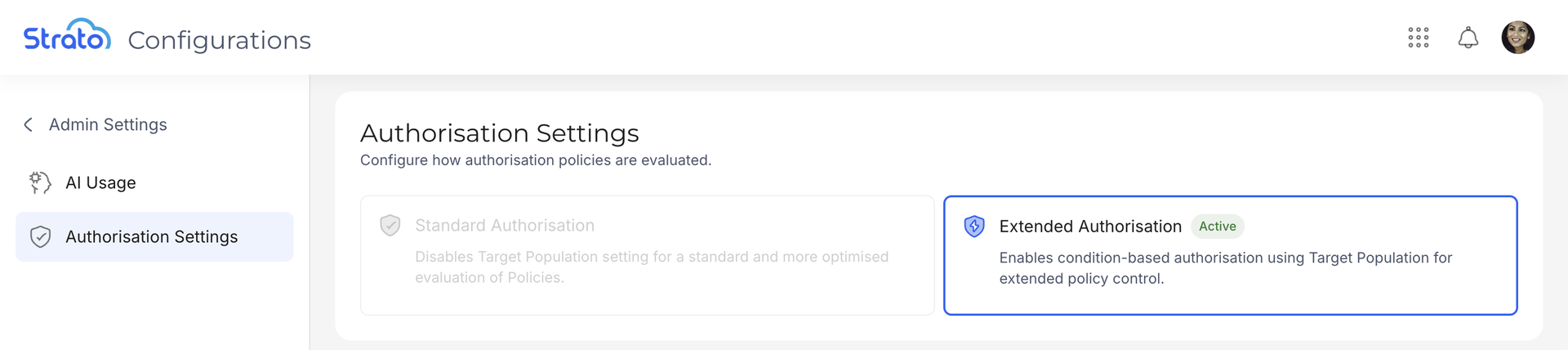
The Authorisation Settings page enables you to set how the Authorisation Framework works. This can be accessed under Admin Settings in the Configurations page.
Standard Authorisation
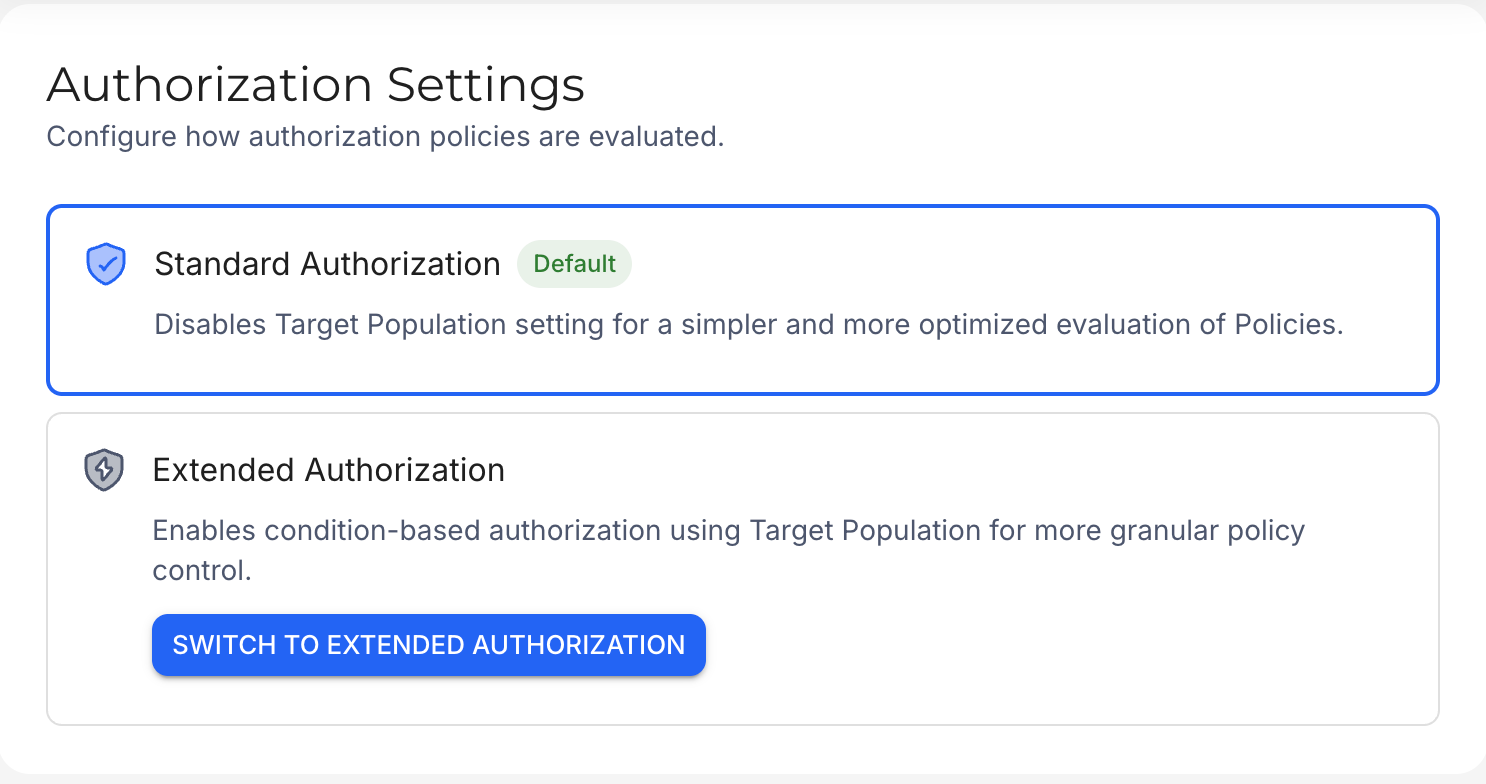
In Standard Authorisation, the Target Population parameter in Policies is disabled for a simpler and more efficient processing and evaluation. Instead, users affected by a Policy are determined through SuccessFactors Role-Based Permissions.

By default, new systems are set to Standard Authorisation.
The List action in the People Tool is also unavailable when configuring Policies.


Extended Authorisation
Standard Authorisation provides ease of use, but Extended is recommended for complex organisational structures that SF RBP might have difficulty mapping out on its own.
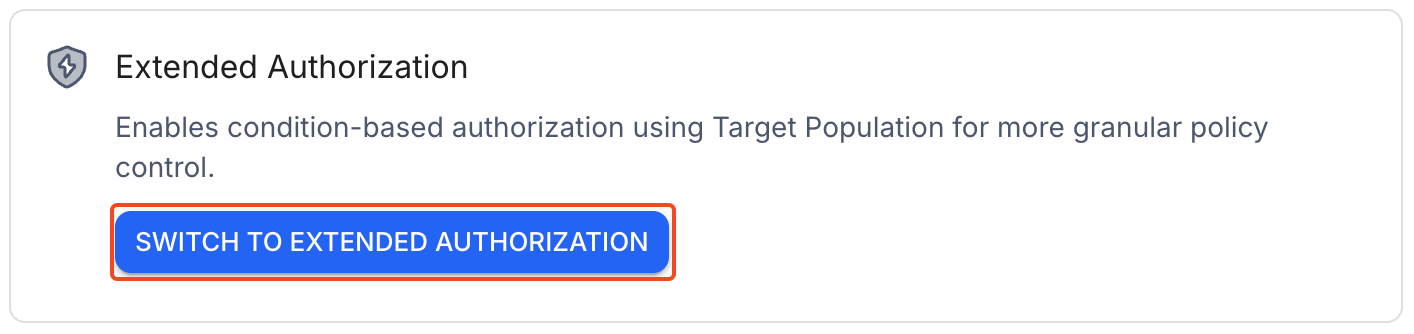
Systems that existed before the implementation of Standard Authorisation are automatically configured for Extended Authorisation. Systems using Standard Authorisation can switch to Extended Authorisation by clicking the Switch to Extended Authorisation button.
In Extended Authorisation, the Target Population parameter is enabled. This exists on top of SF RBPs and allows for a more granular control on user access.

Components
User Properties
User Properties store user-related information into Property fields. These fields can be manually added and modified via the People Hub or an API call, or be mapped to a data source (for example, SuccessFactors).
These Properties are used to target and filter users based on specific attributes. This will be relevant when creating Groups and Policies.

Groups
Groups are a collection of users with the same attributes or responsibilities. Users can be added to a group manually, or automatically via their SuccessFactors RBPs or specific conditions based on User Properties.
Groups can also have Policies attached to them, which grants these Policies to all users within the Group.

Policies
Policies define the level of access a user or a group has over certain actions or objects within Strato. Actions of a module for selected objects and targets can be allowed or denied using Policies.
How a Policy affects users depends on the user type and Authorisation Settings:
User Type / Authorisation Settings | Standard Authorisation | Extended Authorisation |
SuccessFactors Users | Only SF RBPs are checked and applied. | The Target Population set in the Policy is checked and applied together with SF RBPs. |
External Users | Currently does not work, as Standard Authorisation requires data from SF. | Only the set Target Population in the Policies is checked and applied. |
Multiple permissions can be added to a Policy.

Related articles
- Upgrade Centre
- New Design - People Hub
- New Feature - Authorisation Framework Integration with Configurations
- New Feature - Authorisation Framework Integration with People Hub
- New Feature - Authorisation Framework Integration with Storage
- User Properties
- Groups
- Policies