New Feature - Employee Actions in People Hub - Generate Document and Workflows
The New Feature - Employee Actions in People Hub introduces the ability to generate documents and execute workflows directly from the People Hub interface. This enhancement centralizes HR and administrative actions with a single workplace.
With this update, HR administrators, managers, and employees can now efficiently perform employee-specific actions without leaving the People Hub view, reducing context switching and overall productivity.
Features
This feature enables People Hub to serve not only as a hub for viewing employee data but also as a central point for performing employee-related actions.
Generate Documents from People Hub and Profile
People Hub now allows users to generate employee documents directly from the list view.
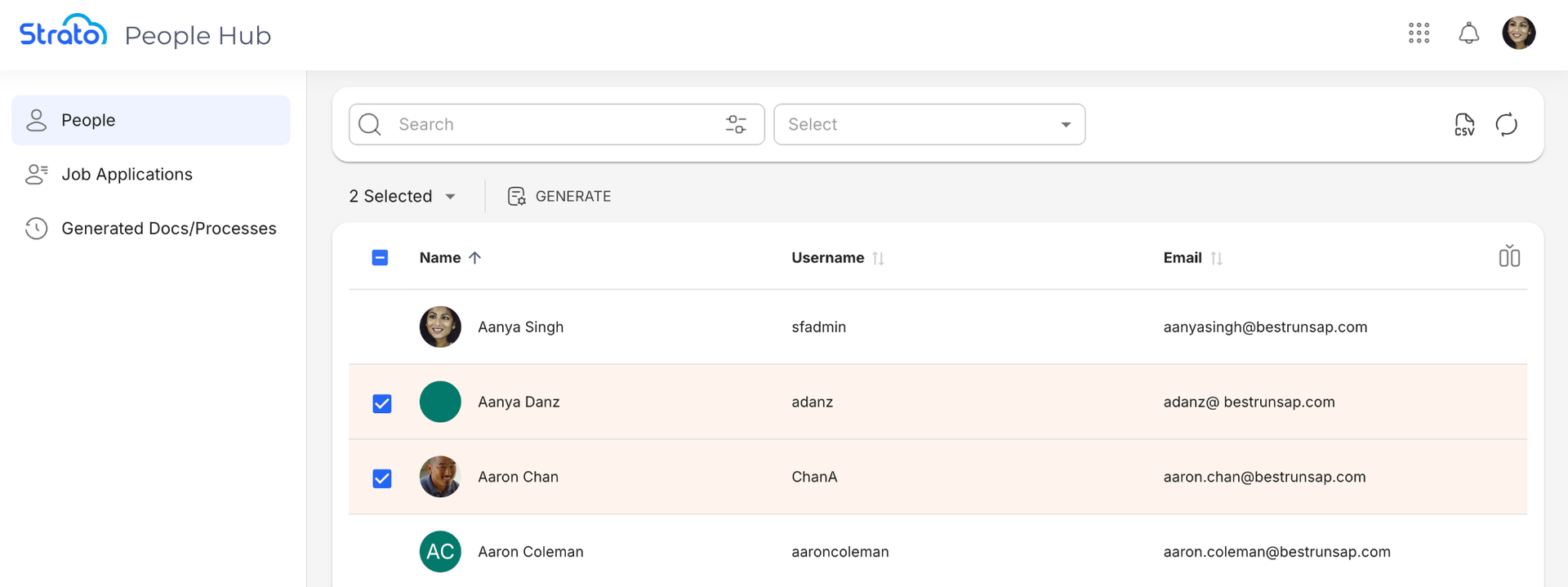
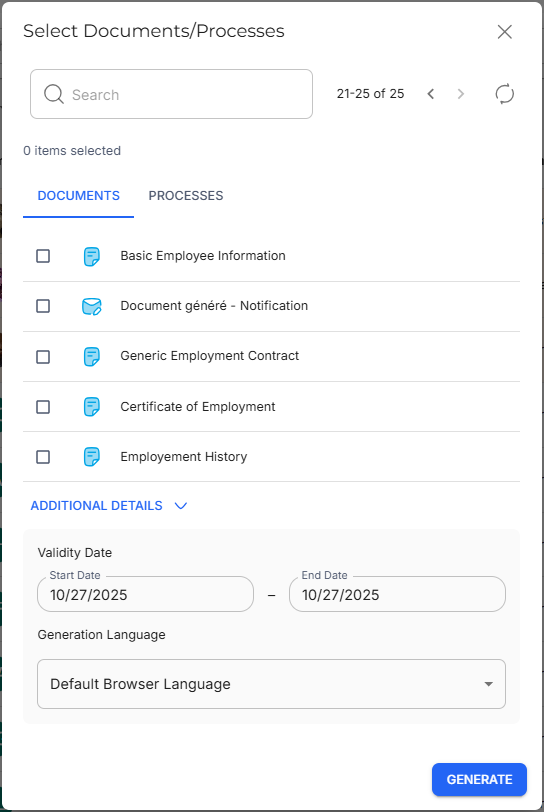
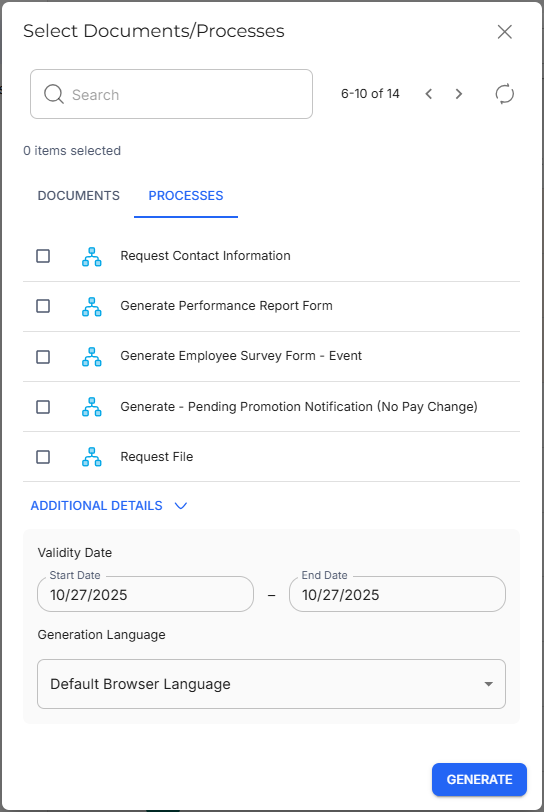
By selecting employees from the table and clicking Generate, users can choose from available document templates that apply to a selected group.
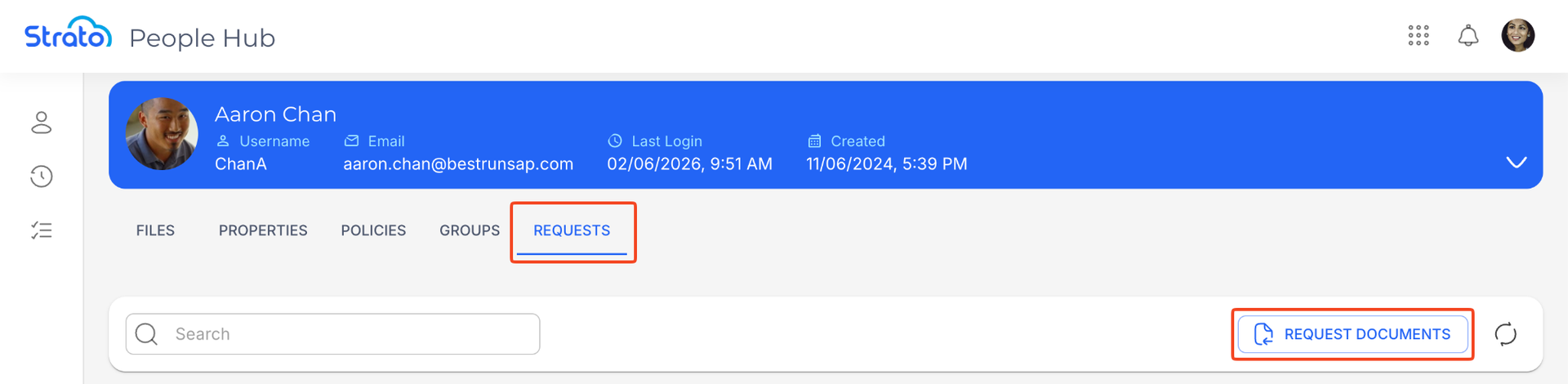
Users can also generate documents directly from a user's Profile page using the Request Documents button in the Requests tab.
Execute Workflows from People Hub and Profile
In addition to document generation, the feature also enables workflow execution from the same People Hub and Profile interface. Managers or admin users can select one or more employees and trigger a process directly from the employee list, or from the user's Profile page.
View Generated Documents and Executed Workflows
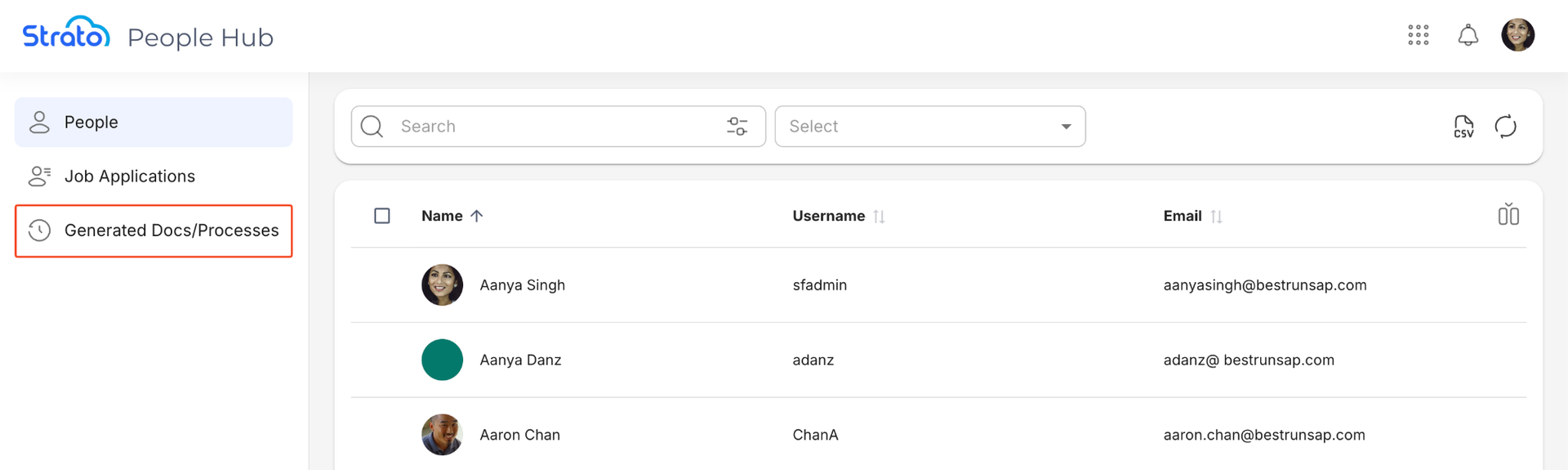
Managers or admin users can view a list of all generated documents and executed workflows by clicking Generated Docs/Processes in the People Hub sidebar.
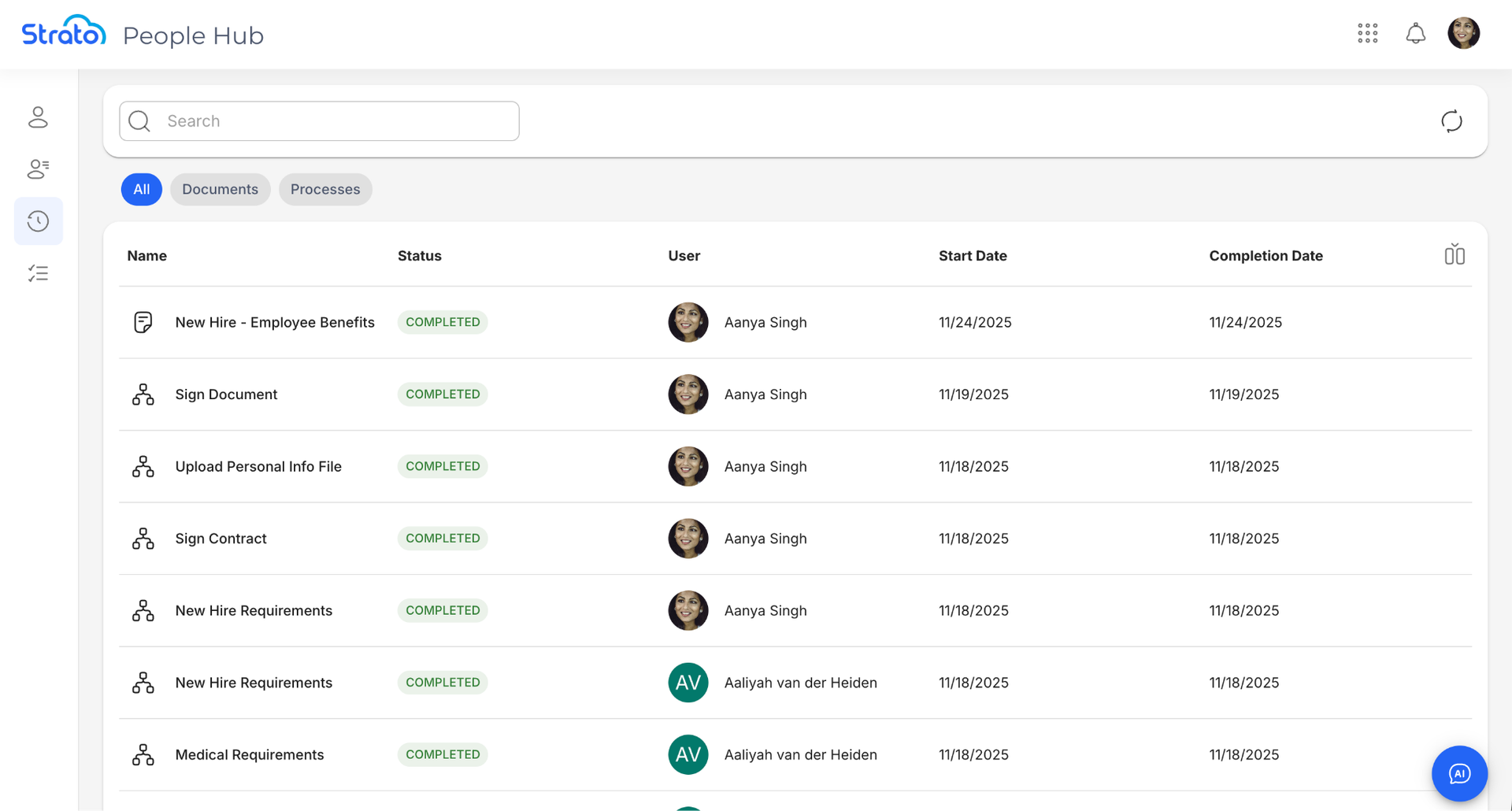
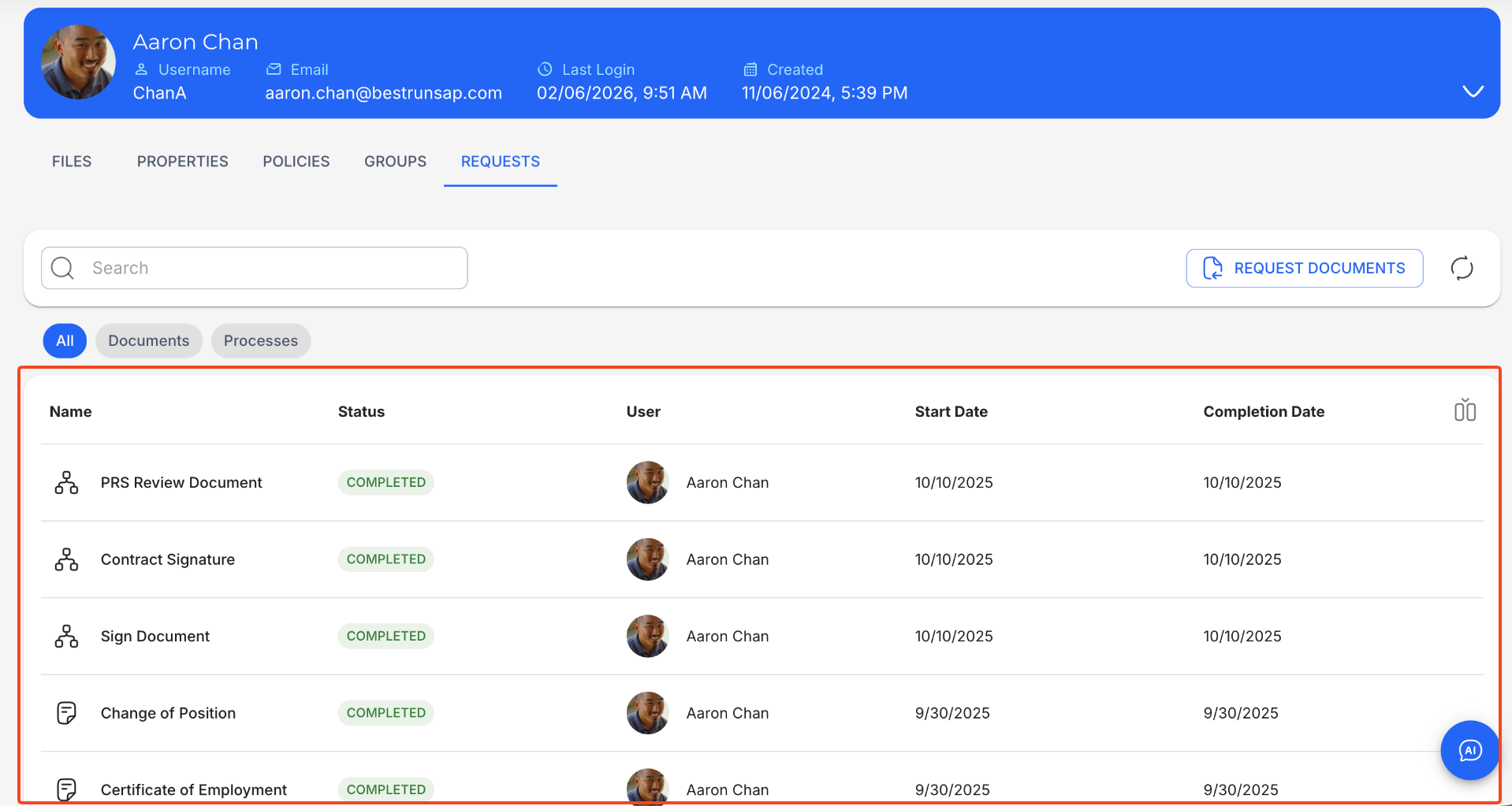
Managers or admins can also view generated documents and executed workflows specific to a user through the Requests tab in their Profile page.