

Abhishek Ravindra
Strato Delivery Lead, EMEA
Scanning is often treated as the point where a document management problem has been solved. The paper is gone, the files are digital, and the project can be marked as complete.
In reality, that is usually only the beginning.
When organisations move large volumes of physical HR records into a digital environment, the early focus tends to be on the practicalities: how many boxes need to be processed, how quickly the documents can be scanned, what equipment is required, and how much resource the project will take.
Those questions matter, but they are not usually where digitisation projects become difficult.
A scanned PDF is not yet a managed employee record.
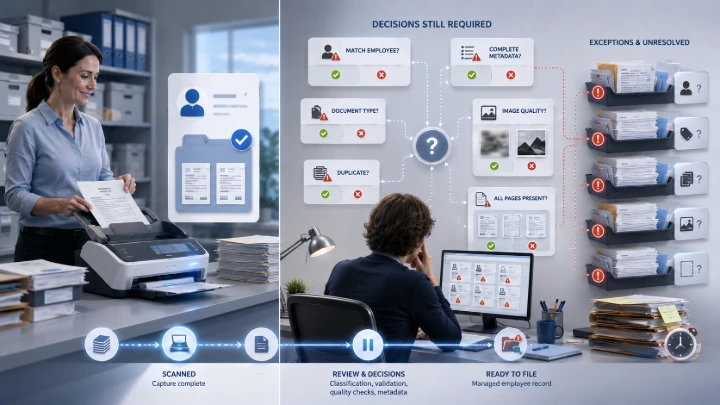
Once a document has been scanned, it still needs to be matched to the correct employee, identified by document type, assigned accurate metadata, checked for image quality, and stored in the right place. It may also need to be managed under the appropriate access, retention, and governance rules.
Each of those steps requires a decision.
Across a small number of records, that may be manageable. Across thousands of employment contracts, legacy personnel files, historical correspondence, and supporting HR documents, the volume of decisions can become significant very quickly.
What is often underestimated is how much judgement sits behind each file. Someone still needs to decide who the document belongs to, what type of document it is, whether it is complete and readable, whether it is a duplicate, and what should happen if the answer is unclear.
The scan itself may take seconds. Resolving the uncertainty around the file can take much longer.
Existing filing problems do not disappear when paper becomes digital
Physical employee files are not always consistently organised before scanning begins.
Documents may be duplicated, stored in the wrong section, filed under an old employee name, or missing the identifiers needed to match them confidently to the right person. Some files may also contain records that no longer belong together, while others may be incomplete.
Digitisation does not automatically correct these problems. In many cases, it simply carries them into a new environment.
A document may now exist as a PDF, but that does not mean it is easier to trust, find, or govern. In fact, some problems can become less visible once the file has successfully entered the system.
Poor scan quality can create another layer of difficulty. A document may technically be captured, but still be hard to read, search, or rely on later. If it is needed during an audit, an employee query, or a legal review, that distinction matters.
Exceptions are where projects begin to slow down
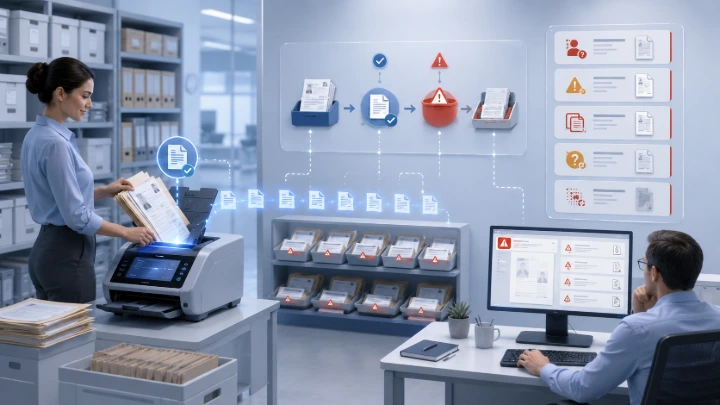
The straightforward records are rarely the main problem.
The difficult files are the ones that cannot be matched to an employee, contain missing or conflicting information, do not fit an agreed document category, appear to be duplicates, or require a business decision before they can be filed correctly.
These exceptions need somewhere to go, but more importantly, they need someone to own them.
Without a defined process, unresolved records can quickly accumulate in temporary folders, shared drives, inboxes, or project queues. At first, the backlog may look manageable. Over time, however, the project team moves on, ownership becomes less clear, and the context behind individual records starts to disappear.
Files that were meant to be reviewed later can remain unresolved long after the scanning project has formally finished.
This is one of the ways a technically successful scanning exercise can still create an ongoing operational problem.
Quality assurance is more than checking that the file opens
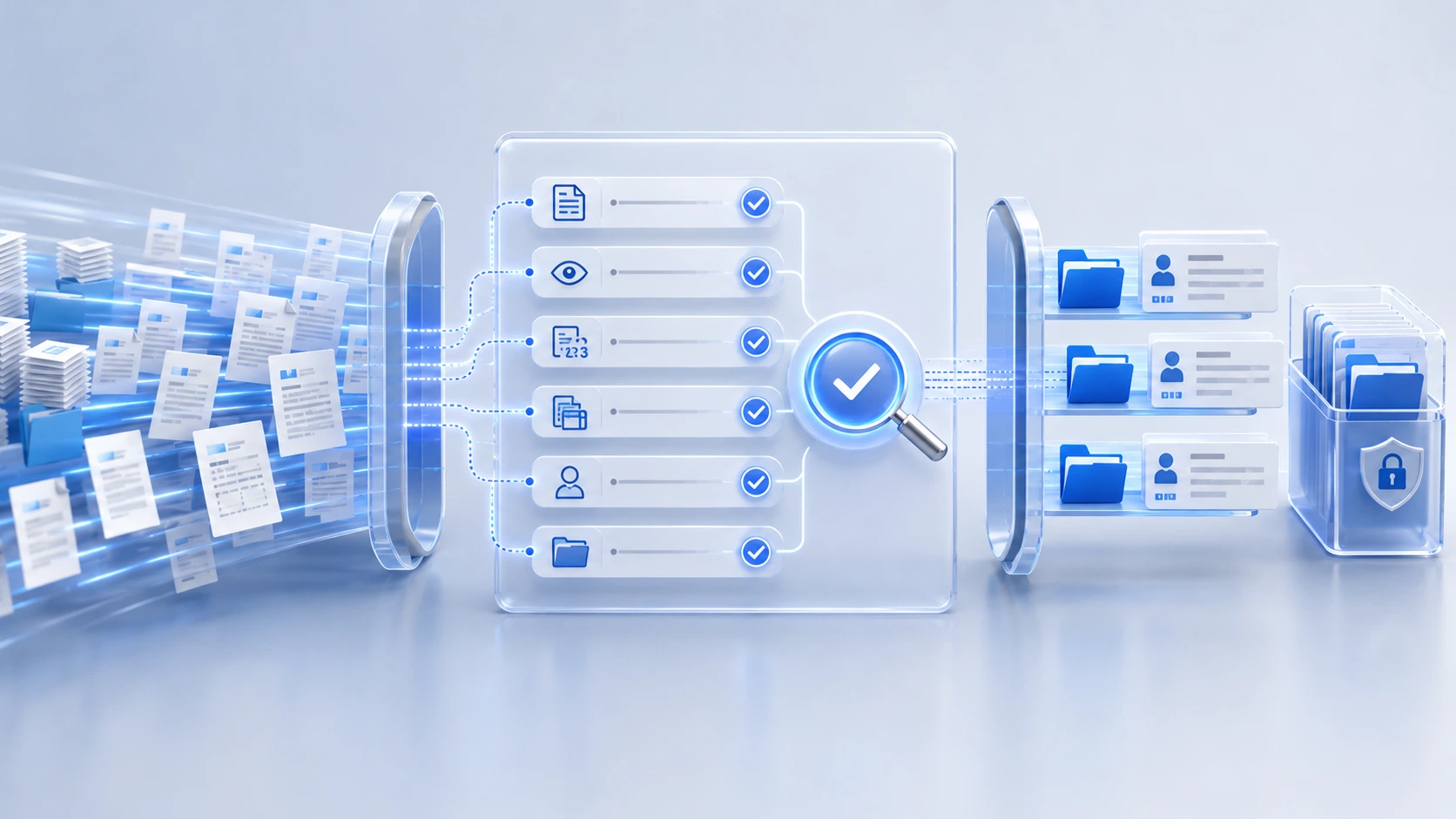
Quality assurance is another part of digitisation that is easy to underestimate.
It is not simply a final spot check. It means confirming that all expected pages were captured, the image is clear and legible, pages have not been missed or duplicated, documents have not been combined incorrectly, and the file has been matched to the right employee.
It also means checking that the document type and metadata are accurate, and that the record will still make sense when someone retrieves it months or years later.
That last point is important.
By the time the document is needed again, the people involved in the scanning project may no longer be available to explain what happened or why a particular filing decision was made. The record needs to stand on its own.
If it cannot be found, understood, and trusted later, the project has not fully achieved its purpose.
Scanning and digitisation are not the same thing
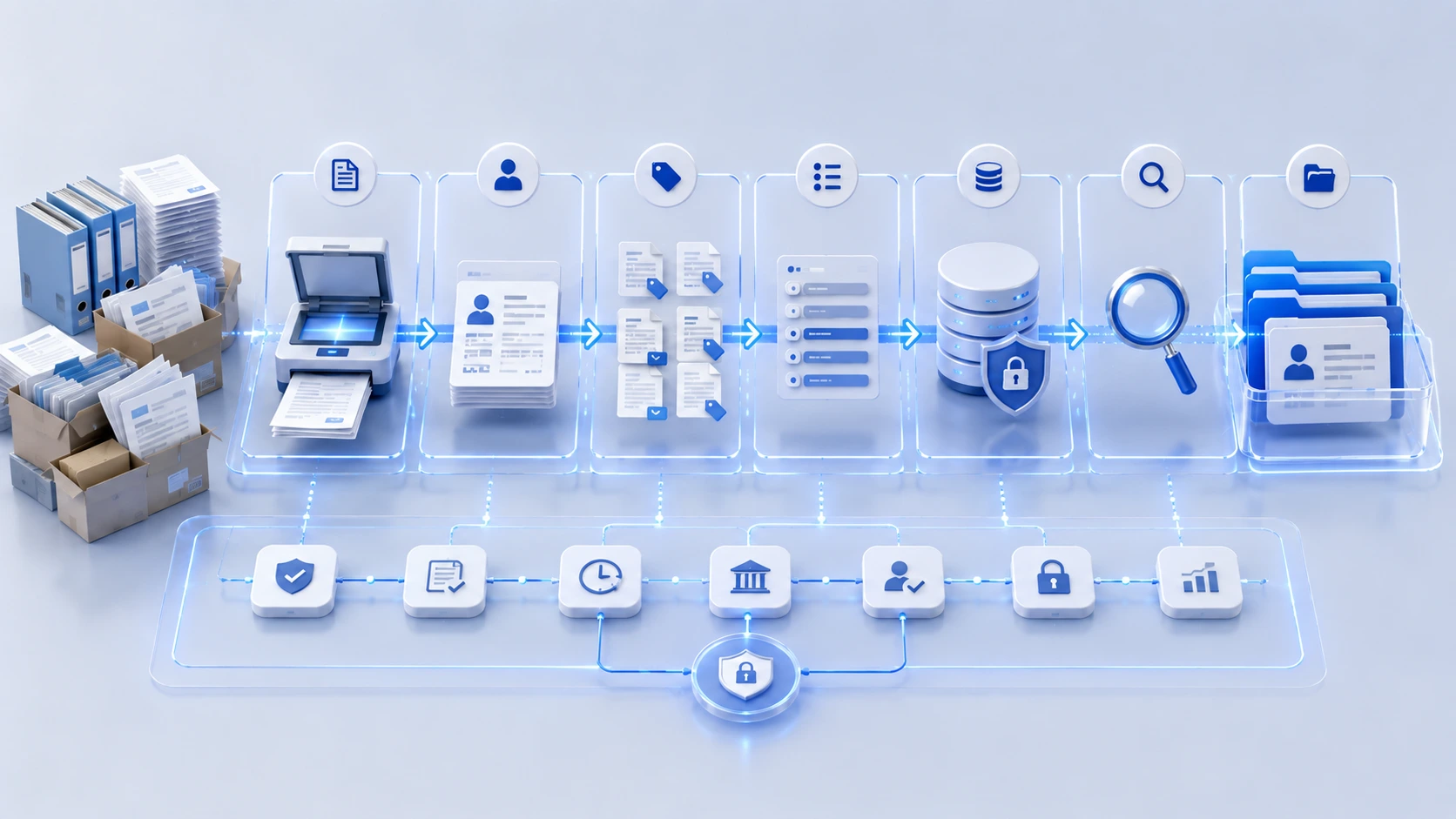
Scanning is the logistics task of converting paper into a digital file.
Digitisation is the document management task of making that file useful, reliable, controlled, and governable.
That requires more than speed and throughput. It requires clear rules for employee matching, document identification, metadata, quality assurance, exception handling, access, retention, and ownership.
Before starting a high-volume scanning project, it is worth looking beyond the scanning process itself.
What happens when a document cannot be matched? Who resolves unclear records? How are duplicates identified? What level of quality checking is required? How will the organisation confirm that the final employee file is complete and reliable?
Moving documents from paper to digital can be a significant step forward for HR teams managing large record sets. But without structure, ownership, and governance, a scanned document can still remain an unmanaged record, regardless of where it is stored.