Strato Reporting
Strato Reporting simplifies and optimises the tracking of Strato Document Generation Workflows and file-related actions in Strato Document Management.
By offering a comprehensive high-level report overview, Strato Reporting enables admins and authorised users to effectively monitor Workflows and employee documents, and generate reports for auditing purposes.
This article contains the following sections:
Access
There are two ways to access Strato Reporting.
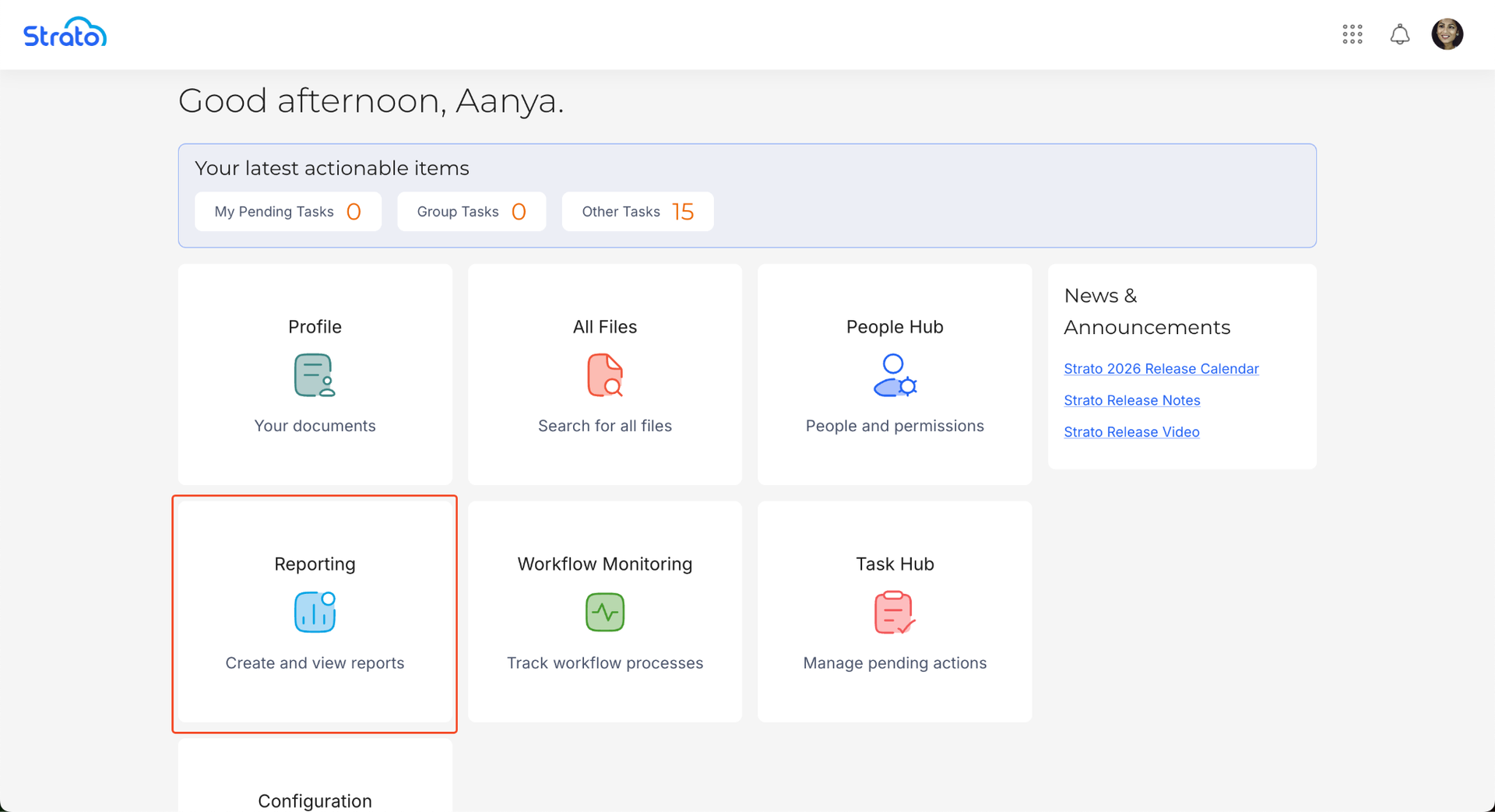
Reporting Card
Users can access Strato Reporting via the Reporting card in the Strato Homepage.
App Menu Bar
Users can also access Strato Reporting via the Strato App Menu Bar.
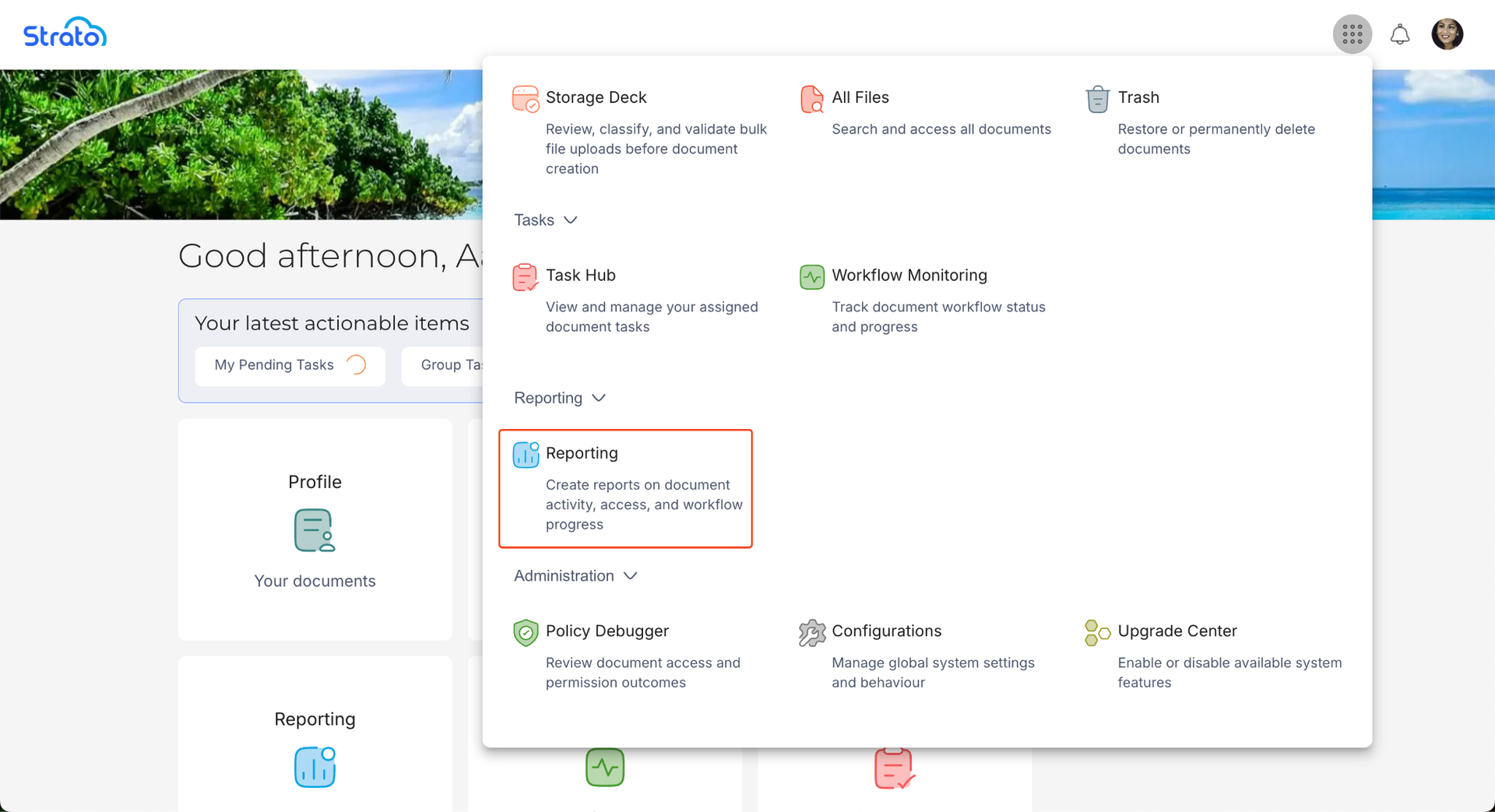
Access to specific data and management features are managed through roles defined in Policies under the Reporting tool key.
Features
Strato Reporting enables admins to:
- View the list of all unique Workflows for every applicant or employee
- View the list of file details and actions done in Strato Document Management
- Share reports with specific User Groups (Admin only)
- Customise the report columns
- Export the report as a CSV file
Report Management
The Report Management screen serves as the central hub for all reporting activities. The information displayed is filtered based on the user's permissions:
- Report Admins: Can view, execute, edit, delete, and share all reports within the system.
- Report Viewers: Can only view and execute reports that have been specifically shared with their assigned User Groups.
The report list includes detailed metadata to assist with auditing, including Visibility (who the report is shared with), Created by, and Last Updated timestamps.
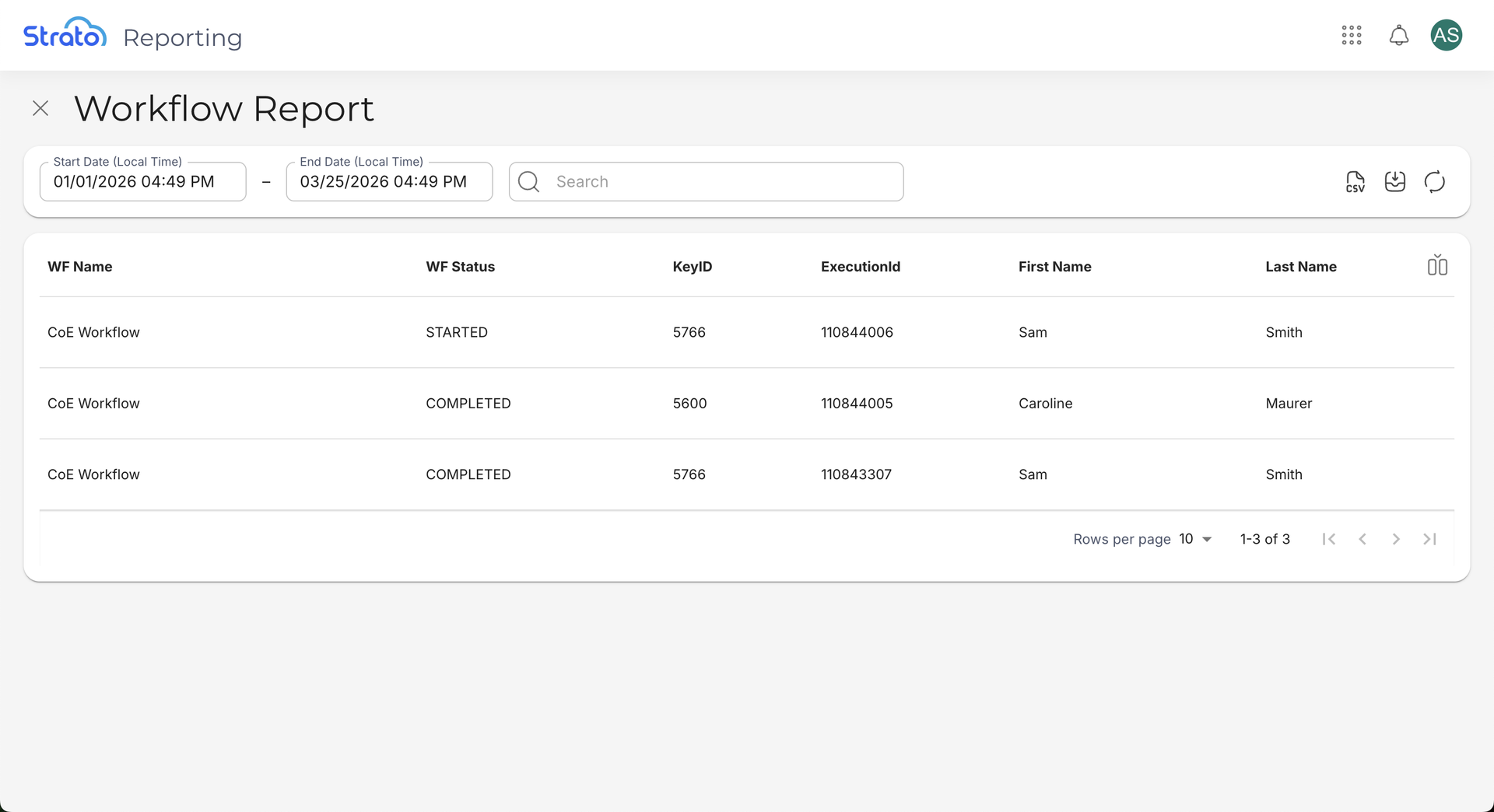
Workflow Reports
Strato Reporting can be used to view the list of unique Workflows per applicant or employee. Each unique Workflow is represented as a single row, along with relevant details such as the start and end dates, and the status. This simplifies the user experience of monitoring and managing Workflows.
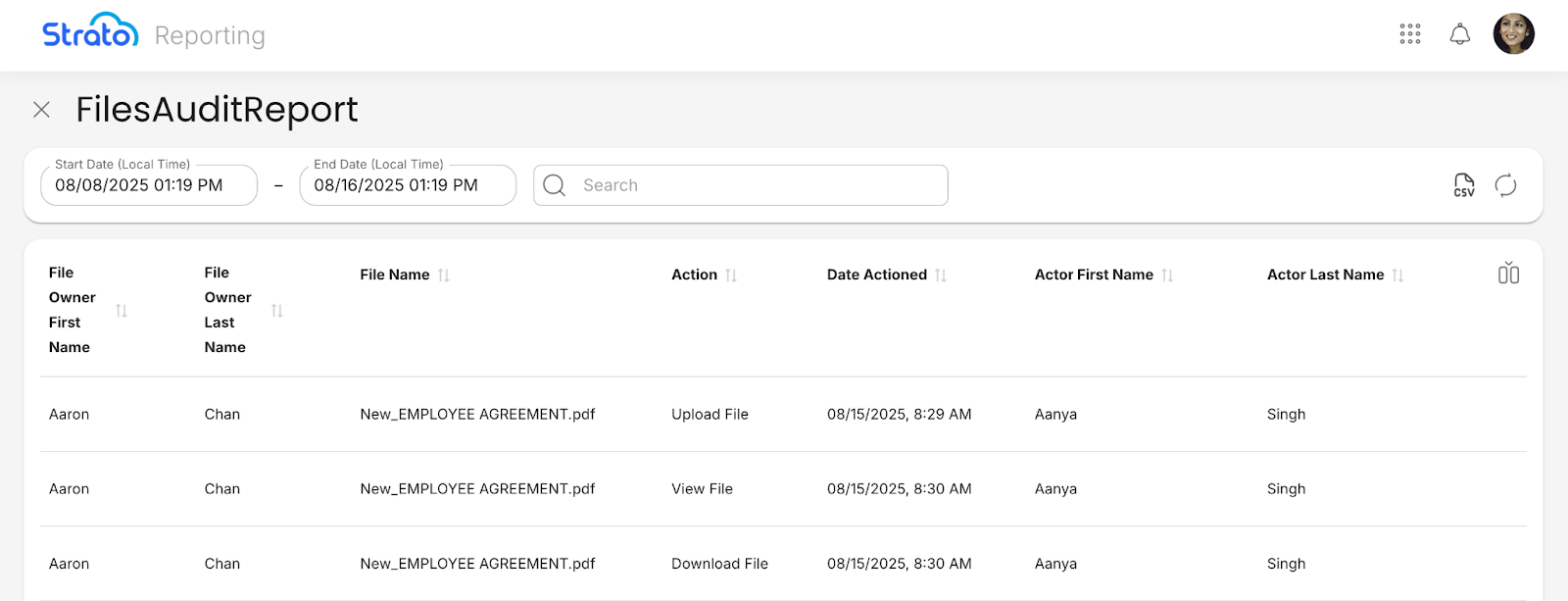
Document Management Reports
Strato Reporting can be used to monitor and track the actions done to files in Strato Document Management. Each file-related action is represented as a separate row, along with relevant details such as the date and time of the action, and the actor's name. This can serve as an auditing tool for tracking the actions done to employee documents.
Sharing and Visibility
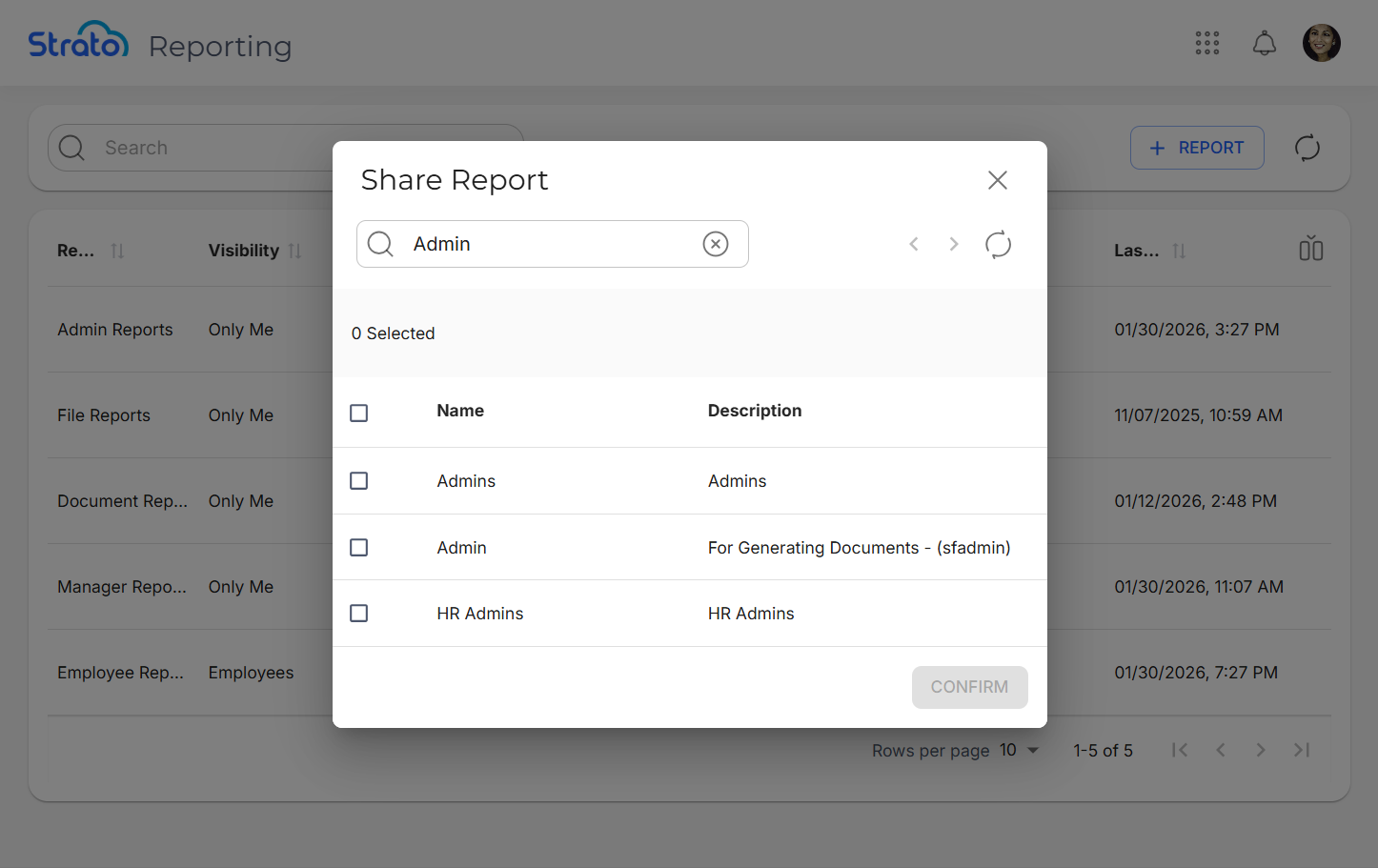
Report Admins can distribute reports to the wider organisation by using the Share action. Reports can be shared with one or more User Groups. Once shared, the report will appear in the Report Management list for all members of those groups with "View-only" access.
Customise Report Columns
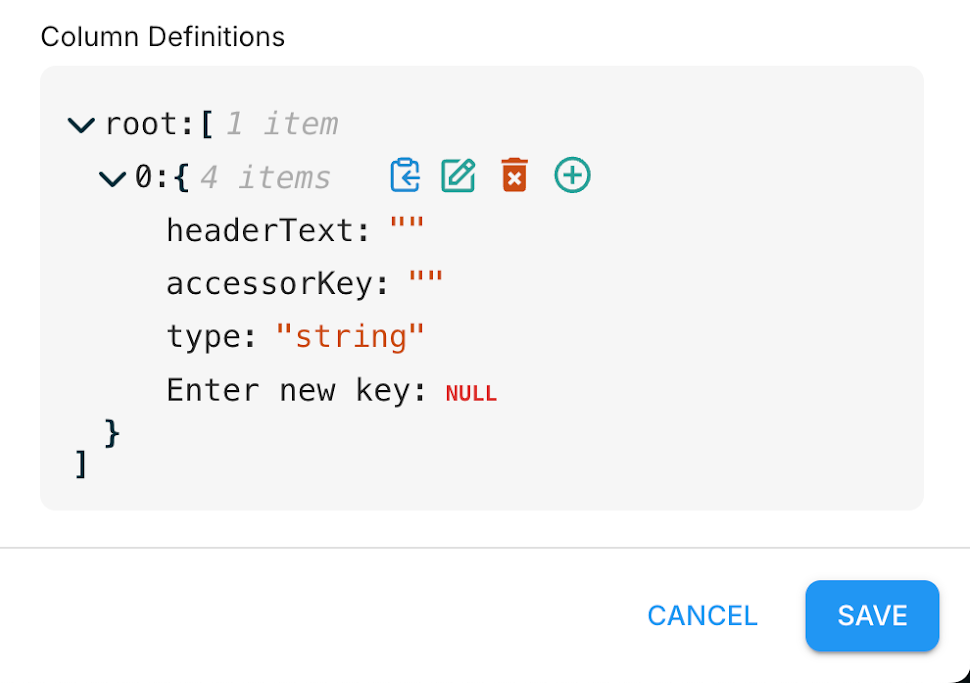
Users can customise each report to display only what is needed, by configuring the report columns. This ensures that each report is flexible, and that only the information necessary for specific reporting purposes is visible.
Export Reports
Each report can be exported as a CSV file using the Export button.
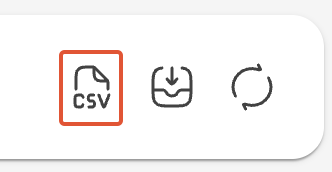
The exported CSV file includes all active columns, and reflects any current filtering applied through Basic and Advanced Search.
CSV exports are processed in the background, with a message displaying the current progress.
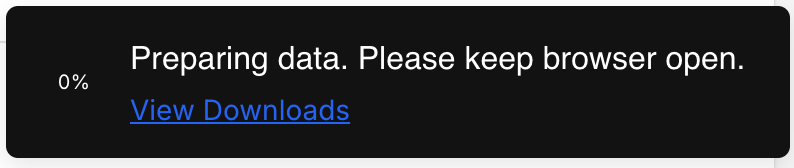
When the export is complete, the CSV file will become available for download. You can find the file using the Downloads button next to the Export button.
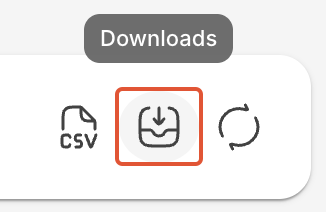
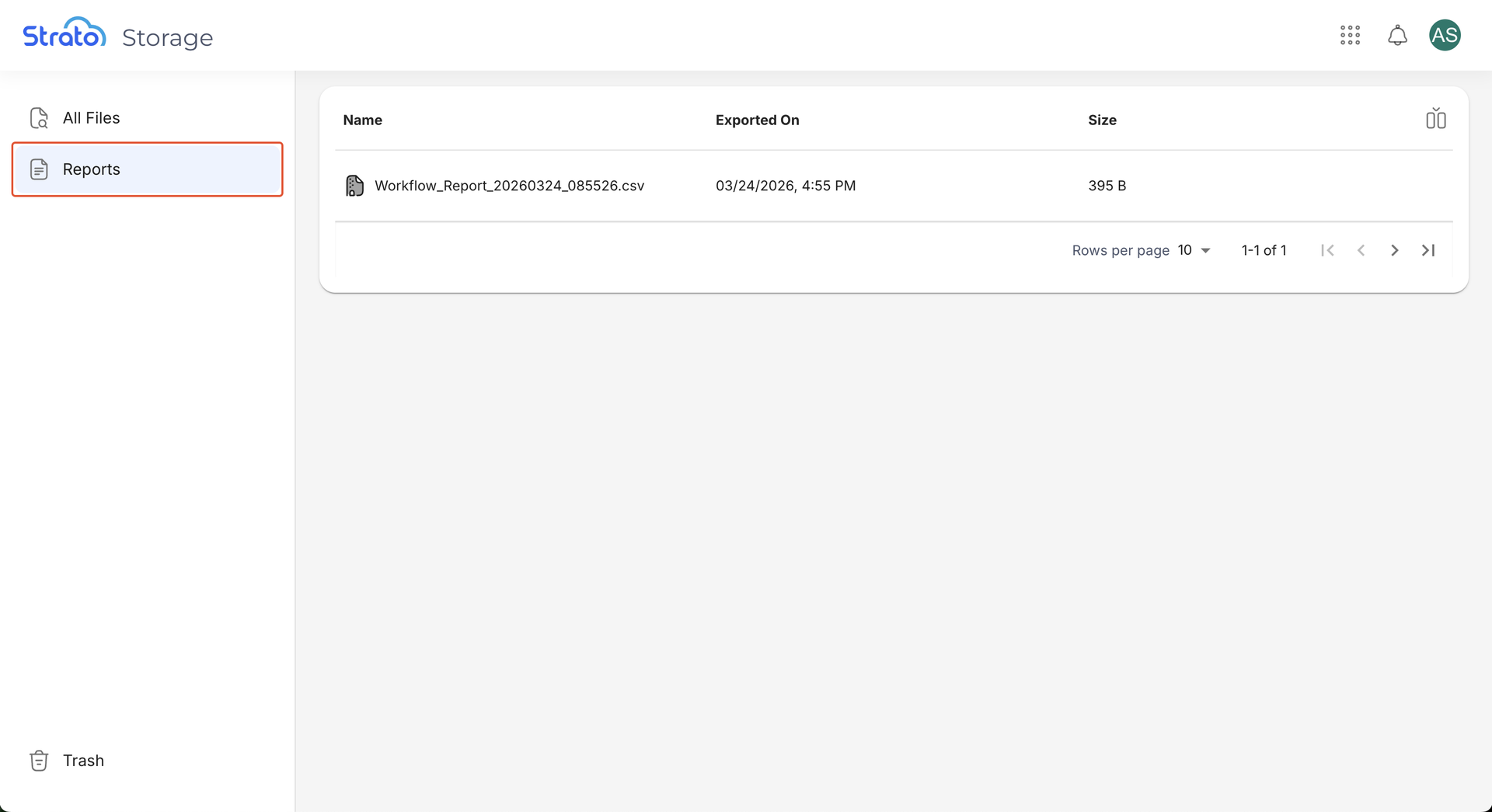
You can also find the file by clicking View Downloads in the confirmation message, or by going to the All Files page, then clicking the Reports sidebar link.
Related articles
- Strato Reporting for Documents
- Strato Reporting for Workflows
- Configure Strato Reporting via API
- Navigate Strato Reporting