Document Generation - Generate a Document in SuccessFactors
It is possible to embed your widgets in your SuccessFactors portal. Read the Adding a Strato Widget as an SAP SuccessFactors tile article for steps on how this is done. Once your widgets have been embedded, you can start generating documents from these widgets.
Follow the steps below to generate a document from your SuccessFactors portal:
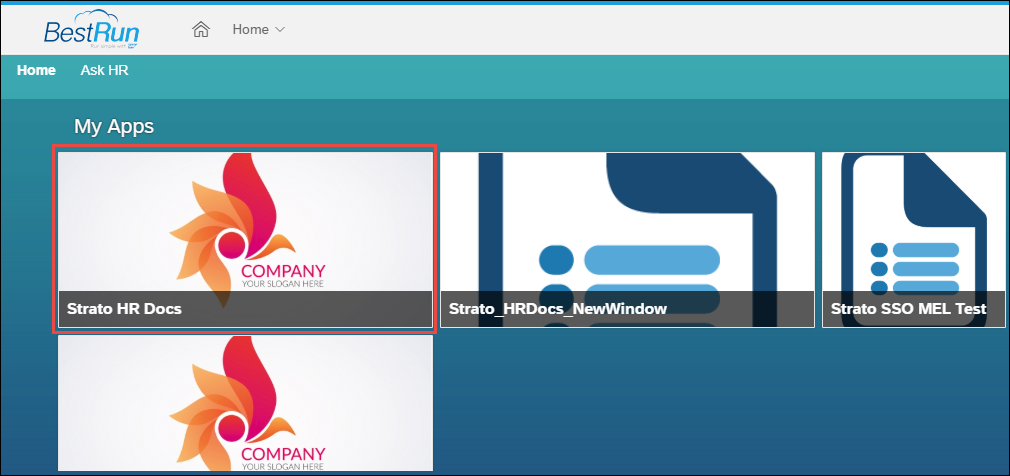
- Log in to your SuccessFactors portal. Find and click the Strato widget that you will use.
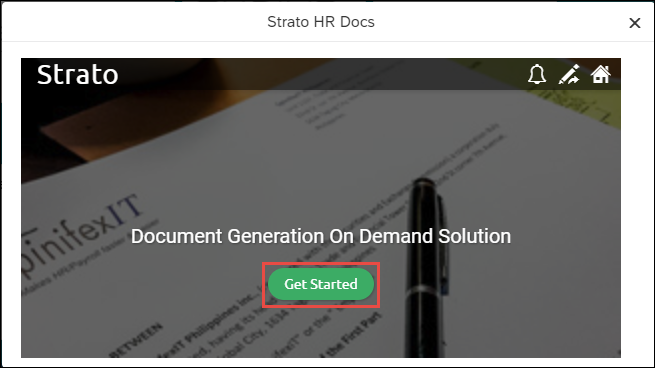
- Click Get Started.
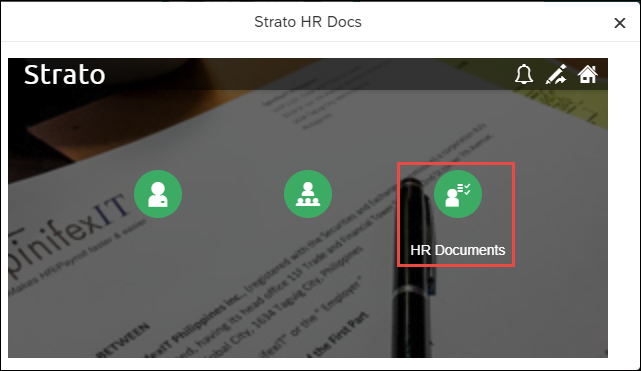
- Click the widget that you want to use.
Depending on the widget, generate your document as you normally would. Read the articles below for more information:
- If the document is previewed, read Document Preview - UI and Actions.