Introduction to Widget Settings
Widgets are tools that enable you to quickly access and generate your documents.
In the Widget Settings component of Strato, you can:
- Create custom Widgets for your other documents ; and also be able to
- Add these custom widgets on your dashboard for instant access.
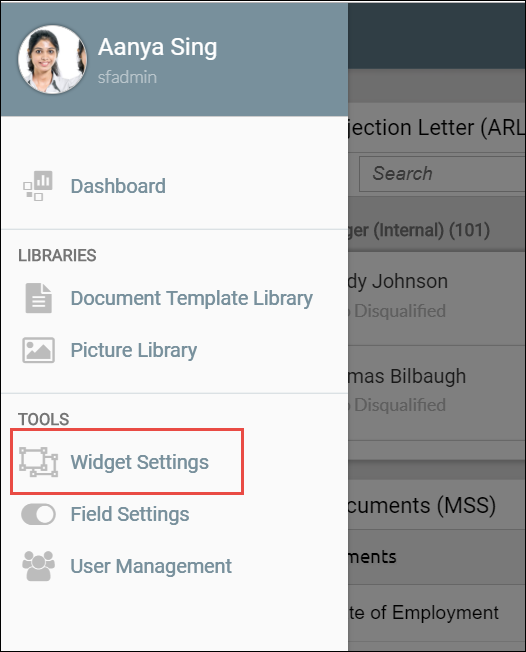
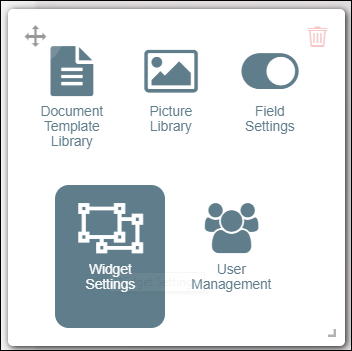
This is done via the Widget Settings tool, which can be accessed either from your Strato menu panel, or from the dashboard.
From Menu:
From Dashboard:
Here is a sample screen of a Widget Settings screen, with different widgets already set-up:
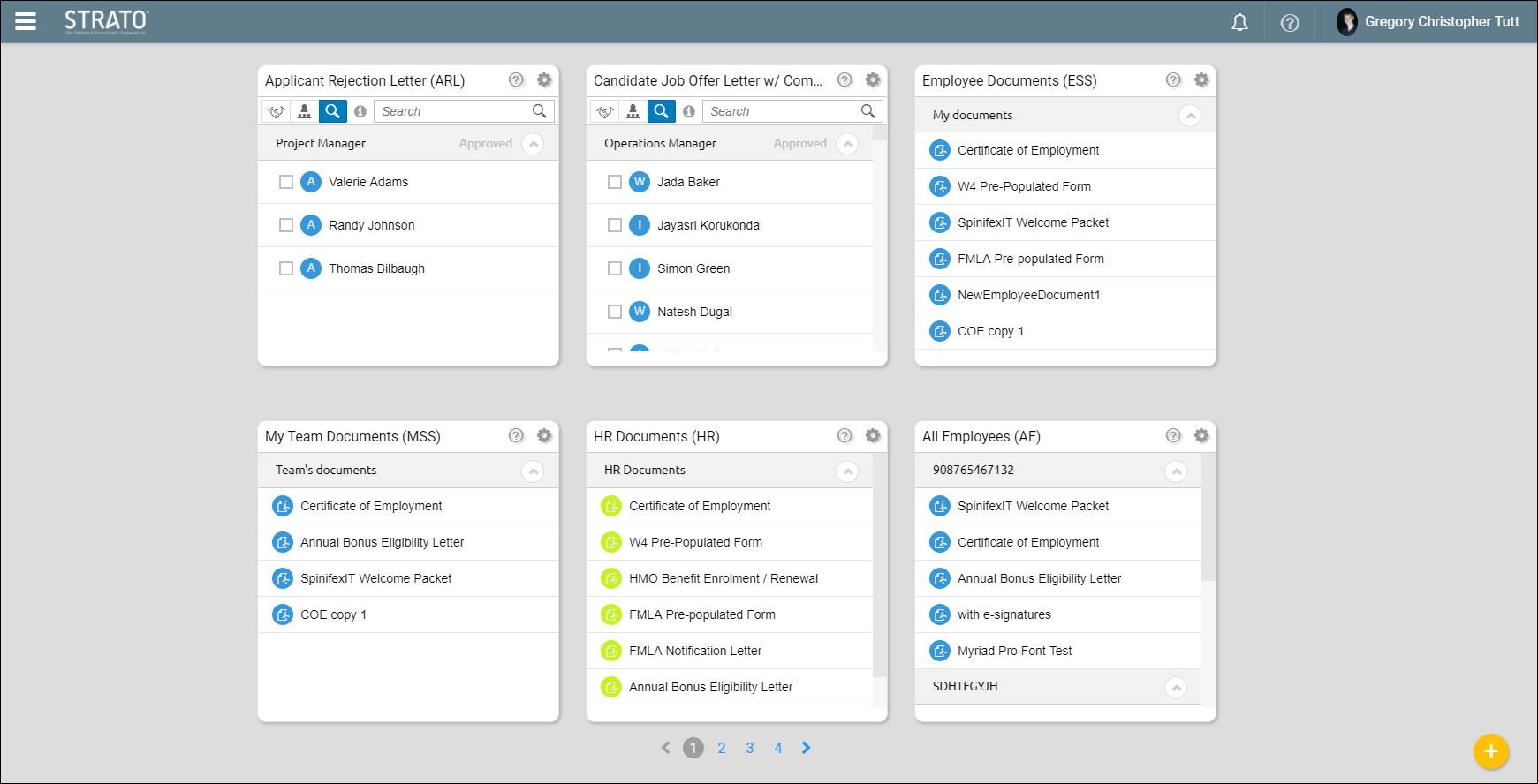
From here, you can do the following actions:
- Add / Create New Custom Widgets
- Generate HTML Code
- Edit Existing Widgets
- Generate Documents (either for yourself, or for other employees if you are a manager)
To see the different types of widgets, read:
Here is a simple video on how to create widgets: