Upload Files to Storage Deck
This article explains how to upload files to the Storage Deck.
Requirements
Make sure that New Feature - Storage Deck is installed in the Upgrade Center.
Instructions
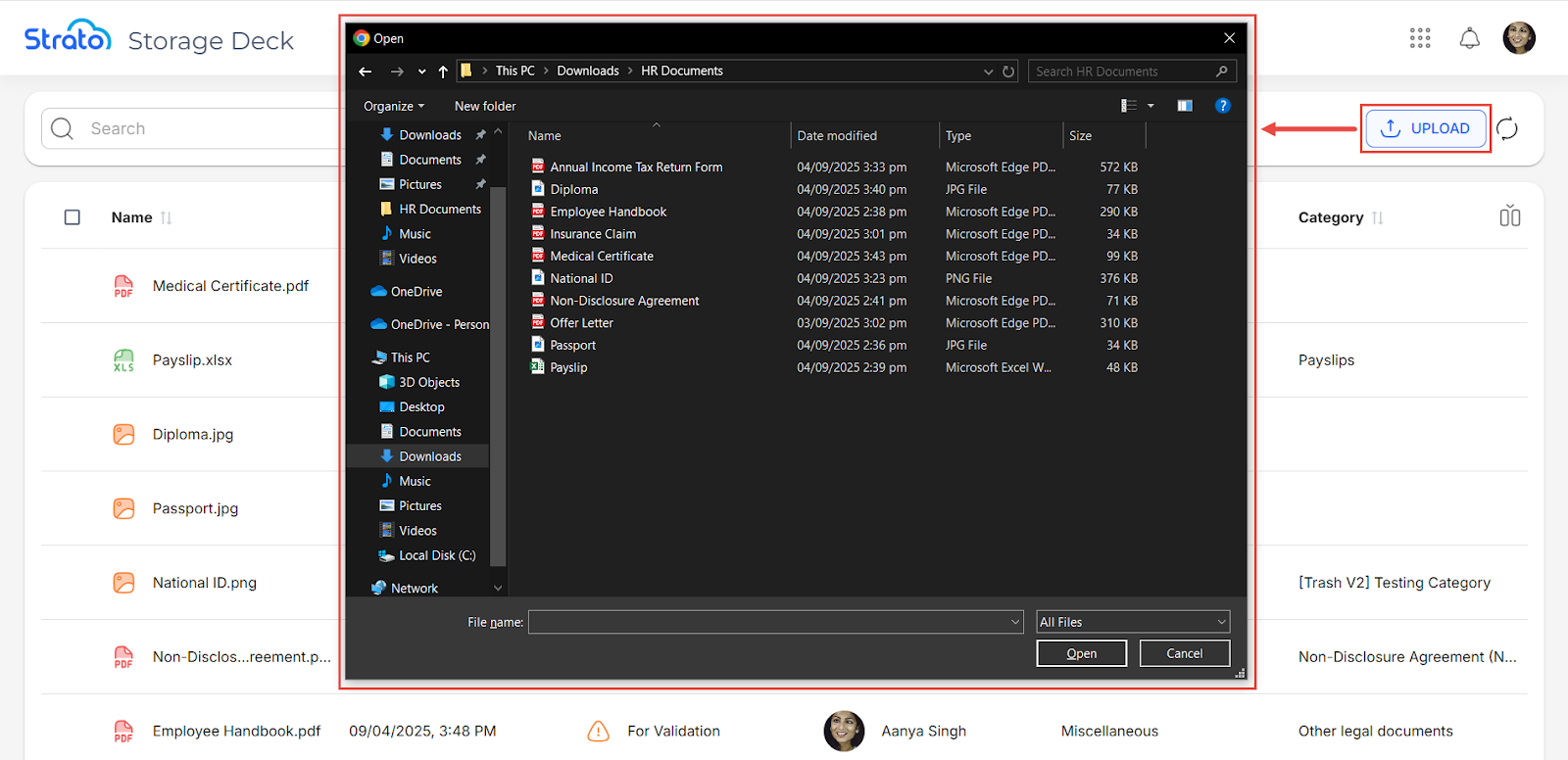
In the Storage Deck page, click the Upload button. This opens up your system window where you can choose one or more files to upload.
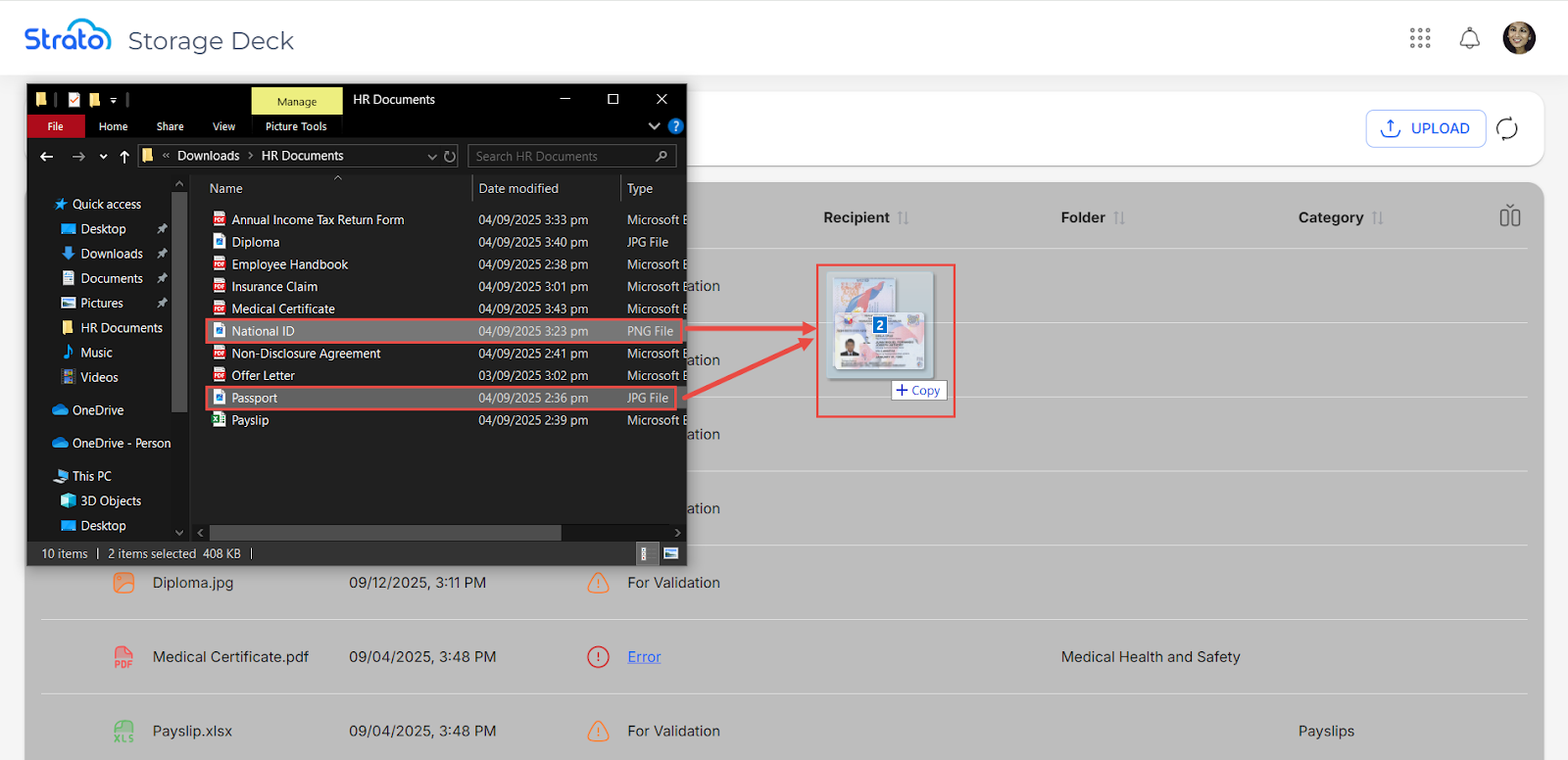
You can also drag and drop files directly to the files list.
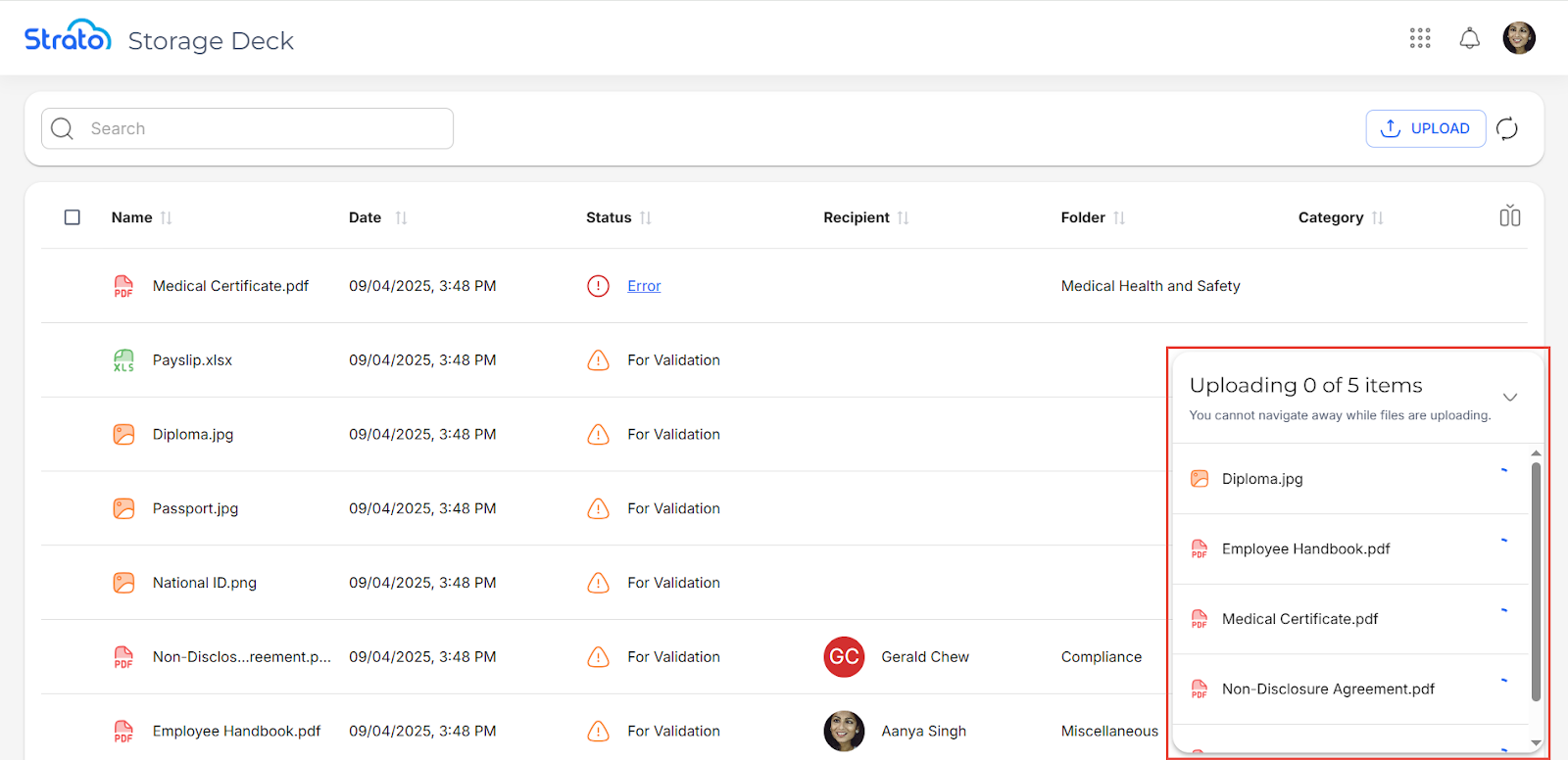
Your upload progress can be tracked at the lower right corner of the page.
💡

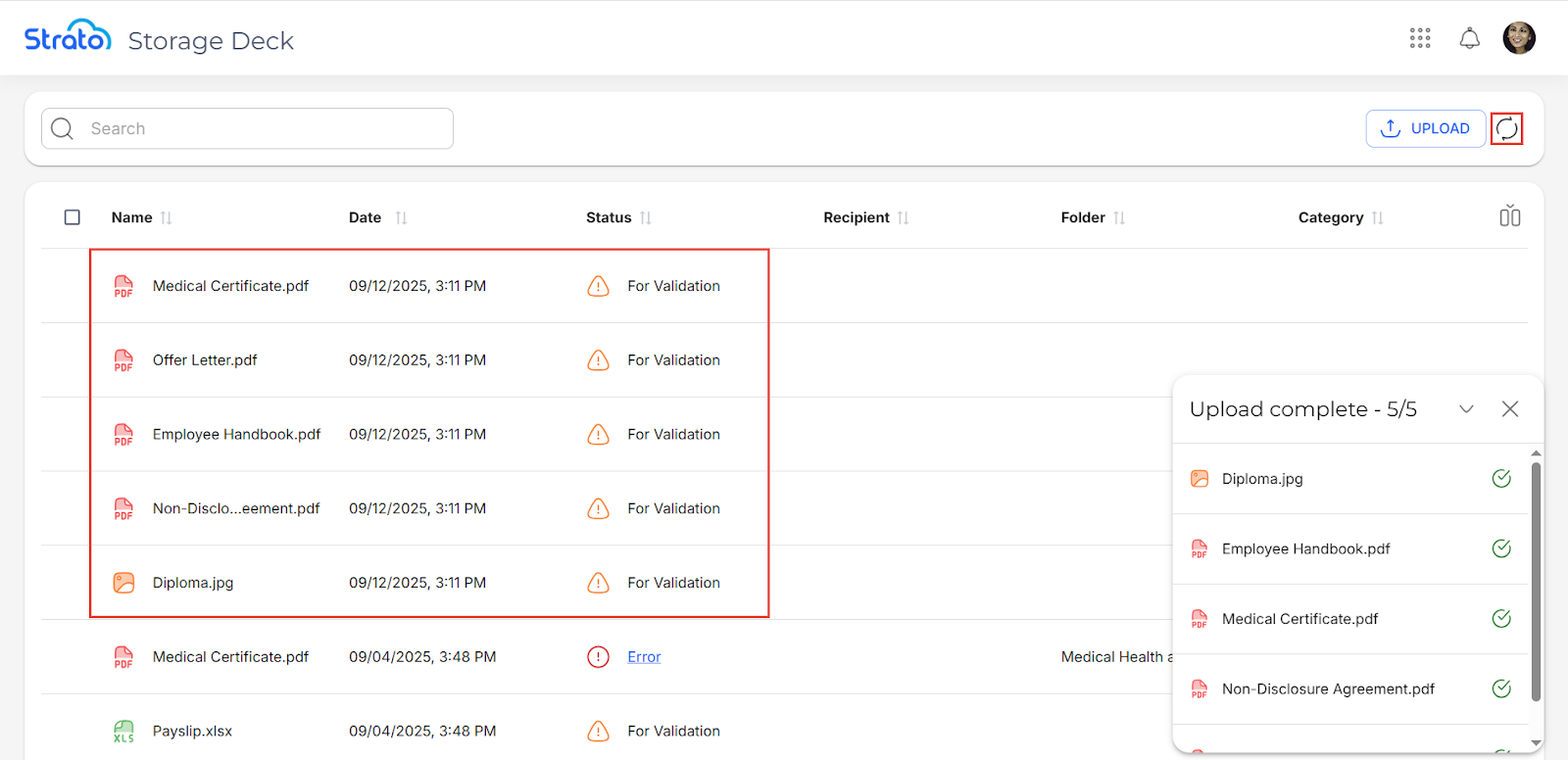
Once finished, click the Refresh button to see the uploaded files.
❌

The maximum file size can be configured in the Strato Admin Tool via the Storage Max Upload Size setting in the Strato Admin Tool.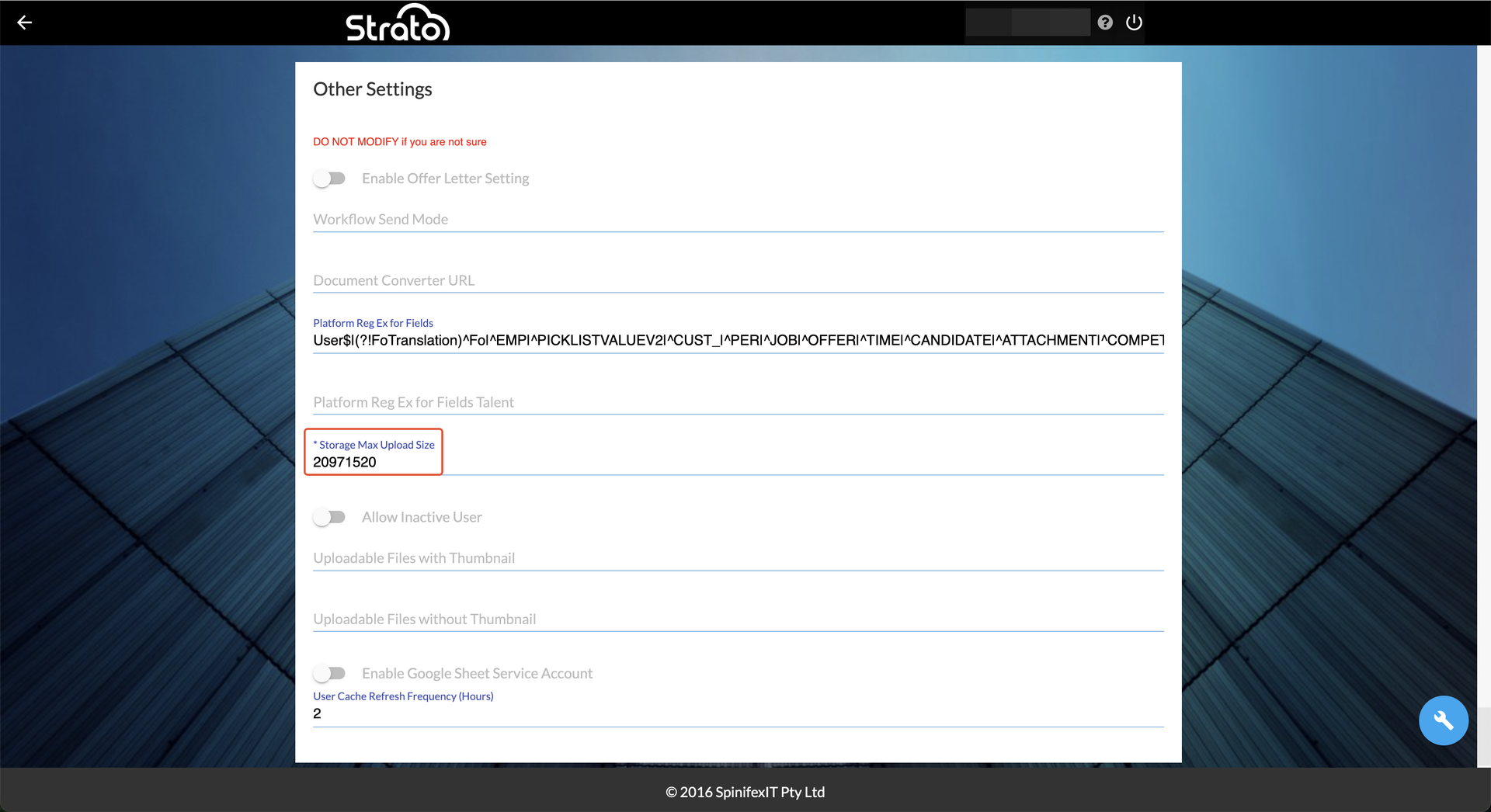
Related articles
- Storage Deck
- Navigate Storage Deck
- Manage Files in Storage Deck
- Store Files to Storage in Storage Deck
- Upload Files to Storage Deck