Folders
Admins can manage their company's folders, their details, and their structure and hierarchy in Folders.
Requirements
Make sure that New Feature - Authorization Framework Integration with Configurations and New Design - Strato Storage are installed in the Upgrade Center.
Your permissions and Policies determine whether access is granted to Folders. Contact your Strato administrator if you need assistance with these permissions.
- Tool: Configuration
- Type of Object: Storage
- Data Object: Storage > Folders
Access
You can access the Folders page under Document Management Settings in the Configurations page.

Features
Folder List
When you open the Folders page, you will see the list of Folders and their details, including the Name, the Default Category set, Allowed Categories, their Sequence, and their Status.
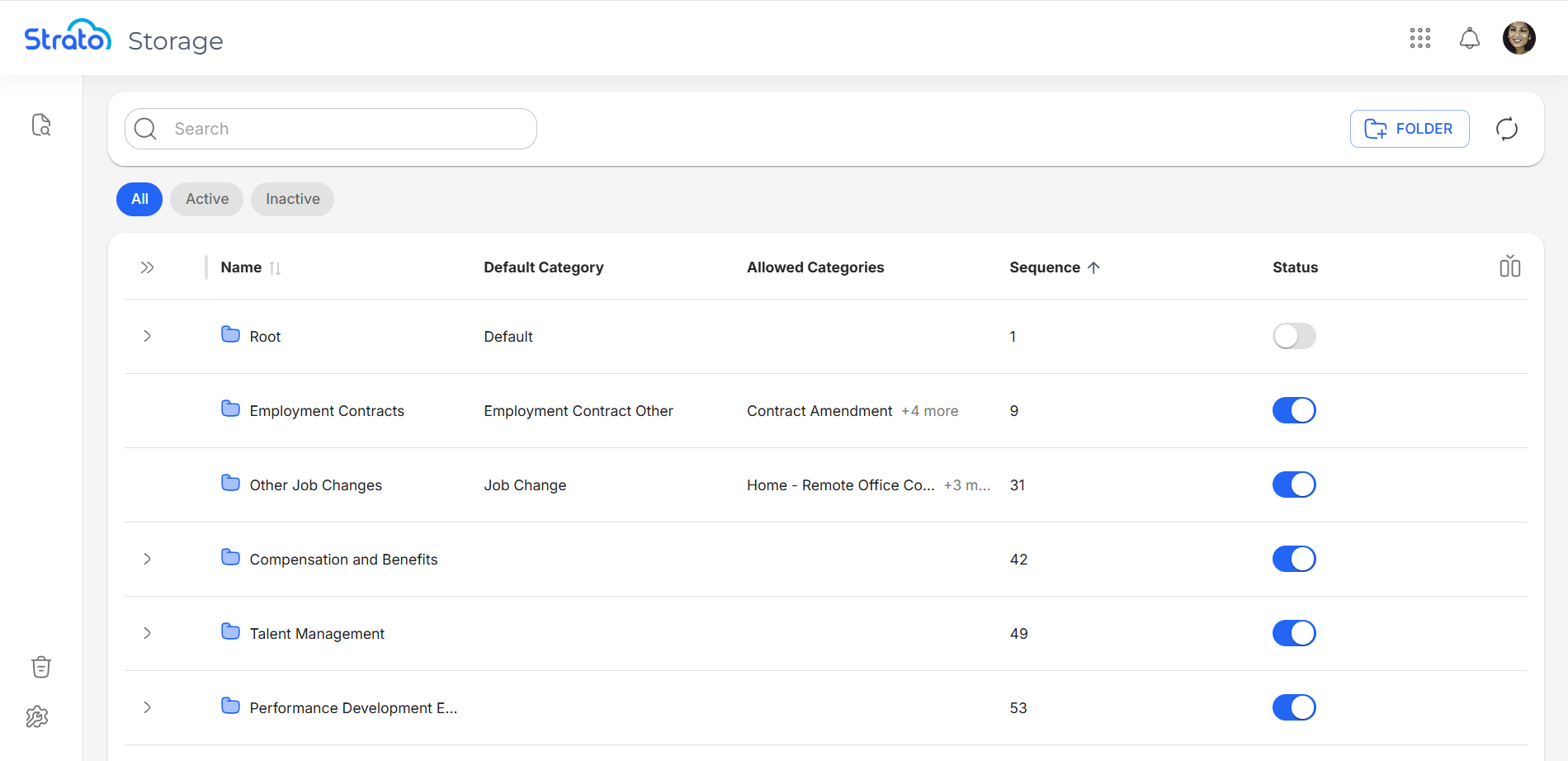
By default, five columns are shown:
- Name: The name of the folder.
- Default Category: When uploading files to a folder, their Category is automatically set to the folder's Default Category.
- Allowed Categories: When uploading files to a folder, their Category can be selected from a folder's list of Allowed Categories.
- Sequence: The order the folders are arranged based on the folder's sequence number in Folder Management in V1.
- Status: The status of the folder, either Active or Inactive.
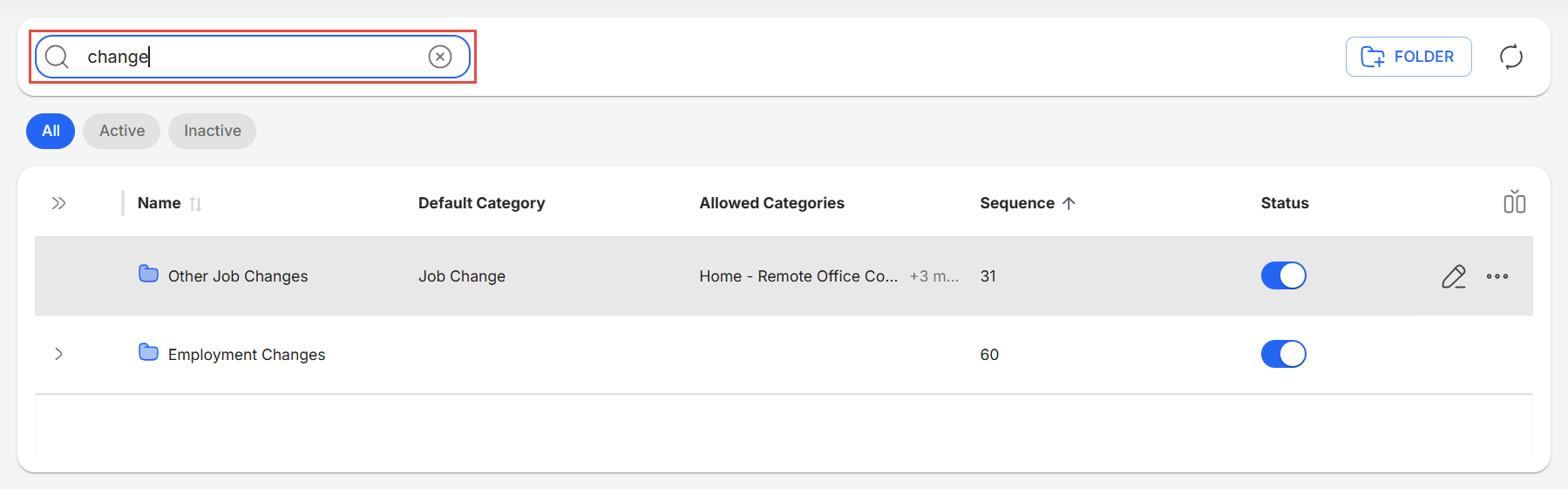
Search Folders
You can search for folders using the search bar.
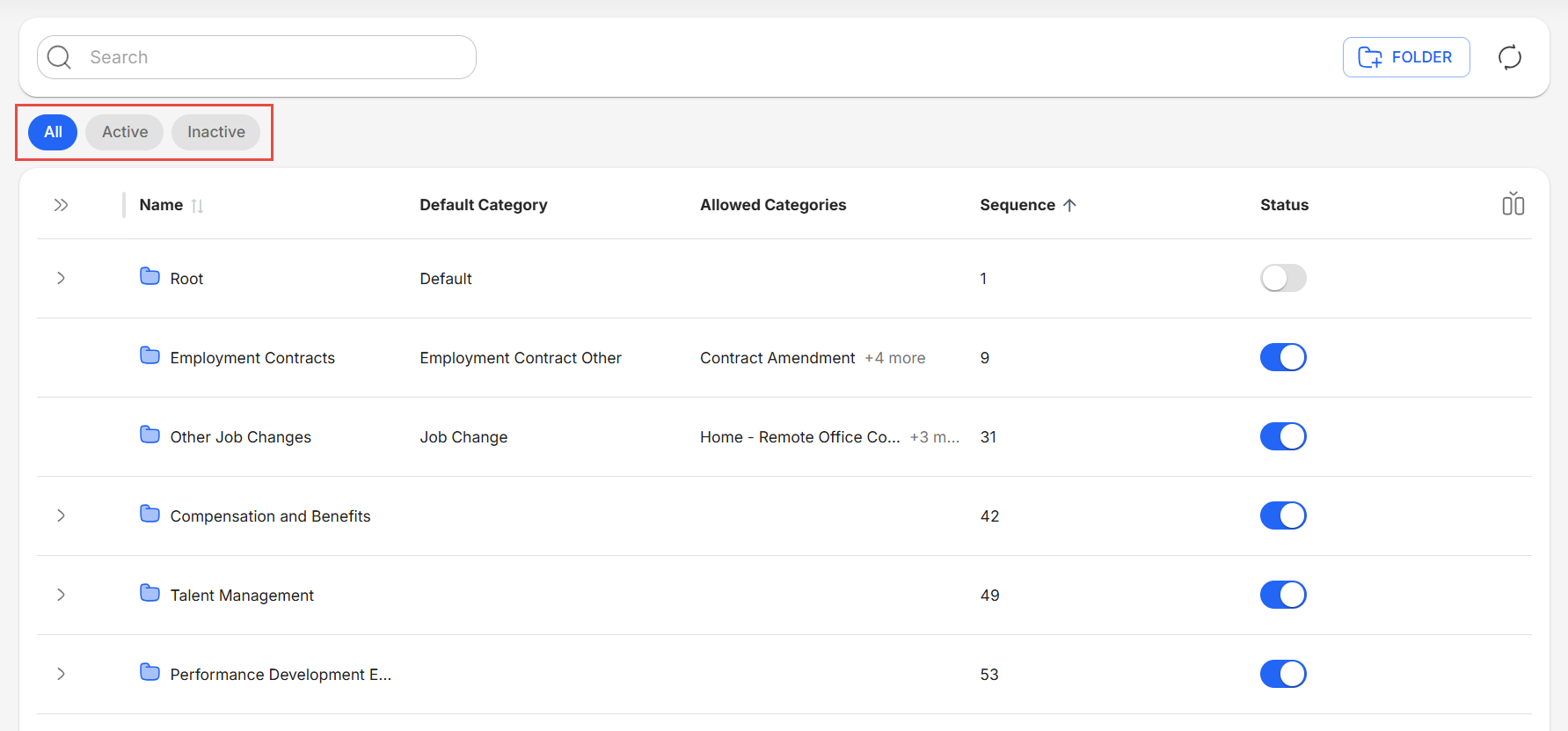
Filter Folders
You can filter folders according to their status using the quick filter buttons under the search bar.
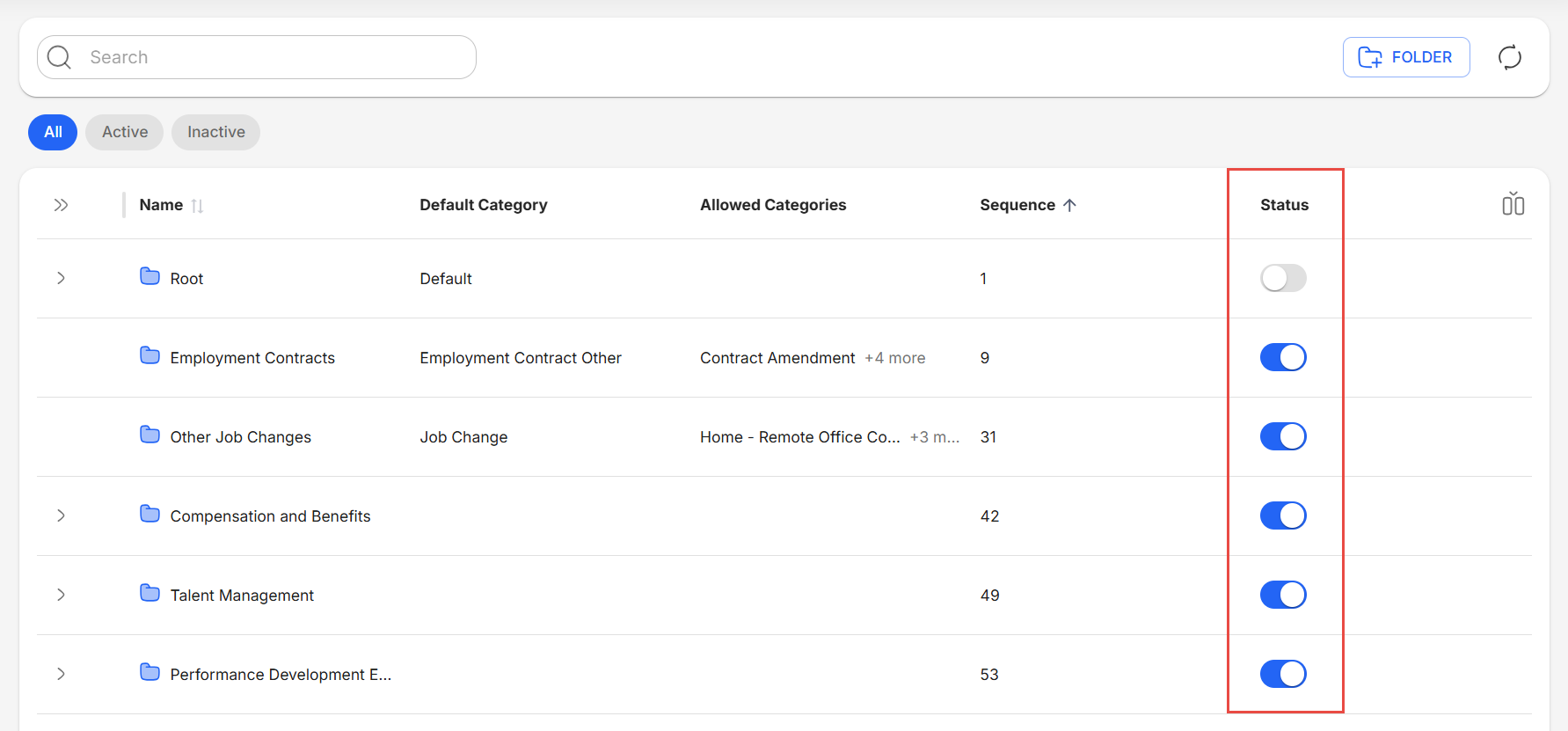
Toggle Folder Status
You can easily activate or deactivate folders by using the toggles in the Status column.
Currently Unavailable Features
Strato New Experience (V2) includes buttons for these features, but they are not fully functional and will redirect you to their Strato V1 equivalents.
- Add Folders
- Edit Folders
- View Folder Information
Strato New Experience (V2) currently does not have support for these features, and will require you to go back to Strato V1 to execute.
- Arrange folder sequence
- Move Folders
- Delete Folders
Related articles
- New Design - Strato Document Management
- New Feature - Authorization Framework Integration with Configurations
- Navigate Folders
- Configure and Manage Folders