Categories
Categories help organize files in Strato Document Management. By assigning retention rules, Categories define how files are classified and retained. This feature reduces manual effort and ensures consistency across your organisation's document management system.
Requirements
Make sure that New Feature - Authorisation Framework Integration with Configurations and New Design - Strato Storage are installed in the Upgrade Centre.
Your permissions and Policies determine whether access is granted to Categories. Contact your Strato administrator if you need assistance with these permissions.
- Tool: Configuration
- Type of Object: Storage
- Data Object: Storage > Categories
Access
You can access the Categories page under Document Management Settings in the Configurations page.

Features
Category List
When you open the Categories page, you will see the list of categories and their details, including the Name, Description, Retention Rule, and Status.
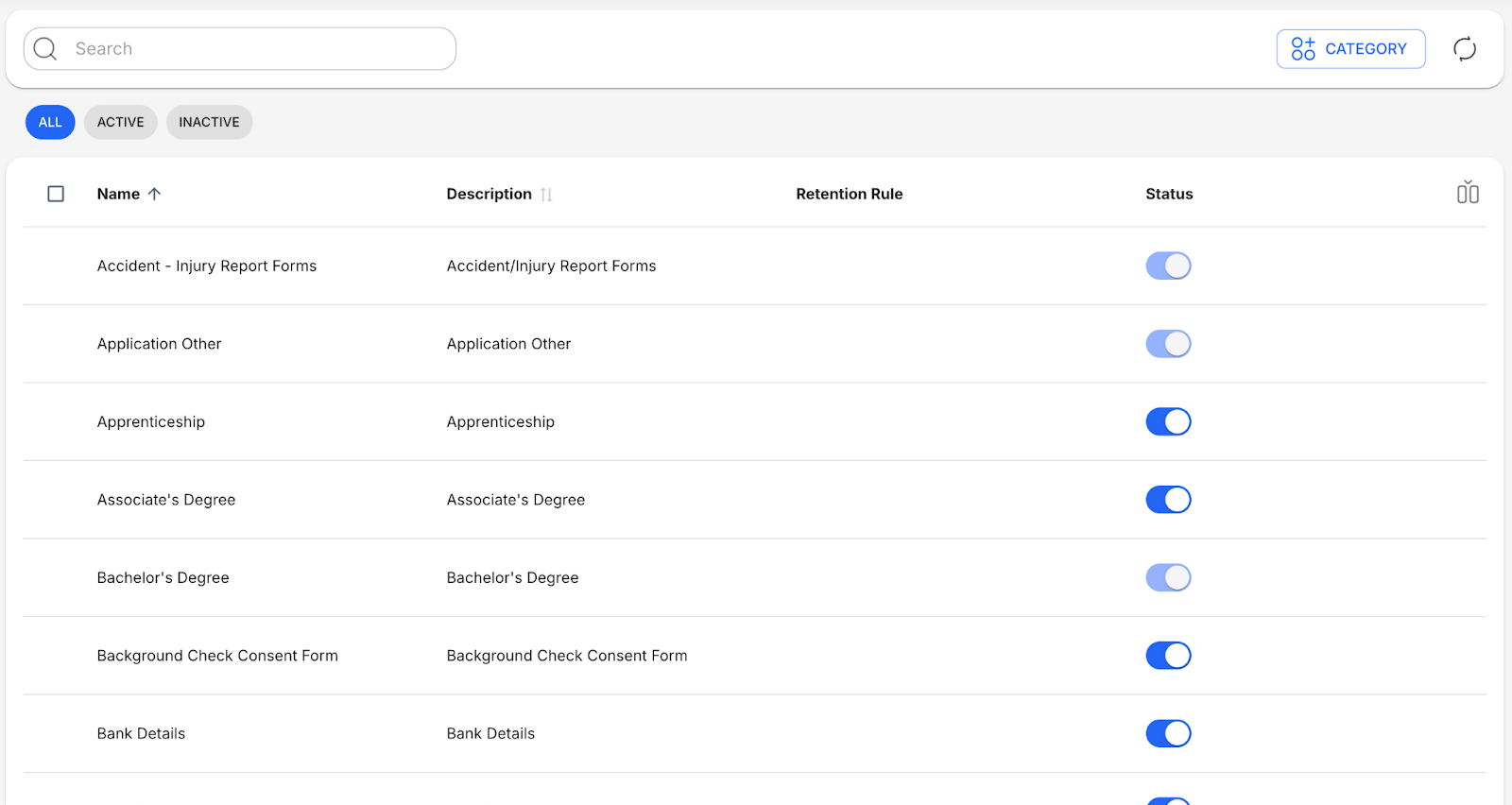
By default, four columns are shown:
- Name: Unique name for each category.
- Description: A short description of what the category is.
- Retention Rule: The retention rules currently assigned to the category.
- Status: The status of the category, either Active or Inactive.
Add Categories
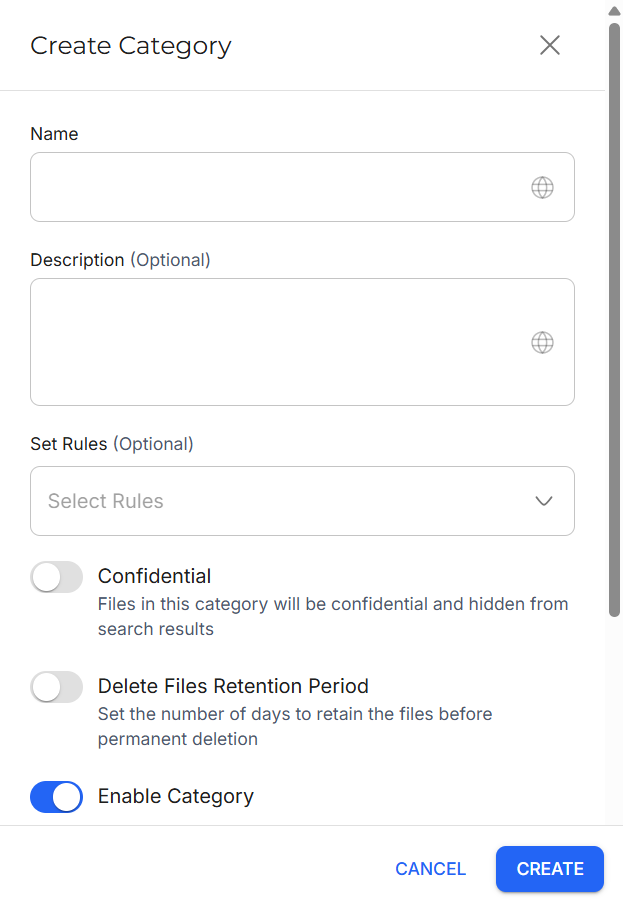
You can add Categories by clicking the Add Category button.
Edit Categories
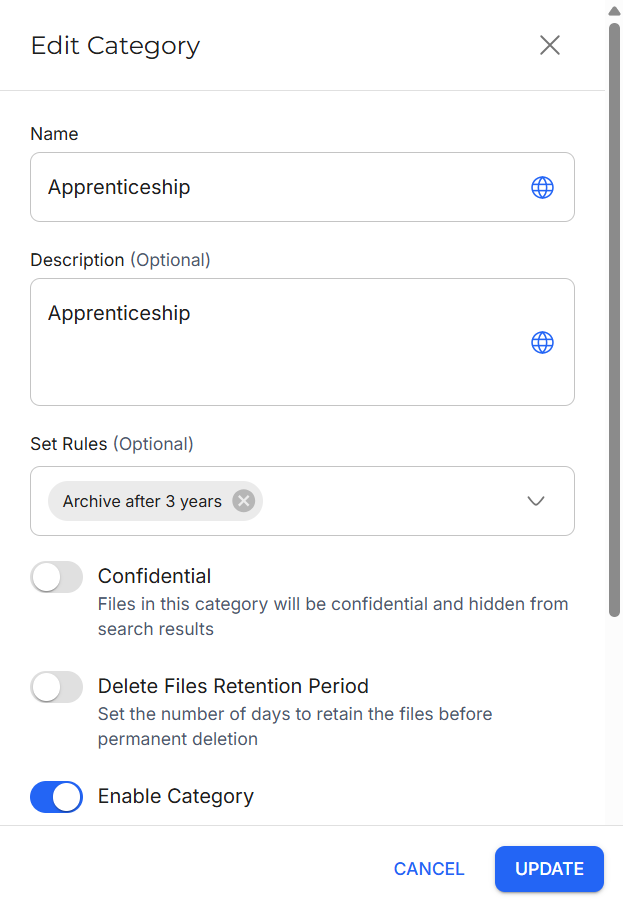
You can edit a Category by clicking the More button and then Edit.
View Category Information
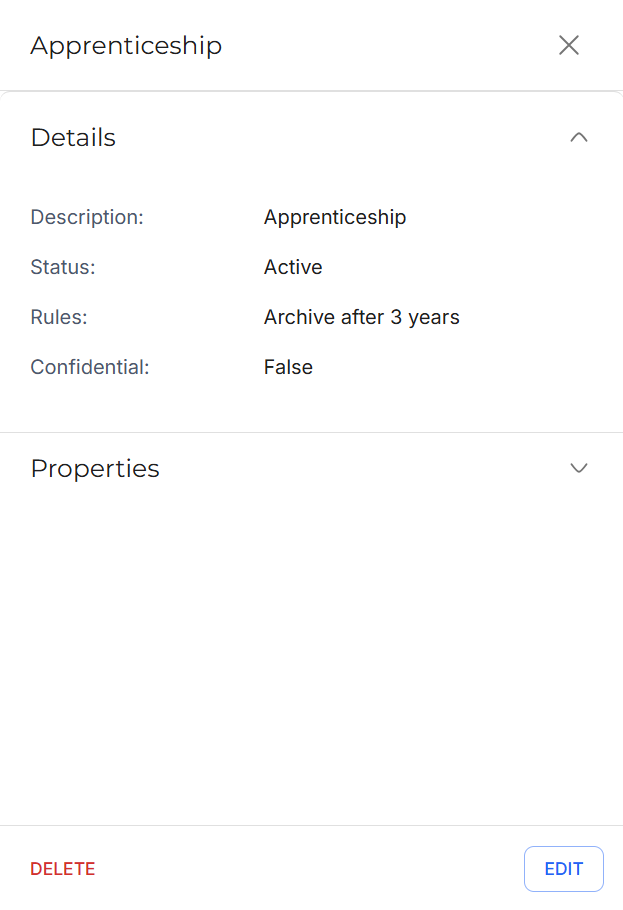
You can view the information of a Category by clicking the View button.
Delete Categories
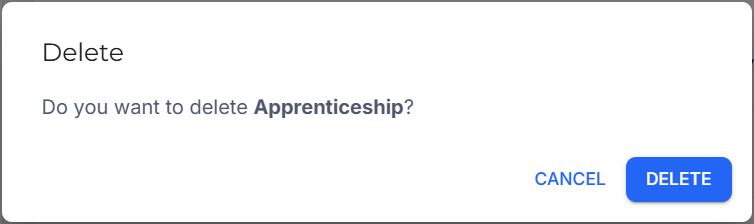
You can delete a Category by clicking the More button and then Delete.
Toggle Category Status
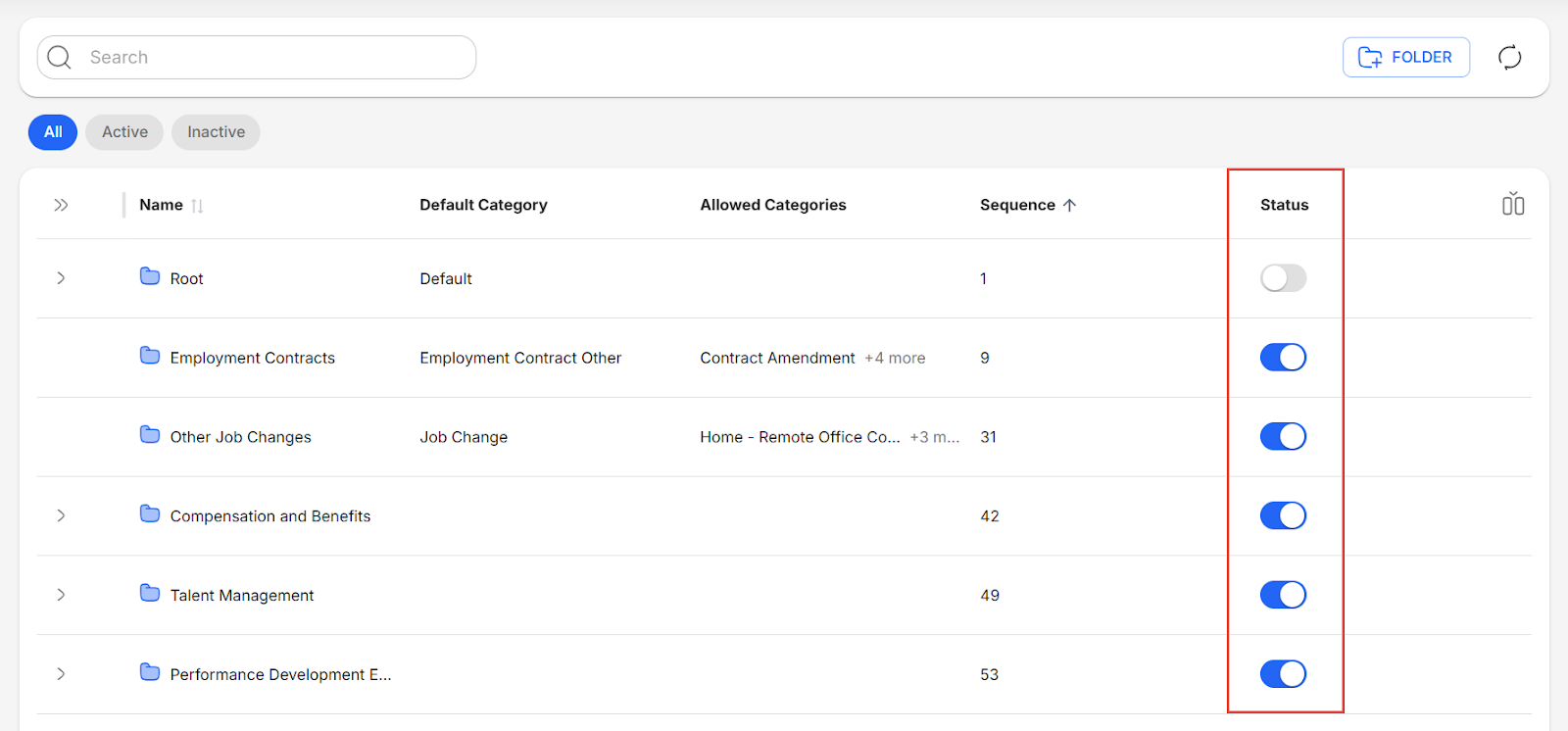
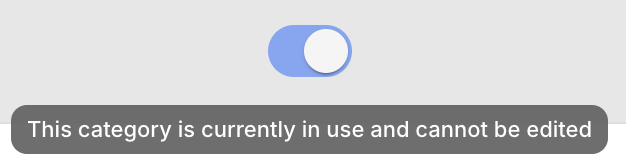
You can enable or disable individual categories by using the toggles in the Status column.
Assign or Remove Retention Rules
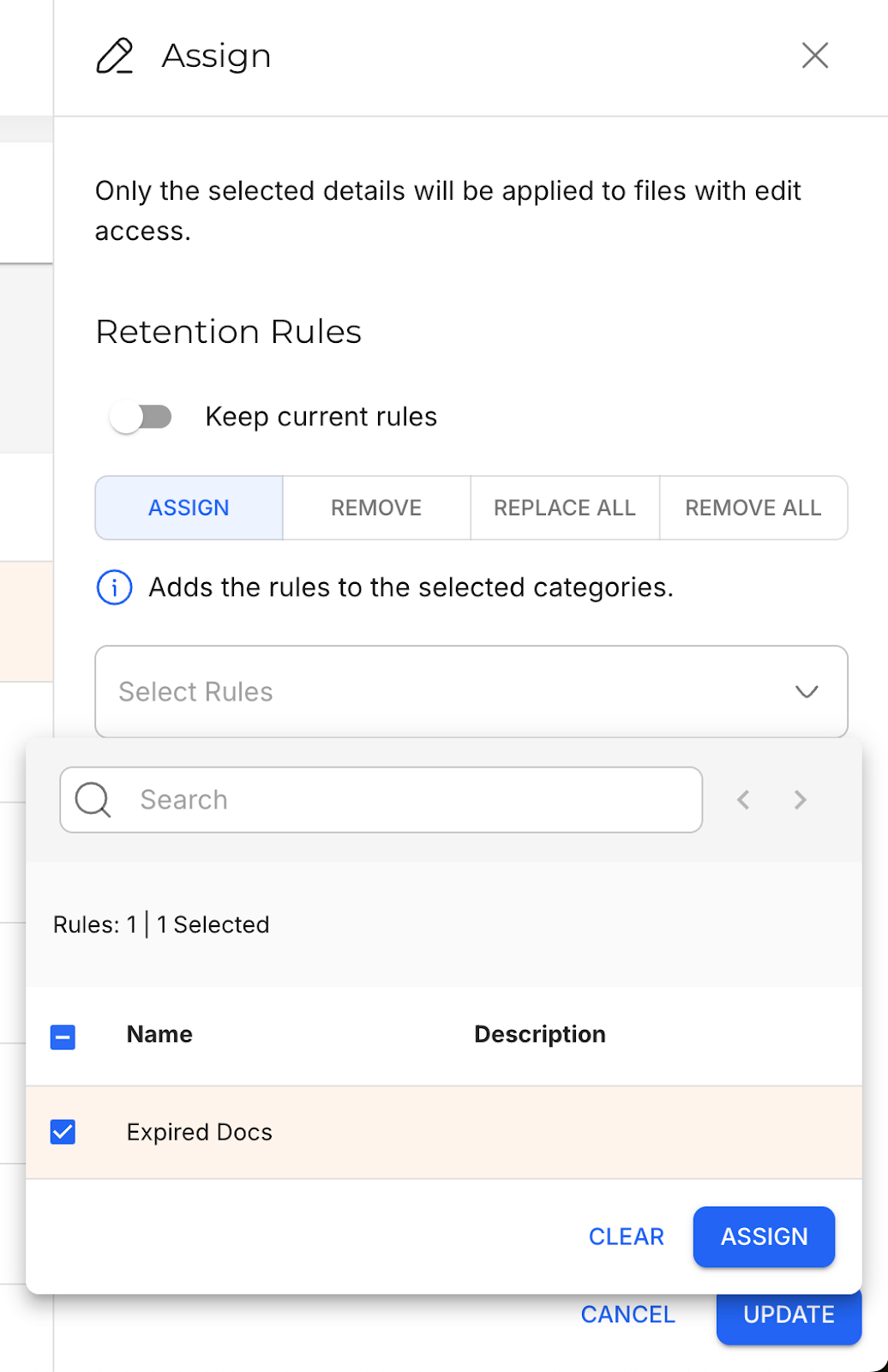
Retention rules allow your organization to define a specific validity period for each document. For example, an Active document can automatically be changed to Expired after six months.
With the Categories page, you can assign, remove, or replace rules across multiple categories at once.
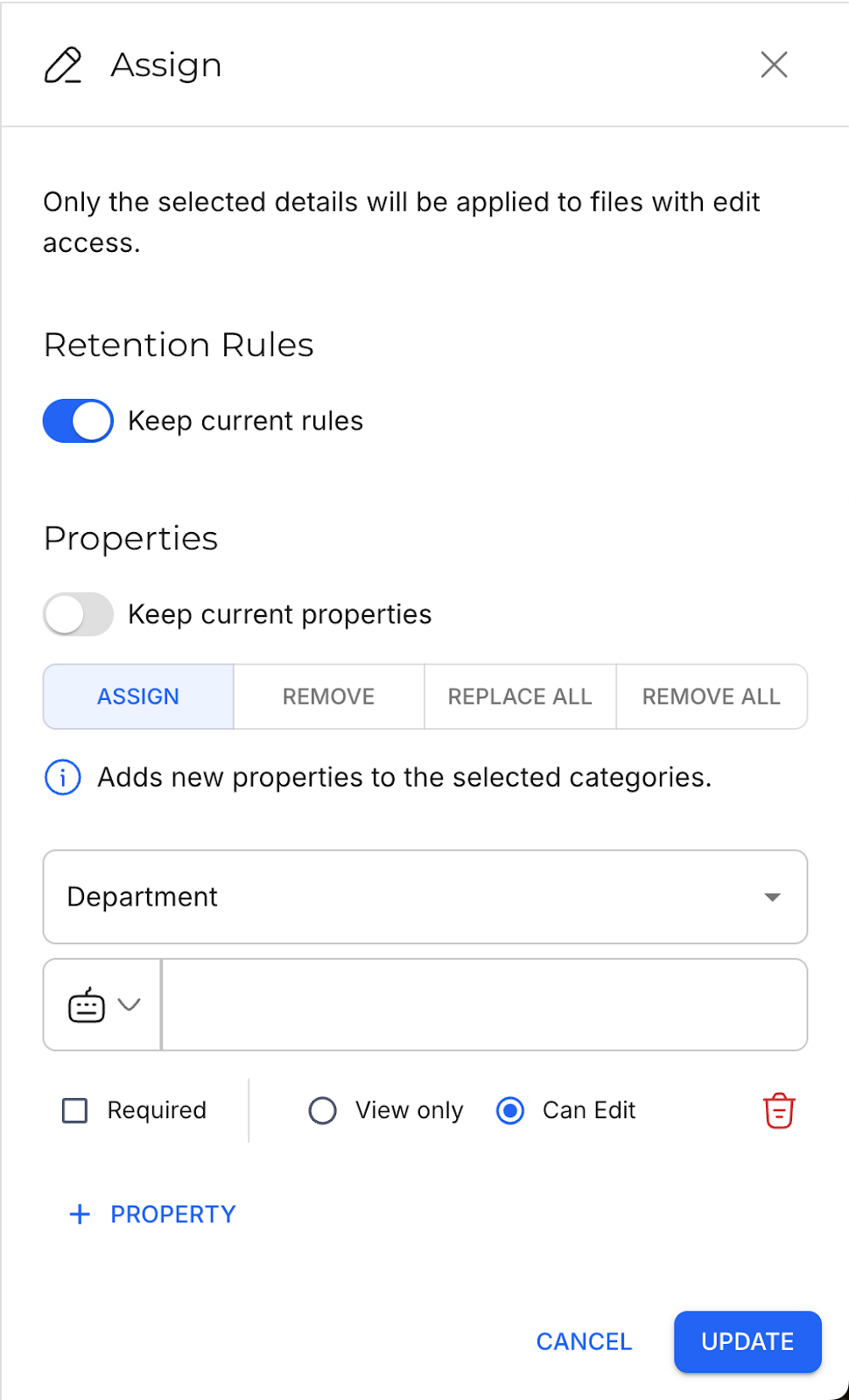
Assign or Remove File Properties
File Properties provide additional details about files and can be assigned to Categories for consistent management of file details.
Similar to retention rules, you can assign, remove, or replace File Properties across multiple Categories at once.
Currently Unavailable Features
Strato V2 currently does not have support for the following feature, and will require you to go back to Strato V1 to execute.
- Import and Export Categories
Related articles
- New Design - Strato Document Management
- New Feature - Authorization Framework Integration with Configurations
- New Design - Category Management
- Navigate Categories
- Configure and Manage Categories