Category Management - Overview
Category Management in Strato's storage is the centralized tool to create and maintain categories that are assigned to company documents and files (Read: Assigning Categories to Documents). Categorizing documents based on their relevance makes it easy to find and locate files within the File and Storage Management.
Aside from its use as an effective way to manage and organize files, Categories can also have validity rules attached to them which can then be assigned to documents to automatically set their validity period (Read: Set Validity Rules to Documents). For example, any documents related to compliance should automatically expire after a year. By creating a category called "Compliance" with a validity rule set to tag documents as expired after a year, it is then quick and easy to apply this validity rule of 1-year expiration to all compliance-related documents tagged with the Compliance category.
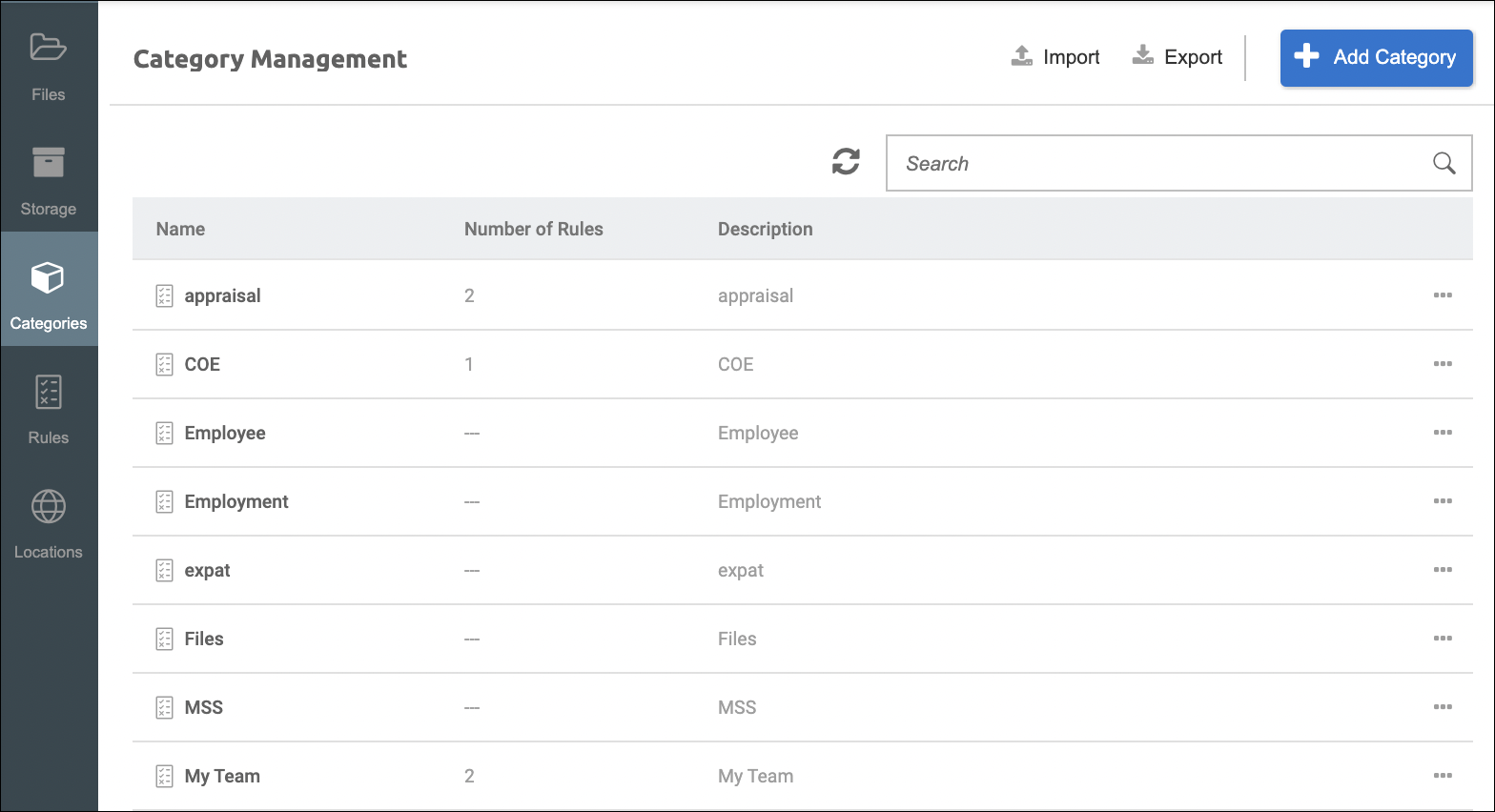
Additionally, Properties (or Metadata) can also be assigned automatically to documents in Strato Storage via Categories. As a prerequisite for this functionality, same as the validation rules mentioned above, Properties need to be created first and then assigned to the Category, before they can be assigned to the documents. (For more details, please read: Metadata / Properties Manager Overview)
Functionality
With the Category Management feature, administrators (depending on the authorization) can:
- Create categories to organize and manage documents/files
- Set validity rules to categories to be applied to documents/files
- Set properties, or assign Metadata, to be applied to documents/files
Integrated Features and Tools
- Rules Management / Rules Definition - Creating and managing validity rules to automatically calculate the validity date of a document and set its new status. (Overview: Rules Definition to Set Validity Rules to Documents)
- Strato Storage - Saving or uploading files is made possible via Strato's Storage capability. The GDPR compliant storage solution automatically stores files to the correct location depending on the business rules of your organization. (Overview: Strato Storage)
- Properties Manager - Properties can be assigned as Metadata to documents/files. This could be a set of data that describes and gives information about other data. (Overview: Metadata / Properties Manager Overview)
Related articles
- Assign Categories, Validity Rules, and Metadata to Documents in Strato Storage
- Configure and Manage Categories
- View/Edit and Delete Categories
- File Management - Overview
- Storage Management - Overview