Allow File Upload to a Folder (File Management)
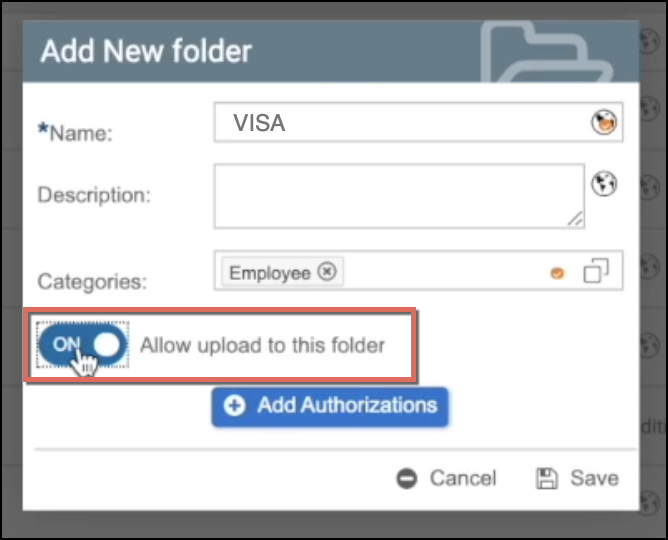
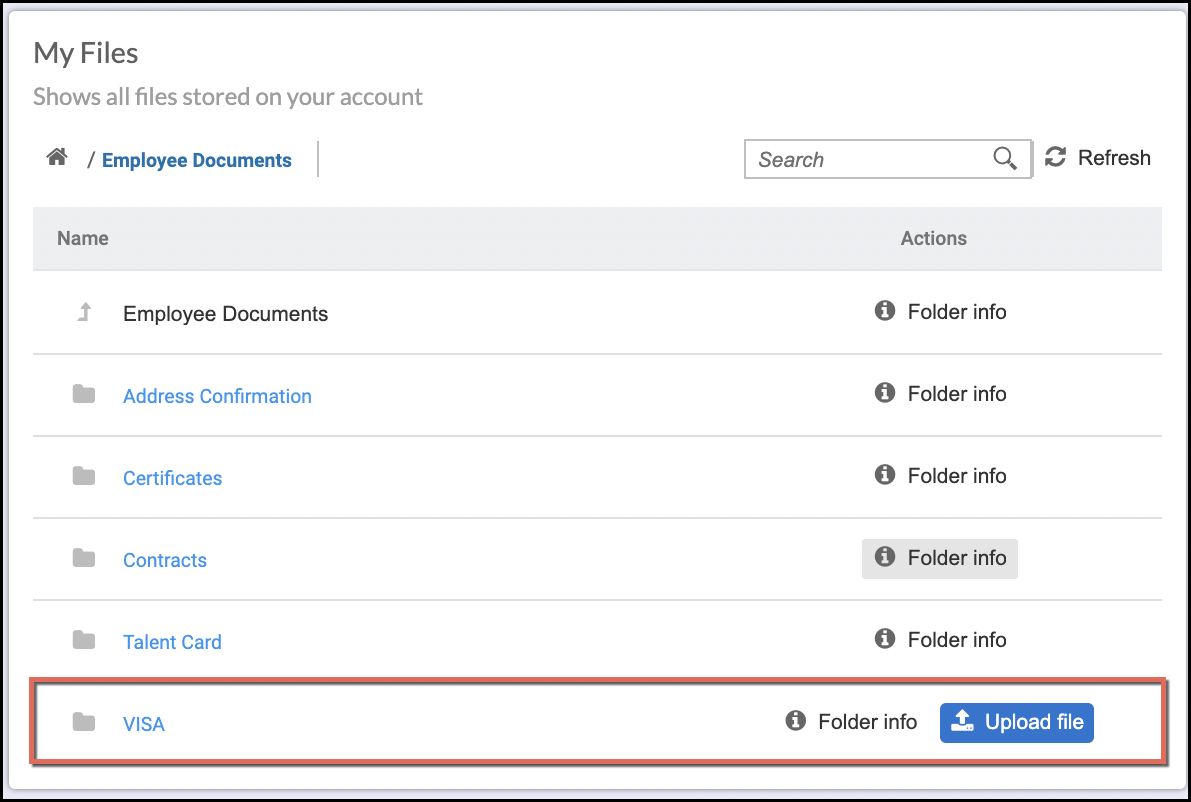
When adding or modifying folders in File Management, it is possible to set the folders to allow file uploads so that employees can upload documents via their My Files card (ESS Dashboard Widget) in SuccessFactors.
In this sample configuration, notice that the VISA folder has been configured to allow file upload:
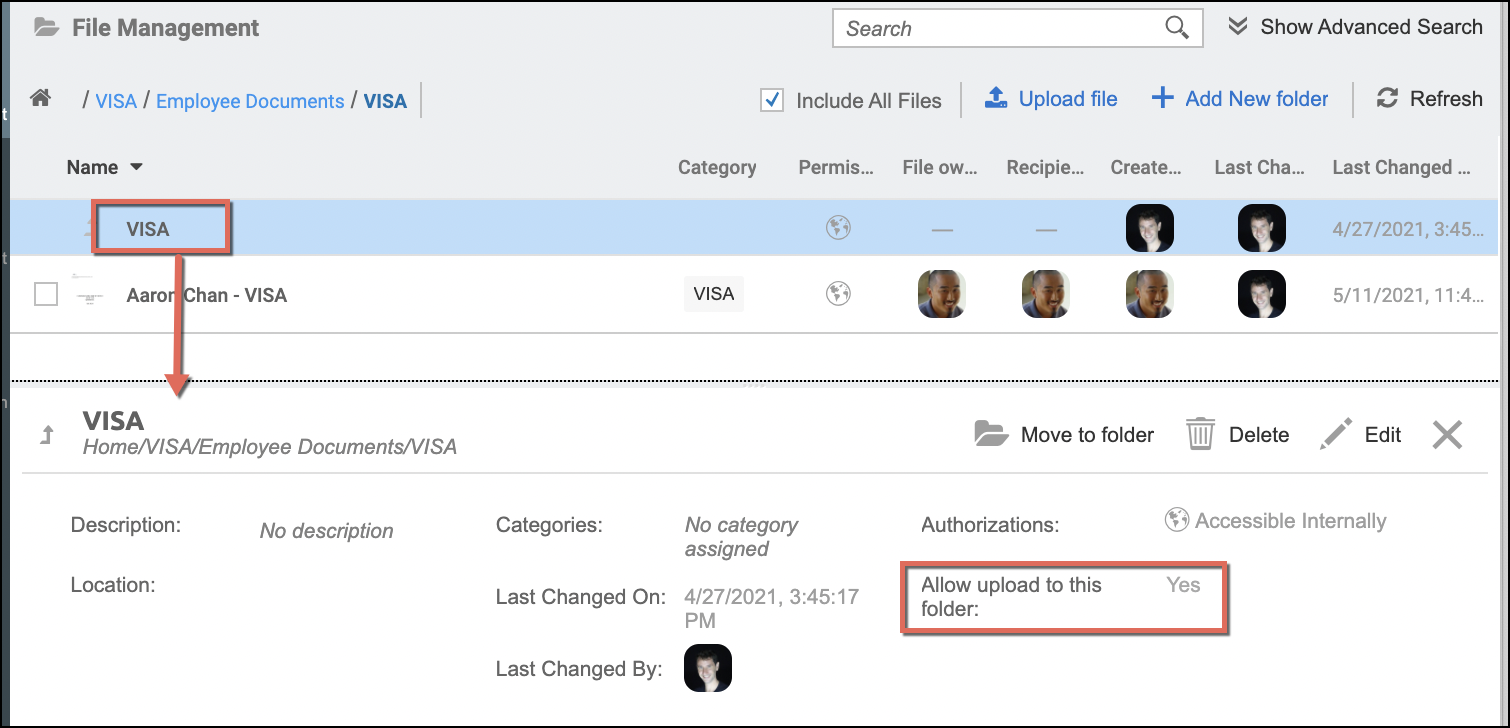
This means that employees can upload VISA relevant documents such as VISA forms or a passport copy in their My Files card, as shown in the sample screen below.
Related articles
- Add Folders in File Management
- Move Folder and Files (File Management)
- Upload and Download Files in File Management and Storage Management
- View Folder and File Details (File and Storage Management)
- Edit a Folder or a File in File and Storage Management
- Show All Users Files in File Management
- Advanced Search and Filter (File and Storage Management)
- Authorizations to Folders and Files (File and Storage Management)
- Assign Categories, Validity Rules, and Metadata to Documents in Strato Storage
- Allow File Upload to a Folder (File Management)
- Delete Folders and Files in File Management